Best Claude Skills for SMM Specialists: 2026 Roundup

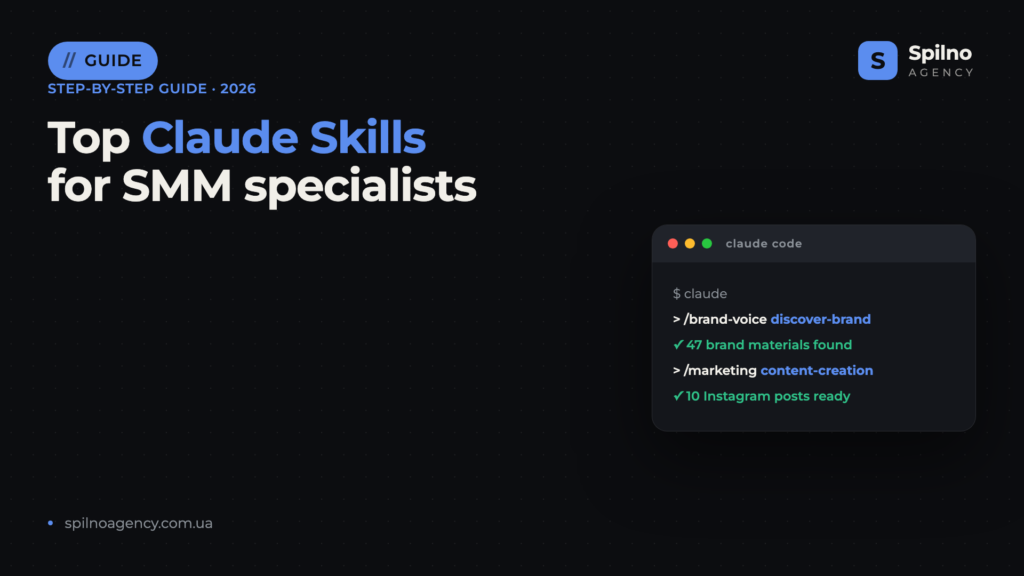
Claude Skills (Agent Skills) for SMM are ready-made instruction sets that turn Claude into a personal assistant for social media managers: generating posts for Instagram, Facebook, and LinkedIn, analysing brand voice, planning content calendars, creating visuals, and producing client reports. This roundup covers 10 of the most useful skills with verified links — what each one does and where to download it.
What are Claude Skills and why does an SMM specialist need them
Agent Skills is an open standard for Claude capabilities that Anthropic introduced in autumn 2025. Technically, a skill is a folder containing a SKILL.md file that describes exactly how the AI should handle a specific task: what brand voice to follow when writing posts, how to structure a content plan, and what format to use for client reports.
For social media managers, this translates into three concrete benefits:
- Consistent brand voice on autopilot. Skills like brand-voice analyse all of a company’s materials and generate content that sounds the same whether it’s a corporate LinkedIn post or an Instagram Story.
- Repeatability without a templated feel. Every post, caption, or content series is produced according to a tested methodology — yet each result is unique and tailored to the target audience.
- Five to ten times faster output. A one-month content plan, 30 posts adapted for different platforms, competitor analysis — all of this takes one or two hours instead of a full day.
Skills run inside Claude Code (Anthropic’s terminal agent) and on claude.ai. Most skills in this roundup are free and open-source — you pay only for your Claude subscription.
How to install a Claude Skill: 3 methods
Method 1. Plugin marketplace (recommended)
The easiest approach is to add a developer marketplace and install the plugin bundle. In Claude Code, run:
/plugin marketplace add coreyhaines31/marketingskills
/plugin install
Skills receive their own namespace (for example, /marketingskills:social-media) and update automatically with the plugin.
Method 2. Skills folder
You can copy a skill directly into your personal folder so it is available across all projects:
git clone https://github.com/anthropics/skills
cp -r skills/brand-voice ~/.claude/skills/
For team collaboration, place skills inside .claude/skills/ within the project — they get committed to the repository and become available to the entire SMM team.
Method 3. CLI installer
Some authors support installation via a community utility:
npx skills add coreyhaines31/marketingskills --skill social-media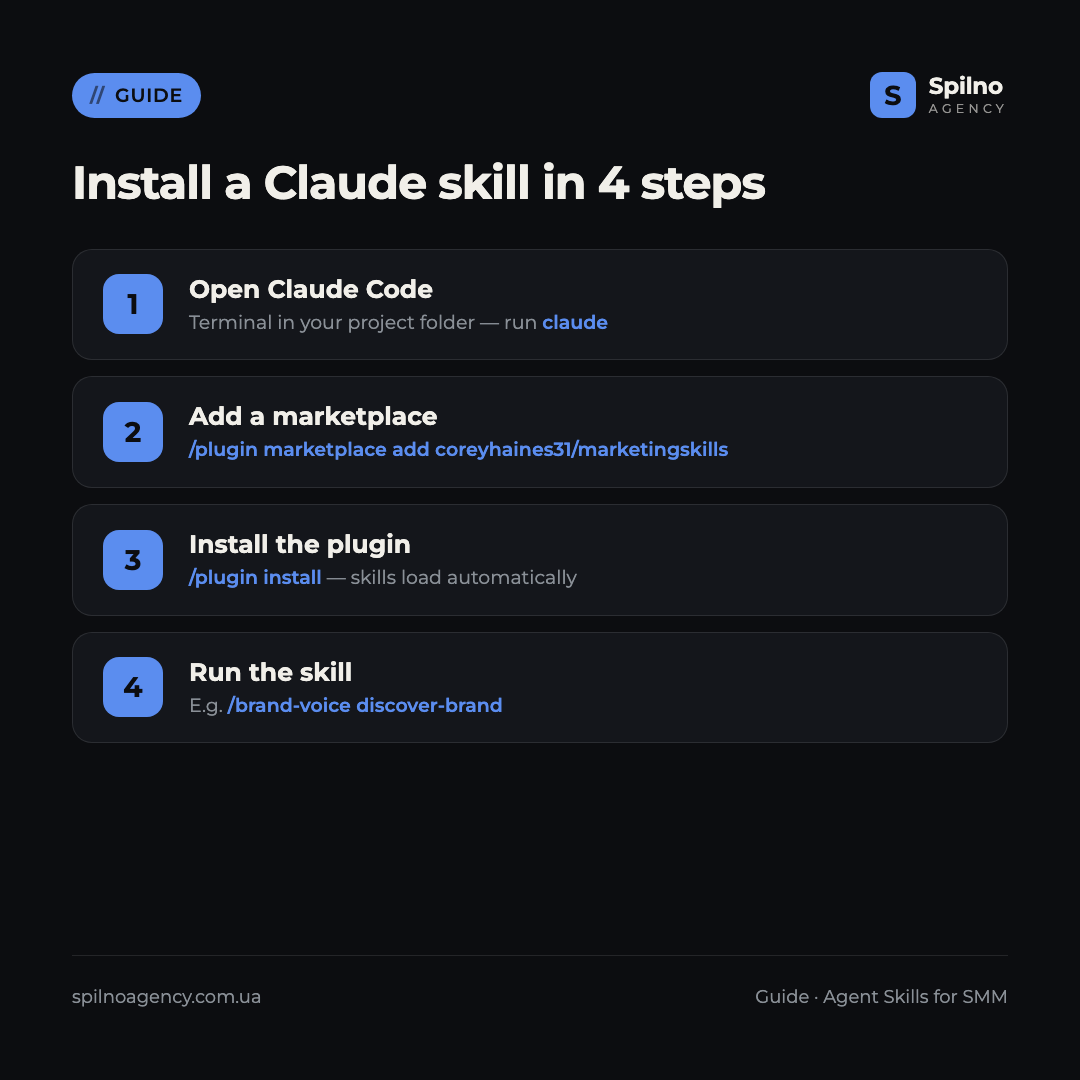
Top 10 Claude Skills for SMM specialists in 2026
1. brand-voice:discover-brand — automated brand material discovery
What it does: Autonomously searches for brand materials across all connected platforms — Notion, Confluence, Google Drive, Box, Gong — and compiles a complete catalogue for building guidelines. The SMM specialist no longer has to gather references manually: the skill finds style guides, post examples, and tone-of-voice documents, then ranks them by relevance.
When to use it: Onboarding a new client, rebranding, auditing existing materials before launching a fresh content plan.
Where to download: github.com/anthropics/skills — Anthropic’s official repository. Install:
/brand-voice discover-brand2. brand-voice:generate-guidelines — create brand guidelines
What it does: Based on collected materials, creates structured brand guidelines: tone of voice, vocabulary, things to avoid, and post examples for each platform. The output is a ready-to-share document that can be handed directly to a designer or copywriter.
When to use it: During the first month with a new client, updating an SMM strategy, or briefing a new content creator joining the team.
Where to download: github.com/anthropics/skills. Install:
/brand-voice generate-guidelines3. brand-voice:enforce-voice — tone check for every post
What it does: Checks any finished content against brand guidelines — correct tone, no forbidden vocabulary, appropriate style for the specific platform. Returns specific edits rather than generic comments.
When to use it: Before publishing each post, especially when content is written by multiple people or a freelancer.
Where to download: github.com/anthropics/skills. Install:
/brand-voice enforce-voice4. marketing:content-creation — post generation for social media
What it does: Creates ready-to-publish posts for Instagram, Facebook, LinkedIn, TikTok, and X, taking platform-specific nuances into account — text length, hashtags, calls to action, caption structure. Supports batch generation: 10–30 posts on a topic in a single request.
When to use it: Filling a weekly or monthly content calendar, generating A/B test variations, or adapting a single piece of content across multiple platforms.
Where to download: github.com/anthropics/skills. Install:
/marketing content-creation5. marketing:draft-content — fast drafts for any format
What it does: Generates first drafts for any content format: carousel, Reels script, Stories series, email newsletter, blog post. The skill is optimised for speed — perfect for brainstorming sessions or filling gaps in the content calendar.
When to use it: When an empty slot appears in the content calendar or you need to react quickly to a trending topic or live event.
Where to download: github.com/anthropics/skills. Install:
/marketing draft-content6. marketing:campaign-plan — content plan and SMM strategy
What it does: Builds a complete campaign content plan: objectives, key messages, content pillars, posting frequency, platform distribution, and KPIs. Takes seasonality, events, and the client’s business specifics into account. The output is a structured document ready for presentation.
When to use it: Onboarding a new client, quarterly planning, or preparing for seasonal campaigns (Black Friday, holidays, summer season).
Where to download: github.com/anthropics/skills. Install:
/marketing campaign-plan7. marketing:email-sequence — email and DM funnels
What it does: Creates email or Direct Message sequences for Instagram and Facebook: welcome series, warm-up, re-engagement, and lead magnet funnels. The skill accounts for the subscriber’s position in the funnel and automatically adapts the tone and call to action.
When to use it: Launching a new product, warming up a lead after an ad click, or re-engaging an inactive audience in a mailing list or chatbot.
Where to download: github.com/anthropics/skills. Install:
/marketing email-sequence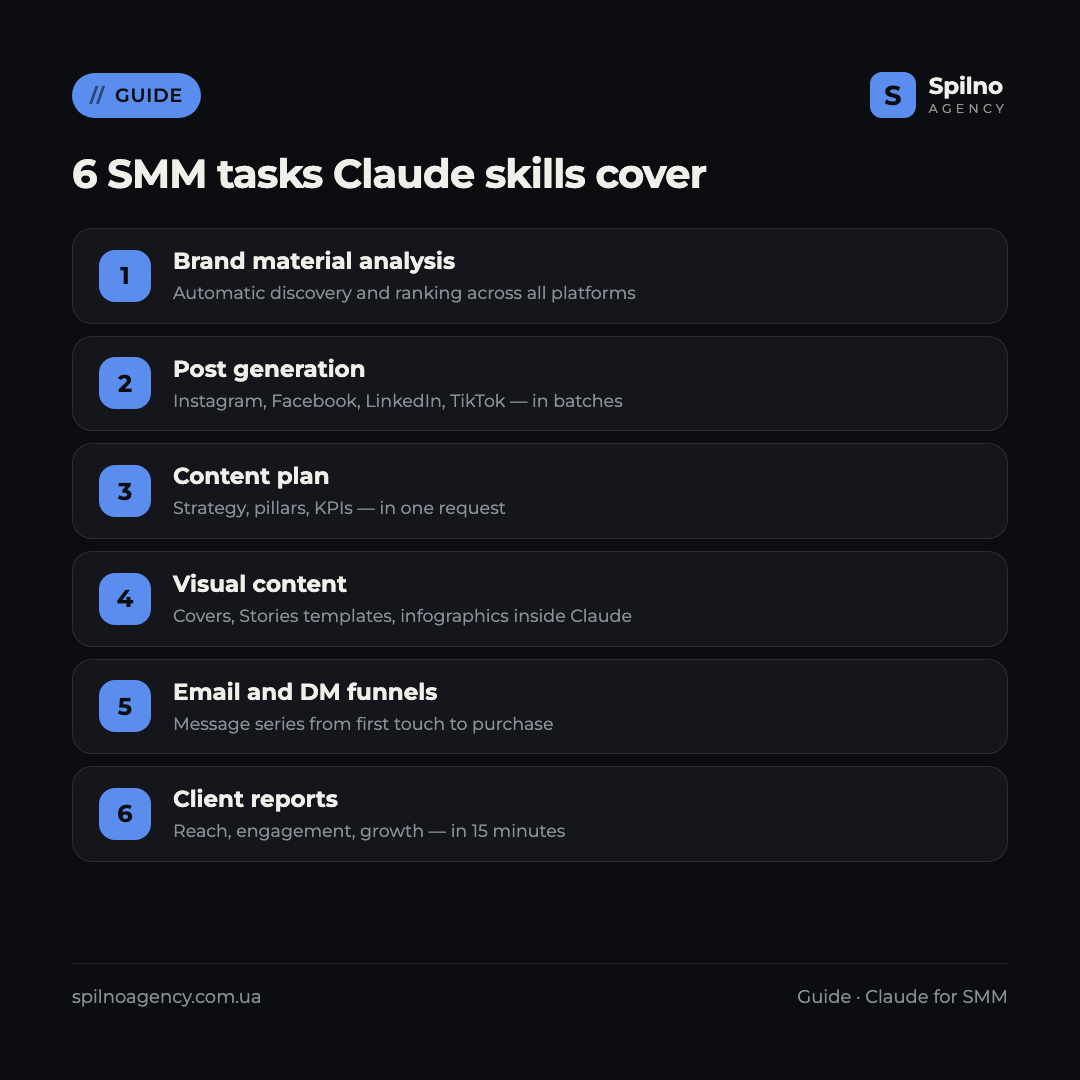
8. anthropic-skills:canvas-design — visual content and templates
What it does: Creates polished visual content in PNG and PDF format directly inside Claude: posts, covers, infographics, banners. The skill applies design principles and automatically selects typography, colour scheme, and layout to match the target brand style.
When to use it: When you need a quick mockup for a post without opening Canva or Figma, generating Stories templates, or preparing illustrations for a publication.
Where to download: github.com/anthropics/skills. Install:
/anthropic-skills canvas-design9. marketing:performance-report — client reports
What it does: Generates structured reports on SMM performance: reach, engagement, follower growth, content pillar effectiveness, and month-over-month comparisons. Accepts data from spreadsheets or APIs and formats it into a presentation-ready document.
When to use it: Monthly client report, quarterly performance presentation, or preparing a case study for your portfolio.
Where to download: github.com/anthropics/skills. Install:
/marketing performance-report10. coreyhaines31/marketingskills — the all-in-one marketing skill pack
What it does: The most popular community pack with 32,929 stars on GitHub. Includes skills for social media, content marketing, branding, copywriting, and analytics. Each skill is a separate discipline: social-media, content, brand-voice, ads.
When to use it: If you want everything in one place — this pack replaces five or six individual skills and is regularly updated by the community.
Where to download: github.com/coreyhaines31/marketingskills. Install:
/plugin marketplace add coreyhaines31/marketingskills
/plugin install
Comparison table of Claude Skills for SMM
Choosing the right skill for the right task:
| Skill | Task | GitHub Stars | Licence |
|---|---|---|---|
| brand-voice:discover-brand | Brand material discovery | Official Anthropic | MIT |
| brand-voice:generate-guidelines | Brand guidelines | Official Anthropic | MIT |
| brand-voice:enforce-voice | Tone check | Official Anthropic | MIT |
| marketing:content-creation | Social media posts | Official Anthropic | MIT |
| marketing:draft-content | Fast drafts | Official Anthropic | MIT |
| marketing:campaign-plan | Content plan and strategy | Official Anthropic | MIT |
| marketing:email-sequence | Email and DM funnels | Official Anthropic | MIT |
| canvas-design | Visual content | Official Anthropic | MIT |
| marketing:performance-report | Client reports | Official Anthropic | MIT |
| coreyhaines31/marketingskills | All-in-one pack | 32,929★ | MIT |
What SMM tasks Claude Skills cover
Real-world scenarios from day-to-day SMM work:
- Client onboarding in 2 hours. Discover-brand analyses all materials, generate-guidelines produces a brand document, content-creation prepares the first 10 posts.
- Monthly content plan in 1 hour. Campaign-plan builds the strategy, draft-content fills every slot, enforce-voice checks each post.
- Client report in 15 minutes. Performance-report pulls data from a spreadsheet and formats a presentation for the client.
- Visual content without Canva. Canvas-design generates covers, Stories templates, and infographics directly inside Claude.
- Social media sales funnel. Email-sequence creates a message series from the first touch to the purchase.
FAQ: Claude Skills for SMM specialists
Are Claude Skills for SMM free?
Most skills, including the official Anthropic ones and the coreyhaines31/marketingskills pack, are distributed free under the MIT licence. You pay only for your Claude subscription (Claude Pro from $20/month or Claude Code). There are no hidden charges for the skills themselves.
Do Claude Skills replace Canva or social media scheduling tools?
Claude Skills complement your existing tools rather than replacing them. Canvas-design can generate basic visuals directly in Claude, but Canva or Figma remain the better choice for complex designs. Scheduling tools (Buffer, Hootsuite) are not replaced either — skills help with content creation, not with publishing.
How long does it take to install the skills?
Via the marketplace — 2 to 5 minutes for the full pack. Manual installation via git clone takes 5 to 10 minutes. Setting up brand guidelines and tone of voice for a specific client takes another 20 to 30 minutes, done once.
Can skills handle multiple clients at the same time?
Yes. You can create a separate project folder for each client with its own .claude/skills/ and brand guidelines. Claude will clearly distinguish each client’s context and generate content in the appropriate style.
Do you need technical knowledge to work with Claude Skills?
Basic command-line familiarity is helpful for installation, but the steps are minimal: copy the command and press Enter. Once installed, skills are used through a normal Claude chat or a slash command (for example, /brand-voice discover-brand).

Read also
Best Claude Skills for Media Buyers and Paid Ads Specialists (2026)
Top 10 Claude Skills for media buyers: Google Ads and Meta Ads audits, ad creatives, competitor analysis, reporting.…
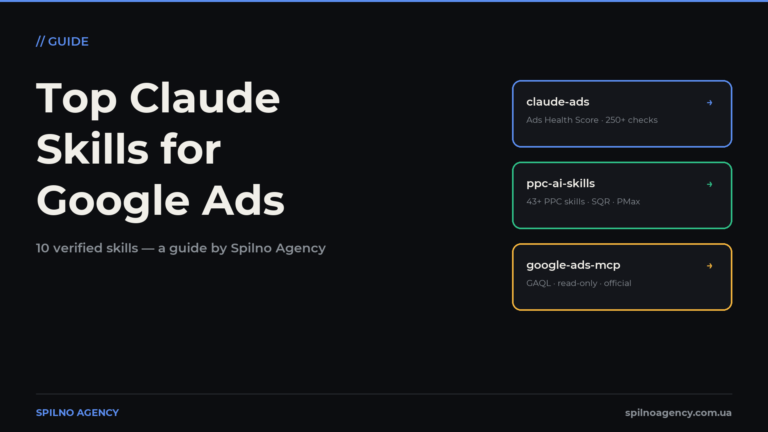
The Most Popular Claude Skills for Google Ads
The most useful Claude skills for Google Ads specialists: account audits, negative keywords, Performance Max, reporting. What each…
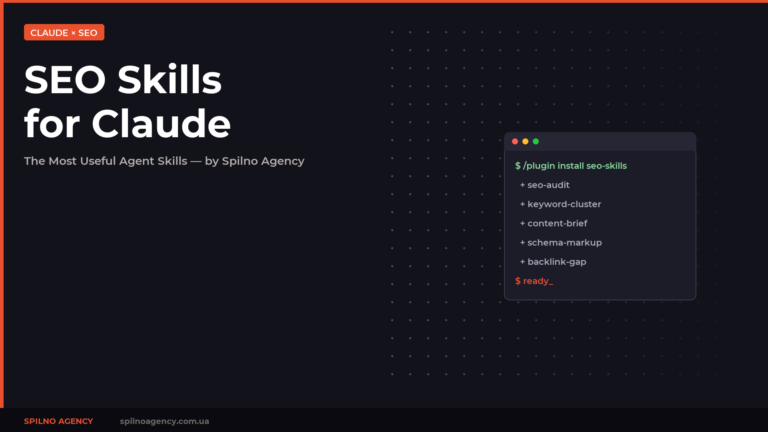
The Most Popular SEO Skills for Claude: A Specialist’s Toolkit
A curated list of the most useful SEO skills for Claude: SE Ranking, Claude SEO, Marketing Skills and…