Consent Mode: How Data Privacy Affects SEO in 2026

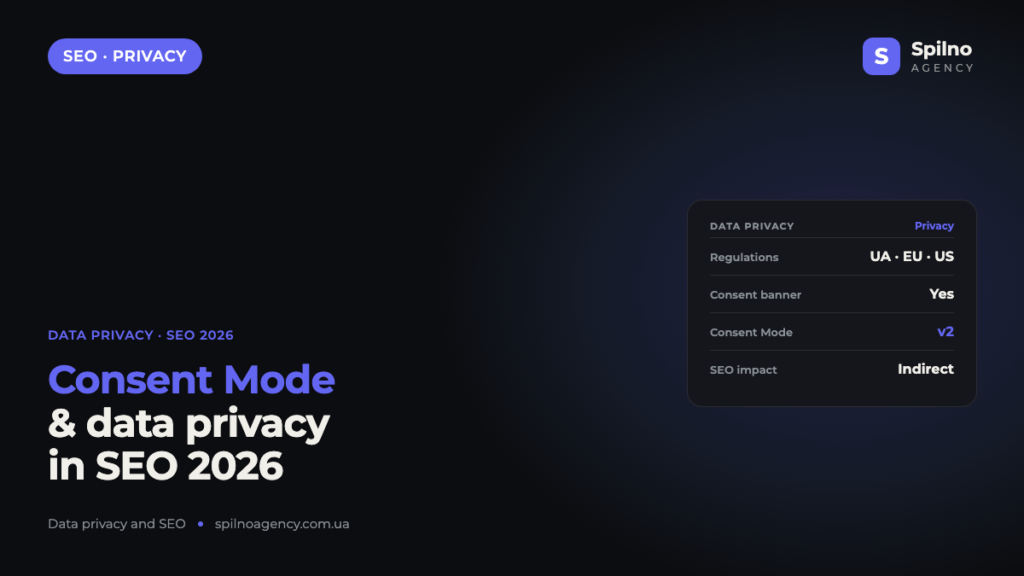
Consent Mode is a mechanism that changes how analytics and advertising tags behave depending on whether a user has granted cookie consent. A consent banner by itself does not lower your rankings, but it affects SEO indirectly: through page speed (Core Web Vitals), content rendering, crawler access to the page and the completeness of your GA4 data. In this guide we explain whether you need a consent banner in Ukraine, Europe and the US, how data privacy affects rankings in each region, and when an SEO specialist needs to check cookies.
What is Consent Mode
Consent Mode is a way to control how analytics scripts, advertising tags and other trackers operate before and after a user clicks “Accept” or “Reject” in the cookie banner. The best-known implementation is Google Consent Mode: it passes consent signals (analytics_storage, ad_storage and others) to Google Analytics 4, Google Ads and Tag Manager, and enables or disables data collection according to the visitor’s choice.
In simple terms: the cookie banner is the interface where the user makes a choice, and Consent Mode is the technical logic that enforces it. When there is no consent, tags either do not fire at all or run in a “cookieless” mode, sending only anonymous, aggregated data. This is the point where privacy and marketing intersect — and in 2026 it directly affects the work of an SEO specialist.
Do you need a cookie consent banner
Short answer: it depends on the market your site serves. Consent banner requirements are set not by Google but by the data-protection law of the country where your users are located. Let’s look at three key jurisdictions.
Ukraine
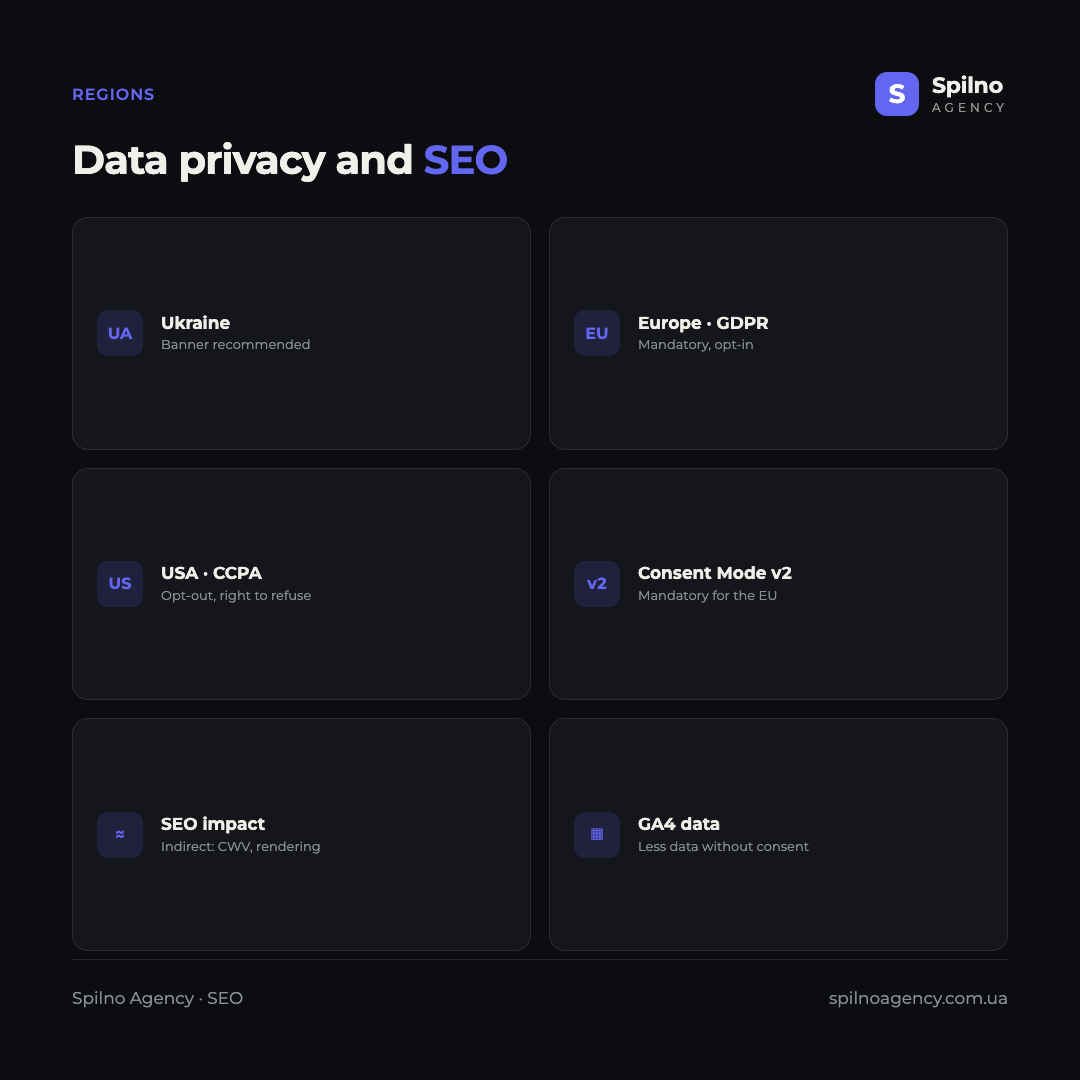
Ukraine has the Law “On the Protection of Personal Data”. There is no direct requirement to show a cookie banner in the exact form GDPR demands, but processing personal data does require user consent and notice. If a site targets only the Ukrainian audience, the consent banner is a recommended best practice rather than a hard requirement. Still, most businesses install it anyway, because they also work with a European audience and with Google Ads, where Consent Mode is effectively mandatory.
Europe (EU)
In the European Union a consent banner is mandatory. GDPR and the ePrivacy Directive apply here: analytics and advertising cookies may be set only after the user’s explicit consent (an opt-in model). This means that before “Accept” is clicked, no tracker (_ga, _gcl_au, _fbp) is allowed to be written. To run Google Ads and remarketing to an EU audience, Google Consent Mode v2 has been mandatory since 2024 — without it, campaigns lose data and features.
United States
The US has no single federal law; instead, state laws apply: CCPA/CPRA in California, plus equivalents in Virginia, Colorado, Texas and others. The approach here is different — an opt-out model: data collection is allowed by default, but the user must be able to opt out (“Do Not Sell or Share My Personal Information”). So in the US you usually need not a consent banner but an opt-out link and a mechanism to honour the Global Privacy Control (GPC) signal.
| Region | Law | Model | Consent banner |
|---|---|---|---|
| Ukraine | Law on Protection of Personal Data | Consent + notice | Recommended |
| Europe (EU) | GDPR + ePrivacy | Opt-in (nothing before consent) | Mandatory |
| United States | CCPA / CPRA + state laws | Opt-out (right to refuse) | Opt-out link |
How data privacy affects SEO
The key thing to understand: Google does not lower a site in the rankings for having a cookie banner, nor raise it for not having one. There is no “privacy” ranking factor. But privacy affects SEO indirectly — through technical side effects and through the quality of the data a specialist relies on.
SEO impact in Ukraine
Because a banner is not mandatory in Ukraine, the risk of technical mistakes is lower — yet many sites still install heavy CMP scripts (Cookiebot, OneTrust) with the EU in mind. If such a script blocks rendering or “jumps” on load, Core Web Vitals suffer — and that is part of ranking. The main rule for the Ukrainian market: the banner must not slow the page down and must not hide useful content from the user and the crawler.
SEO impact in Europe
In the EU the impact is most pronounced. Because of the opt-in model, a large share of users do not consent, so in GA4 and Search Console you see incomplete data: understated organic traffic, gaps in conversions, “(not set)” in reports. This complicates analytics and SEO decision-making. This is where Consent Mode v2 in basic/advanced mode helps: it lets Google model lost conversions and partial data even without cookies. Technically, it is crucial that the CMP banner does not block indexing or slow down the page.
SEO impact in the US
In the US, the opt-out model means more data is collected than in the EU, so analytics are more complete. But attention to the Global Privacy Control is growing: the browser can automatically send an opt-out signal, and the site is obliged to honour it. For SEO this means part of the traffic will also be “invisible” in analytics. The technical risks are the same: a heavy privacy script slows LCP, and a misconfigured cookie wall can hide content from Googlebot.
Google Consent Mode v2: how it works
Google Consent Mode v2 is the updated version of Consent Mode, mandatory for data collection and remarketing to the European Economic Area audience. It works in two modes:
- Basic — Google tags do not fire at all until the user grants consent. No data is collected before consent, and Google partially models conversions from aggregated data.
- Advanced — tags load immediately but, before consent, send only anonymous “cookieless” pings (no identifiers). This gives Google more signals to model with and more accurately recovers lost conversions.
Consent Mode is usually configured through Google Tag Manager together with a certified CMP platform (Cookiebot, OneTrust, Usercentrics, Iubenda). For an SEO specialist it is important to understand this mechanic, because it determines how complete the GA4 data will be — the data you rely on when assessing organic traffic.
Does a consent banner affect SEO directly
A consent banner becomes an SEO problem not as a “privacy factor” but as a technical element of the page. Here are four real mechanisms of impact.
Core Web Vitals and speed
A heavy CMP script that loads first worsens LCP (Largest Contentful Paint), while a banner that “appears” after render causes a layout jump — CLS (Cumulative Layout Shift). Both metrics are part of Core Web Vitals and of ranking. The fix: load the banner asynchronously and reserve space for it in the layout.
Rendering and crawler access
Googlebot does not click “Accept”. If page content appears only after consent (for example, loaded by a script after the click), the crawler simply will not see it. A correctly configured banner does not block content: it visually overlays the screen, but the HTML is fully available in the source code.
Cookie wall and cloaking
A “cookie wall” — fully blocking access to the site until the user agrees — is a dangerous SEO practice: the crawler sees only a stub instead of content. Even worse is serving the bot one version of content and users another (cloaking), which is a direct violation of Google’s rules and may lead to penalties.
Loss of data for analytics
This is an indirect but important effect: without consent, GA4 cookies are not written, so part of organic sessions and conversions is not recorded. The SEO specialist sees understated numbers and may draw wrong conclusions about page performance. Consent Mode v2 in advanced mode partly compensates for this through modelling.
When an SEO specialist needs to check cookies
Checking cookies is an underrated part of a technical SEO audit. Below is the most complete list of scenarios where a specialist genuinely needs to look into the browser’s cookies tab or run a dedicated audit.
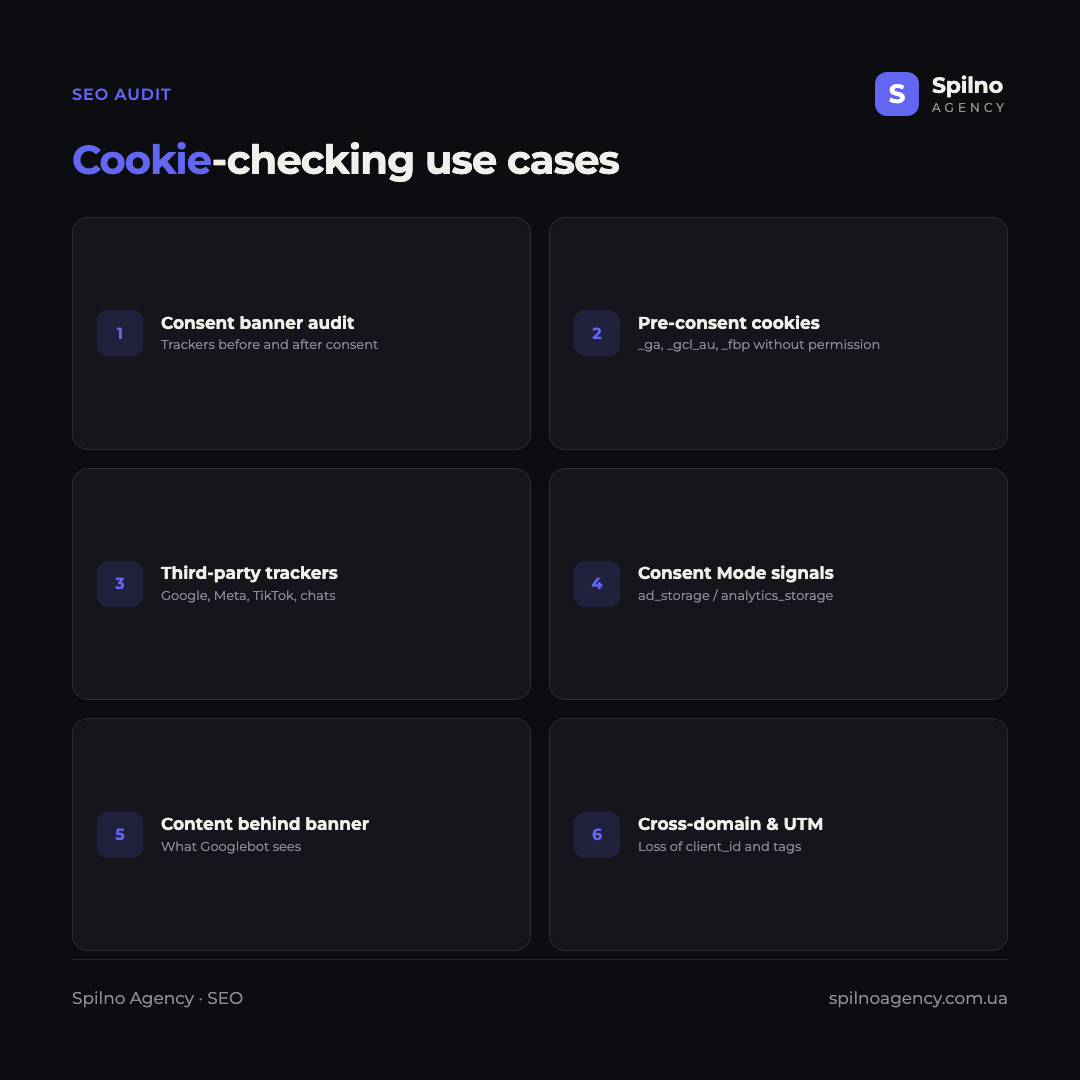
- Consent banner audit. Verify that the banner correctly blocks trackers before consent and releases them after — the basis of GDPR compliance.
- Pre-consent cookies. Find trackers (
_ga,_gcl_au,_fbp) set before “Accept” is clicked — both a legal risk and a sign of broken Consent Mode. - Third-party tracker audit. Inventory all third-party cookies (Google, Meta, TikTok, chats, A/B tests) that affect speed and privacy.
- Consent Mode signal check. Make sure GTM/dataLayer actually passes the correct
ad_storageandanalytics_storagestates. - Content behind the banner (rendering). Check whether Googlebot sees all content without clicking consent, and that text is not hidden behind a cookie wall.
- Suspected cloaking. Compare what the bot receives versus the user: whether different content is served depending on cookies.
- Login / paywall content. Understand which pages are accessible only with session cookies and how this affects indexing.
- Cross-domain tracking and UTM. Diagnose loss of
client_idor UTM tags between subdomains, which distorts traffic sources. - Pixel duplication and conflicts. Detect double firings of Meta Pixel or GA4 that corrupt conversion data.
- Cookies’ impact on speed. Assess how many cookie scripts slow LCP and whether some should be deferred or removed.
- Site migration or CMP change. After a move or swapping the consent platform, verify that tracking and Consent Mode did not break.
- Pre-launch check for the EU market. Audit opt-in compliance before launching ads to a European audience.
How to check cookies on a site: tools
An SEO specialist does not need a complex stack to check cookies — a few free and professional tools are enough:
- Chrome DevTools → Application tab → Cookies: shows all cookies, their domain, lifetime and whether they were set before consent.
- Google Tag Assistant / Tag Manager Preview: checks which tags fire and which consent signals are passed to the dataLayer.
- Screaming Frog SEO Spider (paid version): stores cookies during a crawl — handy for a bulk audit of third-party trackers on a large site.
- Cookiebot / OneTrust scanner: an automatic report of all cookies and their categories for compliance checks.
- GA4 DebugView: shows whether events arrive given the consent state.
Checklist: a consent banner without hurting SEO
So that privacy does not conflict with organic growth, follow a few simple rules:
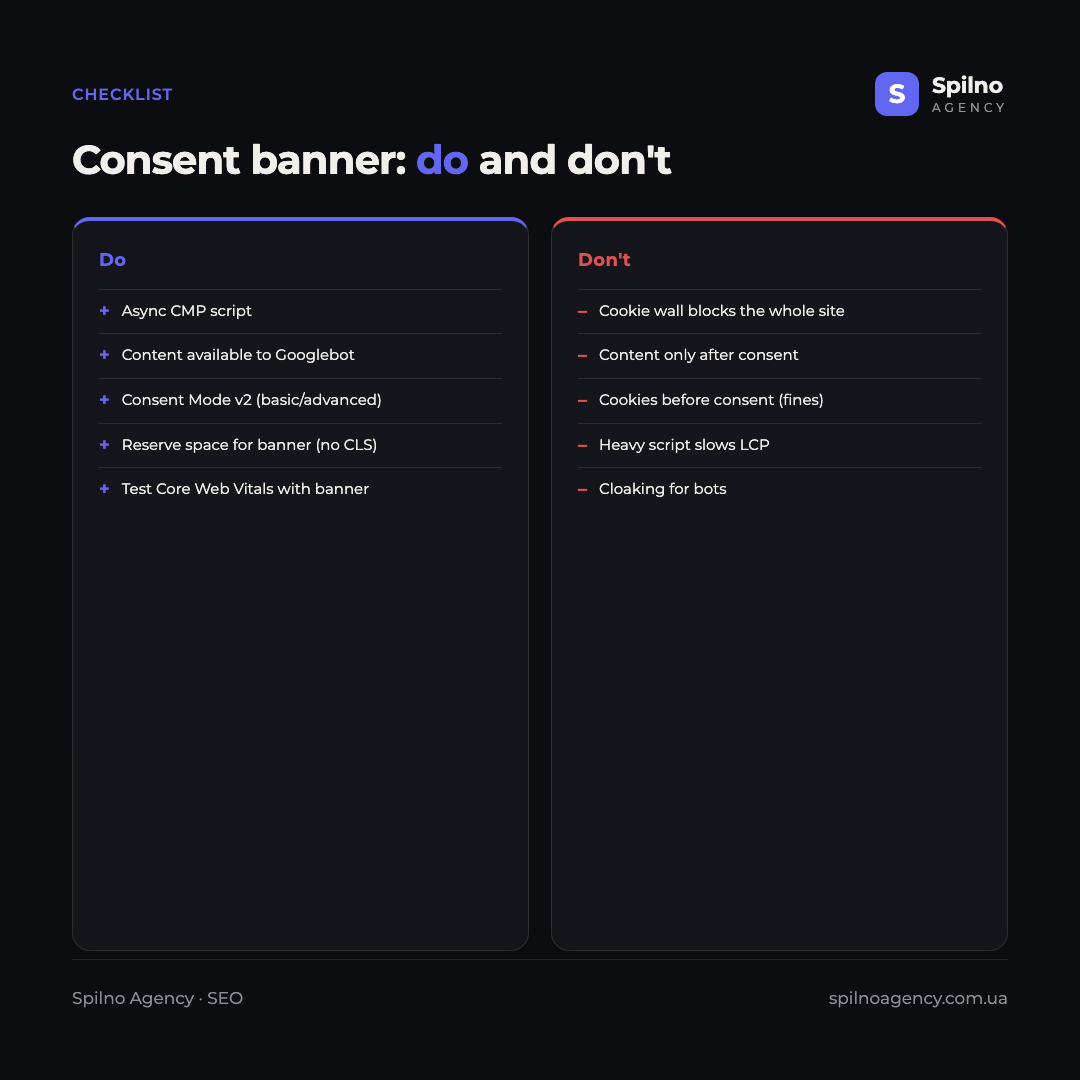
- Load the CMP script asynchronously and reserve space for the banner so there is no layout jump (CLS).
- Never hide the main content behind consent — the HTML must be fully available to Googlebot.
- Do not use a hard cookie wall that blocks the whole site until consent.
- Configure Consent Mode v2 (basic or advanced) for correct data and ads in the EU.
- Verify that no trackers are written before consent (a pre-consent audit).
- Test Core Web Vitals with and without the banner — make sure LCP does not suffer.
- Re-scan cookies regularly after site updates or a CMP change.
Frequently asked questions (FAQ)
Does a cookie banner affect Google rankings?
Directly — no. Google has no “banner present” ranking factor. But the banner affects SEO indirectly: through Core Web Vitals (speed, layout shifts), crawler access to content and the completeness of analytics data. A technically correct banner does not harm rankings.
Is a consent banner mandatory in Ukraine?
There is no hard requirement like GDPR, but Ukrainian law requires consent and notice when processing personal data. The banner is a recommended practice. If you work with an EU audience or with Google Ads, it is effectively necessary.
What is Consent Mode v2 and why is it needed?
Consent Mode v2 is Google’s updated consent mode, mandatory for ads and remarketing to the EEA audience. It passes consent signals to Google tags and lets you model lost conversions when a user declines cookies. Without it, EU campaigns lose data and features.
Can you hide content behind a consent banner?
No, it hurts SEO. If content loads only after consent, Googlebot will not see it because it does not click “Accept”. The banner should visually overlay the screen, but all HTML must remain available in the page source.
Why is organic traffic understated in GA4 after adding a banner?
Because without consent, analytics cookies are not written and part of the sessions is not recorded. This is normal for opt-in markets. Consent Mode v2 in advanced mode partly compensates for the loss by modelling data from aggregated signals.
How does data privacy differ between the EU and the US?
The EU uses an opt-in model: data cannot be collected before consent (GDPR). The US uses opt-out: collection is allowed by default, but the user has the right to refuse (CCPA/CPRA, Global Privacy Control). So the EU needs a consent banner, while the US needs an opt-out mechanism.
Consent Mode and data privacy are not a choice between “complying with the law” and “keeping your SEO” — they are a matter of correct technical implementation. A properly configured banner harms neither speed nor indexing, while Consent Mode v2 saves data for analytics and advertising. If you need to implement a consent banner without losing organic traffic, or run a cookie and Core Web Vitals audit, the Spilno Agency team will set everything up so that privacy and SEO work together.

Read also

Is an SEO specialist responsible for leads and sales? Our position
A LinkedIn discussion: should an SEO specialist be responsible for leads and sales from the SEO channel. Spilno…

How to Control an SEO Specialist: The 5-Stage SEO KPI Funnel
SEO KPIs form a chain of five metrics that show, step by step, whether your SEO is actually…

Best CMS for an Online Store: Cloud vs Self-Hosted Platforms in 2026
Compare Shopify, WooCommerce, PrestaShop, OpenCart and Magento for your online store. Pros, cons, and a step-by-step CMS selection…