WebMCP: What It Is and How It Works

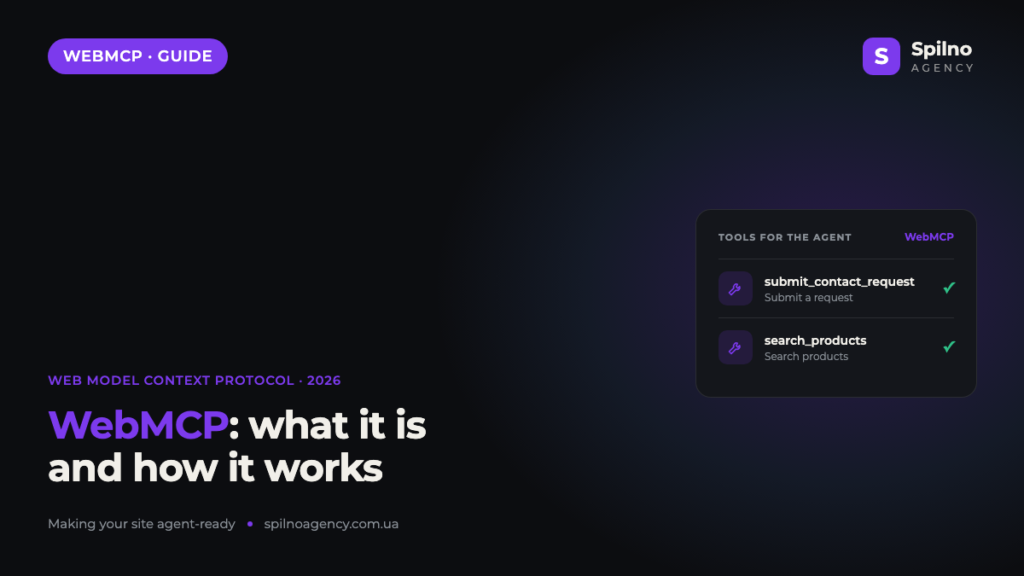
WebMCP (Web Model Context Protocol) is a new standard that lets a website hand AI agents ready-made “tools” for actions right in the browser. Instead of the AI guessing buttons and fields in the page code, the site uses navigator.modelContext.registerTool() to describe exactly what can be done: submit a request, search products, place an order. This guide covers what WebMCP is, how it works step by step, how it differs from a regular API and llms.txt — and, most importantly, why SEO specialists should care today.
What WebMCP is
WebMCP is the browser extension of the Model Context Protocol (MCP) — an open standard for connecting AI models to external tools and data. While “classic” MCP connects a model to servers and apps, WebMCP brings that logic into the web page: the site itself declares a set of actions an in-browser AI agent can use.
In plain terms, WebMCP is a way to speak the agents’ language. The page registers tools — each with a clear name, a description and a list of parameters. The agent reads that list and calls the action directly, rather than simulating human clicks. The standard is being developed within W3C/WICG, and Google has already added a check for it to Lighthouse — so this is not theory, but a direction that is becoming a standard.
How WebMCP works: 4 steps
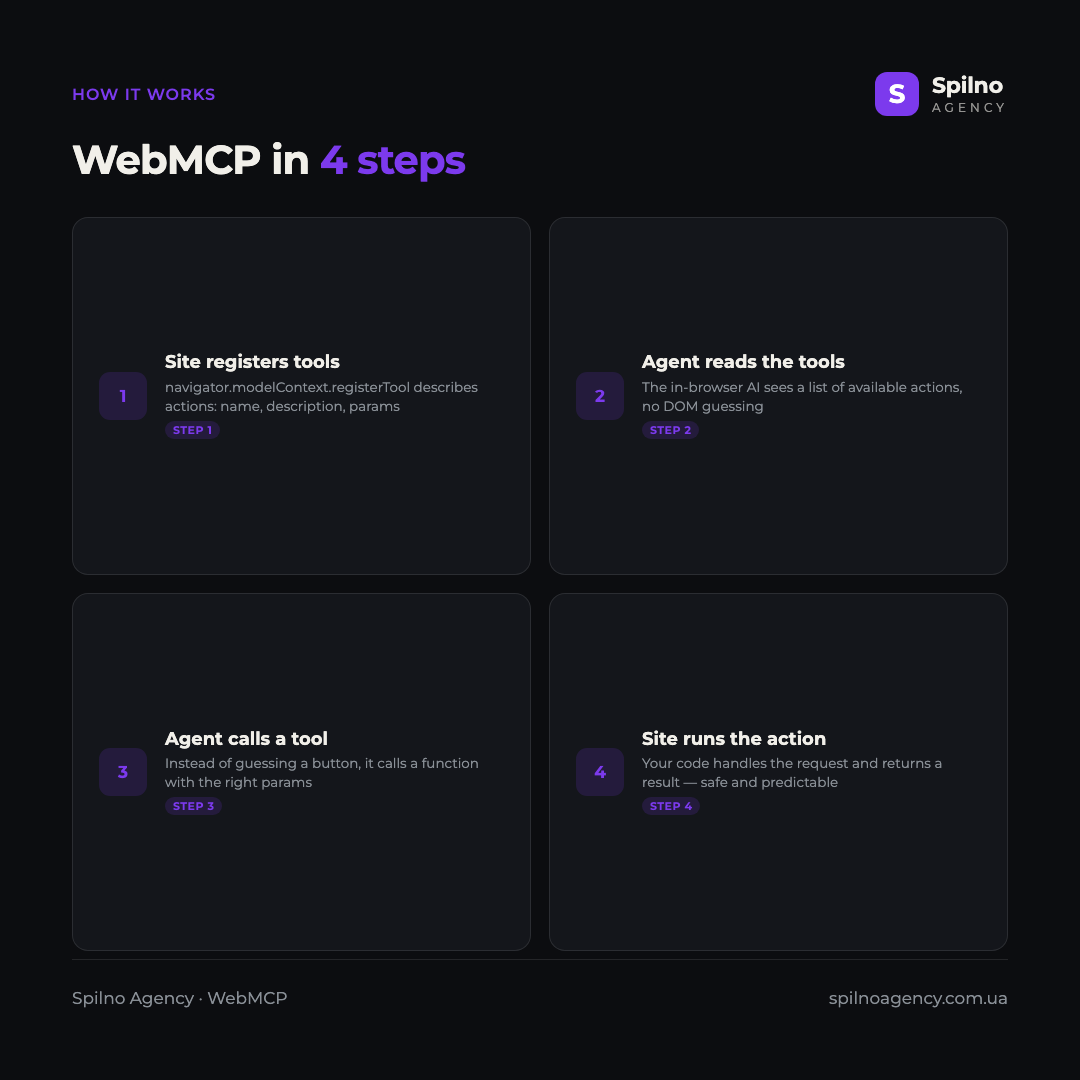
The mechanics of WebMCP are simple and fit into four steps — from registering a tool to running the action.
- The site registers tools. Through
navigator.modelContext.registerTool()the page describes an action: its name (name), a human- and machine-readable description (description) and a parameter schema (inputSchema). - The agent reads the list of tools. The in-browser AI assistant receives a list of available actions — without “decoding” the DOM and without brittle click-by-coordinate scripts.
- The agent calls the right tool. Instead of hunting for a button, it calls a function with valid parameters (for example, a name and phone for a request).
- The site runs the action and returns a result. Your code handles the call — usually reusing the existing form or API logic — and returns a structured response to the agent.
In practice, registering a tool looks like a short JavaScript snippet. Here is a simplified “submit a request” tool we used in our pilot WebMCP rollout on our own site: it fills the existing contact form and submits it, reusing all the server-side logic and spam protection.
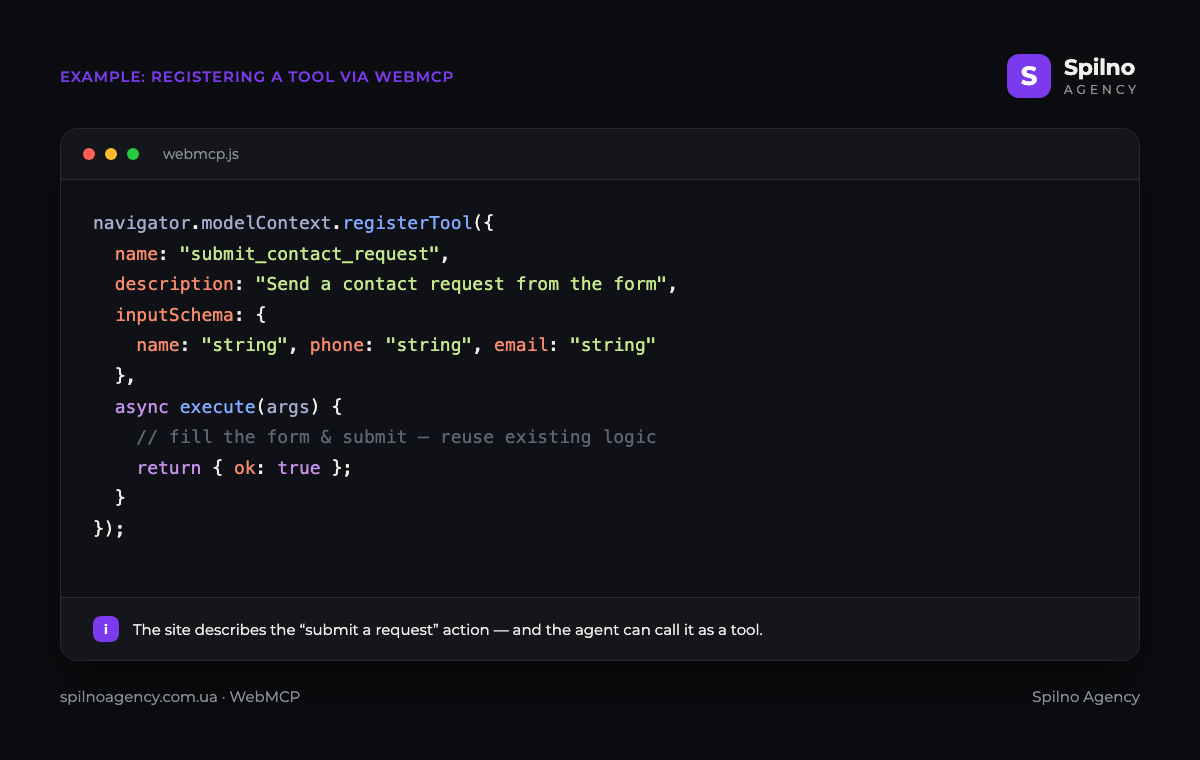
The key advantage of this approach is reliability and safety. The agent doesn’t “click blindly” — it calls a clearly defined action with validated parameters. The site decides which actions to expose and which to keep unavailable, and runs checks on the server, just as it would for a regular user.
How WebMCP differs from an API, llms.txt and MCP
WebMCP is easy to confuse with related technologies. The difference, in short:
- WebMCP vs a regular API. An API is a separate backend interface you have to build and document on its own. WebMCP works on top of the existing site in the browser: you describe actions that already exist on the page, with no new server. Often a tool simply reuses a form or AJAX call that already works for humans.
- WebMCP vs
llms.txt.llms.txtis a static, machine-readable file at the domain root that describes the content of the site for models (what the resource is about, where to look). WebMCP is about actions: it lets an agent not only read, but actually do something on the page. - WebMCP vs MCP. MCP connects a model to backend tools on the server side. WebMCP is its “browser” branch: the tools live in the front end of a specific page and are available to the agent running in the user’s browser.
Why WebMCP matters for a business and a site
The number of autonomous AI agents is growing fast — assistants like ChatGPT or Gemini agents can already browse pages on their own and complete tasks for the user. For a business, WebMCP brings several concrete benefits:
- Fewer lost actions. If an agent can’t fill a form by hand correctly, it simply leaves. WebMCP gives it a reliable path to complete a request or order.
- Predictability instead of brittle scripts. An action described as a tool doesn’t break when the layout changes or a pop-up appears.
- Control and safety. You decide what the agent is allowed to do and validate everything on the server.
- Future-readiness. By adopting WebMCP today, you become one of the first “agent-ready” sites — before competitors notice the trend.
WebMCP and SEO/GEO: why SEO specialists should care
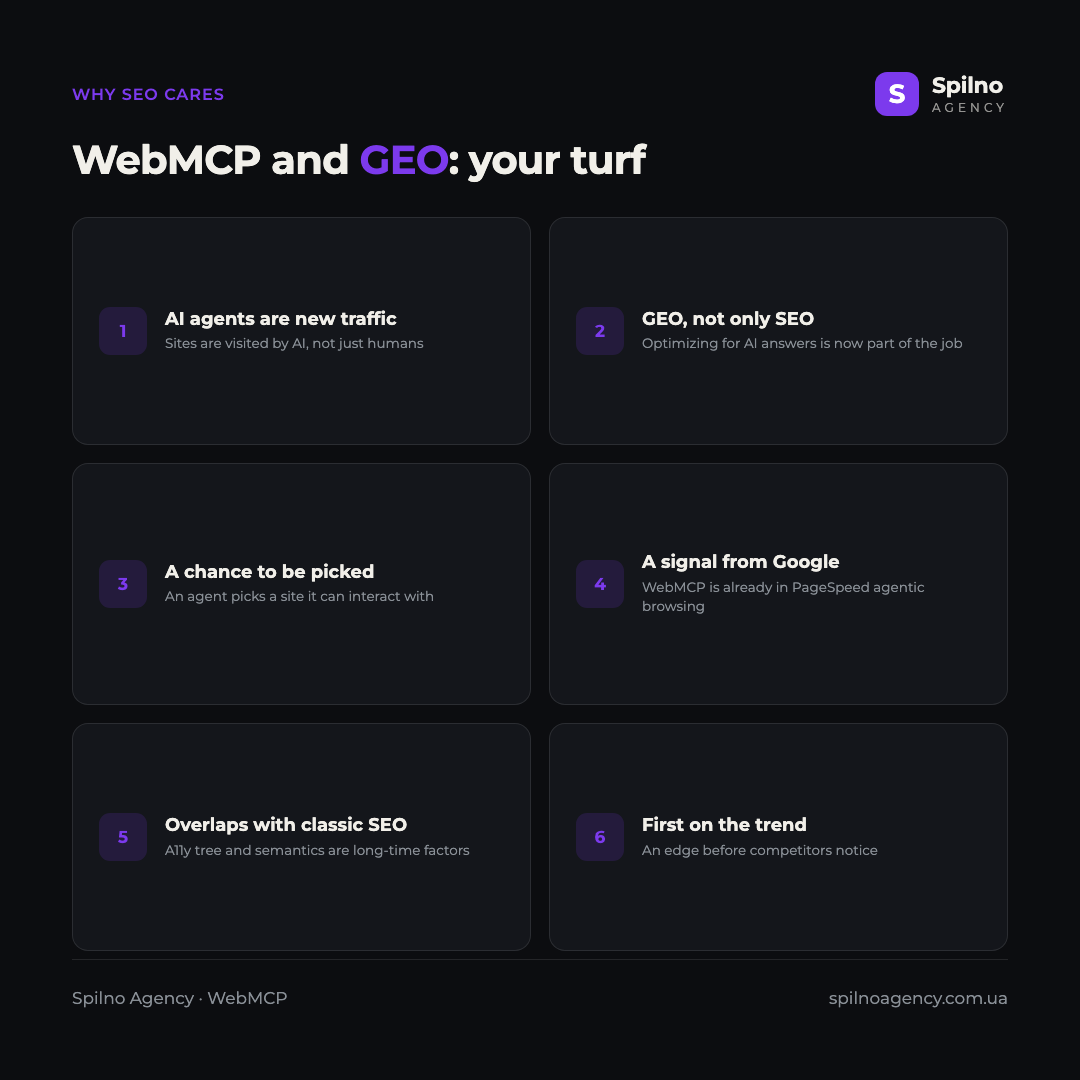
At first glance, WebMCP looks like a purely developer topic. In reality it is a new area of responsibility for SEO specialists, because it directly affects your site’s visibility to artificial intelligence. Classic SEO optimizes pages for search crawlers and humans; GEO (Generative Engine Optimization) adds optimization for AI answers and actions. WebMCP is one of the key tools of this new discipline.
- AI agents are new traffic. More and more visits are generated not by people but by assistants acting on their behalf. Being ready for them becomes part of technical SEO.
- A chance to be picked. When an agent completes a user’s task, it chooses the site it can reliably interact with. This is a new form of “ranking” — by ability to act.
- It’s already a Google signal. WebMCP is part of the new “Agentic Browsing” category in PageSpeed Insights (still experimental) — meaning Google already measures how agent-ready sites are.
- Overlap with classic SEO. WebMCP works in tandem with the accessibility tree and semantic HTML — long-standing quality factors an SEO specialist already takes care of.
How to implement WebMCP on your site
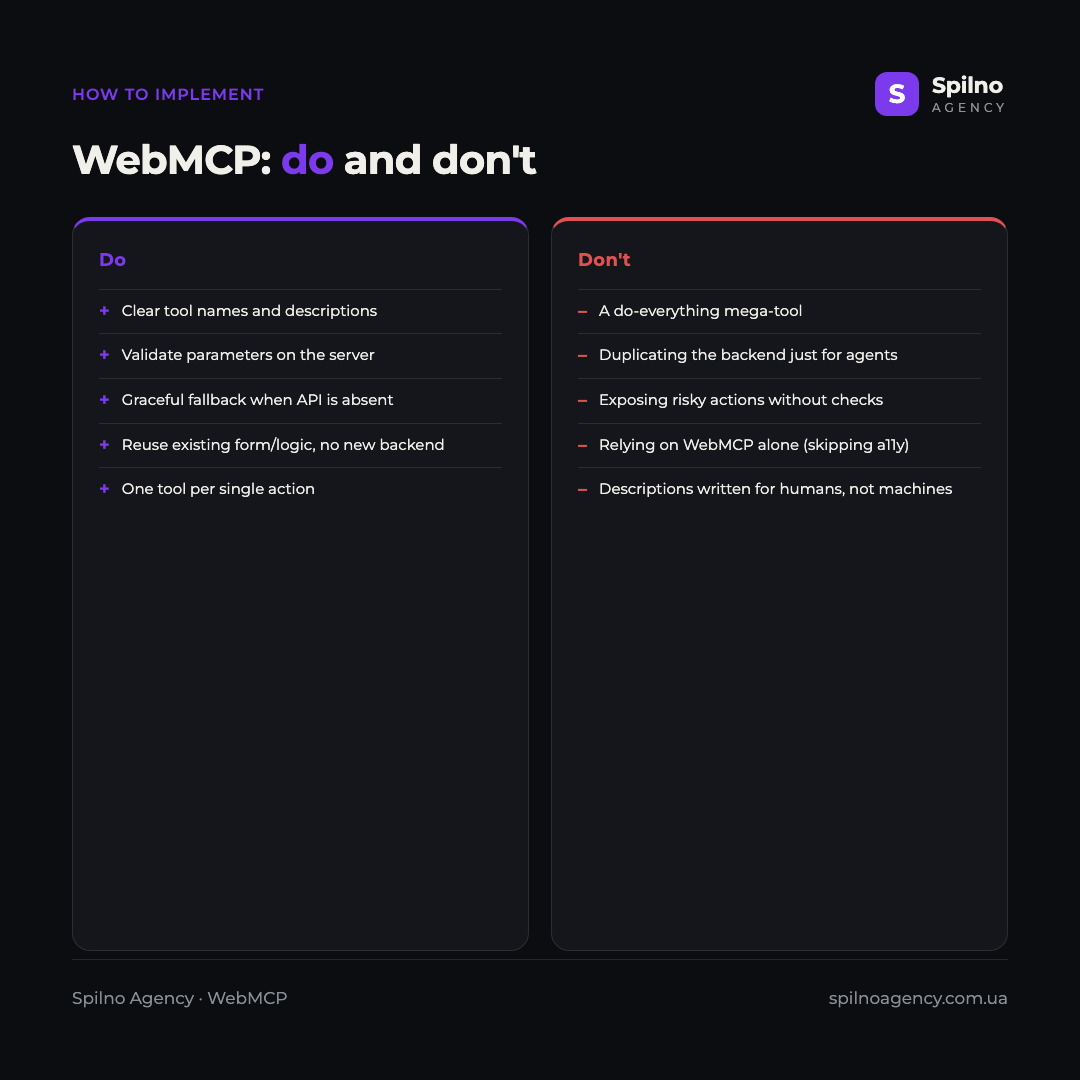
You can start with one or two of the most important scenarios — for example, a contact form or product search. Follow a few rules to keep the rollout correct and safe.
- Choose the key actions of the site that give the agent value: submit a request, search products, subscribe, place an order.
- Register a separate tool for each action via
navigator.modelContext.registerTool()— one tool = one action, no “do-everything” tools. - Give the tool a clear, machine-oriented name and description: what the action does, which parameters are required.
- Describe the
inputSchemawith parameter types and always validate them on the server — don’t trust agent input more than human input. - Reuse existing form and API logic instead of duplicating the backend just for the agent.
- Provide a graceful fallback: if the browser doesn’t support
navigator.modelContext, the site must keep working with no errors. - Don’t rely on WebMCP alone: keep the accessibility tree and semantics in good shape — most agents still read the page through them.
WebMCP and “Agentic Browsing” in PageSpeed Insights
WebMCP is not an isolated technology. Google has already included a check for it in the new Lighthouse “Agentic Browsing” category, which assesses a site’s readiness for AI agents alongside the accessibility tree, layout stability (CLS) and the llms.txt file. For now the WebMCP check is experimental and does not count toward the final score, but its appearance alone shows where the web is heading. Read more about this score in our article “PageSpeed Insights Update: the New ‘Agentic Browsing’ Score”.
Frequently asked questions (FAQ)
What is WebMCP in simple terms?
WebMCP (Web Model Context Protocol) is a standard that lets a site hand an AI agent ready-made “tools” for actions in the browser. The page uses navigator.modelContext.registerTool() to describe what can be done (for example, submit a request), and the agent calls that action directly without guessing buttons in the code.
How does WebMCP differ from a regular API?
An API is a separate backend interface you have to build and document on its own. WebMCP works on top of the existing page in the browser and often just reuses forms or requests that already work for humans. No new server is needed — you only describe existing actions as tools.
Are WebMCP and llms.txt the same thing?
No. llms.txt is a static file that describes the content of the site for models. WebMCP is about actions: it lets an agent not only read the page but complete a task on it. They complement each other.
Does WebMCP affect Google rankings?
There is no direct ranking factor — the WebMCP check in PageSpeed Insights is still experimental. But it works in tandem with the accessibility tree and semantics, which have long influenced site quality, so working on agent-readiness improves both classic SEO and visibility to AI (GEO).
Do all browsers and agents already support WebMCP?
No, the standard is still at an early stage. Most agents today read the page through the DOM and accessibility tree, not via WebMCP. That is why a rollout should include a graceful fallback — so the site works correctly even without navigator.modelContext support.
Should you implement WebMCP now?
Yes, if you want to be among the first agent-ready sites. Start with one or two key actions, implement them safely with server-side validation — and you gain an edge while competitors haven’t noticed the trend yet.
WebMCP is a clear signal that the web is preparing for a new kind of visitor: AI agents that don’t just read pages but act on them. The good news is that the groundwork for WebMCP overlaps with classic SEO and accessibility, so it pays off on several fronts at once. If you need to make your site agent-ready, implement WebMCP, tidy up the accessibility tree or build a GEO strategy, the Spilno Agency team helps European businesses do it right.

Read also

Is an SEO specialist responsible for leads and sales? Our position
A LinkedIn discussion: should an SEO specialist be responsible for leads and sales from the SEO channel. Spilno…

How to Control an SEO Specialist: The 5-Stage SEO KPI Funnel
SEO KPIs form a chain of five metrics that show, step by step, whether your SEO is actually…

Best CMS for an Online Store: Cloud vs Self-Hosted Platforms in 2026
Compare Shopify, WooCommerce, PrestaShop, OpenCart and Magento for your online store. Pros, cons, and a step-by-step CMS selection…