Screaming Frog SEO Spider: Full 2026 Feature Review

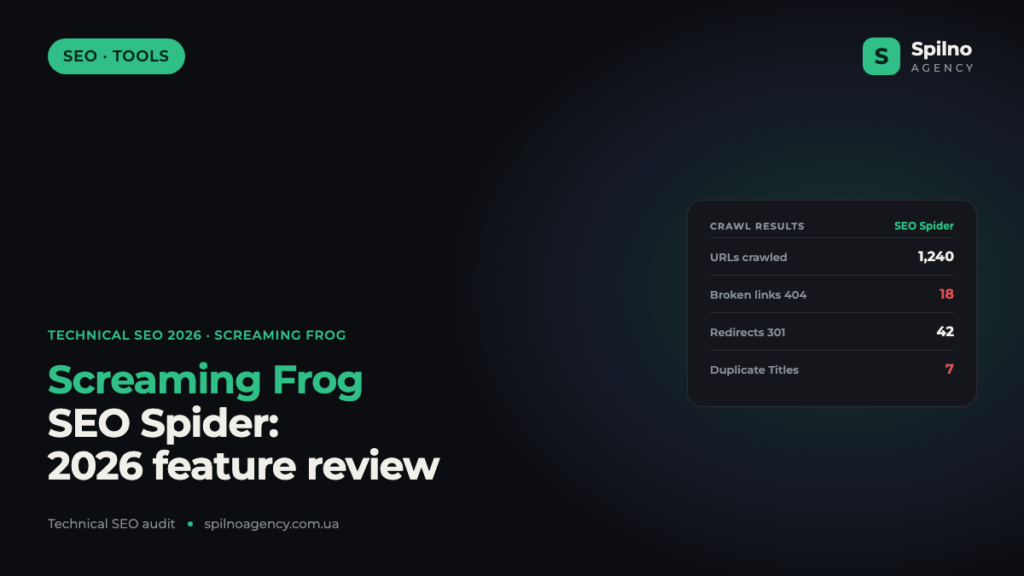
Screaming Frog SEO Spider is a desktop crawler that scans a website the same way a search engine bot does and shows every technical SEO issue in a single table: broken links, redirects, duplicate titles, missing canonicals, hreflang errors, structured data and dozens of other parameters. In this 2026 review we break down the full feature set, the pros and cons, the cookie-checking use cases and the scenarios where the tool is genuinely needed by an SEO specialist.
What is Screaming Frog SEO Spider
Screaming Frog SEO Spider is a crawler for technical SEO audits, built by the UK company Screaming Frog. It installs on your computer (Windows, macOS, Ubuntu) and crawls a site through its internal links, collecting data from every URL: response code, headers, meta tags, links, images, indexation directives and more. In essence, it is an “X-ray” of your site through the eyes of a search bot.
Unlike cloud services, Screaming Frog works locally, so you are not bound by server limits and can crawl even staging environments that are closed to indexing. The tool has become the de facto industry standard, used by SEO agencies, in-house specialists and technical auditors worldwide.
Screaming Frog video review
Before we dive into the detailed feature breakdown, watch the official video overview of Screaming Frog SEO Spider — it clearly shows the interface and how the crawler works:
Core features of Screaming Frog
Screaming Frog covers almost the entire spectrum of technical SEO tasks. Below are the key modules a specialist uses most often.
Crawling and response codes
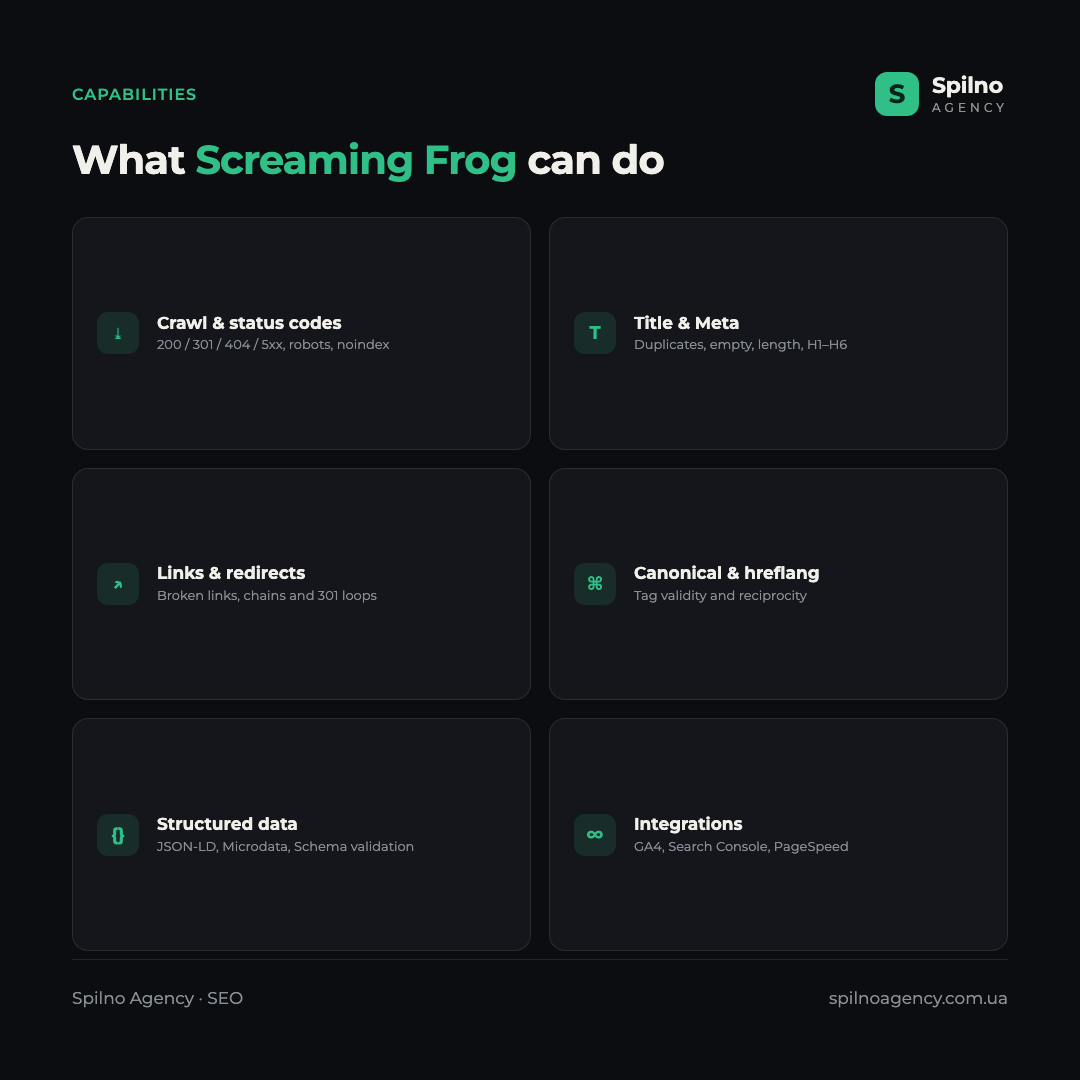
The core function is crawling all URLs and recording the server response code: 200 (OK), 301/302 (redirects), 404 (not found), 5xx (server errors). You instantly see all broken links, redirect chains and loops, and pages blocked by robots.txt or a noindex directive.
Title, Description and H1–H6 headings
The crawler collects every meta tag and heading and flags problems: empty or duplicate Titles, lengths above the recommended limit, missing Descriptions, multiple H1s on a page. It is the fastest way to find bulk metadata errors on a large site.
Duplicate content
Screaming Frog finds exact and near-duplicate pages with a content-comparison algorithm, as well as duplicate Titles and Descriptions. This helps uncover cannibalisation and pages that drain your crawl budget.
Images and alt text
The tool shows images without an alt attribute, oversized files and broken images. This is useful for both image SEO and page load speed.
Canonical, hreflang and pagination
Screaming Frog checks the correctness of canonical tags, the validity and reciprocity of hreflang for multilingual sites, and pagination markup. Hreflang errors are one of the most common causes of problems on multilingual projects, and here they are visible at once.
Structured data (Schema)
The crawler extracts JSON-LD, Microdata and RDFa markup and validates it against Schema.org standards and Google’s requirements. You can quickly check which pages have errors in structured data that block rich snippets.
XML Sitemap: generation and audit
Screaming Frog can generate an XML sitemap and also reconcile an existing sitemap with the real structure: finding non-indexable or 404 URLs in the map and, conversely, important pages missing from it.
JavaScript rendering
The paid version can render pages through an embedded Chromium — just like Googlebot. This is critical for sites built on React, Vue or Angular: you see the content and links that appear only after JavaScript executes.
Integrations: GA4, Search Console, PageSpeed
The crawler connects to Google Analytics 4, Search Console and the PageSpeed Insights API, pulling traffic, impressions, clicks and Core Web Vitals data straight into the table alongside technical parameters. This way you see not only “where the error is” but also “how important it is by traffic”.
Custom Extraction (XPath / CSS)
One of the most powerful features is selectively extracting any data from pages using XPath, CSS selectors or regex: prices, stock availability, authors, dates, tags. It is effectively a mini-scraper inside the SEO crawler.
Log File Analyser
The separate Screaming Frog Log File Analyser shows the real behaviour of Googlebot from server logs: which URLs the bot crawls and how often, and where it spends crawl budget. This is a higher level of technical audit for large sites.
Cookie-checking use cases in Screaming Frog
Screaming Frog can store and display the cookies a site sets during a crawl (the Cookies feature in the paid version). For an SEO specialist and auditor this opens up a separate layer of tasks. Below is the most complete list of cases where checking cookies is needed.
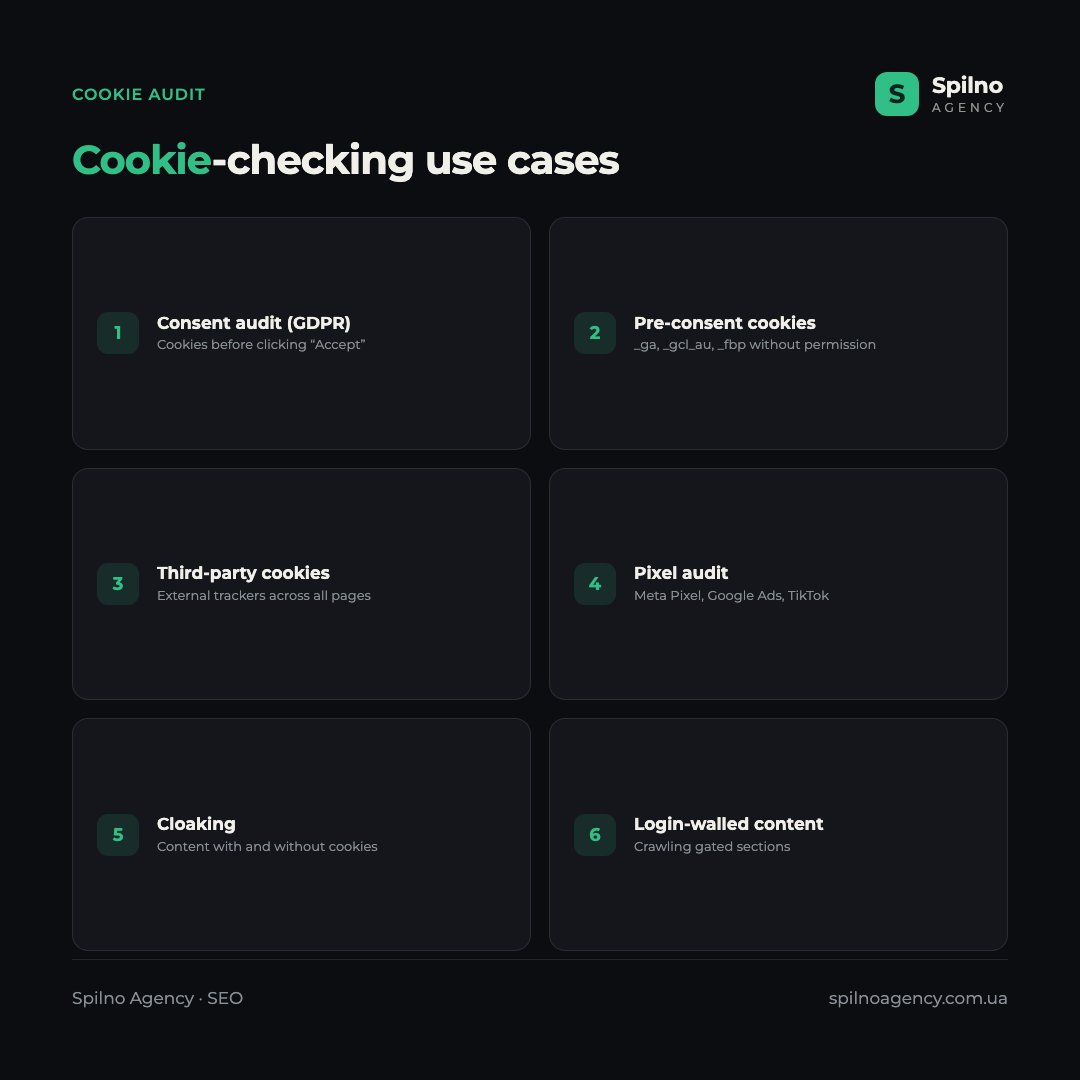
- Consent / GDPR audit. Check which cookies the site sets before the user clicks “Accept” in the consent banner — a typical GDPR and Consent Mode v2 violation.
- Pre-consent cookies. Find analytics and advertising cookies (e.g.
_ga,_gcl_au,_fbp) set without permission — a risk of fines and distorted data. - Third-party cookie audit. Compile a full list of third-party cookies (ad networks, widgets, chats) across all pages to assess the impact on privacy and speed.
- Tracking pixel audit. Detect where Meta Pixel, Google Ads, TikTok and other tags fire — and whether they are present where they shouldn’t be.
- Cloaking and cookie-dependent content. Compare how the site serves content with and without cookies to spot content hidden from the bot.
- Login-walled content access. Set authentication cookies to crawl gated sections (member areas, paid content) through the eyes of a logged-in user.
- Cookie-dependent redirects. Check whether redirect logic depends on cookies (e.g. geo or language redirects) that can confuse the search bot.
- Excessive or heavy cookies. Find a surplus of cookies that bloats request size and affects performance.
- Post-release verification. After updating a CMP banner or tag manager, confirm that cookie behaviour has not changed for the worse.
Free and paid versions
Screaming Frog has two versions. The free version lets you crawl up to 500 URLs per crawl and has a limited feature set — enough for small sites and a basic check. The paid annual licence removes the URL limit and unlocks JavaScript rendering, integrations, custom extraction, cookie storage, the scheduler and crawl comparison.
The licence is sold as an annual per-user subscription. For agencies and specialists working with large sites, the paid version pays for itself on the very first full audit. Avoid “cracks” or keygens — they violate the licence and risk infecting your work machine.
Pros and cons of Screaming Frog
Like any tool, Screaming Frog has strengths and weaknesses. Here is an honest summary.
Pros
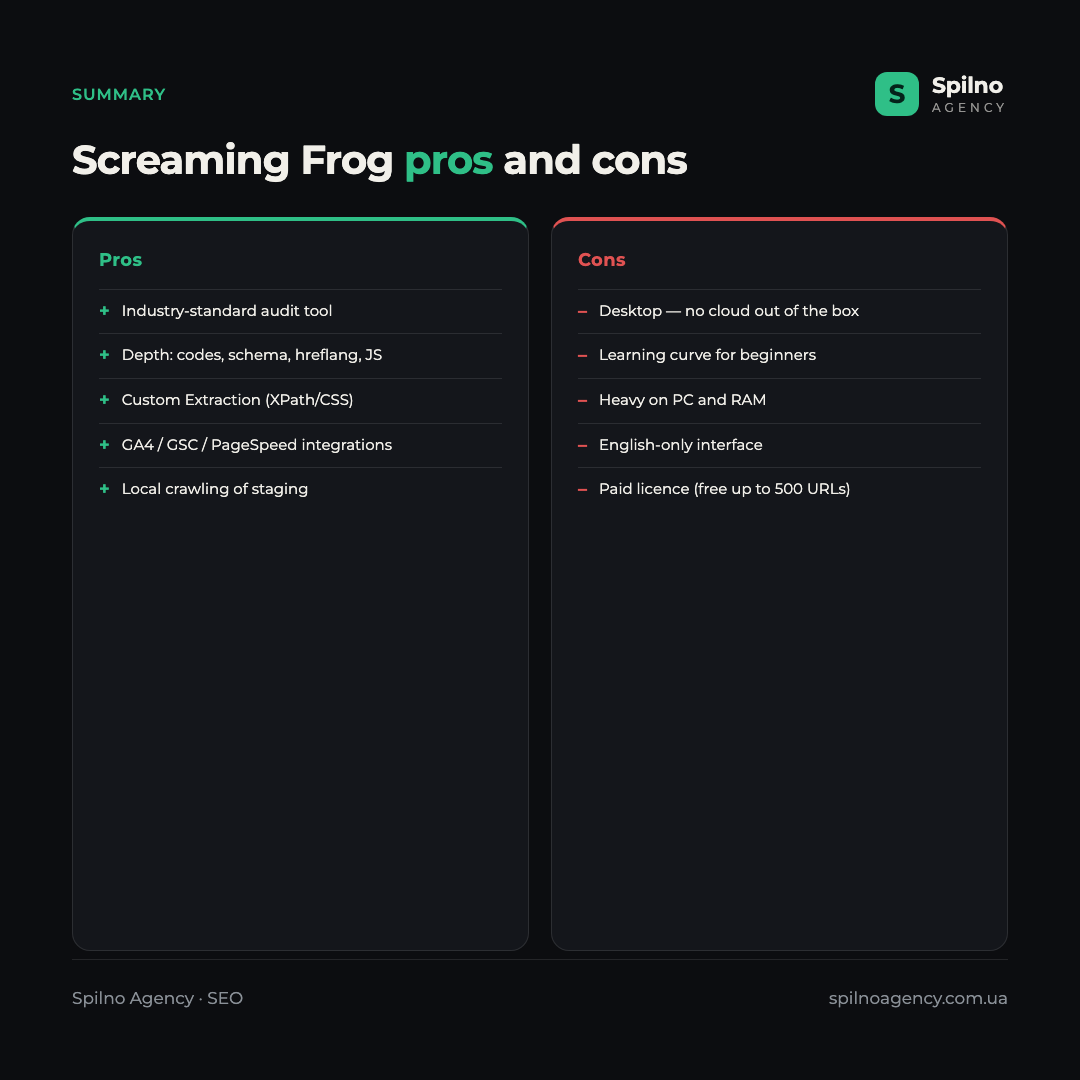
- Industry standard — the most complete set of technical SEO checks in one window.
- Audit depth — from response codes to structured data, hreflang and JS rendering.
- Custom Extraction — flexible scraping of any data via XPath/CSS/regex.
- Integrations with GA4, Search Console and PageSpeed — prioritise errors by traffic.
- Local operation — you can crawl staging and sites closed to indexing.
- Free version up to 500 URLs for getting started and small projects.
Cons
- Desktop application — no cloud access or team collaboration out of the box.
- Learning curve — the interface with dozens of tabs looks complex to a beginner.
- PC load — crawling large sites requires a lot of RAM.
- English-only interface — no official localisation.
- Paid licence for the full feature set (the free version is capped at 500 URLs).
Use cases for an SEO specialist
Screaming Frog is needed in dozens of scenarios. Here are the most common tasks it handles:
- A full technical SEO audit before promotion.
- Finding and fixing broken links (404) and redirect chains.
- Metadata audit: duplicate and empty Titles/Descriptions at scale.
- Site migration control: reconciling old and new URLs, the 301 redirect map.
- Indexation check:
noindex, canonical, robots.txt, directives. - Hreflang audit on multilingual projects.
- Structured data validation before launching rich snippets.
- Generating and auditing the XML sitemap.
- Scraping competitor and own-site data via Custom Extraction.
- Finding duplicate content and cannibalisation.
- Speed and Core Web Vitals audit via the PageSpeed integration.
- Checking cookies and consent banners (see the section above).
- Controlling internal linking and page crawl depth.
Screaming Frog vs cloud crawlers
Screaming Frog is a desktop crawler, while Sitebulb, JetOctopus or Ahrefs Site Audit run in the cloud. Cloud solutions are more convenient for regular monitoring and team work, provide visualisations and store history without loading your PC. Screaming Frog, in turn, offers maximum flexibility, depth and control, plus the ability to crawl local and closed environments. In practice, experienced specialists use a combination: Screaming Frog for deep one-off audits and a cloud crawler for ongoing monitoring.
Frequently asked questions (FAQ)
Is Screaming Frog free?
Yes, there is a free version with a 500-URL-per-crawl limit and a reduced feature set. For the full feature set (JS rendering, integrations, custom extraction, cookies) you need a paid annual licence.
What is Screaming Frog used for?
For technical SEO audits: finding broken links, redirects, duplicate Titles, canonical and hreflang errors, checking structured data, generating sitemaps and scraping data. It is a core tool for a technical SEO specialist.
Can you check cookies in Screaming Frog?
Yes, the paid version stores the cookies a site sets during a crawl. This is used for consent (GDPR) audits, finding pre-consent cookies, auditing third-party trackers and accessing login-walled content.
Does Screaming Frog render JavaScript?
Yes, the paid version renders through an embedded Chromium. This allows correct crawling of React, Vue and Angular sites where content appears after JavaScript executes.
How many URLs does the free version crawl?
The free version is limited to 500 URLs per crawl. For larger sites you need the paid licence, which removes this limit.
Screaming Frog is a tool that belongs in every technical SEO specialist’s arsenal. But the crawler alone does not improve rankings: what matters is correct interpretation of the data and prioritisation of fixes. If you need a deep technical site audit and a clear action plan, the Spilno Agency team will run a full diagnosis and help eliminate the errors holding back your traffic growth.

Read also

Best CMS for an Online Store: Cloud vs Self-Hosted Platforms in 2026
Compare Shopify, WooCommerce, PrestaShop, OpenCart and Magento for your online store. Pros, cons, and a step-by-step CMS selection…
LinkedIn Ads Library: How to Find Your Competitors’ LinkedIn Ads (2026 Guide)
How to use the LinkedIn Ads Library to see any competitor's sponsored content for free — step by…
Meta Ads Library: How to Find Your Competitors’ Facebook & Instagram Ads (2026)
How to use the Meta Ads Library to see any competitor's Facebook, Instagram and Threads ads for free…