Promoting a Store on Prom.ua: Pros and Cons in 2026

Prom.ua is one of Ukraine’s largest e-commerce marketplaces and store builders, and promoting a store on it comes with real advantages as well as real limitations. In 2026 the platform remains a convenient entry point for small and medium businesses, but building a real brand takes more than Prom.ua alone. This guide breaks down every pro and con of promoting a store on Prom.ua, and when it makes sense to combine it with your own website.
What is Prom.ua and how promotion works there
Prom.ua is a Ukrainian e-commerce platform that combines an online store builder with a marketplace: a store built on Prom.ua is simultaneously a standalone site and part of the platform’s own internal search and catalogue. Promotion here works on two independent levels:
- External SEO (Google) — product and category pages are indexed like a regular website on its own subdomain or domain.
- Prom.ua’s internal ranking — the platform’s own algorithm decides which products appear higher inside the marketplace’s search, plus paid tools like PromoSpace for boosting listings to the top.
This is the key difference from promoting a regular online store: a seller is fighting for rankings in Google and inside Prom.ua’s own internal search at the same time, and each system plays by its own rules.

Pros of promoting on Prom.ua
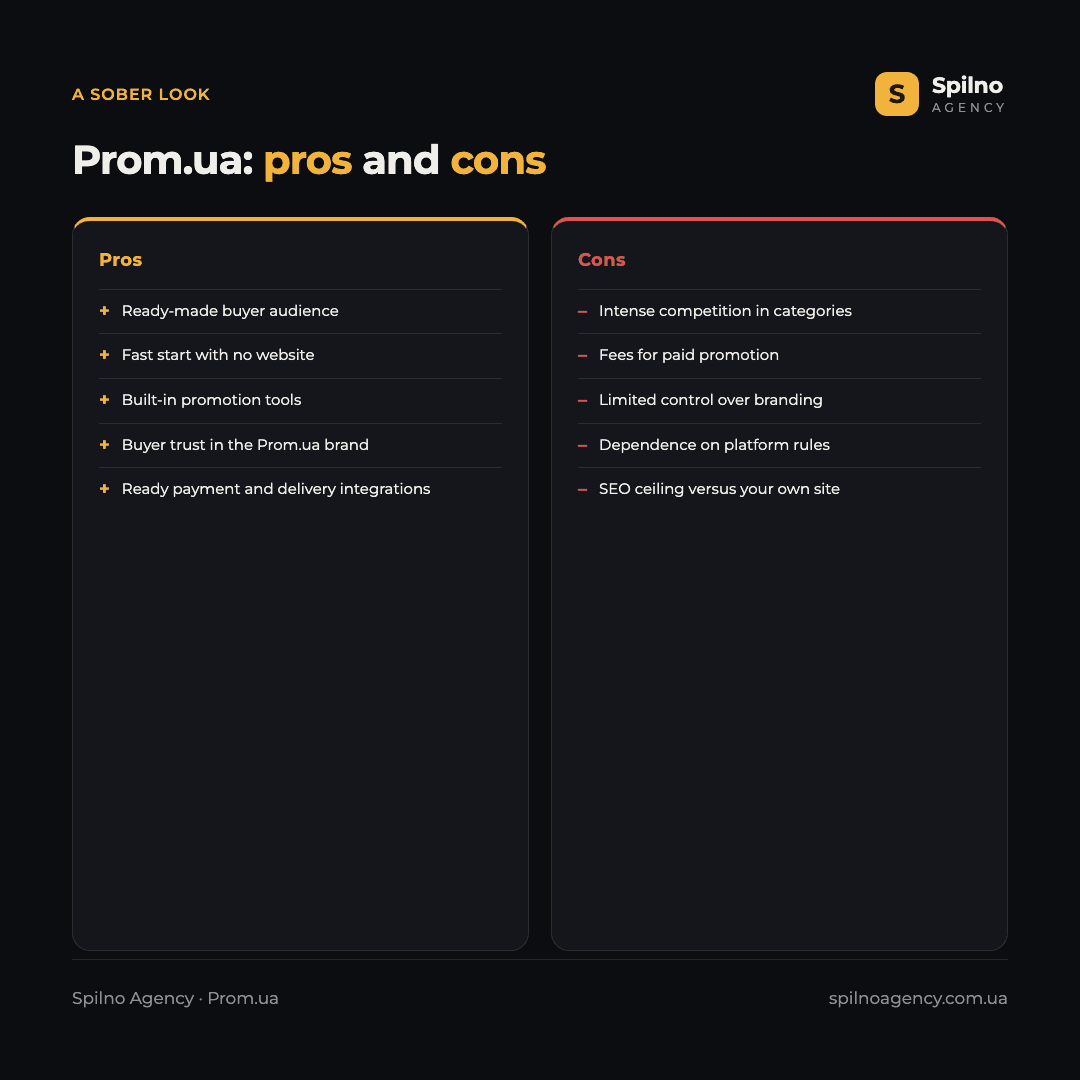
- A ready-made buyer audience. Millions of users already come to Prom.ua looking for products — you don’t need to “warm up” traffic from zero the way you would for a brand-new domain.
- Fast launch without building a website. A store can go live in days: no developer, no designer, no separate hosting — the builder and basic SEO setup are already built in.
- Built-in promotion tools. PromoSpace and other paid mechanics let you boost listings in internal search without setting up complex ad accounts.
- Buyer trust in the platform. Many users trust Prom.ua itself as a brand more than an unknown standalone store — this lowers the barrier to a first purchase.
- Low budget barrier to entry. Getting started requires minimal investment compared to building and promoting a fully independent website.
- Ready-made integrations. Payments, delivery via Nova Poshta and other carriers, and data exchange with accounting systems are already set up at the platform level.
- Decent baseline SEO structure. Product and category pages are generated with basic SEO requirements in mind (titles, structured data), which simplifies the start for anyone without technical SEO knowledge.
Cons of promoting on Prom.ua
- Intense competition within categories. In popular niches, hundreds of sellers compete for the same catalogue spots — standing out is harder than on your own site with unique positioning.
- Fees and paid promotion tools. Part of the traffic and visibility is only available for an extra fee (PromoSpace, paid store tiers) — a direct, recurring operating cost.
- Limited control over branding and design. Builder templates are standardised — it’s harder to stand out visually or build a recognisable brand identity compared to a custom site.
- Dependence on the platform’s rules and algorithms. Prom.ua can change ranking rules, pricing tiers or policies at any time — the seller doesn’t control these changes and has to adapt to them.
- Harder to build repeat purchases and loyalty. Buyers tend to associate the purchase with Prom.ua rather than with the specific store, making it harder to bring customers back directly, without the marketplace as a middleman.
- An SEO ceiling for your own brand. Pages on a Prom.ua subdomain rarely rank in Google as strongly as a full website with its own SEO strategy, backlinks and content marketing.
- Limited analytics and flexibility. Compared to a self-hosted CMS with full code access, options for custom conversion tracking, A/B testing and deep analytics are significantly restricted.
Prom.ua or your own website: which one to choose
This is a false either/or choice — in 2026 the most effective strategy for most sellers is to use both channels at once rather than picking one for good.
- Prom.ua works well for quickly testing a niche, getting first sales without investing in development, and as an additional traffic channel even for businesses that already have a well-developed website.
- A dedicated website is necessary if the goal is to build a recognisable brand, control the full customer experience, collect your own database for email/SMS marketing, and not depend on a third-party platform’s rules.
- A combined approach — your own site as the main brand channel plus a Prom.ua store as an additional traffic and sales source — gives the best balance of reach and control.
Is it still worth promoting a store on Prom.ua in 2026?
Yes, if the goal is a fast start on a limited budget or an extra traffic channel for an already-existing business. Not enough on its own if the strategic goal is building a proprietary brand with full control over the customer experience and a long-term SEO asset — in that case, Prom.ua is best treated as a complement to your own website, not the only platform.
How to improve promotion on Prom.ua: practical tips
- Fill out product listings completely — a detailed description, all specifications, and several quality photos and videos boost both internal ranking and conversion.
- Collect buyer reviews. Rating and review count directly affect a product’s position in the platform’s internal search.
- Test PromoSpace selectively — on a handful of your most profitable products first, not the whole catalogue at once, to check real ROI before scaling spend.
- Watch your store’s internal analytics. View and conversion stats by category show which listings need work.
- Optimise titles and descriptions for search terms. Even within the builder’s template, there are fields that affect visibility in Google, and they’re worth filling in with actual keyword research in mind.
- Treat a dedicated website as the next step once your Prom.ua store is generating consistent sales — that’s a sign demand is validated and it’s worth investing in a long-term brand asset.
SEO, Google Ads, Meta Ads and GA4 tools on Prom.ua: what works out of the box
A question that concerns almost every seller: will you need to hire a developer to connect ads and analytics, or is everything already built in? The answer is mixed — some tools genuinely work right after pasting a code snippet into a ready-made field, while others need extra setup.
- SEO module (meta tags, sitemap, robots.txt) — yes, out of the box. The built-in SEO module auto-generates titles and descriptions from templates already optimised by Prom.ua’s own specialists, and sitemap.xml is generated automatically. Fine-tuning templates and editing robots.txt is possible (on a custom domain), but the platform explicitly warns that these settings should be changed carefully, ideally with an SEO specialist.
- Google Merchant Center feed — partly out of the box. Prom.ua automatically generates a YML/XML product feed for export. Connecting that feed to your own Google Merchant Center account and running Shopping or Performance Max campaigns is separate manual work (the alternative is Prom.ua’s own paid ProSale ad service, managed by the platform rather than your own ad account).
- Google Ads “Purchase” conversion — yes, out of the box (basic level). Under “Market” → “Connected apps” there’s a ready-made Google Ads module: paste your conversion label and the “Purchase” event is automatically sent to both Google Ads and GA4, along with hashed buyer data (email, phone) for enhanced conversions.
- Google Analytics 4 basic analytics — yes, out of the box. Just paste your GA4 measurement ID into the “GA4 verification code” field in the seller dashboard, and basic visit tracking starts working immediately, no developer needed.
- GA4 ecommerce (view_item, add_to_cart, a step-by-step funnel with product data) — partial. The platform sends a basic “purchase” event, but a full multi-step ecommerce funnel with detailed per-product data at every step is limited in the standard configuration. Getting the complete funnel picture usually requires additional setup via Google Tag Manager or help from a web analyst.
- Facebook/Meta Pixel — yes, out of the box. Paste your pixel ID into the site settings, and it’s automatically installed on every page for retargeting, no code changes needed.
- Meta product catalogue (Commerce Manager) — partial. A catalogue feed can be exported from the platform, but dynamic ads only work correctly when product IDs in the pixel exactly match the IDs in the catalogue — worth checking separately before launching a campaign.
Bottom line: the basic tools (meta tags, the GA4 counter, Facebook Pixel, the “Purchase” conversion in Google Ads) genuinely work out of the box — just paste a code or ID into a ready field in the seller dashboard. Deeper analytics (full GA4 ecommerce), Shopping campaigns via your own Merchant Center, and exact catalogue matching require extra setup — and that’s exactly where help from an SEO/PPC specialist or agency saves both time and ad budget.
How developer-friendly is Prom.ua for custom work
It’s worth evaluating the platform separately from a developer or agency’s point of view — for anyone who needs to build something beyond the standard functionality. Short answer: not very comfortable, and that’s not a flaw but a deliberate architecture choice. Prom.ua is a closed, SaaS-style builder (like Shopify or Wix), not an open-source CMS: the platform is designed so a seller never needs a developer at all, not so a developer has room to customise things.
- No access to template code. Prom.ua officially states that the platform doesn’t provide access to code editing or internal files, and even personal account managers can’t modify the HTML code. There’s no FTP or Git access, no templating engine (like Shopify’s Liquid), and no backend logic.
- Custom code only through dedicated fields, not free-form injection. You can only paste what has an official field for it: a GA4 measurement ID, a Facebook Pixel ID, a Google Ads conversion label. There’s nowhere to add an arbitrary script in the site’s head or body — your own GTM container, Meta Conversions API, or a non-standard pixel — if the integration isn’t on the built-in list, you can’t add it.
- Design means picking a template and tweaking cosmetics, not coding a layout. “Universal designs” are available with configurable colour schemes, sliders and sections. A fully unique design is a separate, paid service from Prom.ua itself, not something you can hand to your own frontend developer via code access.
- A public REST API exists, but only at the data level. The API (documented via Swagger, with tokens managed in the dashboard) gives access to orders, messages and products — useful for CRM, ERP or warehouse integrations. But that’s back-office/data-level access, not a way to change how the storefront itself looks or behaves.
- The app marketplace is limited to a fixed list. The “Market” section offers ready-made integrations (Google Ads, delivery services, etc.) that reduce the need for a developer on typical tasks. But you can’t install your own custom app either — only what’s already on the platform’s list.
Practical takeaway: for standard tasks (SEO meta, the GA4 counter, Pixel, Google Ads conversion) you genuinely don’t need a developer — all of that is covered above. But the moment you hit a non-standard requirement — server-side GTM, Meta Conversions API, a custom GA4 event, a unique design, or any backend logic — the platform hits a ceiling, and the only way beyond the builder is a dedicated website.
FAQ
Is it worth promoting a store only on Prom.ua, without a dedicated website?
For a fast start and testing a niche — yes, that’s enough. But to build a long-term brand with control over the customer experience and your own SEO asset, it’s worth adding a dedicated website as the main channel later on, keeping Prom.ua as an additional traffic source.
What are the main downsides of promoting on Prom.ua?
Intense competition within categories, paid promotion tools (PromoSpace, pricing tiers), limited control over branding and design, dependence on platform rules, and an SEO ceiling compared to a full standalone website.
Does a Prom.ua store need separate SEO work?
Yes. A basic SEO structure is built into the platform, but filling in titles and product/category descriptions around actual search terms, plus accumulating reviews, significantly affects both Google rankings and Prom.ua’s internal ranking.
How much does promoting on Prom.ua cost?
A basic store can be launched with minimal investment, but paid tiers and tools like PromoSpace for boosting listings to the top add a separate cost line, and its size depends on competition in a given category.
How is Prom.ua different from a dedicated online store?
A dedicated website gives full control over branding, design, analytics and the customer experience, plus a long-term SEO asset. Prom.ua, in contrast, offers a ready-made audience and a fast start, but with customisation limits and dependence on the platform’s rules.
Can you use Prom.ua and your own website at the same time?
Yes, and for most sellers that’s the optimal strategy: a dedicated website works as the main brand channel, while a Prom.ua store serves as an additional traffic and sales source — the two channels aren’t mutually exclusive.
Prom.ua remains a solid tool for a fast sales start in 2026, but it has clear limits when it comes to building a brand and long-term SEO. If you need help promoting a store on Prom.ua, building and optimising a dedicated website, or combining both channels into one strategy, the Spilno Agency team is ready to help at any stage.

Read also
OnlyFans Paid Advertising in 2026: How to Promote Without Built-In Ads
OnlyFans has no built-in ad platform — it doesn’t sell impressions and offers no targeting tools, so in…
Advertising on ChatGPT: Who Can Access It and How to Launch in 2026
Advertising on ChatGPT means ads that OpenAI shows inside ChatGPT conversations through its own Ads Manager (beta). As…
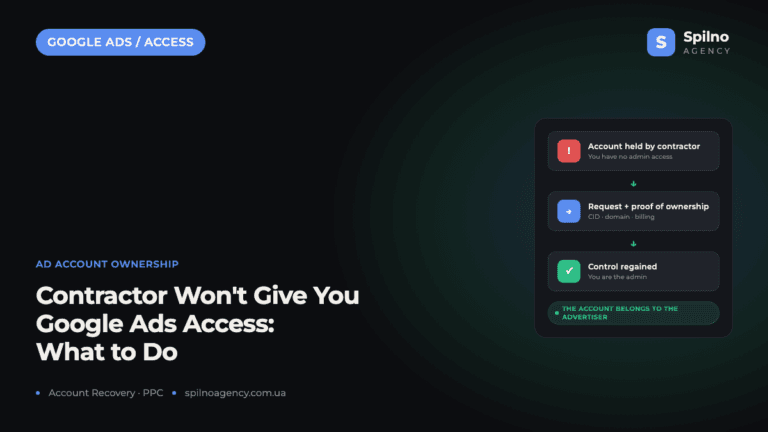
What to Do When a Freelancer or Agency Won’t Hand Over Your Google Ads Account
A Google Ads account belongs to the advertiser — the business whose website is promoted in it —…