What to Do When a Freelancer or Agency Won’t Hand Over Your Google Ads Account

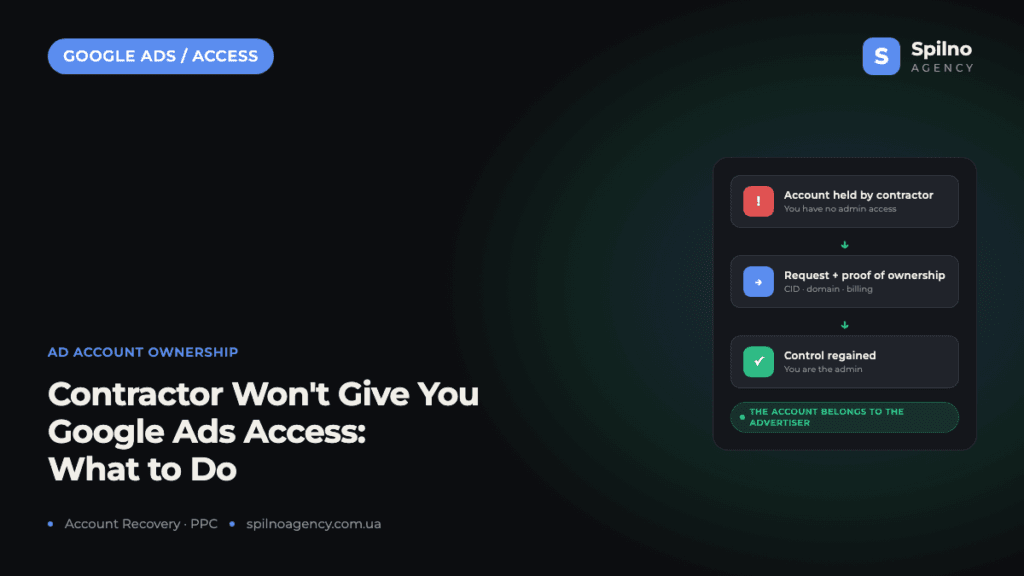
A Google Ads account belongs to the advertiser — the business whose website is promoted in it — not to the freelancer or agency that set it up. If a contractor refuses to hand over access or won’t grant you admin rights, you can reclaim control: first request admin access in writing, and if that fails, escalate to Google support or contact Spilno Agency — we will help you recover your account.
Who Actually Owns a Google Ads Account
The key principle: a Google Ads account belongs to the advertiser — the owner of the business whose website is advertised in that account. It doesn’t matter who physically created the account, built the campaigns, or launched the ads: a freelancer, an in-house marketer, or an agency. If the account advertises your domain and the ads serve your business, you are the rightful owner of that account.
Every Google Ads account has a unique identifier — a Customer ID (CID) in the format 123-456-7890. It is shown in the top right corner of the Google Ads interface, and you will need it in any access dispute: note it down from invoices, contractor reports, or screenshots of the account.
Why a Contractor May Refuse to Hand Over Access
The typical situations European businesses bring to us:
- The account was created under the contractor’s email. The freelancer registered the account with their own Gmail, so formally they are the only admin. This is the most common case.
- The account lives inside an agency manager account (MCC). The account was created within the agency’s manager account, and the client was given limited access — or none at all.
- An attempt to lock the client in. The contractor deliberately withholds access so the client can’t move to another provider or see the real spend and results.
- The contractor disappeared. The provider stopped responding, and the account, the campaigns, and the accumulated history vanished with them.
All of these situations can be resolved. But first it helps to understand how Google Ads account access levels work — that determines exactly what to demand.
Google Ads Access Levels: What “Full Access” Really Means
| Access level | What it allows | Who needs it |
|---|---|---|
| Admin | Full control: campaigns, billing, and managing other users’ access | The business owner — always |
| Standard | Managing campaigns and viewing reports, but no access management | The contractor, for day-to-day work |
| Read only | Viewing campaigns and reports without making changes | An auditor or analyst |
| Email only | Receiving notifications without signing in to the account | Finance team, management |
The “full access” everyone talks about is the admin level. Only an admin can invite new users and revoke access from existing ones. If your contractor offers you standard or read-only access, control over the account is still not in your hands.
Step-by-Step: How to Get Your Google Ads Account Access Back
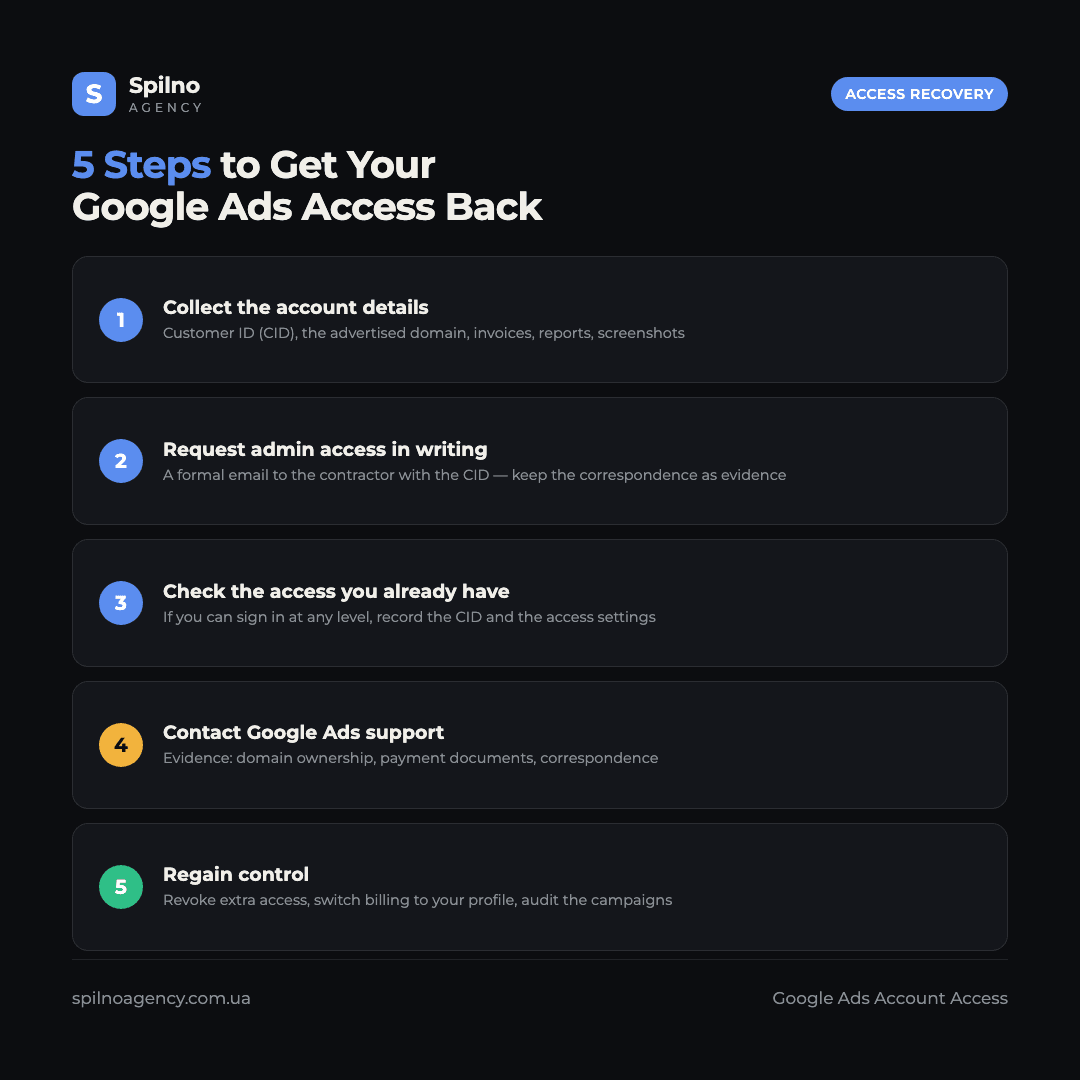
- Collect the account details. The Customer ID (CID), the advertised domain, invoices and reports from the contractor, screenshots of the account — everything that proves the ads were run for your business.
- Request admin access in writing. Send the contractor a formal email: state the CID and ask for admin access to be granted to your company email. Keep the correspondence — it is evidence for Google.
- Check what access you already have. If you can sign in at any level (standard or read-only), record the CID and take screenshots of the access settings: Tools → Access and security.
- Contact Google Ads support. If the contractor refuses or ignores you, file a request through the official support form. Google sides with the advertiser when you can prove ownership of the business and the domain.
- Regain control and clean up. Once you have admin rights, revoke unnecessary access, switch billing to your own payment profile, and audit the campaigns to make sure the budget works for you.
How to Contact Google Support
Google Ads support handles account ownership disputes. The stronger your evidence, the faster the resolution. Prepare:
- Proof of domain ownership — access to the website advertised in the account and to email addresses on that domain;
- payment documents — if the ads were paid from your card or company account, this is the strongest argument: bank statements and Google invoices;
- the account’s Customer ID — without it, support cannot identify the account;
- correspondence with the contractor — the contract, your access requests, and their refusals or silence.
Submit the request through the Google Ads Help Center (support.google.com/google-ads) — the account access section. Describe the situation in facts: who created the account, which domain is advertised, who paid for the ads, and what steps you have already taken.
A Special Case: the Account Sits in the Contractor’s MCC
An MCC (manager account, My Client Center) is the “umbrella” agencies and freelancers use to manage many client accounts. If your account was created inside the contractor’s MCC and no admin exists at the account level at all, demand that the contractor grants admin rights to your email. Technically it takes a few minutes, and there is no legitimate reason to refuse.
Once you have admin rights, you can unlink the account from the third-party MCC yourself: Tools → Access and security → Managers. If the contractor refuses — again, Google support. As a last resort you can create a new account, but you will lose the campaign history and accumulated data that help the algorithms optimise your ads — so the old account is worth fighting for.
How to Set Up Access Correctly From Day One
The best way to never lose your ad account is to build the right ownership structure from the start:
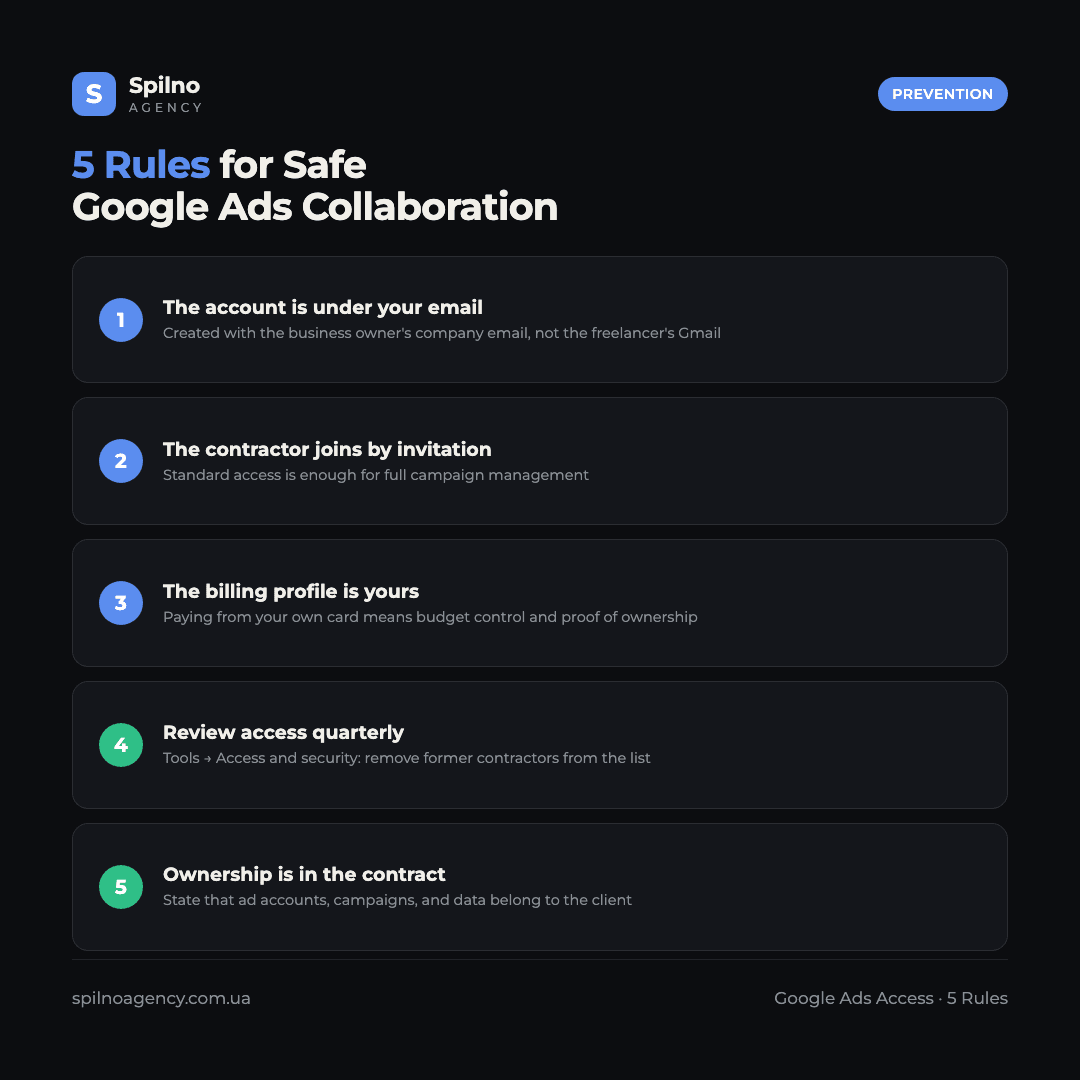
- The account is created under your company email. Not the freelancer’s Gmail and not “inside the agency” — an email you control.
- The contractor gets access via an invitation. Standard access is enough for full campaign management.
- The billing profile is yours. Paying for ads from your own card or account means both budget control and proof of ownership.
- Review access quarterly. Tools → Access and security: make sure no one who no longer works with you is still on the list.
- Put ownership in the contract. State that ad accounts, campaigns, and data belong to the client.
Spilno Agency’s Position: Everything We Build Belongs to the Client
Spilno Agency’s position is fully transparent: everything we create for a client belongs to the client. Ad accounts are registered under the client’s email, the client has admin access from day one, sees every expense, and can continue on their own or with another provider at any moment. We believe clients stay for results — not because their access is held hostage.
If a contractor won’t hand over your Google Ads access — contact Spilno Agency: we will help you regain control of the account, audit the campaigns, and check how effectively your budget was actually spent. And if you are choosing a new provider, read who a Google Ads specialist is and what their responsibilities are.
Frequently Asked Questions (FAQ)
Who owns a Google Ads account — the client or the contractor?
The advertiser — the owner of the business whose website is advertised in the account. Who created it or ran the campaigns does not matter.
What should I do if a freelancer won’t give me access to Google Ads?
Request admin access in writing, stating the Customer ID. If there is no response, contact Google support with proof of ownership — or reach out to Spilno Agency and we will help you recover the account.
What access level should the business owner have?
Admin — the only level that gives control over billing and other users’ access.
How do I prove to Google that the account belongs to me?
Domain ownership, payment documents, the Customer ID, and correspondence with the contractor — the more evidence, the faster the resolution.
What if the account was created inside the agency’s MCC?
Demand admin rights for your email, then unlink the account from the third-party MCC under “Access and security”.
Should I just create a new account?
Only as a last resort — you would lose the campaign history and data that help the algorithms optimise your ads.

Read also

Is an SEO specialist responsible for leads and sales? Our position
A LinkedIn discussion: should an SEO specialist be responsible for leads and sales from the SEO channel. Spilno…
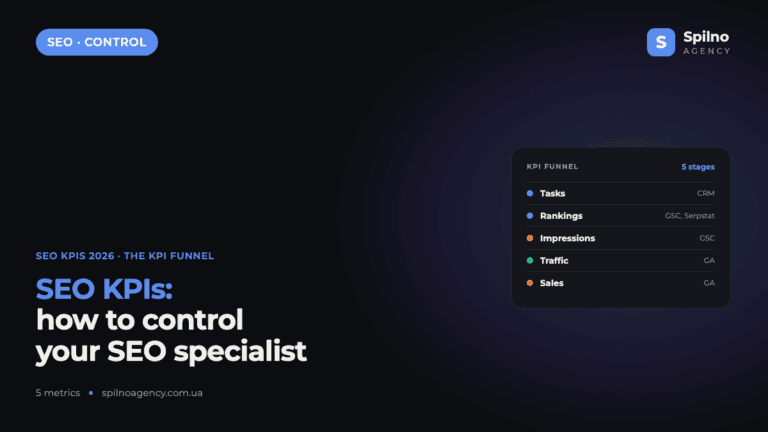
How to Control an SEO Specialist: The 5-Stage SEO KPI Funnel
SEO KPIs form a chain of five metrics that show, step by step, whether your SEO is actually…
Best CMS for an Online Store: Cloud vs Self-Hosted Platforms in 2026
Compare Shopify, WooCommerce, PrestaShop, OpenCart and Magento for your online store. Pros, cons, and a step-by-step CMS selection…