Google Analytics Rolls Out Redesigned Dashboards: One-Click Creation From Reports

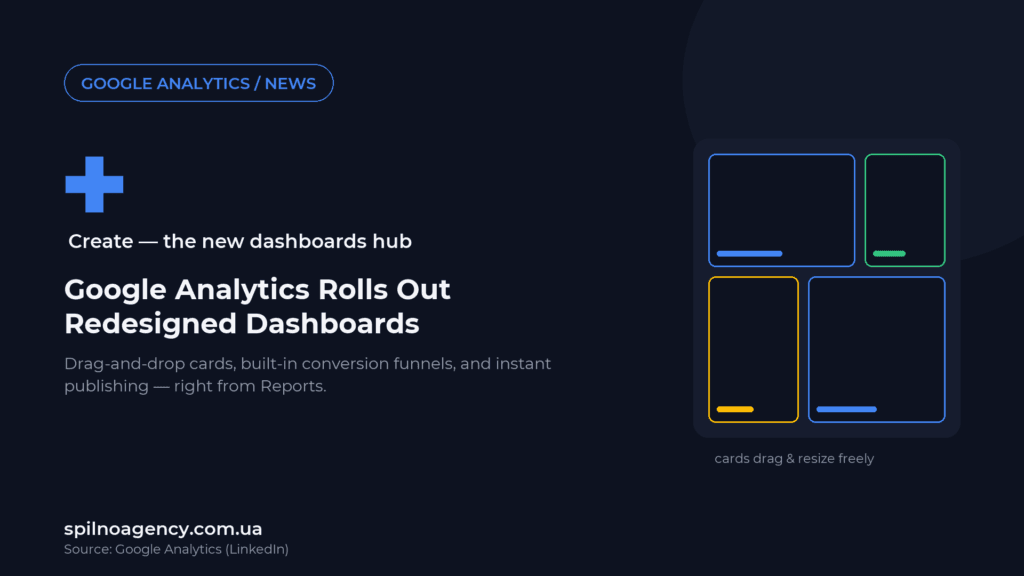
Google Analytics has announced a major redesign of Dashboards in the Reports workspace: you can now turn any report into a dashboard in one click, drag-and-drop to resize and rearrange cards, and add funnel visualizations directly on the dashboard — without a separate trip to Explore. Here’s what changed and what it means for teams building reporting in GA4.
What’s new: Dashboards rebuilt around the “+ Create” button
The update was announced by Google Analytics’ official LinkedIn account. The idea is framed as “less digging, more doing” — the Dashboards interface has been rebuilt around a central “+ Create” button in Reports, so turning a report into a dashboard takes one click instead of a series of menu jumps.
What exactly changed
- One-click dashboard creation — directly from any report in Reports, no separate setup wizard.
- Drag-and-drop resizing — cards and columns on a dashboard can be freely rearranged and resized with the mouse.
- Built-in funnel visualizations — conversion funnels can now be added directly to a dashboard, without opening a separate Exploration report.
- Instant publishing — a finished dashboard is saved straight into the account’s left-hand navigation.
According to Google, the update is rolling out gradually over the coming weeks to all accounts. The company also announced plans to add AI-powered features for automatic report creation, without a specific launch timeline.
For more details, see the official Google Analytics Help article.
Why it matters for marketers and business owners
Dashboards already existed in GA4, but building one often meant hopping between several parts of the interface — Reports, Explore, the template gallery. This update removes the extra steps: if a report already shows the metrics you need, you can pin it to a dashboard right away, instead of rebuilding it from scratch.
The most notable change is funnel visualizations living directly on the dashboard. Previously, seeing a funnel (say, the path from product view to purchase) required building a separate Exploration report. Now that visualization can sit on the same dashboard as your other metrics — handy for weekly marketing or product performance reviews.
One comment under the original post summed up the community reaction well: “The dashboards are back!” — a nod to how the new experience echoes the dashboard logic long-time users remember from Universal Analytics, which many felt was missing from GA4.
What to do now
- Check whether the update has reached your account. The rollout is gradual, so the “+ Create” button in Reports may not appear right away.
- List the reports your team checks regularly (weekly, monthly) — these are the best candidates for a one-click dashboard.
- Try the built-in funnel widget on a dashboard instead of a separate Exploration report if you’re tracking a conversion path.
- Review edit permissions for users who’ll be able to modify shared dashboards after publishing.
Need help setting up GA4 reporting — from dashboards to full-funnel conversion analytics? Spilno Agency can help you build a reporting system that actually saves time instead of adding busywork. Reach out for a free consultation.
Frequently Asked Questions
What exactly changed in Google Analytics dashboards?
Google redesigned the Dashboards interface in Reports: it added one-click dashboard creation via a “+ Create” button, drag-and-drop card resizing, built-in funnel visualizations, and instant publishing that saves straight to the navigation menu.
How do I create a dashboard in one click?
The “+ Create” button is now available directly in Reports: once you have the report you need open, you can pin it as a dashboard immediately, without going through a separate setup wizard.
Is Exploration going away as the way to build funnels?
No, Exploration remains a separate tool for deeper analysis. The update adds the option to place a funnel-style visualization directly on a dashboard for a quick overview, without replacing a full Exploration report.
When will the update reach my account?
According to Google, the rollout is gradual and will reach all accounts over the coming weeks, so the exact timing can vary by account.
Are AI-powered report creation features coming?
Google has announced plans for this, but without a specific launch timeline. It’s likely the next step after the current dashboards interface update.
Where can I read the official documentation for the update?
The official description of the dashboards feature is published in the Google Analytics Help Center.

Read also
Meta Partnership Center: Agencies Get a September 30, 2026 Registration Deadline
Meta launched the Partnership Center for agencies: register by September 30, 2026 to get Advertiser Rewards, Certified Company…
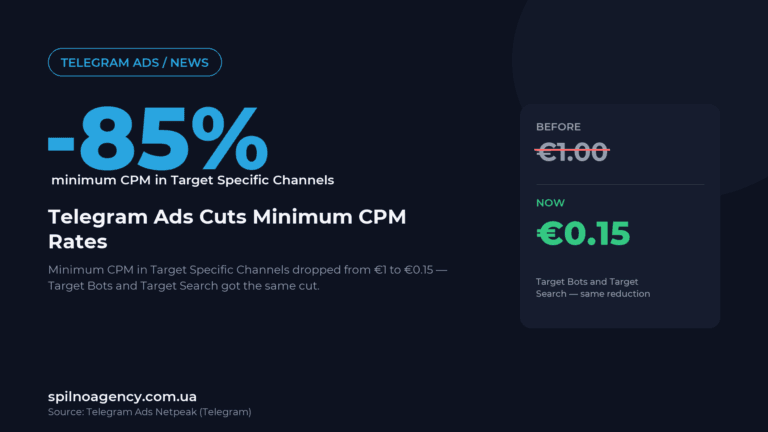
Telegram Ads Cuts Minimum CPM in Target Specific Channels From €1 to €0.15
Telegram Ads cut the minimum CPM in Target Specific Channels, Target Bots and Target Search from €1 to…
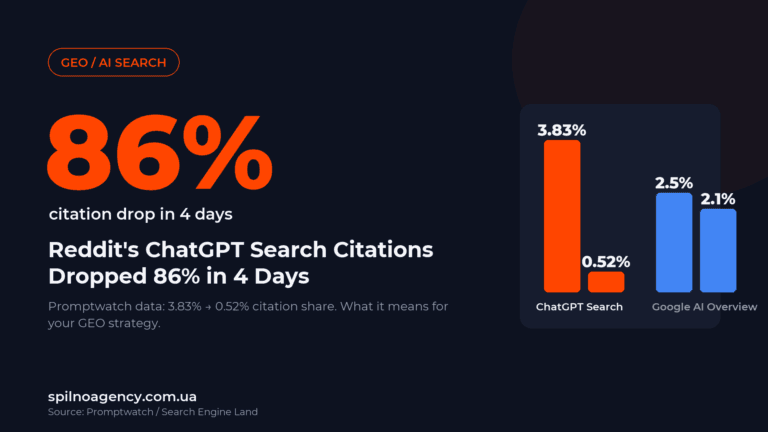
Reddit’s ChatGPT Search Citations Dropped 86% in 4 Days: What It Means for GEO
Reddit's ChatGPT Search citation share fell from 3.83% to 0.52% in 4 days. Promptwatch data and what it…