How Claude Helps Spilno Agency: Google Merchant Coverage in Google Ads

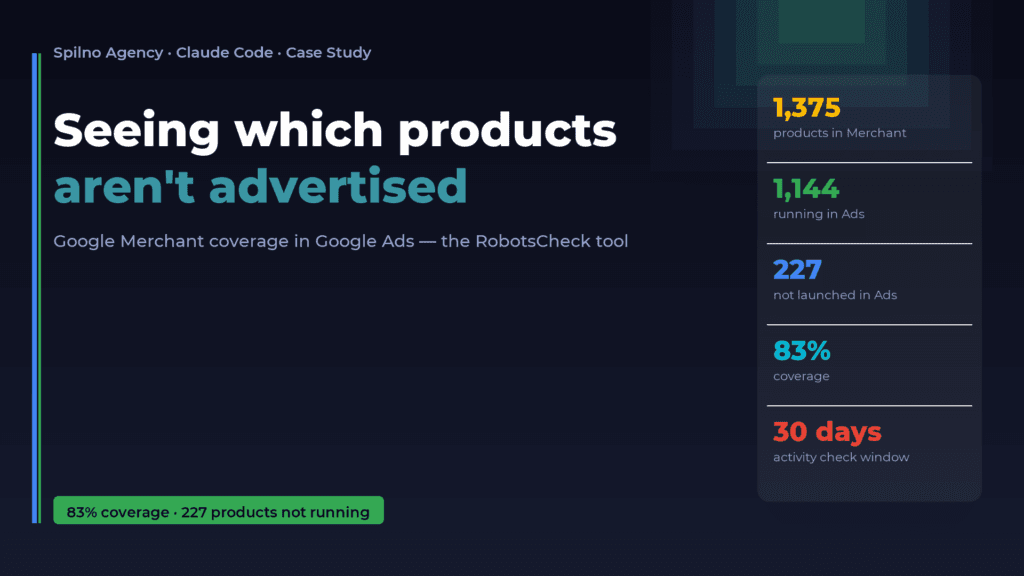
An online store lists 1,375 products in Google Merchant — but how many of them are actually running in Google Ads? Standard reports can’t answer that. Together with Claude Code, Spilno Agency built a “Google Merchant Coverage in Google Ads” tool on its internal RobotsCheck platform: it cross-checks both sources and produces a concrete list of products that passed moderation but never made it into a campaign. In the example below: 227 such products and 83% coverage.
A blind spot no standard report catches
Picture an online store with 1,375 product listings. All of them appear to be in the feed, all look “active” in Merchant Center. But how many are actually running in Google Ads? No standard report answers that — not Merchant Center, not Google Ads on its own.
It’s a classic performance-marketing blind spot: a product can be perfectly formatted in the feed, pass Google’s moderation, and simply never make it into a single ad campaign. Or make it in — with zero activity. The client pays for producing and shipping the item, and the ad about it stays silent. Without a dedicated audit, this only surfaces by accident — when someone on the team manually cross-checks two interfaces, product by product.
At 1,375 listings, doing that by hand isn’t an audit — it’s weeks of work.
The solution: a tool that compares Merchant and Ads for you
Within its internal RobotsCheck platform, the Spilno Agency team, working with Claude Code, built a new tool: “Google Merchant Coverage in Google Ads.” Its job is stated in the simplest possible terms: show the specialist which products are actually being advertised, which aren’t, and why.
The idea was obvious from the start — the implementation wasn’t. This isn’t a one-off script; it’s a full platform module, with OAuth integration, reason explanations, search, filters, PDF reports, and scheduled email digests. Here’s how it works.
How it works technically
- Connecting two sources. The specialist connects Google Merchant Center and Google Ads with the same Google account (or different ones — the system handles that correctly and remembers which account to authorize against which service).
- Per-product status from the Merchant Content API. The tool pulls the full product list and its real status for the Shopping Ads destination — approved, pending, or disapproved.
- Checking activity in Google Ads. For products Merchant considers active, the system additionally checks whether there was real activity in ad campaigns over the last 30 days.
- Merging into one report. The two sources roll up into clear categories: running, not launched in Ads, rejected by Merchant, in moderation — with the reason attached where one exists.
This isn’t a simple SQL join of two tables. The most interesting moment came during debugging: the first version of the Merchant status parser showed that all 1,375 products were disapproved — even though 1,270 of them were green and approved in Merchant Center itself. The reason turned out to be subtle: the Google Content API sometimes returns status: "disapproved" even for products that are genuinely approved in the target country (the real information hides not in that field, but in the per-country approval lists). Without live comparison against a real client account, that nuance would have been impossible to catch — this is exactly where iterative work with Claude Code, testing every hypothesis against real data instead of in a vacuum, proved its worth.
What the specialist sees
The result isn’t just a number — it’s a tool for daily use:
- A dashboard with key metrics: how many products are running, how many aren’t launched in ads, how many Merchant rejected, and the overall coverage percentage.
- A product table searchable by name, item ID, price, or reason — sortable by any column.
- A “Google Ads campaign name” column — instantly shows which campaign a product is running in, or that there’s no campaign at all.
- The reason on hover — if Merchant rejected a product, the specialist sees Google’s actual error text (e.g., “product page not accessible”) right away, without switching interfaces.
- A one-click PDF digest — a branded report with the numbers, ready to drop into client reporting.
- A public report link — a live report can be shared with a client or colleague without giving them access to the platform itself.
- Scheduled email delivery — the specialist sets the days and time once, and the coverage digest lands in their inbox automatically, no manual runs needed.
A real client example
Here’s an actual digest snapshot from one of the agency’s clients — an online store:
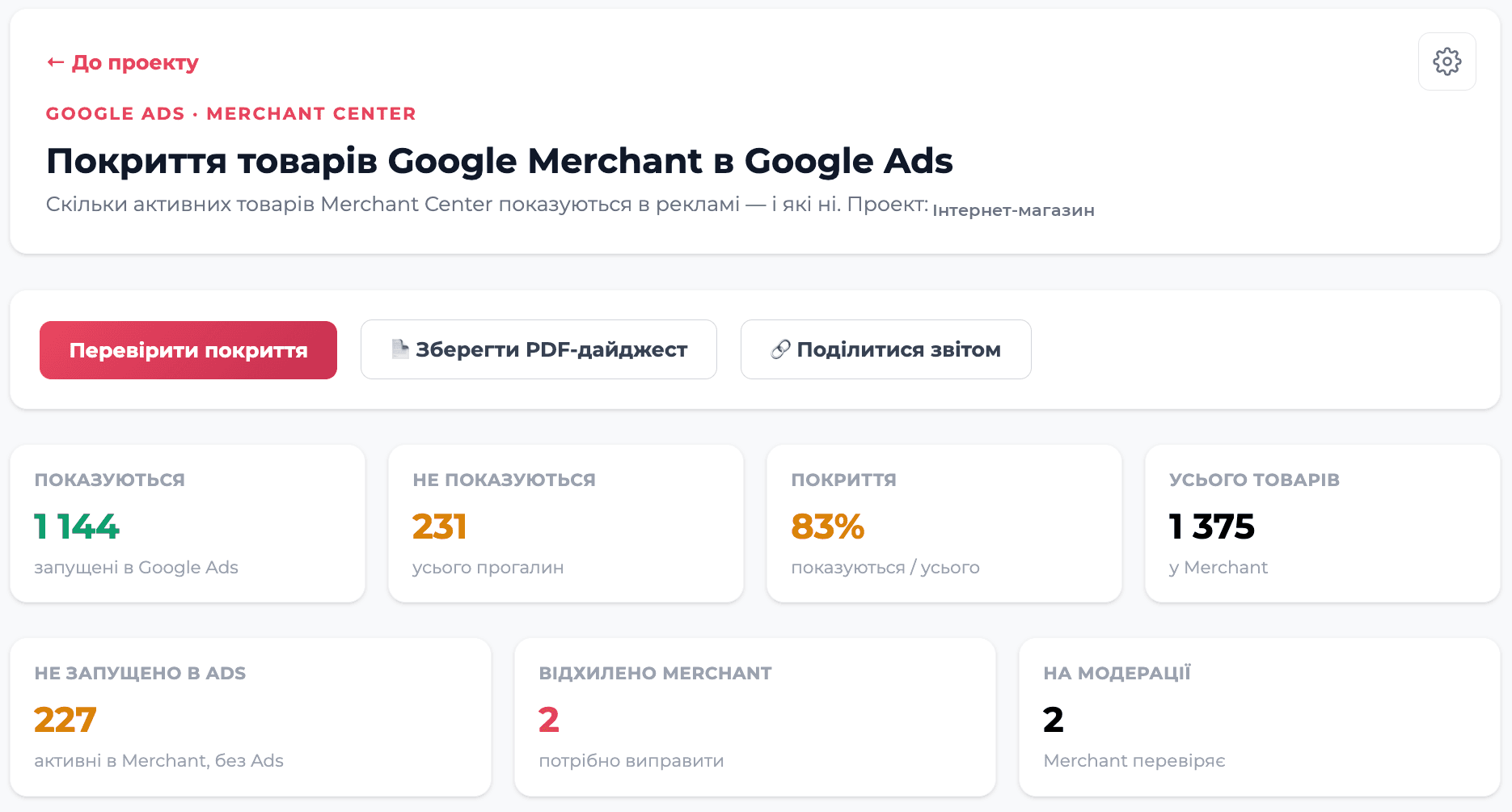
| Metric | Value |
|---|---|
| Total products in Merchant | 1,375 |
| Running in Google Ads | 1,144 |
| Not launched in Ads | 227 |
| Rejected by Merchant | 2 |
| In moderation | 2 |
| Coverage | 83% |
83% on its own is a neutral number. But behind it sits a concrete, actionable list: 227 products that passed Google’s moderation, are ready to run — and simply never got added to a campaign. For an online store, that’s not an abstract metric, it’s a direct signal: here are the exact SKUs, add them to a Performance Max or Shopping campaign, and they’ll start driving traffic tomorrow.
Without the tool, this information would exist only as a hunch — “it seems like not all products are being advertised.” With the tool, it’s a list of 227 items, ready for action.
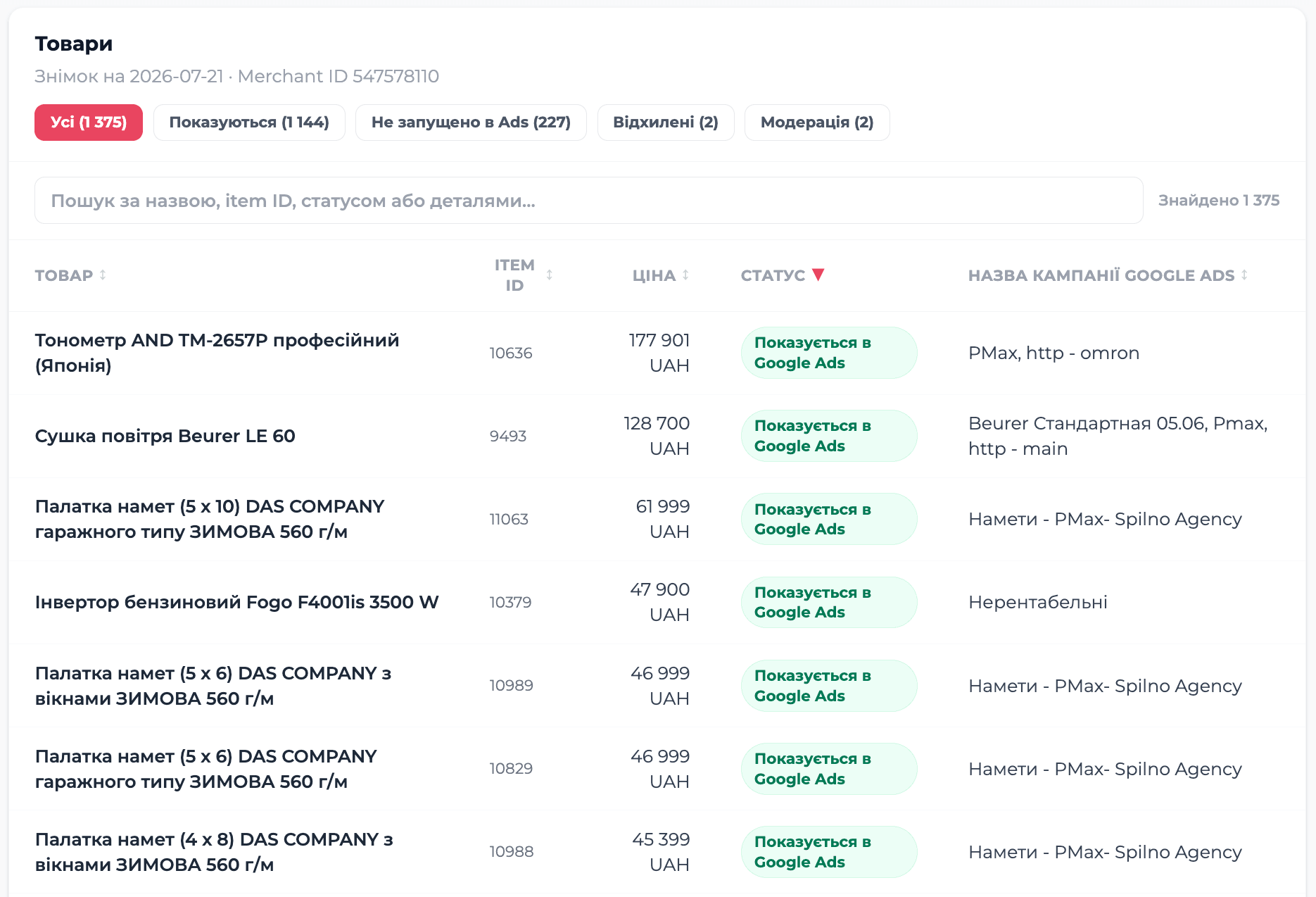
The same digest is also available as a one-click PDF: download a sample PDF digest.
Why this matters for an agile performance-marketing team
The core value here isn’t the report itself — it’s that this work simply wasn’t being done before, because it was too labor-intensive to run manually on an ongoing basis. Now a Google Ads specialist:
- doesn’t spend hours manually cross-checking Merchant and Ads;
- gets a clear, prioritized action list instead of a vague “something feels off”;
- can automate regular coverage checks for each client individually;
- shares a transparent report with the client via a single link.
It’s a small example of how Claude Code is used at Spilno Agency — not for generating text or code for show, but for building real internal products that directly affect the efficiency of clients’ ad spend, from the first idea to a production tool with live data, authentication, scheduled delivery, and PDF reporting.
RobotsCheck is Spilno Agency’s internal platform for SEO and PPC audits, continuously built out alongside Claude Code.

Read also
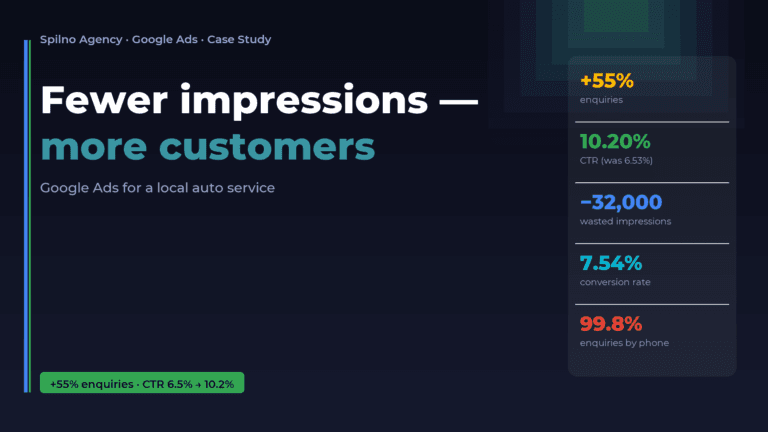
Google Ads for a Local Auto Service: Fewer Impressions, More Customers (Case Study)
A local auto service was spending its ad budget on tens of thousands of cheap impressions that barely…
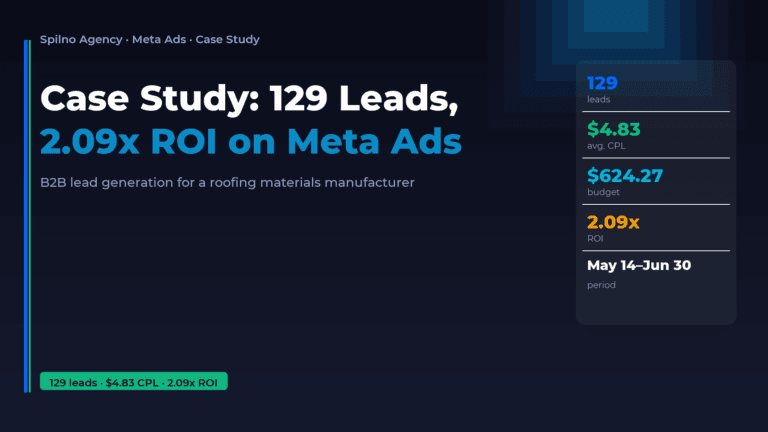
B2B Manufacturer Case Study: 129 Leads and 2.09x ROI with Meta Ads
A European roofing and facade materials manufacturer approached Spilno Agency with a clear goal — build a B2B…
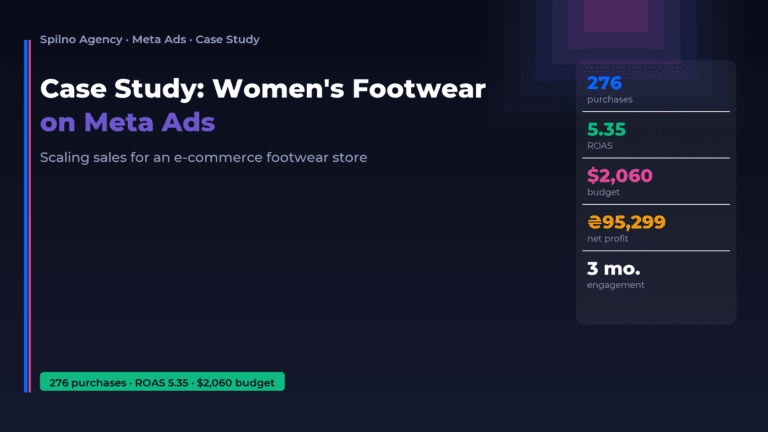
Case Study: Scaling Sales for a Women’s Footwear Brand with Meta Ads — 276 Purchases, ROAS 5.35
Our client is a mid-range women’s footwear retailer with an offline store network and its own e-commerce shop.…