Instagram: What Are Reels and How to Use Them

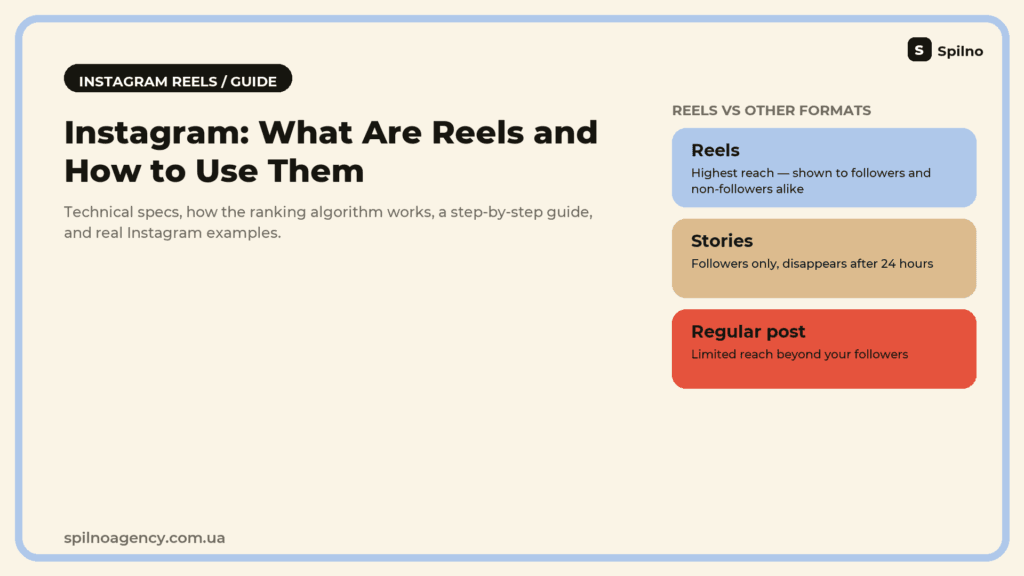
Reels are Instagram’s short vertical video format, actively pushed by the platform into a dedicated tab and recommendations feed — even to people who don’t follow you. That’s why Reels often get far more organic reach than a regular post or Story. This guide covers how Reels differ from Stories and TikTok, the correct technical specs, how the ranking algorithm works, a step-by-step guide to filming and publishing a Reel, and real examples from live Instagram accounts.
What are Instagram Reels
Reels is Instagram’s short vertical video format, launched in August 2020 as a direct response to TikTok. Unlike a regular video post or a Story, Reels have their own tab on a profile and a separate recommendations feed on the app’s home screen, where videos reach people even if they don’t follow the creator.
Instagram’s built-in editor covers trimming clips, adding music from the Instagram library, effects, text, stickers, and transition templates. A finished Reel can be published to the profile feed and, separately, to Stories — the two aren’t mutually exclusive.
Reels vs Stories vs a regular post vs TikTok
All four formats look similar — short vertical video — but they follow different distribution logic and live in different parts of the app.
| Reels | Stories | Regular video post | |
|---|---|---|---|
| Length | Up to 3 minutes | Up to 60 sec per clip | Up to 60 minutes |
| Lifespan | Permanent on profile | 24 hours (or Highlights) | Permanent on profile |
| Who sees it | Followers + recommended to non-followers | Mostly followers | Mostly followers |
| Where it appears | Reels tab, Explore, main feed | Stories bar at the top | Main feed |
| Typical reach | Highest of all formats | Medium, depends on engagement | Lower than Reels |
TikTok and Reels are technically almost identical — short vertical video with music and effects. The key difference is distribution: TikTok’s “For You” feed is built purely on the viewer’s interests, while Instagram Reels also factors in who you already follow and pushes accounts with an existing Instagram audience more aggressively. That’s why a brand with an established Instagram profile often gets a stronger initial boost on Reels than a brand new TikTok account starting from zero.
Technical specs for Reels
| Parameter | Recommendation |
|---|---|
| Aspect ratio | 9:16 (vertical video) |
| Resolution | 1080 × 1920 pixels |
| Length | Up to 3 minutes (15-30 sec performs best) |
| Frame rate | 30 fps |
| File format | MP4 or MOV |
| Max file size | Up to 4 GB |
Important: video shot horizontally and padded with black bars into a vertical frame is shown less often — it fills the screen poorly and reads as content “repurposed” from another platform. Shoot vertically from the start, holding the phone in portrait mode.
How Instagram’s algorithm promotes Reels
Instagram is openly investing in Reels as a TikTok competitor, so the recommendation algorithm prioritizes this format more heavily than any other content type. Placement in the Reels tab and Explore depends on several factors: watch-through rate, how quickly the first reactions arrive after publishing, the number of shares to Stories and DMs, and whether the video uses original audio or a trending sound from the Instagram library.
Videos re-uploaded with a TikTok (or other app) watermark are detected by the algorithm and deliberately shown less — Instagram openly encourages content filmed or edited natively in the app rather than imported from elsewhere.
Reel ideas that perform well
- Tutorials and life hacks. A step-by-step demo (makeup, a recipe, a product setup) — a format viewers save and forward to friends.
- Before/after. A visual transformation — a renovation, a fitness result, a product outcome — one of the most shareable formats.
- Trending sounds and challenges. Using a popular audio track early in its trend cycle boosts the chance of landing in wider recommendations.
- Behind the scenes / day-in-the-life. Showing the production process, the team, or the day-to-day of a business — builds trust and humanizes the brand.
- UGC and creator collaborations. Video from real people or creators in an “organic review” style — read more in our guide to UGC content.
- Quick replies to comments. A Reel answering a question from the comments — a format Instagram separately flags and promotes.
Examples of Reels from live Instagram accounts
The format is best understood through real examples — here are three Reels from Ukrainian brand accounts, each with a different approach.
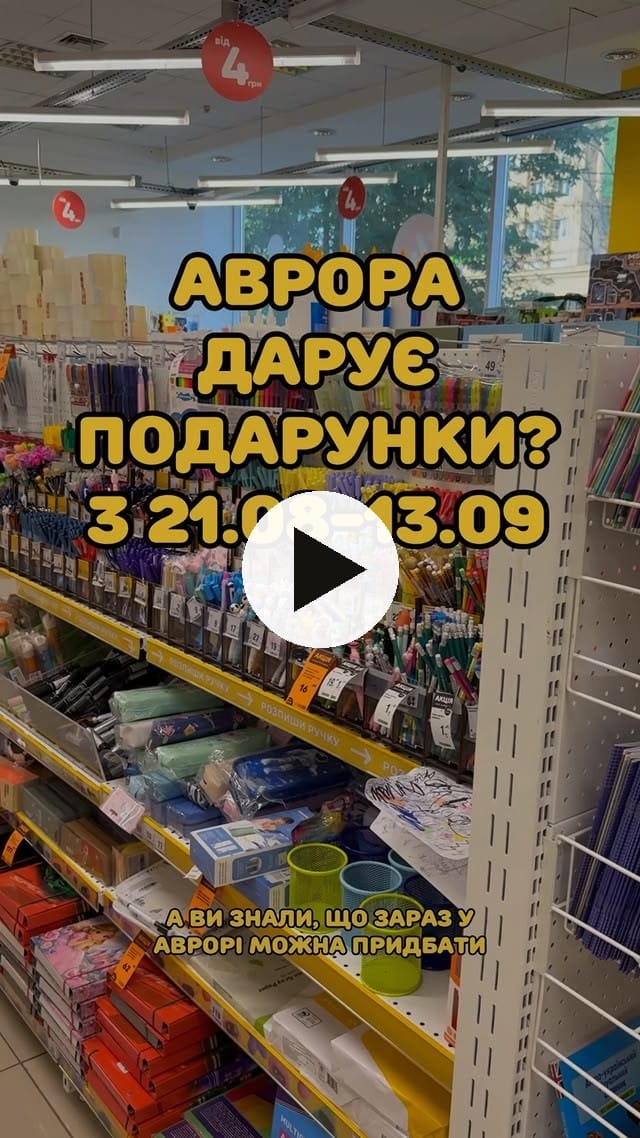
- Avrora Multimarket (@avrora.multimarket) — a home-goods retail chain. Films Reels as “surprise unboxing” clips with a trending sound and fast cuts — exactly the kind of video that tends to land in new-viewer recommendations.
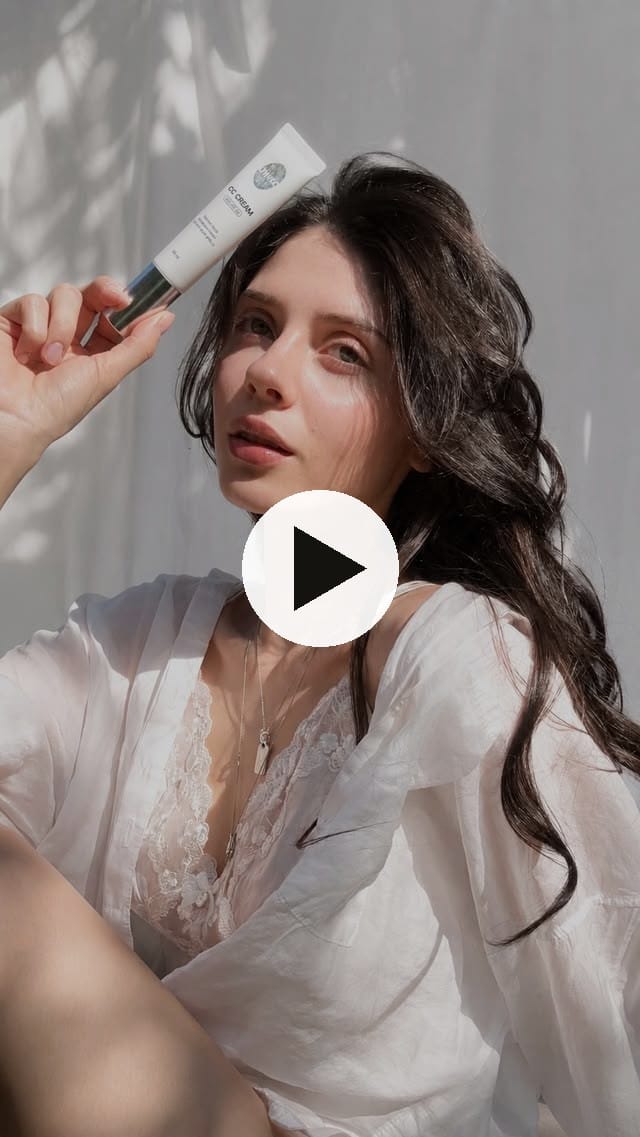
- UNICO (@unico.ukraine) — a color-cosmetics brand. Uses a “before/after” tutorial format showing how the product looks on skin, with a clear hook in the first seconds.
- SOLMAR (@solmar_official) — a basics apparel brand with over a million followers. Builds Reels around a light, humorous tone — the brand’s success metric isn’t immediate sales but views and shares that build recognition.
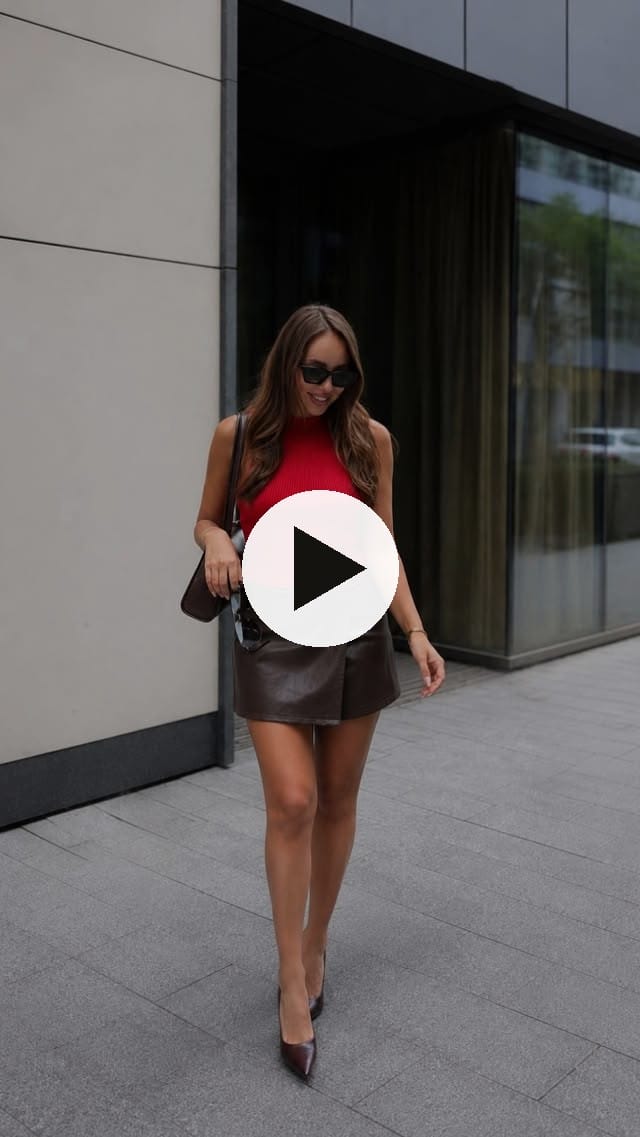
Below are the actual videos. Clicking the card opens the Reel on Instagram.
Avrora Multimarket — unboxing Reel
UNICO — tutorial Reel
SOLMAR — humor-driven Reel
How to film and publish a Reel: step by step
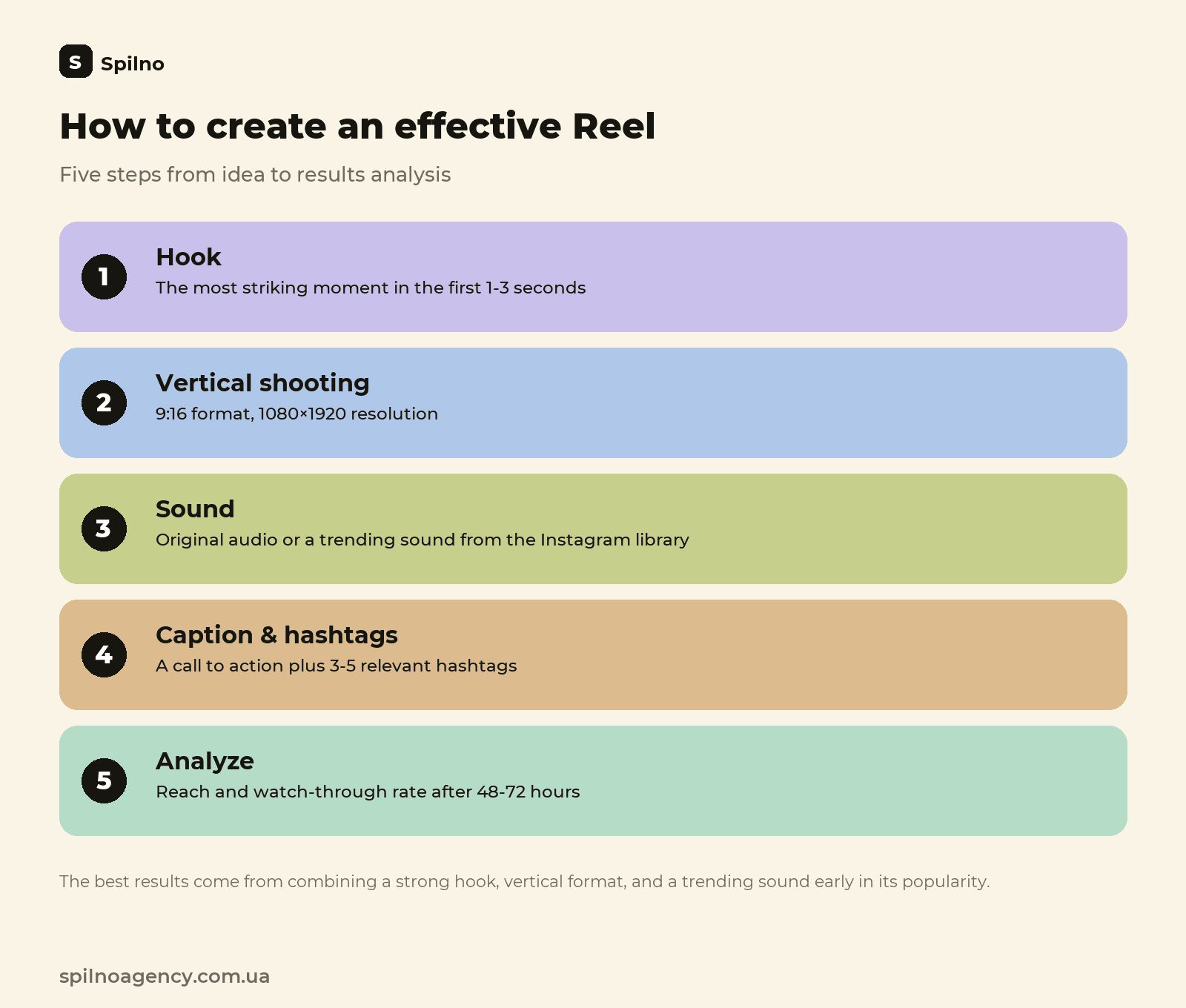
- Plan the hook. The first 1-3 seconds decide whether a viewer stays — start with the most striking moment, not a slow build-up.
- Shoot vertically. Hold the phone in portrait mode, 9:16 — horizontal video gets shown less often.
- Open the Reels tab in the Instagram app. Tap “+” → Reels, pick a video from your gallery or film directly in the app.
- Add music or keep the original audio. Choose a trending sound from the Instagram library or keep the video’s native audio — the algorithm rates both positively.
- Edit. Trim clips, add text, stickers, or transitions using the built-in editor.
- Write a caption and add hashtags. A short caption with a clear call to action (save, share, DM) and 3-5 relevant hashtags.
- Publish and analyze. After 48-72 hours, check reach, watch-through rate, and shares in Reels insights — this shows whether the format is worth repeating.
Common Reels mistakes
- Horizontal video with black bars. Shoot vertically from the start — a reformatted horizontal video gets shown less often.
- A TikTok or other app’s watermark. Instagram detects re-uploaded video with someone else’s logo and suppresses its reach.
- A slow start with no hook. If the first seconds are a brand logo or a slow build-up, most viewers scroll past.
- No caption or call to action. Without a clear “save this,” “share this,” or a question in the caption, viewers watch and forget instead of engaging.
- Publishing without checking insights. Not reviewing watch-through rate and reach after publishing means missing the chance to learn what actually works for your audience.
Reels trends in 2026
- AI editing tools. Auto-captioning, AI pacing edits, and AI avatars speed up Reels production without losing quality.
- Reels with shopping tags. Direct product tagging in a Reel with a link to the catalog — a format that brings content and sales closer together.
- Longer educational Reels. Alongside short 15-30 second trends, demand is growing for substantive 60-90 second tutorials and walkthroughs.
- UGC-style “raw” production. Brands are deliberately filming Reels without polished production so they don’t read as ads — more in our guide to UGC content.
- Reels as a GEO signal. AI assistants increasingly draw on brand activity and mentions across social media — an active Reels presence boosts brand recognition in AI search too.
Tools for creating Reels
Basic Reels editing can be done right inside the Instagram app — the built-in editor covers most small-business needs. For more advanced editing, CapCut (free, the most popular tool among Reels and TikTok creators), InShot, or Adobe Premiere Rush handle mobile editing with transitions and color correction. For scheduling posts and analyzing insights across several accounts, Meta Business Suite (free, from Meta itself) or third-party tools like Later and Hootsuite work well.
Frequently asked questions about Instagram Reels
What are Instagram Reels in simple terms?
Reels are short vertical videos on Instagram, up to 3 minutes long, similar to TikTok. Reels are shown not only to followers but also in a dedicated Reels tab and the recommendations feed, which is why this format typically drives far more reach and new followers than a regular post or Story.
What is the maximum length of an Instagram Reel?
As of 2026, Instagram allows Reels up to 3 minutes (180 seconds) long. However, the algorithm favors short clips of 15-30 seconds with a strong hook in the first 1-3 seconds — longer videos tend to have a lower watch-through rate, which hurts reach.
How are Reels different from Stories and a regular video post?
Stories disappear after 24 hours and are shown mostly to followers in a chronological feed. A regular video post stays on the profile permanently but has limited organic reach beyond followers. Reels are the only format Instagram actively pushes into a dedicated Reels tab and recommendations to people who don’t follow you, which is why the reach is dramatically higher.
What is the correct size and format for a Reel?
The optimal aspect ratio is 9:16 (vertical video), recommended resolution is 1080×1920 pixels, at 30 fps. File format should be MP4 or MOV. Video shot horizontally or padded with black bars is shown less often, since it fills the vertical screen poorly.
Why do Reels get more views than regular posts?
Instagram deliberately prioritizes Reels in its recommendation algorithm to compete with TikTok — the company has openly stated it is investing in the format. Reels land in the Reels tab, the Explore feed, and recommendations even for users who don’t follow the account, while a regular post is mostly seen by existing followers only.
Do I need original music to get a Reel promoted?
Not strictly, but Instagram’s algorithm clearly favors original audio (recorded together with the video) and trending sounds from the Instagram library over videos re-uploaded with a TikTok watermark. Using a trending sound in the early days of its popularity also increases the chance of reaching a wider recommended audience.

Read also
Google Data Studio (Looker Studio): What It Is and What It Can Do
Looker Studio (formerly Google Data Studio) is Google's free BI tool. We break down connectors, dashboards, and use…
UGC Content: What It Is and How to Use It in 2026
UGC content is reviews, unboxings, and videos made by real people. Types of UGC, what a UGC creator…
Lead Generation: What It Is and How It Works in 2026
Lead generation is how businesses attract potential customers. Lead types, inbound vs outbound, 2026 channels, lead scoring, and…