CMS: What It Is and How Your Choice Affects SEO

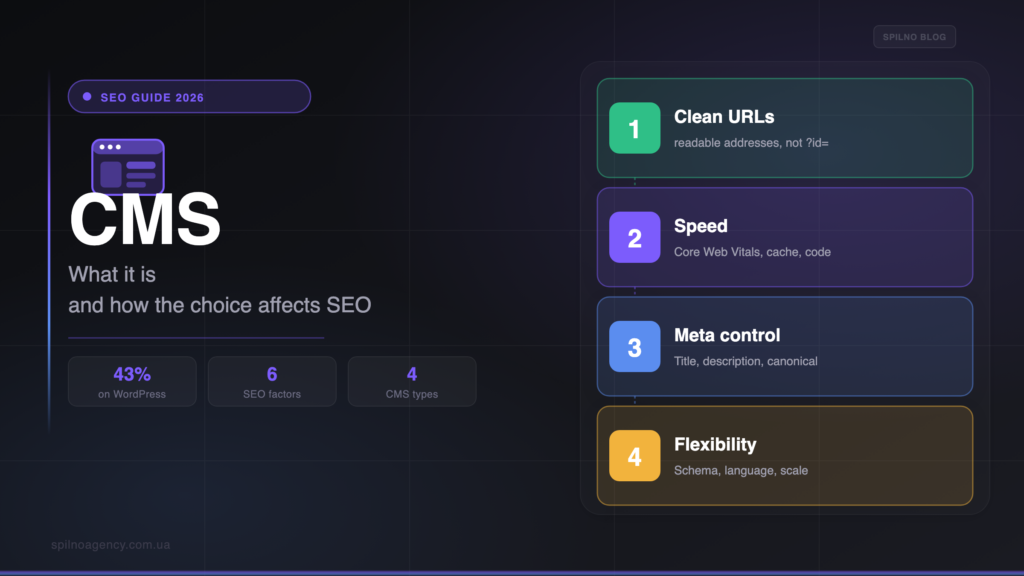
A CMS (content management system) is the platform you use to build a site and manage its content without code: WordPress, Joomla, Drupal, Shopify, Wix. Choosing a CMS is not only about easy editing — it directly decides how easily the site can be promoted in search. URL structure, speed, mobile-friendliness, control over titles and meta, canonical, Schema and the sitemap all depend on the CMS. In this guide: what a CMS is in plain terms, what types exist, which factors in a CMS are critical for SEO, and how to choose a platform you won’t have to fight later.
What a CMS is in simple terms
A CMS (Content Management System) is the software foundation of a website that lets you create pages and manage content through a convenient admin panel, without writing code by hand. Instead of editing HTML files, you work in a visual editor: you add articles, products and images, and set up menus and categories. The CMS stores content in a database and “assembles” a finished page every time a visitor or a search bot opens it.
In plain terms, a CMS is the “engine” of a site. It decides what a page address looks like, how fast it loads, whether you can edit the Title and description for search, and whether Schema markup is added. That makes choosing a CMS not a cosmetic but a fundamental decision that sets the technical foundation for all future SEO.
The main types of CMS
Before talking about SEO, it helps to tell the types apart — each gives a different level of control over technical elements:
- Open-source CMS (WordPress, Joomla, Drupal). Free code you install on your own hosting. Maximum flexibility, full file access, thousands of SEO extensions. The best control over technical SEO, but it needs maintenance.
- SaaS platforms and builders (Shopify, Wix, Squarespace). The site runs on the provider’s servers for a monthly fee. A fast start with no hosting, but more limited access to code, URL structure and fine-grained SEO settings.
- Headless CMS (Strapi, Contentful). Content is stored separately and delivered via API to any front end. Very flexible and fast, but it needs developers and your own care for SEO rendering.
- Custom CMS. Built from scratch for a specific project. There is flexibility, but every SEO mechanism has to be coded and maintained yourself — the riskiest option for promotion.
Does a CMS affect SEO
The short answer: being on a CMS is not itself a ranking factor, but the specific CMS you choose affects SEO very strongly — indirectly, through the technical capabilities it grants or takes away. Google gives no bonus for WordPress or Drupal. It does, however, reward sites that load fast, have a clean structure, correct canonicals, a mobile version and structured data. Whether you can implement all of that depends precisely on the CMS.
In other words: a flexible, SEO-friendly platform removes technical obstacles and lets you focus on content and links. A closed or custom CMS can block basic optimisations for years — and then you lose to competitors not on content but on the “engine”.
What matters in a CMS for SEO: 6 key factors
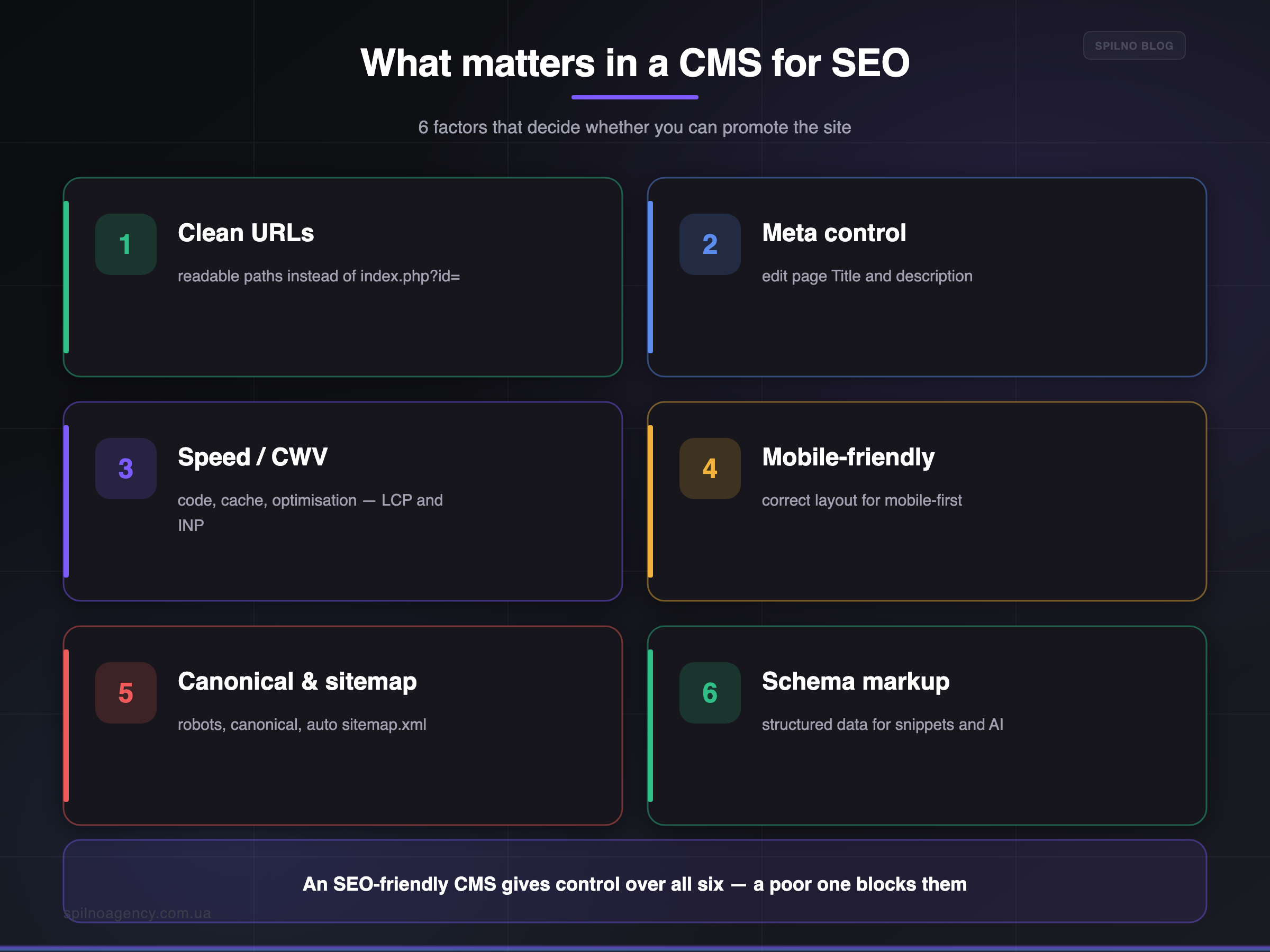
When assessing a CMS for promotion, look not at the platform’s marketing but at whether it gives control over these six things:
- Clean URLs. Addresses like
/cms-for-seoinstead of/index.php?id=572. Readable URLs rank and get clicked better. A CMS should allow full control over the address structure. - Title and meta control. The ability to edit the title and description of every page is a basic SEO need. In good systems this is done via SEO plugins (Yoast, Rank Math) or built-in fields.
- Speed and Core Web Vitals. Clean code, caching and image optimisation affect
LCPandINP. A “heavy” CMS with bulky templates drags speed down. - Mobile responsiveness. Google uses mobile-first indexing. The CMS and its templates must work correctly on phones out of the box.
- Canonical, robots and sitemap. Control over
canonical,meta robots, an automaticsitemap.xmland a correctrobots.txt— without them you cannot avoid duplicates and indexing problems. - Structured data (Schema). Support for
Schema.org/ JSON-LD (products, articles, FAQ, breadcrumbs) helps win rich snippets and stay visible in AI overviews.
Speed is a big topic of its own: how to get the most out of caching on WordPress, we covered in the guide on the LiteSpeed Cache plugin.
How to choose a CMS for SEO, step by step
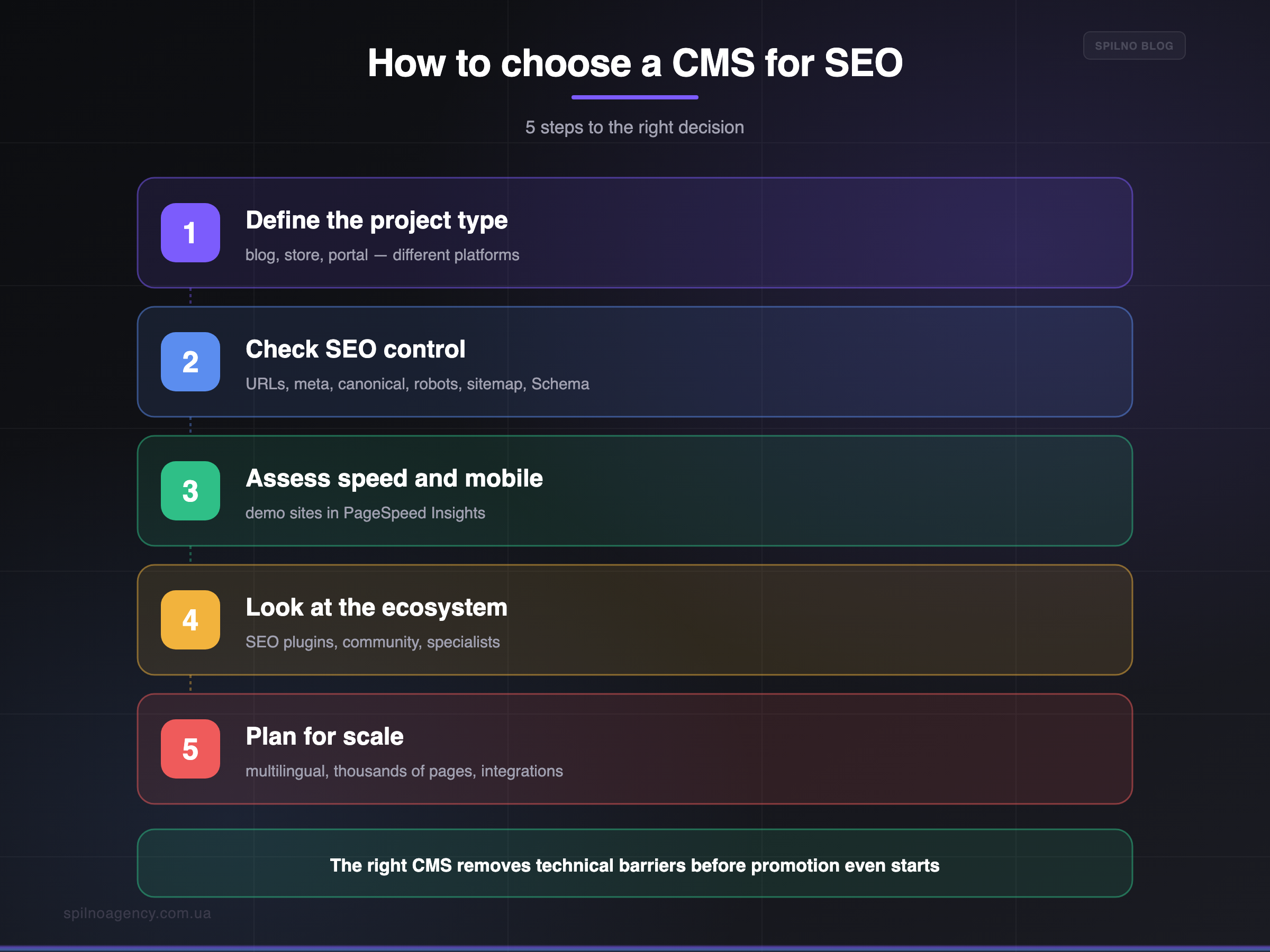
- Define the project type. Blog, corporate site, online store or portal — each has its optimal platforms. Don’t take a “store” CMS for a blog, or vice versa.
- Check control over technical SEO. Make sure the CMS lets you manage URLs, titles, meta, canonical, robots, sitemap and Schema. This is the mandatory minimum.
- Assess speed and mobile. Run demo sites on that CMS through PageSpeed Insights. Heavy builders often lose on Core Web Vitals.
- Look at the ecosystem and support. SEO plugins, documentation, a community and available specialists save budget and time on promotion.
- Plan for scalability. The CMS must handle growth: thousands of pages, multilingual setups (
hreflang), filters, integrations. Switching CMS later is expensive and risky for SEO.
If you are at the stage of building a new site, SEO should be laid down before launch — we collected the order of steps in a separate guide on SEO during development in the blog.
A quick overview of popular CMS for SEO
A rough comparison of the most common platforms from a promotion standpoint. We compared them in more detail in the article on comparing CMS platforms for an SEO-ready website.
| CMS | Best for | SEO control | Complexity |
|---|---|---|---|
| WordPress | Blogs, business sites, stores (WooCommerce) | Very high (Yoast / Rank Math) | Low |
| Shopify | Online stores | Sufficient, but URLs are limited | Low |
| Drupal | Large enterprise portals | Very high | High |
| Joomla | Catalogues, communities, mid-size sites | High | Medium |
| Wix / Squarespace | Landing pages, small business | Basic, limited | Very low |
| Headless (Strapi etc.) | Custom products, dev teams | Flexible, but “by hand” | High |
Common mistakes when choosing a CMS
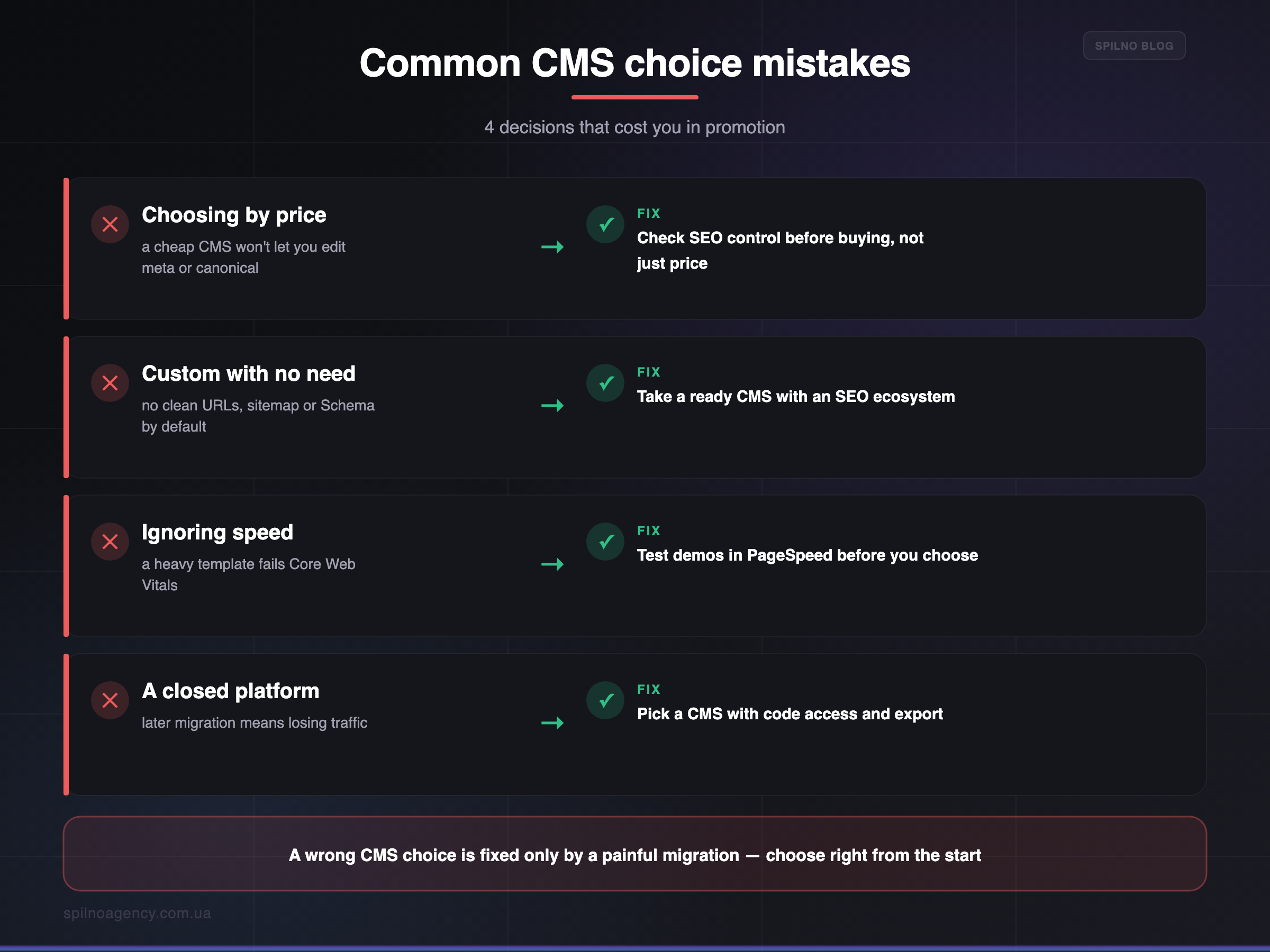
- Choosing by price instead of capabilities. The cheapest builder may not let you edit meta or canonical — and SEO hits a ceiling.
- A custom CMS with no real need. Every SEO mechanism has to be written from scratch; the typical result is duplicate URLs, no sitemap and no Schema.
- Ignoring speed. A beautiful but “heavy” template fails Core Web Vitals and hurts both rankings and conversions.
- A closed platform with no export. If the CMS gives no access to code and data, migrating later without losing traffic is very hard.
- Choosing a CMS without planning for growth. A platform that can’t handle multilingual setups or thousands of products forces a painful migration.
Frequently asked questions (FAQ)
What is a CMS in simple terms?
It is the “engine” platform of a site that lets you create pages and manage content through an admin panel without code. Examples: WordPress, Joomla, Drupal, Shopify, Wix. The CMS decides how pages are built and served, so it directly affects technical SEO.
Does the choice of CMS affect SEO?
Yes. The CMS determines URL structure, speed, mobile, control over titles and meta, canonical, sitemap and Schema. A flexible platform gives full control; a closed or custom one restricts it. Being “on a CMS” is no bonus, but a poor CMS technically slows promotion.
Which CMS is best for SEO?
There is no universal winner. For blogs and business sites — WordPress with Yoast/Rank Math; for stores — WordPress + WooCommerce or Shopify; for large portals — Drupal. What matters is not the name but control over URLs, meta, speed, Schema and mobile.
What does an SEO-friendly CMS mean?
It is a CMS that lets you create clean URLs, edit titles and meta, control canonical and robots, generate sitemap.xml, add Schema, and stay fast and responsive. If a platform locks away even some of these, it makes SEO harder.
Can you change CMS without losing rankings?
You can, but it is risky and needs planning: keep URLs or set up 301 redirects, carry over meta and content, update the sitemap and watch indexing in Search Console. With a clean migration the dip is temporary; better to choose the right CMS from the start.
Should you build a site on a custom CMS?
Usually not. Every SEO capability has to be coded and maintained yourself, which is expensive and often leads to technical errors. Ready-made platforms already have these mechanisms and an ecosystem of SEO extensions, so for most businesses they are the better choice.
Not sure which CMS fits your goals and SEO?
Spilno Agency helps European businesses choose and correctly configure a CMS, build technical SEO right from the development stage and run migrations without losing rankings. Get in touch and we’ll match a platform to your project.

Read also
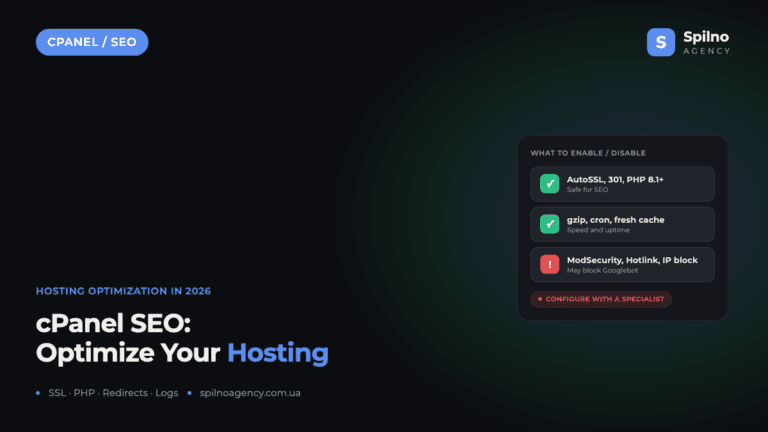
cPanel SEO: How to Optimize Your Hosting for Search in 2026 (Enable & Disable)
cPanel is a hosting control panel that packs dozens of features with a direct impact on SEO: HTTPS…

Cloudflare for SEO: How to Configure It to Improve Search Performance in 2026
Cloudflare works as a proxy and CDN between the visitor and your website, and it can noticeably affect…

How Spilno Agency Does On-Page SEO Optimization with Claude
Spilno Agency runs on-page SEO optimization together with the AI agent Claude — following one document standard that…