Meta Ads’ New Setting: “New Customer Acquisition” at the Ad Set Level

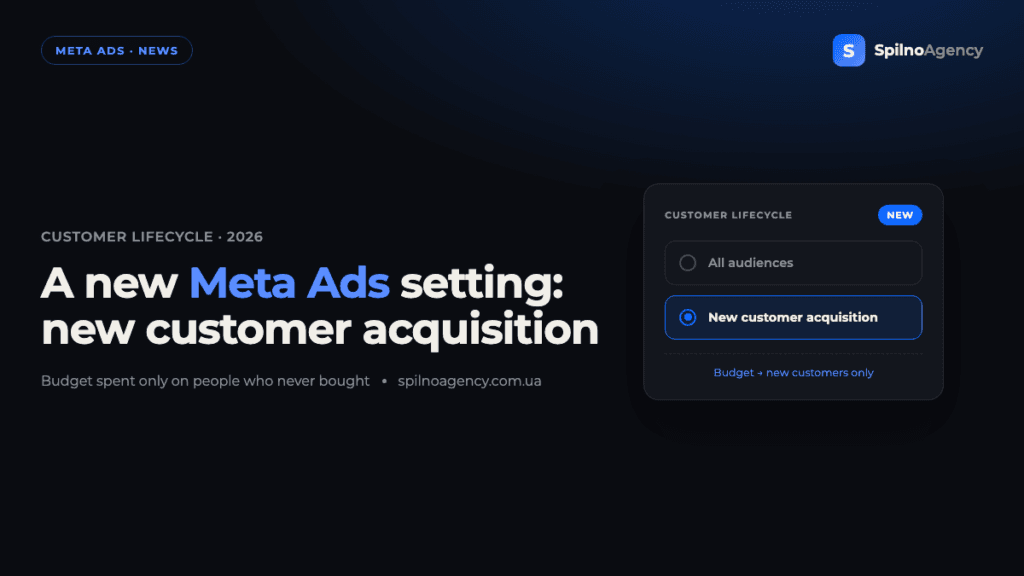
Meta Ads has added a new ad set–level setting — “Customer lifecycle strategy”. It offers two options: “Get conversions from all audiences” (the default behaviour so far) and a new one — “New customer acquisition”. Pick the second and Meta spends the ad set’s budget only on people who have never purchased from your business: the algorithm filters out existing customers automatically using Pixel, Conversions API and uploaded customer lists. Here’s what the feature is, how the two options differ, who should use it and what to watch for.
What happened: a customer lifecycle strategy in Meta Ads
When you configure an ad set in manual Sales campaigns, Meta now shows a “Customer lifecycle strategy” block. The dropdown has two optimisation choices: prioritise conversions from all audiences, or focus entirely on new customers. The hint under the option says it plainly: choose “New customer acquisition” if conversions from people who have never purchased are more valuable to your business — “this may increase your cost per result”.
The feature began rolling out in early 2026 for manual Sales campaigns and isn’t available in every ad account yet — the rollout is gradual. In effect it’s prospecting without manual exclusions, built into Meta Ads: what marketers used to handle with custom-audience exclusion lists is now a single setting.
Two options: all audiences vs. new customers
The “Customer lifecycle strategy” dropdown gives you two choices:
- “Get conversions from all audiences.” The algorithm optimises across both new and existing customers — finding whoever converts at the lowest cost per result. Good for broad sales, limited-time offers and any case where you want maximum conversion volume.
- “New customer acquisition.” Budget goes only to people who have never purchased. Every conversion is a net-new customer, so your true acquisition count grows. It may raise cost per result, because the audience is narrower.
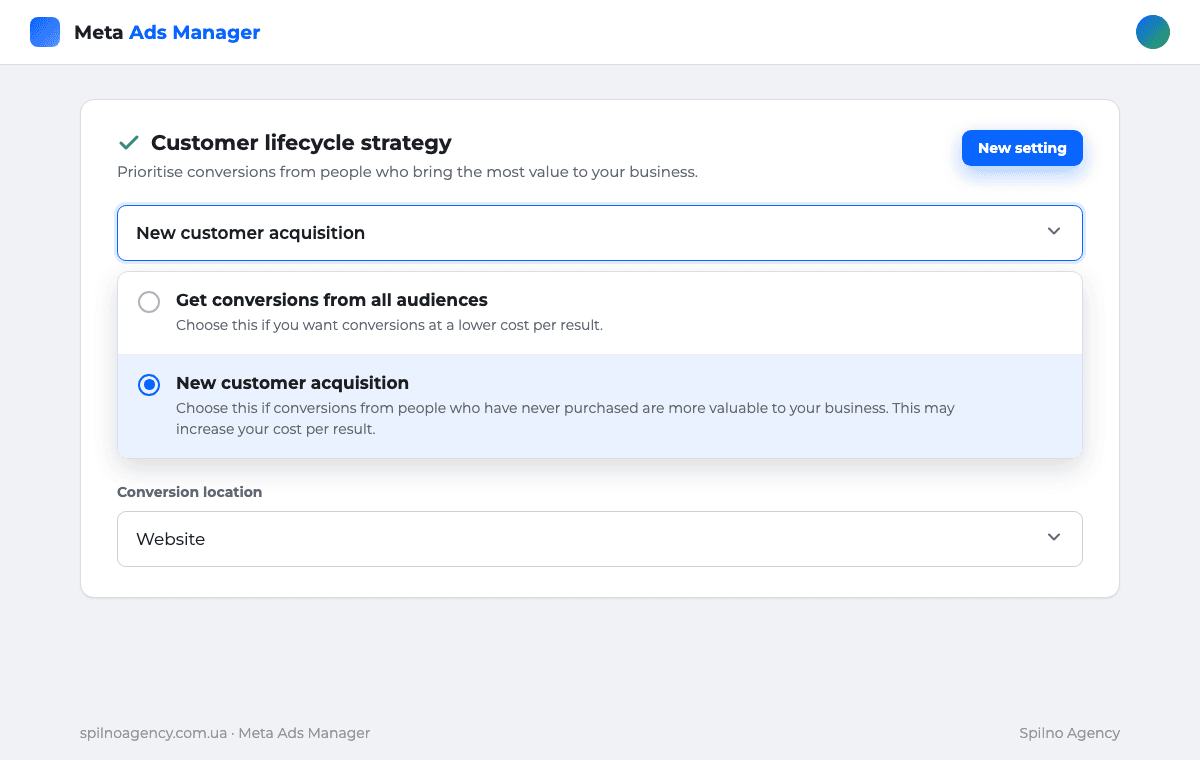
The image above shows the same screen. At the top is the “Customer lifecycle strategy” block; “New customer acquisition” is selected in the dropdown, with the conversion location — Website — below. The first option optimises for the cheapest result; the second optimises for pure new-customer growth.
How it works
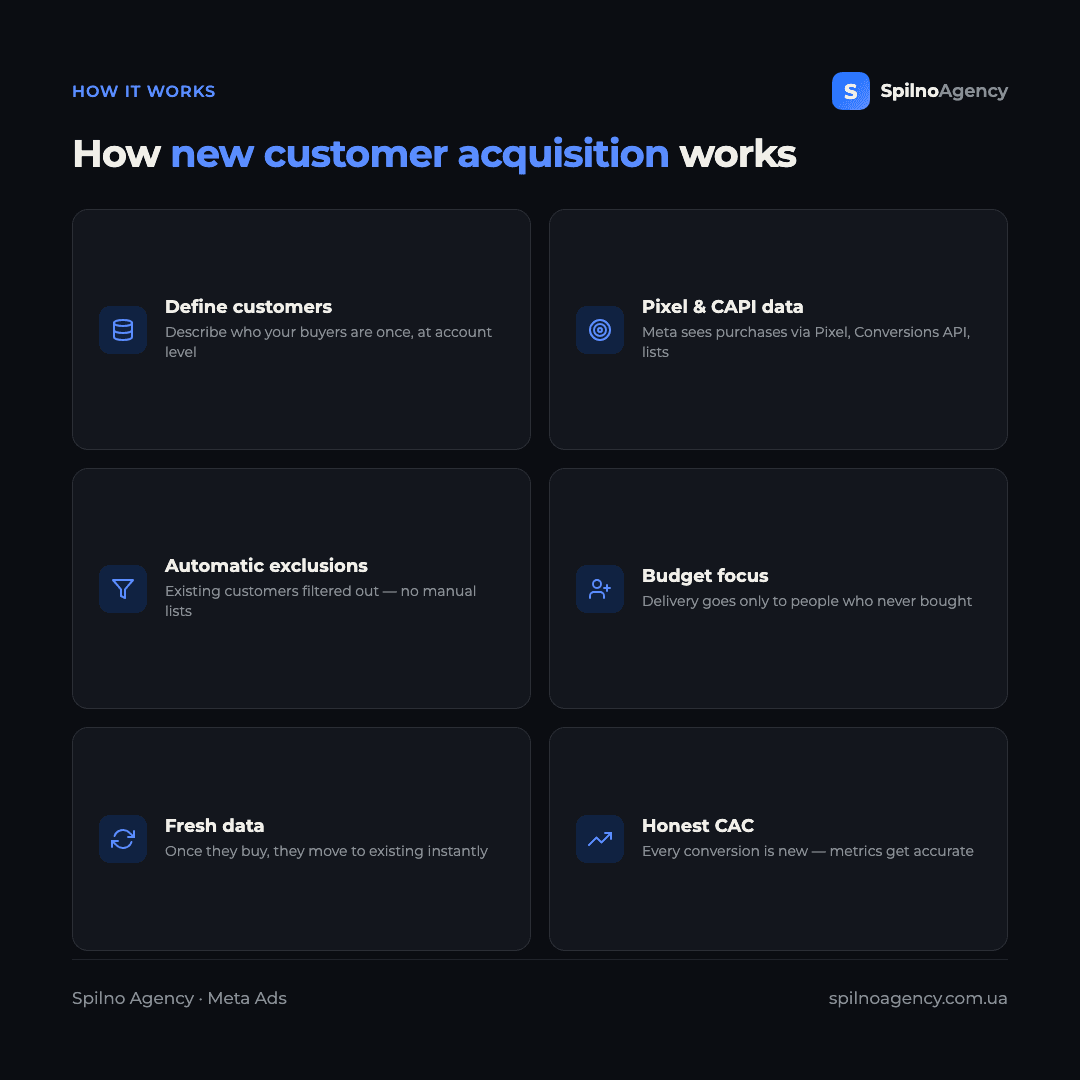
The mechanic is simple: you define who counts as an existing customer once, and Meta then automatically excludes those people from any ad set where “New customer acquisition” is on.
- Define existing customers. At the ad-account level you describe who your buyers are — via
Pixel/Conversions APIevents and uploaded customer lists. - Meta flags “new” vs. “existing”. A new customer is typically someone who hasn’t purchased within a set window (for example, the last 180 days) based on Pixel/CAPI data.
- The algorithm filters delivery. In an ad set with the option on, budget is spent only on new people — existing customers are excluded automatically, no manual lists required.
- Lists stay fresh in real time. Once someone buys, they move into “existing”, so your definition never goes stale the way manual custom audiences do.
The key difference from the old approach: you no longer maintain and refresh a buyer-exclusion list in every campaign — Meta handles it centrally.
Who should turn on “New customer acquisition”
It isn’t for everyone. It’s useful when:
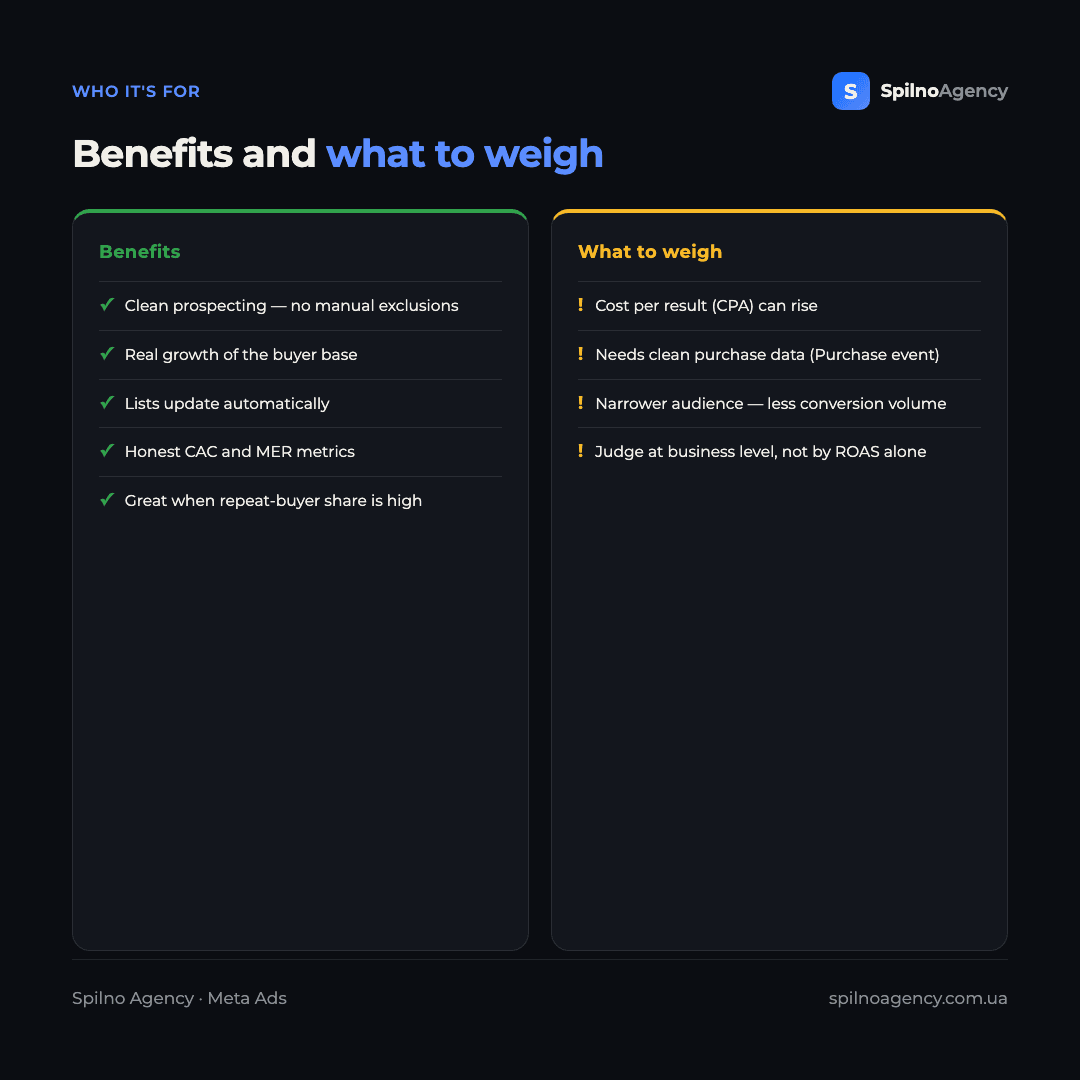
- You want real base growth. If the goal is new buyers rather than repeat sales, this stops budget leaking onto people who would have bought anyway.
- You run remarketing separately. Existing customers are handled by other campaigns, so prospecting should stay “clean”.
- You have many repeat buyers. The more loyal customers you have, the more budget they consumed in broad campaigns — so the saving here is biggest.
- You need an honest CAC. When every conversion is a new customer, customer acquisition cost (CAC) and Marketing Efficiency Ratio (MER) are measured far more accurately.
When to keep “all audiences”: during seasonal sales, promos and launches where maximum conversion volume at the lowest cost matters more than distinguishing new from existing buyers.
How to set it up
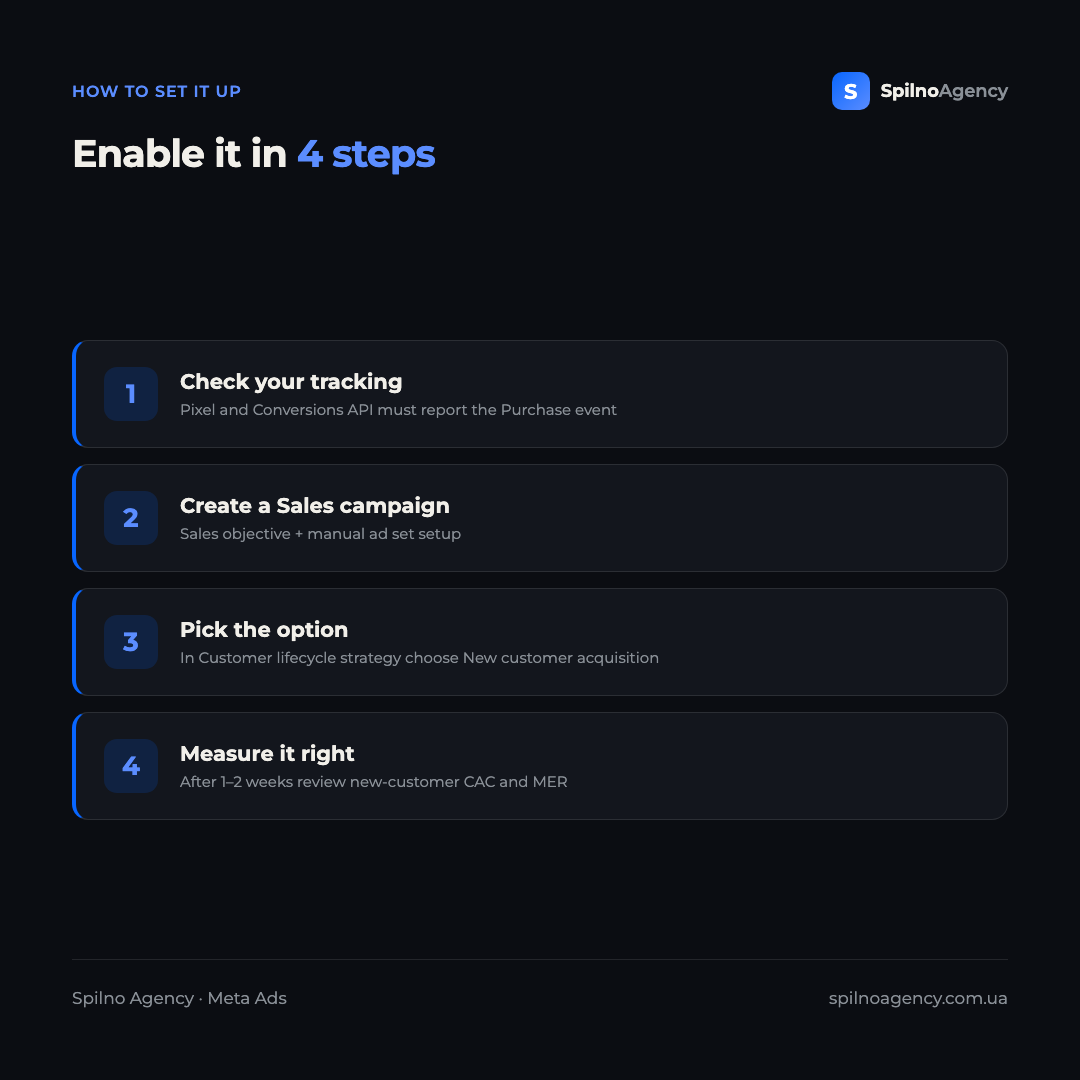
You can enable the strategy in a few steps:
- Check your tracking.
Pixeland ideallyConversions APImust report thePurchaseevent correctly — without purchase data Meta can’t tell new from existing. - Create a Sales campaign. Choose the Sales objective and manual setup (the option doesn’t appear in every Advantage+ scenario).
- Open the ad set. In the “Customer lifecycle strategy” block, select “New customer acquisition” from the dropdown.
- Measure it right. Let the algorithm exit learning, then after 1–2 weeks look at new-customer CAC and MER — not just the in-platform ROAS.
What to watch for
A few things to keep in mind before turning it on:
- Cost per result can rise. A narrower audience usually means higher CPA — that’s expected, because you’re paying specifically for new customers.
- You need clean purchase data. If the
Purchaseevent is poorly configured, the new/existing split will be inaccurate. - Measure at the business level. Judge it by CAC and MER, not in-platform ROAS alone — otherwise the option looks “more expensive” despite delivering real growth.
- Still rolling out. If it isn’t in your account yet, that’s a matter of time — the rollout is gradual.
For more on how Meta increasingly drives delivery with AI, see our piece on the AI assistant in Meta Ads. The new lifecycle strategy is part of the same trend: the advertiser sets a goal, and the algorithm decides who to show ads to.
Comment from a Spilno Agency specialist

FAQ
What is the “Customer lifecycle strategy” in Meta Ads?
It’s an ad set–level setting in manual Sales campaigns that decides who the budget optimises for: all audiences, or new customers only. The “New customer acquisition” option directs delivery solely to people who have never purchased from your business.
How does “New customer acquisition” differ from “all audiences”?
“Get conversions from all audiences” seeks the cheapest conversion among everyone (new and existing). “New customer acquisition” spends budget only on new people — every conversion is net-new growth, though cost per result may be higher.
How does Meta decide who is a “new” customer?
From Pixel, Conversions API and uploaded customer-list data. Typically a new customer is someone who hasn’t purchased within a defined window (for example, the last 180 days). That’s why a correctly configured Purchase event is essential.
Is the feature available in my account?
It has been rolling out gradually since early 2026 for manual Sales campaigns and isn’t in every account at once. If you don’t see it, check again later — the rollout is ongoing.
Will my ad costs go up after enabling it?
Cost per result (CPA) is often higher because the audience is narrower — you exclude the “easy” conversions from existing customers. But judge performance by new-customer acquisition cost (CAC) and MER at the business level, not by in-platform ROAS alone.
Who should enable “New customer acquisition”?
Businesses whose goal is real growth of the buyer base, with separate remarketing and a high share of repeat buyers. For seasonal sales and maximum conversion volume, it’s usually better to keep “all audiences”.
The new lifecycle strategy makes prospecting in Meta Ads simpler and more honest: budget goes to genuinely new customers without manual exclusions. To set up Pixel, Conversions API, the Purchase event and structure campaigns properly for new-customer growth, the Meta Ads team at Spilno Agency can help European businesses do it correctly and measure real base growth.

Read also
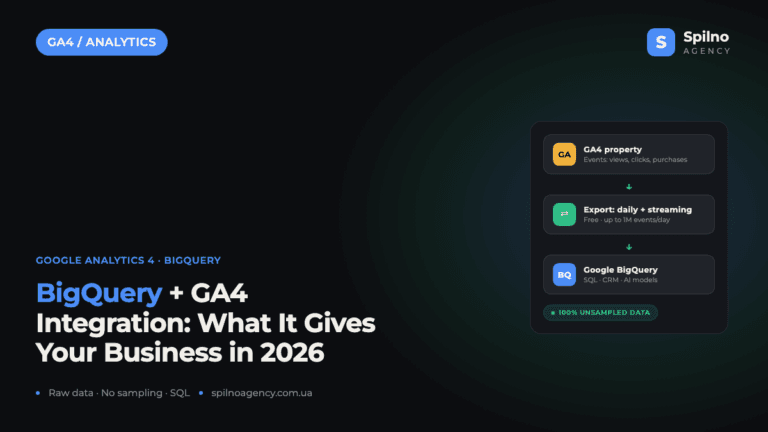
BigQuery + Google Analytics 4 Integration: Why It Matters and What It Gives Your Business in 2026
The BigQuery + Google Analytics 4 integration is a native, free export of raw, event-level data from GA4…
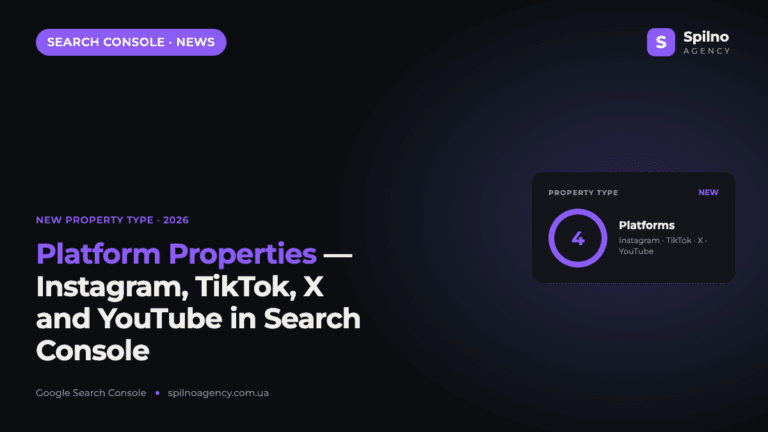
Google Search Console Adds Platform Properties for Instagram, TikTok, X and YouTube
Google has launched a new Search Console property type — platform properties. Owners of Instagram, TikTok, X and…
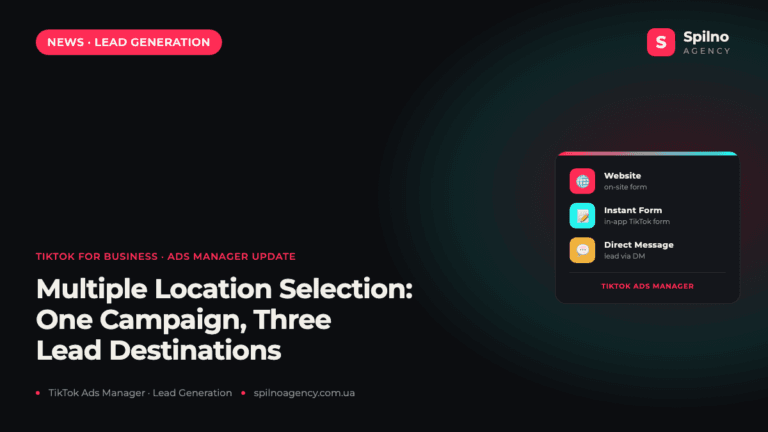
TikTok Ads Manager Adds Multiple Location Selection for Lead Generation
TikTok for Business has rolled out Multiple Location Selection — a new TikTok Ads Manager feature for Lead…