Meta AI: Business Assistant Is Now Live Inside Meta Ads

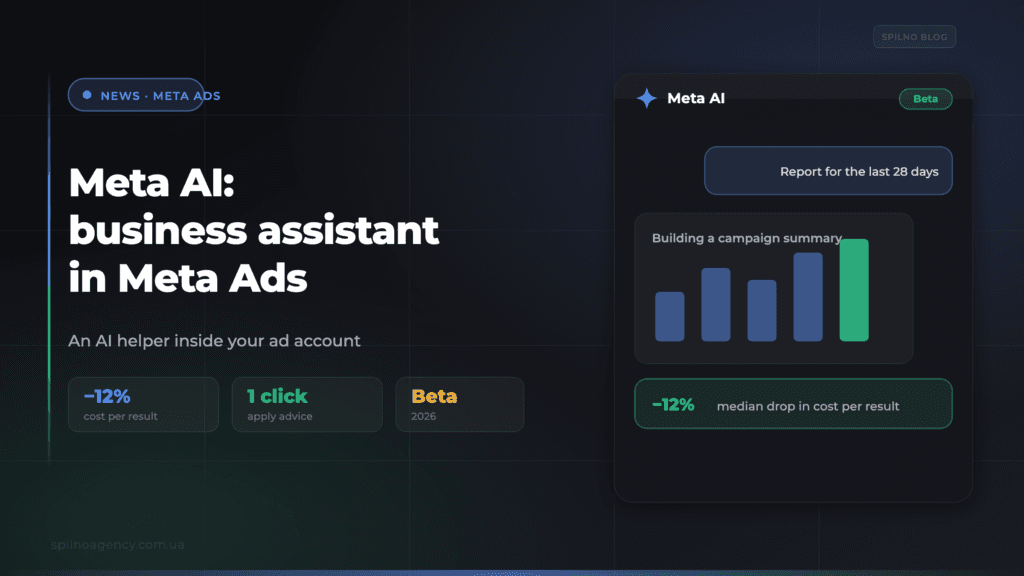
Meta AI — a business assistant is now live inside Meta’s ad accounts, working right within Ads Manager and Business Suite. It analyses campaigns, builds charts and insights, compares results to industry benchmarks, delivers opportunity score recommendations and helps resolve account issues — and you can apply its advice with a single click. By Meta’s own numbers, the assistant’s recommendations deliver a median 12% decrease in cost per result. Here’s what it does, where to find it and what it means for advertisers.
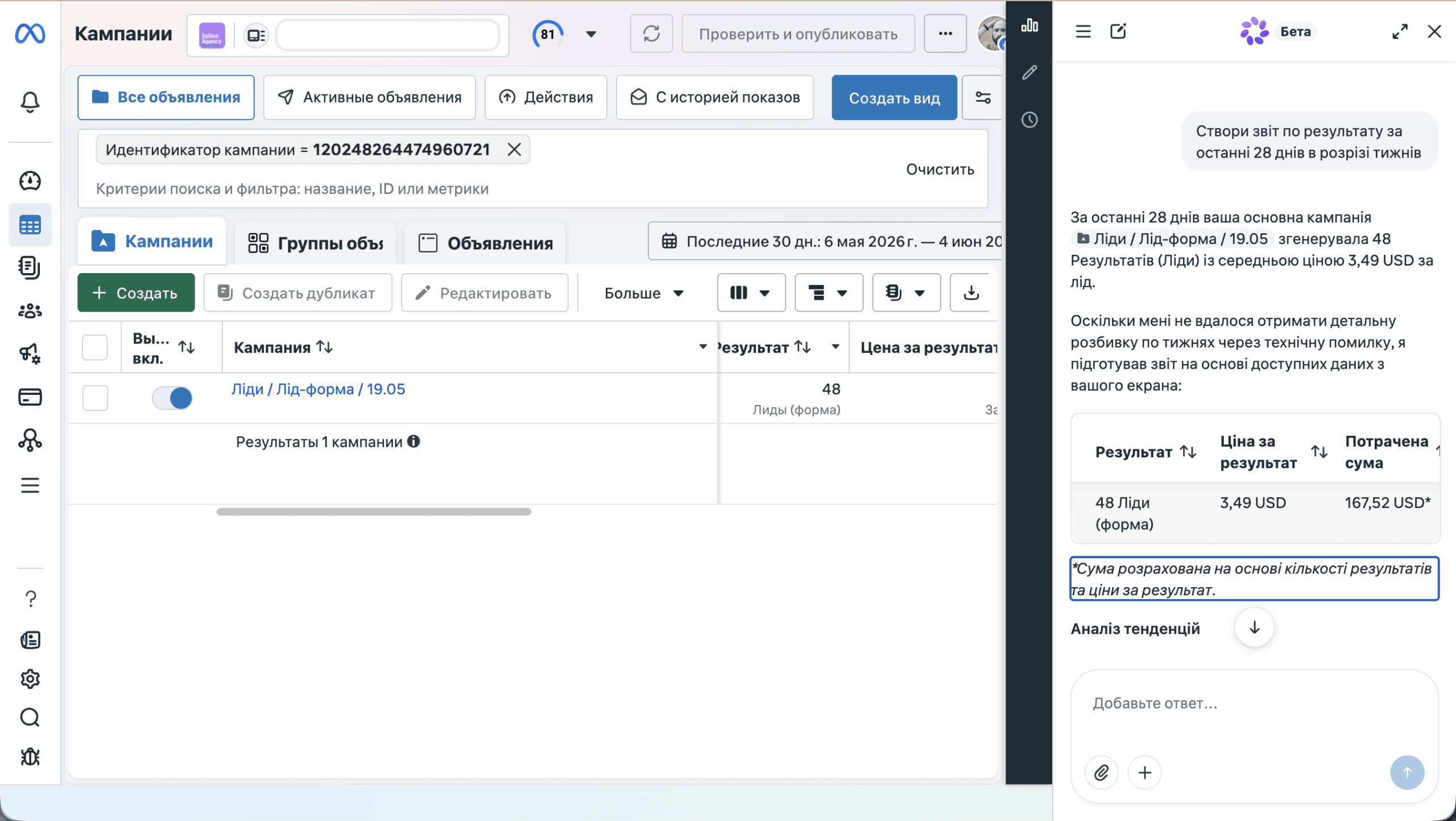
The image above shows the Meta AI business assistant inside a Meta Ads account: asked to “create a report on results for the last 28 days,” the assistant builds a campaign summary right in the panel. Source: Meta for Business — AI Business Assistant.
What happened
Meta has opened access to Meta AI — the business assistant inside its ad accounts. It is not a separate app but a helper integrated directly into the Ads Manager and Business Suite interface: you ask it questions in plain language and get insights, charts and concrete actions without leaving the account. The rollout is staged, and a pop-up inside the account announces when it becomes available.
Previously, understanding what was happening with campaigns meant building reports manually, digging through help articles to find the cause of failures, and switching between dozens of tabs. Now the assistant takes on that work — from analysing results to suggesting exactly what to improve.
What the Meta AI business assistant is
The Meta AI business assistant is a conversational AI helper for advertisers that lives inside Meta’s advertising tools. Its job is to simplify campaign management: explain the data, benchmark it against the market, surface growth opportunities and help quickly resolve technical or administrative account issues. One early user described it as feeling “less like a tool and more like a strategic partner driving smarter business decisions.”
What the assistant can do
The assistant covers the full advertising workflow — from analytics to error fixing:
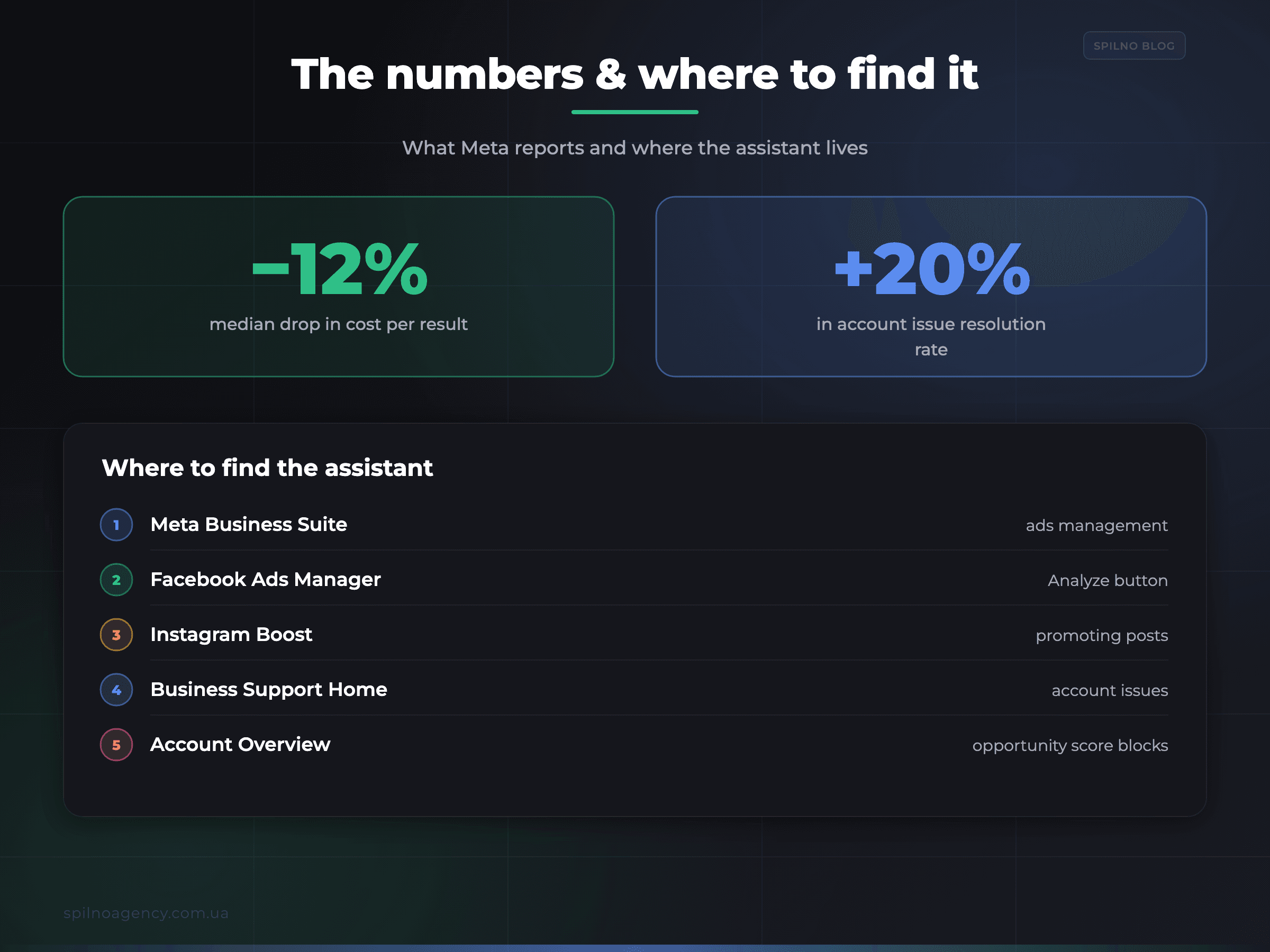
- Insights and charts from campaign data. Builds summaries and visuals based on your results — as in the screenshot above.
- Comparison to industry benchmarks. Shows how your metrics stack up against the market.
- Opportunity score recommendations. Suggests concrete actions to improve performance.
- Account issue resolution. Helps with disabled accounts, daily spend limits and delivery errors.
- Pixel and Conversions API advice. Personalised tracking recommendations.
- Creative suggestions. Ideas for improving your ads.
- Trend analysis. Assesses overall performance dynamics.
- One-click actions. Recommendations apply instantly, without manual setup.
| Task | What the assistant does |
|---|---|
| Analytics | Insights, charts, benchmark comparisons, trend analysis |
| Optimisation | Opportunity score recommendations, creative suggestions |
| Tracking | Pixel and Conversions API setup |
| Support | Account reactivation, spend limits, delivery errors |
| Execution | Applying recommendations in one click |
The numbers Meta cites
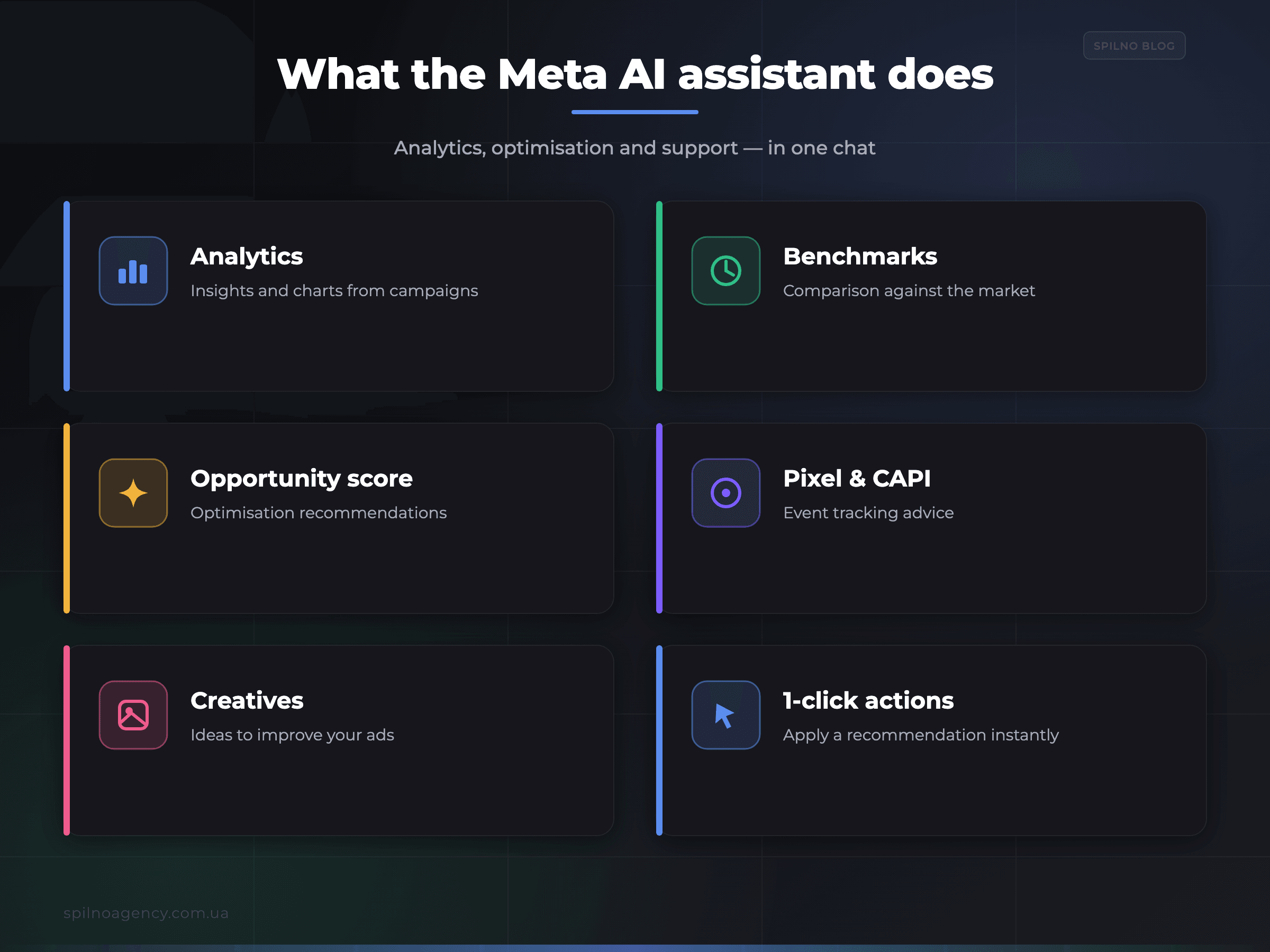
- −12% cost per result (median). The average saving for advertisers who apply opportunity score recommendations.
- +20% resolution rate. How much more often common account management issues get resolved.
- Time saved. Less manual testing and interface navigation.
Where to find Meta AI
The assistant appears at several points across the Meta ecosystem:
- Meta Business Suite — the hub for managing pages and ads.
- Facebook Ads Manager — including the
Analyzebutton in the campaign table. - Instagram Boost — while promoting posts.
- Business Support Home — for resolving account issues.
- Account Overview and
opportunity scorerecommendation blocks.
What it means for advertisers
The assistant is part of Meta’s broader push toward AI-driven ad automation (Advantage+, automatic placements, generative creatives). For businesses across Europe, it brings several practical shifts:
- Lower barrier to entry. Basic analytics and diagnostics are now available via a plain-language query — no deep interface knowledge required.
- Faster reaction. Delivery and account issues are resolved right in the conversation, without long searches in the help centre.
- Recommendations aren’t gospel. Opportunity score advice is useful, but check it against your business goals: the assistant optimises for Meta’s metrics, not your margin.
- The specialist’s role changes, but doesn’t disappear. AI takes the routine; strategy, campaign structure and data work stay with the human.
If the assistant advises improving your tracking, start with the foundation — a correctly configured Meta Pixel and Conversions API. Without clean data, any AI recommendation works blind.
How to start and what to keep in mind
- Wait for access. The assistant rolls out in stages — a pop-up in the account will announce it.
- Language is English. At launch the assistant works in English; phrase your queries accordingly.
- Verify the data. Before applying a one-click recommendation, make sure it matches your strategy and budget.
- Keep tracking healthy. Pixel and Conversions API must send clean events — otherwise the advice will be off.
Availability: still beta
The Meta AI business assistant is in beta and available in English. The rollout to a wider circle of advertisers will continue throughout 2026. If you don’t see the assistant in your account yet, that’s normal: access opens in waves, and the relevant notification should appear later.
Frequently asked questions (FAQ)
What is the Meta AI business assistant?
An AI helper built into Ads Manager and Business Suite. It analyses campaigns, gives opportunity score recommendations, suggests creative and Pixel/Conversions API improvements, and resolves account issues. Advice applies in one click.
Where do I find it?
In Meta Business Suite, Facebook Ads Manager (the Analyze button in the campaign table), Instagram Boost, Business Support Home, and the Account Overview and opportunity score sections.
How much does it cost?
The assistant is built into Meta’s advertising tools and is not a separate paid product. There is no extra fee — you only pay for the advertising.
Does everyone have access yet?
Not yet. The tool is in beta, in English; the rollout continues throughout 2026. If you don’t have access yet, it should arrive later.
Want to get the most out of Meta advertising?
Spilno Agency sets up Meta Ads campaigns, Pixel and Conversions API tracking, and works with Meta’s AI tools so they lower your cost per lead — not just the metrics in the dashboard. Get in touch and we’ll review your account and build a growth plan.

Read also
Google Merchant API Changes: Migrate or Request an Extension by August 18, 2026
On August 18, 2026 Google sunsets the Content API for Shopping — migrate to the Merchant API or…
Google Is Changing Its Bidding Systems on August 17, 2026: What Advertisers Should Do
Starting August 17, 2026 Google updates its bidding systems: budget-limited campaigns will align closer to CPA/ROAS targets. Key…
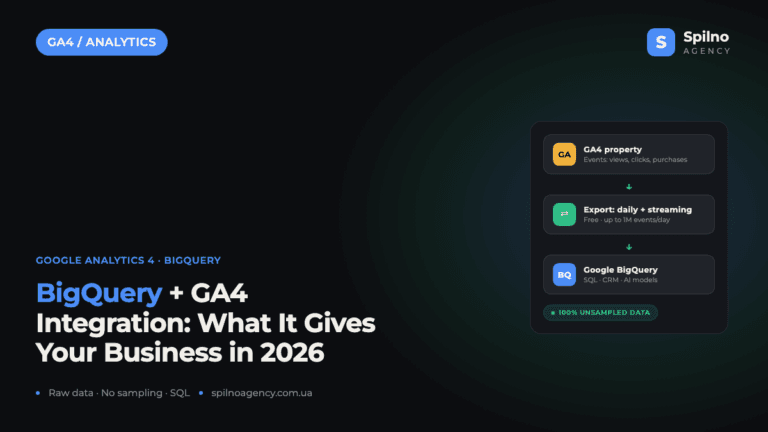
BigQuery + Google Analytics 4 Integration: Why It Matters and What It Gives Your Business in 2026
The BigQuery + Google Analytics 4 integration is a native, free export of raw, event-level data from GA4…