BigQuery + Google Analytics 4 Integration: Why It Matters and What It Gives Your Business in 2026

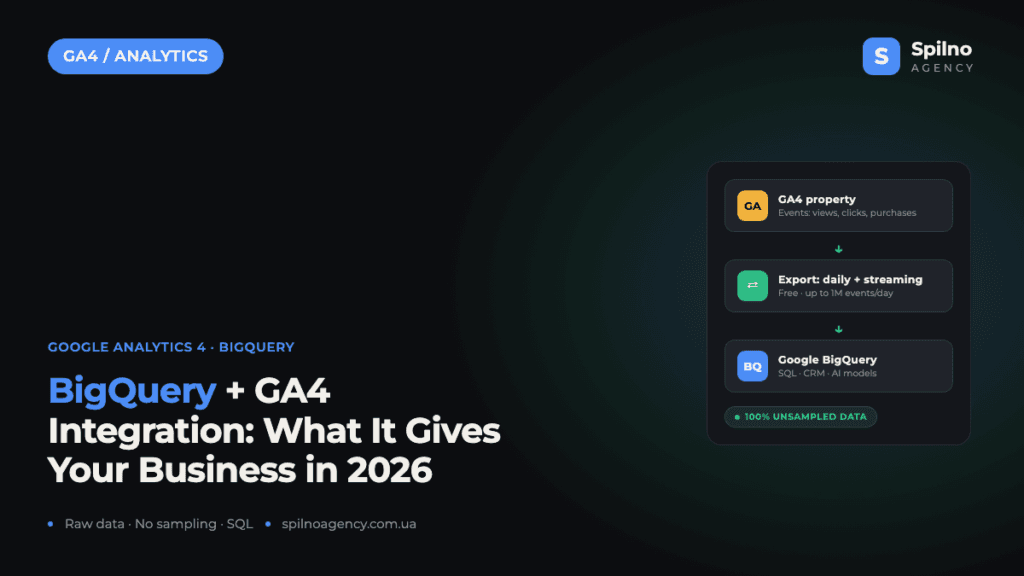
The BigQuery + Google Analytics 4 integration is a native, free export of raw, event-level data from GA4 into Google’s BigQuery cloud data warehouse. It removes the biggest limitations of the GA4 interface: data sampling, aggregation and the 14-month data retention cap. In 2026 this is no longer an “enterprise-only” feature — it’s a baseline step for any business across Europe that wants to own its data, join it with CRM records and build AI-driven analytics. Here is what the integration gives you, what it costs and how to set it up in about 10 minutes.
What Is BigQuery and Why Link It to GA4
Google BigQuery is a cloud data warehouse from Google Cloud that stores and analyses massive datasets using SQL queries. The BigQuery + GA4 integration is a built-in export mechanism: Google Analytics 4 sends complete, non-aggregated data about every single event — page views, clicks, purchases, user and traffic parameters — to BigQuery daily or continuously via streaming.
The key difference from the GA4 interface: reports show processed, aggregated numbers, while BigQuery gives you raw rows at the level of individual events. Historically this export was reserved for paid Google Analytics 360 customers, but with GA4 Google opened it to everyone for free — which is exactly why the combination has become the de facto standard for serious web analytics.
What the Integration Gives Your Business in 2026
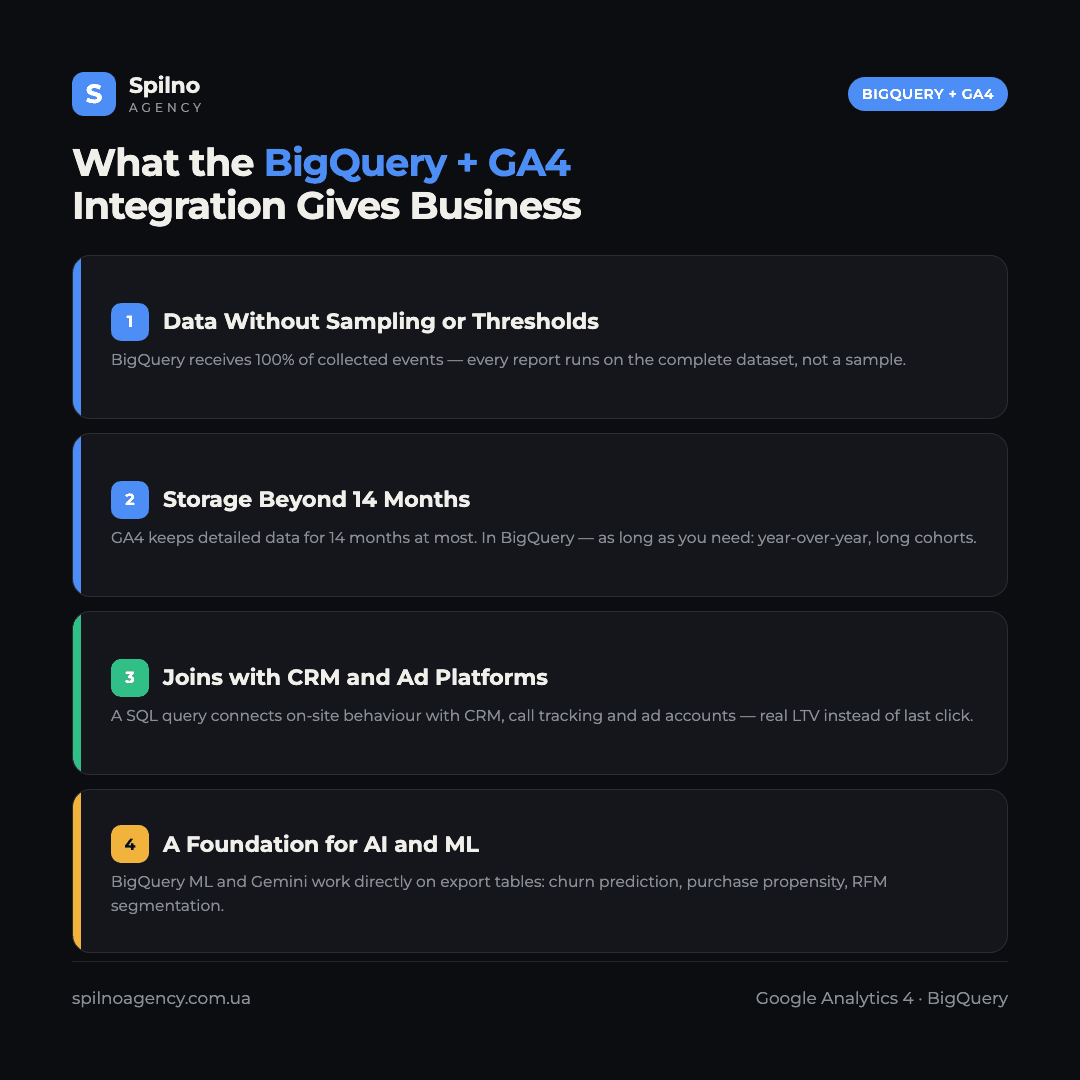
In short — full ownership of your own data. Here are the four practical benefits businesses set up the export for.
- Data without sampling or thresholds. In complex reports (Explorations) GA4 applies data sampling, and privacy thresholds hide some rows entirely. BigQuery receives 100% of collected events — every query runs on the complete dataset.
- Storage beyond the 14-month cap. GA4 keeps detailed event data for 14 months at most (2 by default). In BigQuery the data stays as long as you need — enabling year-over-year comparisons and long cohort analyses.
- Joins with CRM and other sources. A single SQL query can connect on-site behaviour with CRM records, call tracking, ERP or ad platform data — to calculate real customer LTV instead of last-click conversions only.
- A foundation for AI and machine learning. BigQuery ML and Gemini models in Google Cloud work directly on top of the export tables: churn prediction, purchase propensity, RFM segmentation — without moving data to third-party systems.
One more argument specific to 2026: more and more marketing decisions are made by AI agents and automated strategies. They need clean, complete data — not interface aggregates. European businesses that have already accumulated history in BigQuery get a head start: you cannot train a model on data you never stored.
How Much the GA4 to BigQuery Export Costs
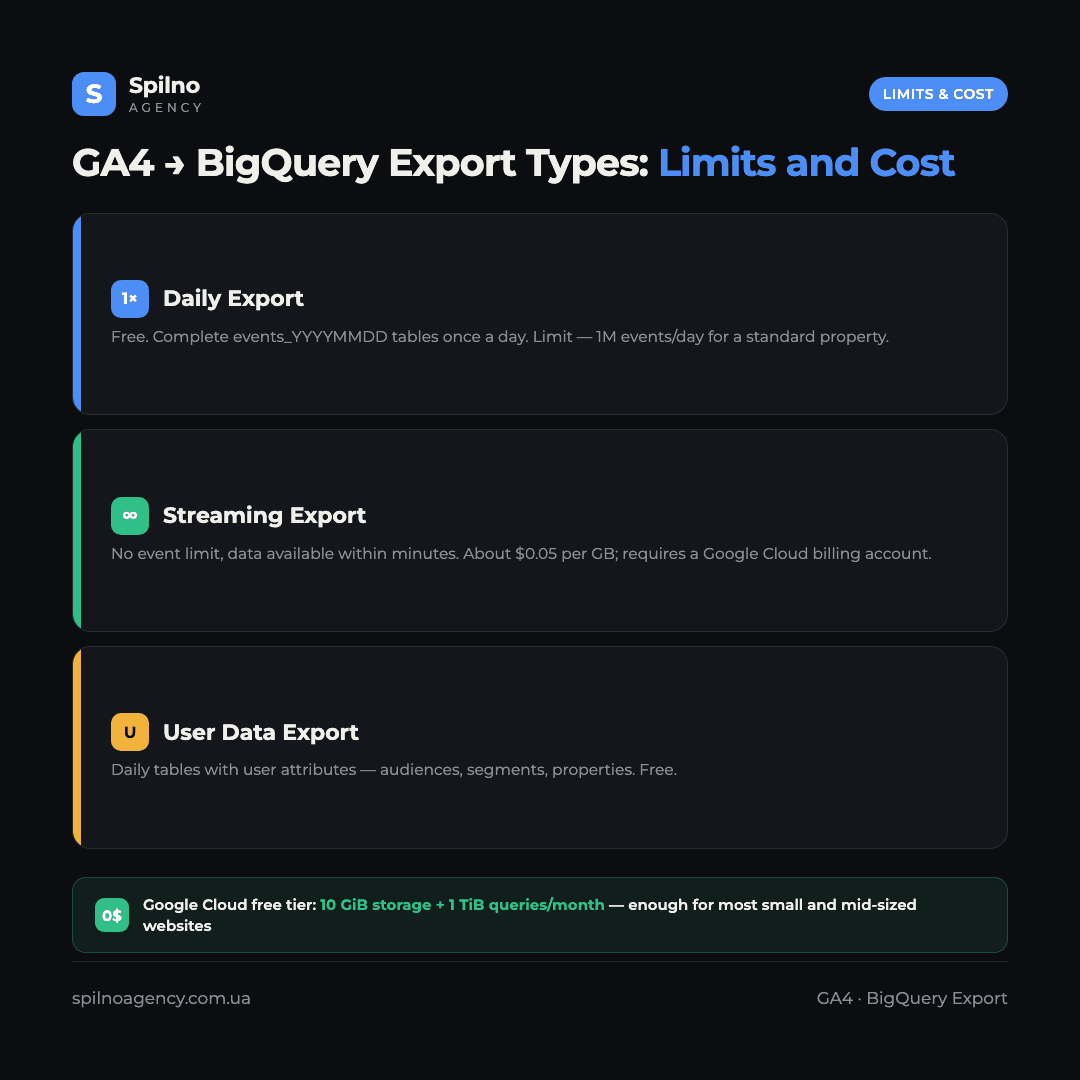
The export itself is free for all standard GA4 properties. You only pay for Google Cloud resources, and a permanent free tier applies: 10 GiB of storage and 1 TiB of query processing per month. For most small and mid-sized websites that is enough — in practice the integration runs at zero cost.
- Daily export — free, with a limit of 1 million events per day for standard properties.
- Streaming export — no event limit, but priced at roughly $0.05 per GB of transferred data; requires a Google Cloud billing account.
- User data export — daily tables with user attributes, free.
How to Set Up the Integration: Step by Step
You need the Editor role on the GA4 property and a Google Cloud project with the BigQuery API enabled (created in a few minutes in the Google Cloud Console).
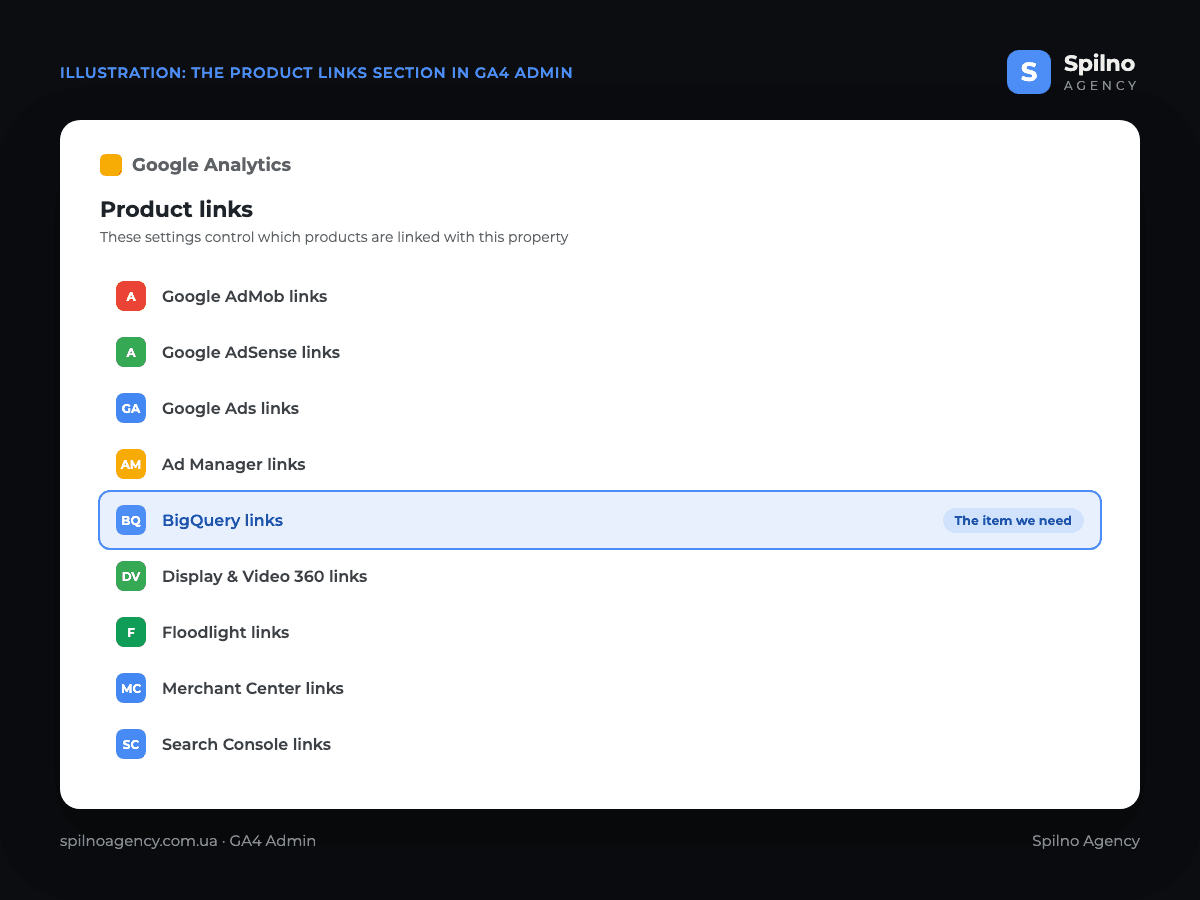
- Open GA4 → Admin → the Product links section.
- Select BigQuery links and click “Link”.
- Choose your Google Cloud project and the data location (for European businesses an EU region is the natural choice).
- Configure data streams and events: which streams to export and which events to exclude.
- Pick the export type: daily, streaming or both; enable user data export if needed.
- Confirm the settings — the first tables appear in BigQuery within 24 hours.
The screenshot below shows the Product links section in the GA4 Admin panel. It lists every available integration for the property: Google Ads, AdSense, Ad Manager, Merchant Center, Search Console and more. We are interested in BigQuery links — that is where the export setup starts.
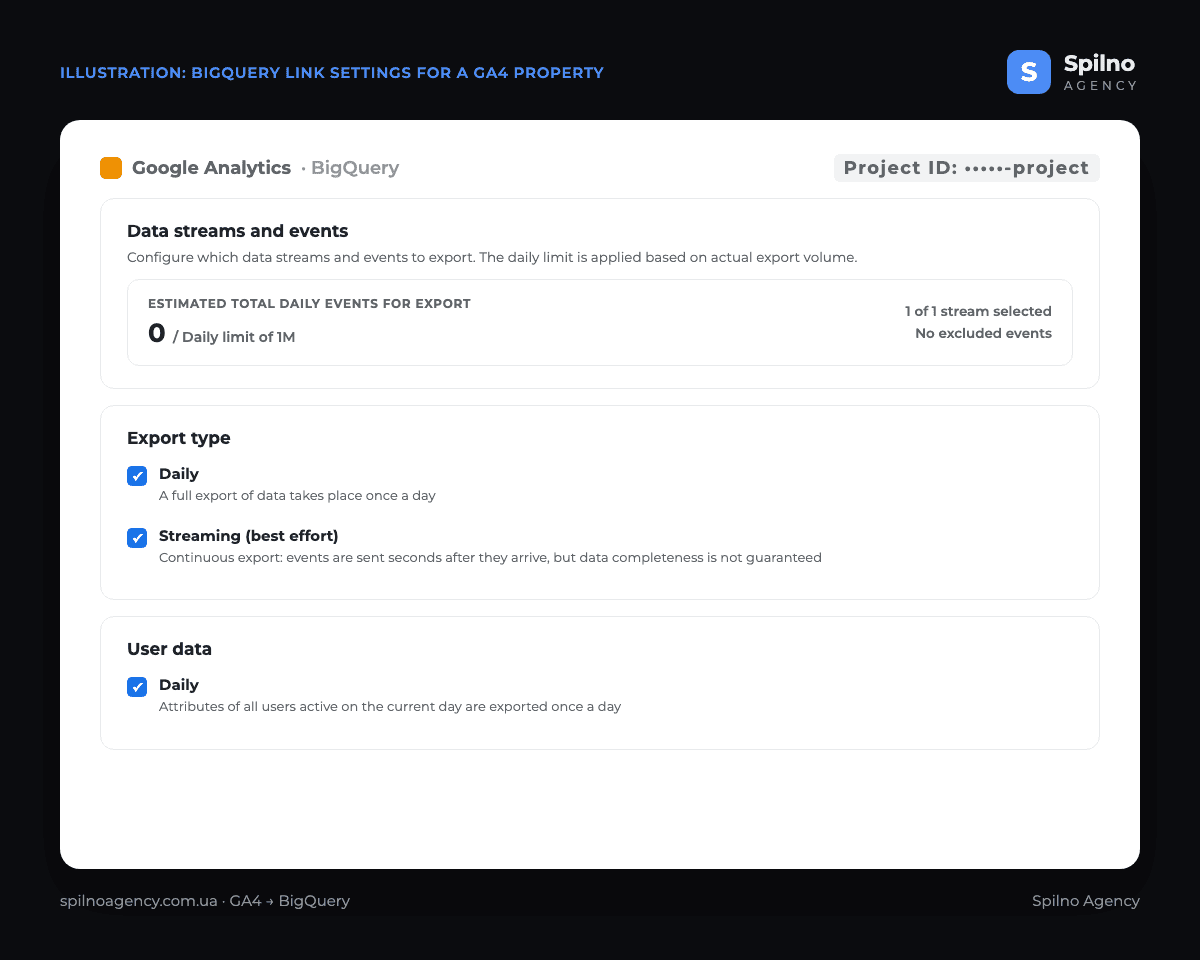
The second screenshot shows the BigQuery link configuration screen for a GA4 property. The Data streams and events block displays the estimated daily export volume against the 1-million-event limit and the number of selected streams (here — 1 of 1, with no excluded events). Below it is the Export type block with both “Daily” and “Streaming” enabled, and a separate User data block with daily export of user attributes.
What the Data Looks Like: Export Schema and Your First SQL Query
Once activated, GA4 creates an analytics_<property_id> dataset in BigQuery. The daily export produces tables named events_YYYYMMDD (one per day), while streaming fills an events_intraday_YYYYMMDD table with the current day’s events. Each row is a single event with nested event_params and user_properties fields.
A simple example: count purchases and revenue for the last 7 days straight from the raw data.
SELECT
  event_date,
  COUNT(*) AS purchases,
  SUM(ecommerce.purchase_revenue) AS revenue
FROM `my-project.analytics_123456789.events_*`
WHERE _TABLE_SUFFIX BETWEEN
      FORMAT_DATE('%Y%m%d', DATE_SUB(CURRENT_DATE(), INTERVAL 7 DAY))
      AND FORMAT_DATE('%Y%m%d', CURRENT_DATE())
  AND event_name = 'purchase'
GROUP BY event_date
ORDER BY event_date;
The same tables can then be connected to Looker Studio, Power BI or any other BI system — to build reports free of GA4 interface limits, including your own model of traffic sources and channels attribution.
Limitations Worth Knowing in Advance
- No retroactive history. The export starts on the day the link is activated — data from earlier periods will never reach BigQuery. That is the main reason to set up the integration as early as possible, even if you plan to analyse the data later.
- The 1 million events per day limit for daily export on standard properties: if you consistently exceed it, Google can pause the export. Solutions — exclude technical events, switch to streaming export, or upgrade to GA 360.
- Streaming export does not guarantee data completeness — Google explicitly warns about this in the settings; use the daily tables for reconciliation-grade reporting.
- SQL skills required. Without an analyst or an agency the data will stay “raw” — the value comes from the queries and models built on top of it.
Who Needs the Integration Right Now
- E-commerce — precise revenue calculation, a complete funnel and buyer cohorts without sampling.
- Businesses with a CRM and sales team — stitching online behaviour to real deals and calculating LTV.
- High-traffic projects — they hit GA4 sampling and thresholds most often.
- Teams adopting AI analytics — BigQuery becomes the single data store for models and agents.
Frequently Asked Questions (FAQ)
What is the BigQuery + GA4 integration?
It is a built-in Google Analytics 4 mechanism that automatically exports complete, non-aggregated data about every event (views, clicks, purchases) to the Google BigQuery cloud data warehouse — daily or continuously via streaming.
How much does the GA4 to BigQuery export cost?
The export itself is free for all standard GA4 properties. You only pay for Google Cloud resources beyond the free tier — 10 GiB of storage and 1 TiB of queries per month. Streaming export additionally costs about $0.05 per GB.
Will historical GA4 data be exported to BigQuery?
No. The export starts from the moment the link is activated — earlier periods will not appear in BigQuery. That is why it pays to enable the integration as early as possible.
What is the limit of the free daily export?
1 million events per day for a standard GA4 property. If the limit is consistently exceeded, the export may be paused. Streaming export has no event limit.
How is BigQuery data different from GA4 reports?
GA4 reports show aggregated data that can be sampled and hidden by privacy thresholds. BigQuery stores raw rows for every single event — unsampled, with all parameters, accessible via SQL.
Do I need a developer to set up the integration?
No — the integration itself takes 10–15 minutes through the GA4 interface and Google Cloud Console. Analysing the data, however, requires SQL skills or help from an analyst or an agency.
Daily or streaming export — which one should I choose?
For most businesses the daily export is enough — it is free and complete. Streaming is needed when data must be available within minutes: real-time dashboards, triggered messaging, anti-fraud. Both can be enabled at the same time.
The BigQuery + GA4 integration is one of those cases where 15 minutes of setup today determine what data you will have a year from now. If you need the export configured correctly, reports built on top of BigQuery or web analytics stitched to your CRM — the Spilno Agency team helps European businesses do it end to end.

Read also

Google Ads Rolls Out New Testing and Planning Tools for AI Max
Google Ads announced Multi-Campaign Budget Testing, Enhanced Experiment Controls and an improved Performance Planner for AI Max. Key…
Google Merchant Center: Minimum Product Image Size Becomes 500×500 px in 2027
From January 31, 2027, Google Merchant Center requires product images of at least 500×500 px. What changes, key…

Google Ads Removes Language Targeting for Search Starting September 2026
From late September 2026, Google Ads removes language targeting for Search and AI Max for Search. Ads match…