Google Search Console Adds Generative AI Performance Reports for AI Overviews & AI Mode

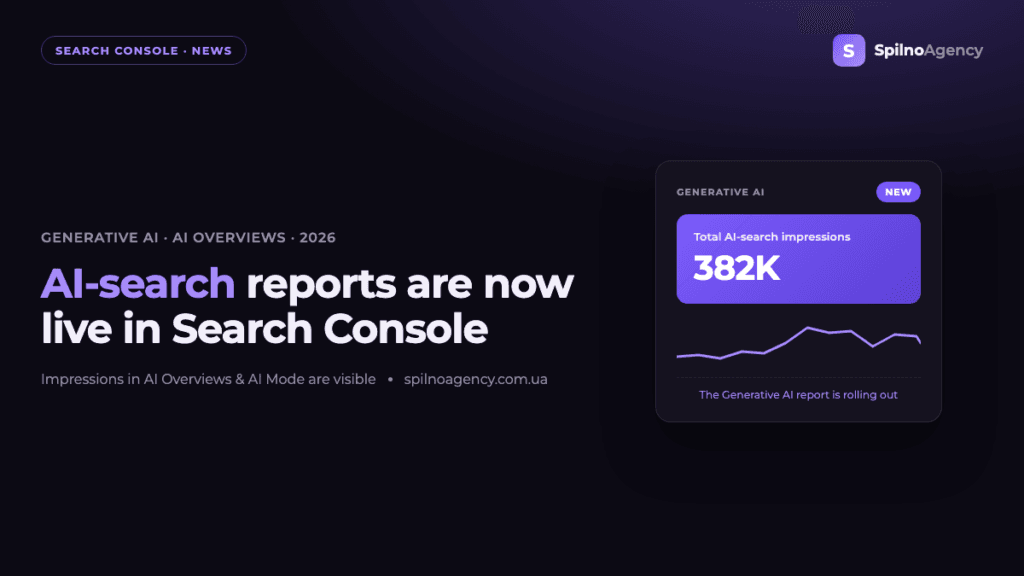
On June 3, 2026, Google announced the launch of dedicated Generative AI performance reports in Search Console, with separate views for Search and Discover. For the first time, site owners get a tool directly from Google that shows their pages’ visibility inside AI Overviews and AI Mode. The report includes impressions, pages, countries, devices and dates — but no clicks or CTR yet. Here’s what changed, where to find the report, and what it means for SEO.
The image above shows the new Generative AI features report in Google Search Console. Source: Google Search Central Blog.
What exactly Google announced
The Google Search Central Blog published an announcement titled “Introducing Search Generative AI performance reports in Search Console.” Google is rolling out dedicated reports on performance within generative AI features, with separate views for Search (this means AI Overviews and AI Mode) and for Discover. These impressions were already counted inside the overall Performance report, but they blended into the general statistics. Now there is a dedicated view focused specifically on your site’s visibility in AI features of Search.
In other words, the data did not disappear from the overall report — Google simply added a separate view so you can look at your content’s presence in AI answers in isolation from the classic search results.
What data the report shows
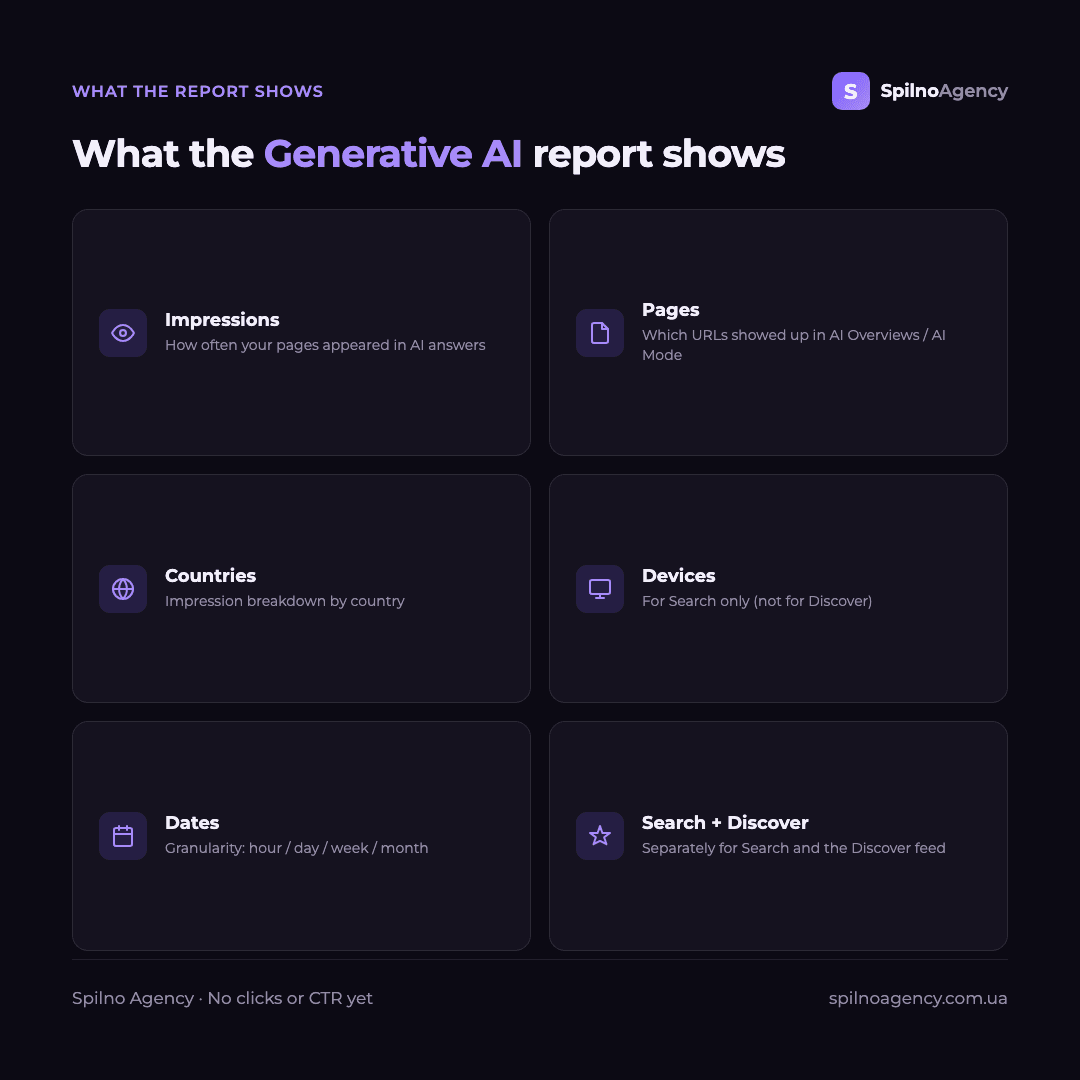
To help you understand how pages from your site are shown, the new report provides the following:
- Impressions. How often URLs from your site appeared in generative AI features in Search and Discover.
- Pages. Which URLs appeared within AI features.
- Countries. Your visibility on a country basis.
- Devices. The devices people use when seeing your site (available for Search results).
- Dates. Performance over time with
hourly,daily,weeklyandmonthlygranularity.
| Dimension | What it shows | Search | Discover |
|---|---|---|---|
| Impressions | URL appearances in AI features | Yes | Yes |
| Pages | Specific URLs | Yes | Yes |
| Countries | Visibility by country | Yes | Yes |
| Devices | Device type | Yes | — |
| Dates | Trend (hour/day/week/month) | Yes | Yes |
| Clicks / CTR | Visits to the site | Not yet | Not yet |
Where to find the report in Search Console
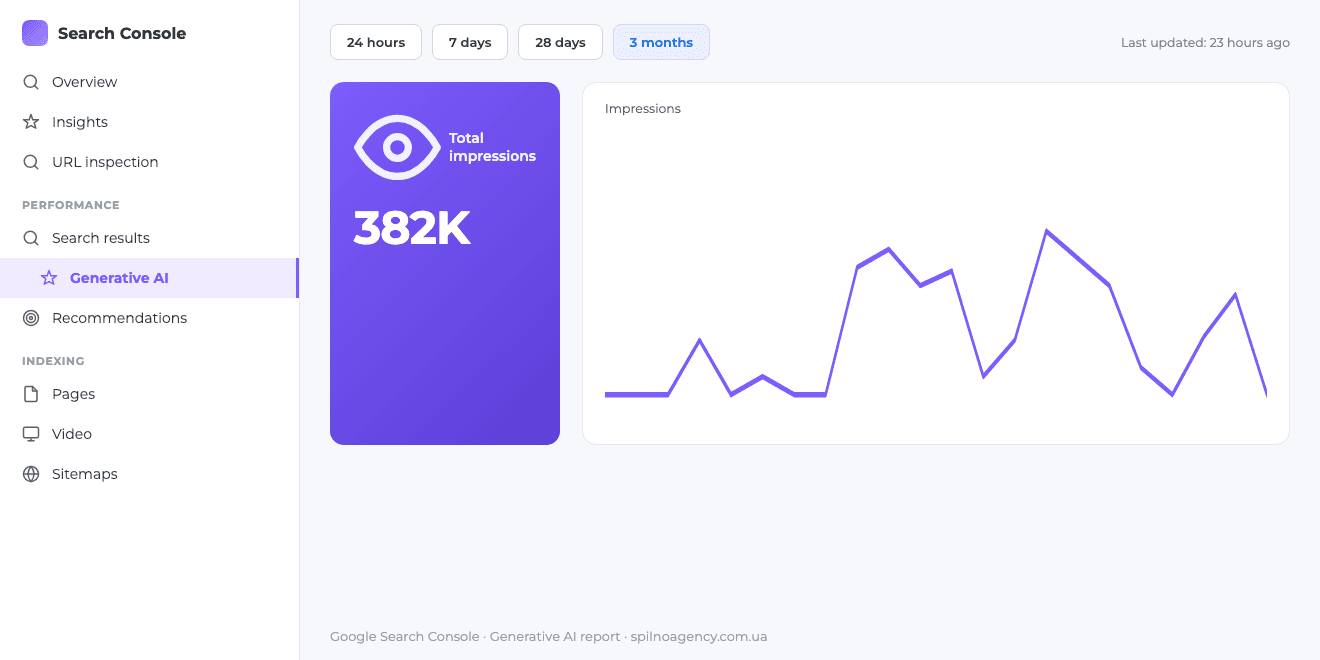
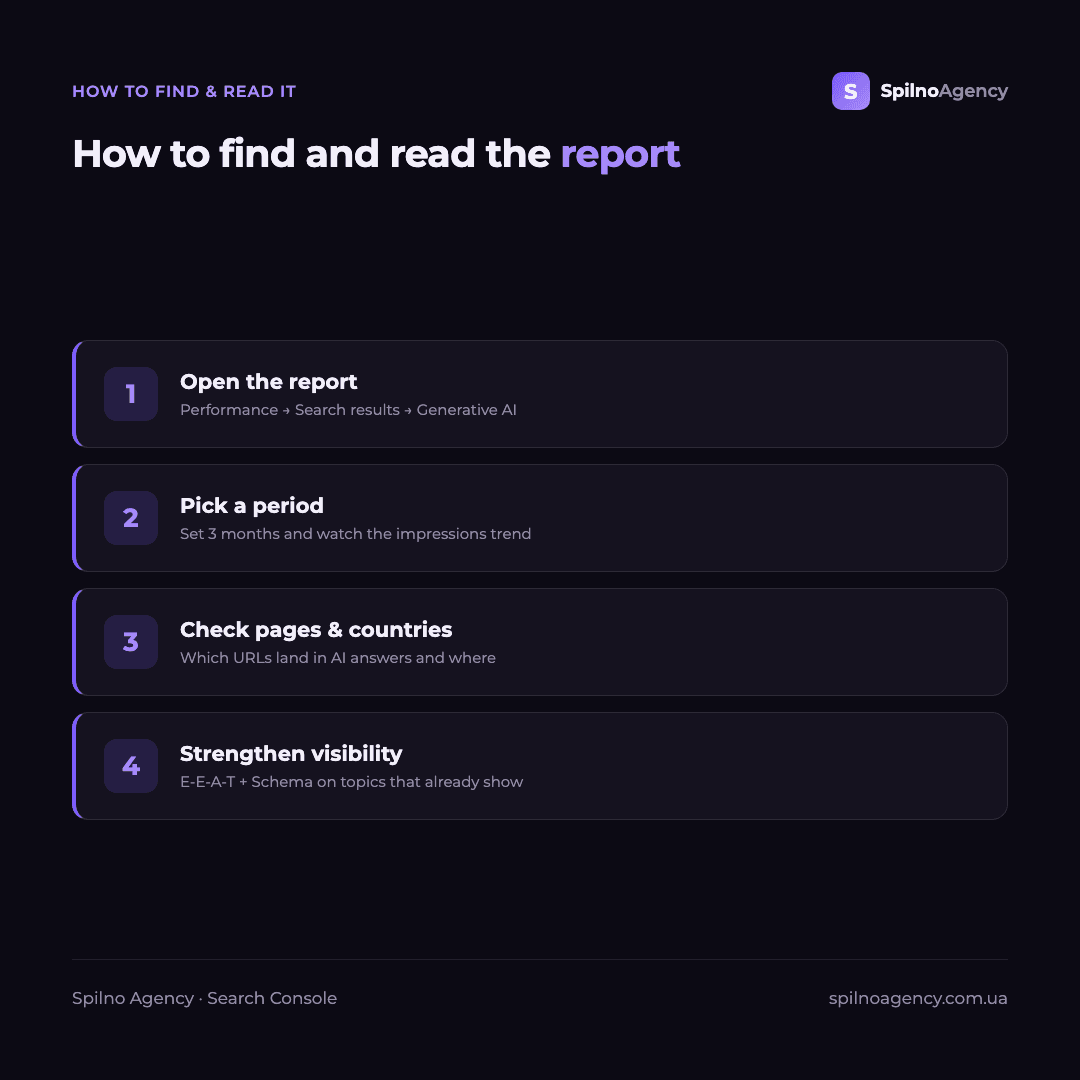
The new view lives inside the Performance report. In the side menu, expand Search results — a dedicated Generative AI sub-section has appeared there. A matching Generative AI sub-section is added inside Discover. The interface screenshot shows a Total impressions card, an impressions chart, and the Pages, Countries, Devices and Dates tabs — just like the familiar Performance report, but focused on AI features. The report carries a Beta label.
If you are not yet familiar with the tool itself, start with our guide “What is Google Search Console” — it covers the core reports the new Generative AI view builds on.
What the report does not show yet
The key limitation at launch is that there is no click or CTR data. The report shows impressions only: you can see that your URL appeared in AI Overviews or AI Mode, but not how many people then visited your site. For a full performance analysis that is not enough — for now it is a tool for measuring visibility, not traffic.
Google explicitly stated that it continues to work with site owners on which insights and metrics would be most helpful, and plans to add more metrics over time. So it is reasonable to expect the report to expand in future iterations.
What it means for SEO
This is the first official Google tool for measuring a site’s presence in generative search. Until now, visibility in AI Overviews could only be estimated indirectly — through third-party services or manual checks. Now the data comes straight from Google, which brings several important shifts for SEO teams:
- A baseline for GEO. You can record which URLs and topics already appear in AI answers and track the trend.
- Visibility ≠ traffic. With no clicks yet, impressions in AI features should be read as a reach and authority signal, not a ready source of visits.
- Quality content and Schema first. AI answers more often pull pages with clear definitions, structured data and strong E-E-A-T.
- Discover as its own channel. A dedicated Discover view shows Google treats generative features as a separate visibility channel, not only within classic search.
Google described how to optimise content specifically for AI features in a separate document — we broke it down in our article on Google’s official GEO and AI optimisation guide.
Rollout: still in beta
The reports are rolling out to a subset of websites — Google wants to test them thoroughly and gather feedback before making them widely available. So if you do not see the Generative AI sub-section in your Search Console yet, that is normal: it should arrive later as part of the global rollout. You can leave feedback via the Submit feedback link in Search Console or in the Google Search Central Community.
How to prepare right now
- Capture a baseline. As soon as the report appears, save your starting AI-feature impressions so you can see the trend from day one.
- Strengthen Schema and definitions. Clear entity definitions at the top of pages and correct
Schema.orgmarkup improve the chance of appearing in AI answers. - Keep E-E-A-T. Freshness, authorship and expertise remain key for generative features.
- Audit your URLs. Check which pages appear in AI Overviews and reinforce topics where you already have visibility.
Update (June 2026): AI-search reports are now live in more accounts
As of June 2026 the Generative AI report has moved beyond the first beta sample and is now appearing in more accounts. Search Console now shows how often your pages surfaced in AI Overviews and AI Mode — with real data spanning several months.
The example below shows the Generative AI report over 3 months: total impressions and the daily trend (absolute figures are hidden and illustrative).
As a reminder, here is exactly what the report shows:
…and how to find and read it correctly:
Frequently asked questions (FAQ)
What does the new Generative AI report show?
How often your pages appeared in AI Overviews and AI Mode in Search and in Discover’s generative features. Metrics: impressions, pages, countries, devices (Search only) and dates with hourly/daily/weekly/monthly granularity.
Does it show clicks and CTR?
Not yet. At launch only impressions, countries, devices and dates are available. There are no clicks or CTR from generative AI features; Google plans to add more metrics over time.
Where do I find it?
Performance → Search results → Generative AI, and for Discover, Performance → Discover → Generative AI. The data also stays in the overall Performance report.
Is it available to every site already?
No. It is rolling out to a subset of sites (Beta label) and will expand globally. If your account does not have it yet, it should appear later.
Want to be visible in AI Overviews and AI Mode?
Spilno Agency helps European businesses prepare content for generative search: technical SEO, Schema markup, E-E-A-T and visibility tracking in Search Console. Get in touch — we’ll review your site and build a plan for AI search.

Read also
Google Is Changing Its Bidding Systems on August 17, 2026: What Advertisers Should Do
Starting August 17, 2026 Google updates its bidding systems: budget-limited campaigns will align closer to CPA/ROAS targets. Key…
BigQuery + Google Analytics 4 Integration: Why It Matters and What It Gives Your Business in 2026
The BigQuery + Google Analytics 4 integration is a native, free export of raw, event-level data from GA4…
Google Search Console Adds Platform Properties for Instagram, TikTok, X and YouTube
Google has launched a new Search Console property type — platform properties. Owners of Instagram, TikTok, X and…