AdFeedManager: a tool for automating advertising feed enhancement

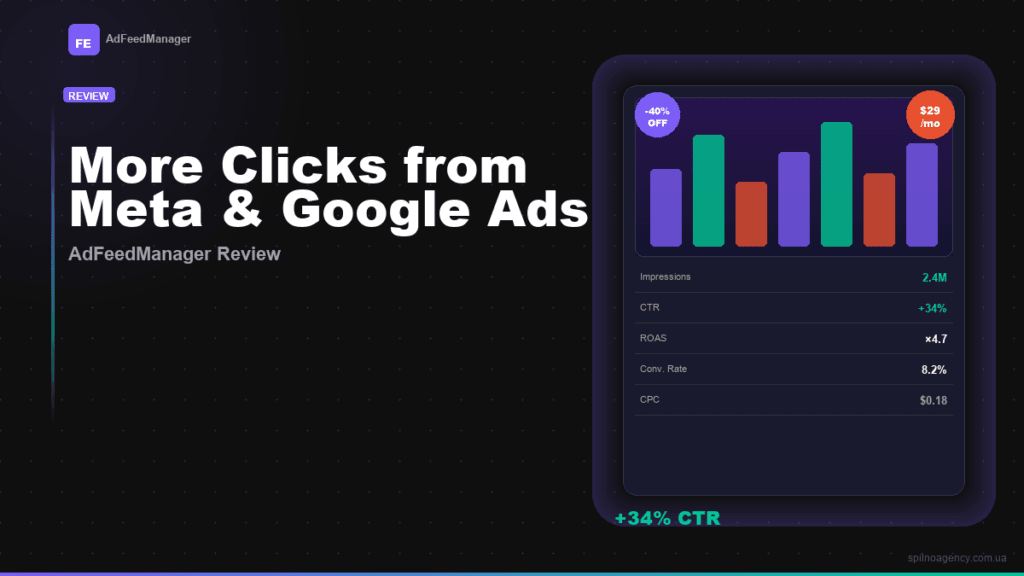
An advertising feed is more than just a product list. It’s the first thing a buyer sees in a Meta or Google Shopping feed. If the image looks the same as hundreds of competitors, they simply scroll past. AdFeedManager automatically overlays price, discount, and branding directly onto product images and generates a ready-to-use XML feed for Meta Ads or Google Shopping in minutes.
Spilno Agency clients who implemented AdFeedManager report an average +34% increase in ad CTR within the first month after setup.
What is AdFeedManager
AdFeedManager (AFM) is a SaaS tool for automatically enhancing advertising feeds for online stores. The service takes your XML feed from Google Merchant or an uploaded file, overlays visual elements on each product image (price, discount, title, brand, frame), and returns a ready XML feed that can be immediately inserted into Meta Catalog or Google Shopping.
The key difference from manual editing in Photoshop or working with a designer — AFM processes 500+ products automatically and updates the feed on a schedule with every price change.
The problem: why most advertising feeds don’t convert
Product ads in Meta and Google compete for attention in a crowded feed. The standard approach — white background and product in the center — looks identical across all competitors. Buyers simply don’t stop scrolling.
Three main reasons for low CTR in feed campaigns:
- Images don’t stand out — the same white background doesn’t attract attention in the feed
- Price is hidden until click — buyers don’t know the price and don’t click for fear of disappointment
- Manual processing is too slow — a designer can’t update 500–5,000 products with every price change
AFM solves all three problems automatically, without code and without a designer.
Key AdFeedManager features
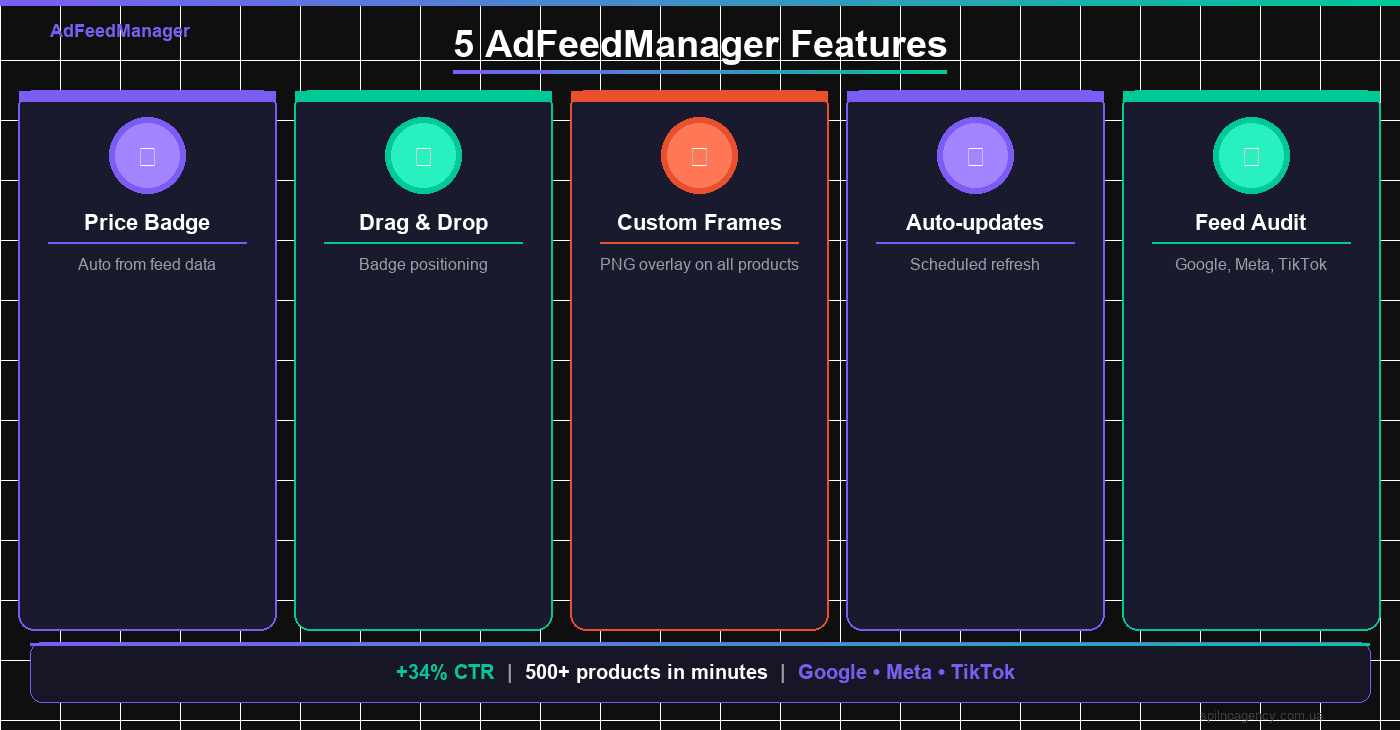
Price and discount badge
The service automatically reads the price and sale_price fields from the feed, calculates the discount percentage, and displays it on the image. Font, color, size, corner radius, angle, and background opacity — all configurable in the editor without code. Price and discount badges appear on every product image automatically.
Drag-and-drop positioning editor
Badge placement on the image is set by dragging directly in the product preview. What you see in the editor is exactly what you get in the feed. Supports simultaneous configuration of up to 5 elements: price, discount, product name, brand, and custom sticker.
Custom frames and stickers
You can upload a PNG frame with transparency — it will automatically overlay on every product image. This lets you add a branded background, seasonal decoration, or thematic design to your entire catalog in a single operation.
Feed compatibility analysis
Before generation, the service checks the feed against Google, Meta, and TikTok requirements and provides a list of errors, warnings, and suggestions for each platform separately. This reduces moderation time and decreases the number of rejections from ad platforms.
Scheduled auto-updates
After the initial setup, the feed updates automatically — new prices and products are pulled in without any manual action. The schedule is configured in feed settings with frequency and timezone selection.
High processing speed
Parallel image processing allows completing the rendering of 500 products in a few minutes. The output is an XML feed ready to insert into the ad platform without additional steps.
How it works: four steps to a ready feed
The entire process from registration to a ready feed takes 15 to 30 minutes depending on catalog size:
- Connect the feed — paste the XML feed URL from Google Merchant or upload a file manually
- Configure the design — select a frame, set up price and discount badges, position each element in the drag-and-drop editor
- Get the ready feed — launch generation: the service processes all images and provides a public XML feed URL
- Enable auto-updates — configure a schedule so the feed updates automatically when prices or assortment change
Once done, the feed URL is inserted into Meta Catalog or Google Merchant Center — and campaigns start receiving ads with enhanced images.
Who AdFeedManager is for
- Online store owners — with 100+ SKUs who want to improve CTR without involving a designer every time prices change
- Media buyers and performance marketers — running product campaigns on Meta or Google and looking for a tool to improve feed effectiveness
- E-commerce agencies — wanting to scale the feed enhancement service for multiple clients without increasing costs
Service interface
After registering via Google (free, no credit card required), users enter an intuitive onboarding flow with six steps. Each feed has its own tabs: Settings, Analysis, Design, Generation, Rules, Sub-feeds, and GMC Audit.
The design editor lets you see in real time how each product will look in the feed. Changes are applied to the entire catalog with a single click — no need to process each image individually.
The analysis module checks the feed across all three platforms simultaneously and shows specific errors with descriptions of how to fix them. This is especially useful before launching new campaigns or after a major catalog update.
Want to set up an advertising feed for your Meta or Google Shopping campaigns? The Spilno Agency team will configure AdFeedManager for your store, import your catalog, and launch auto-updates. Submit a request — we’ll set up the first feed free as a trial connection.
Frequently asked questions
What is an advertising feed and why improve it?
An advertising feed is an XML file containing a product list that is sent to Meta Catalog or Google Merchant Center. A standard feed contains only basic data: name, price, and photo. An enhanced feed adds price and discount overlays to images, which increases ad CTR and reduces cost per click.
Do I need a designer or developer to use AdFeedManager?
No. The service is fully no-code: registration via Google, configuration via drag-and-drop editor, generation with one click. A designer is only needed if you want to create a custom PNG frame for branding.
How long does it take to process a large catalog?
500 products are processed in a few minutes thanks to parallel rendering. A catalog of 5,000 products will take 20 to 40 minutes depending on the image sizes in the source feed.
Which advertising platforms is AdFeedManager compatible with?
The service generates XML compatible with Google Shopping (Google Merchant Center), Meta Ads (Facebook and Instagram Catalog), and TikTok Catalog. The built-in auditor checks compliance with each platform’s requirements separately.

Read also
Google Tag Manager Workspaces: Why You Need Them and How to Use Them in 2026
A workspace in Google Tag Manager is a “draft” of a container — a place to safely edit…
How to Track Revenue, Transactions and Purchases in Google Analytics 4 from WordPress WooCommerce
Introduction WooCommerce store owners are often convinced that Google Analytics 4 already shows them revenue, transaction counts and…
How to Analyze Hourly Statistics in Google Analytics 4
Google Analytics 4 has no dedicated “hourly statistics” menu item, but you can get that exact breakdown in…