Crawl Budget: What It Is and How to Optimise It in 2026

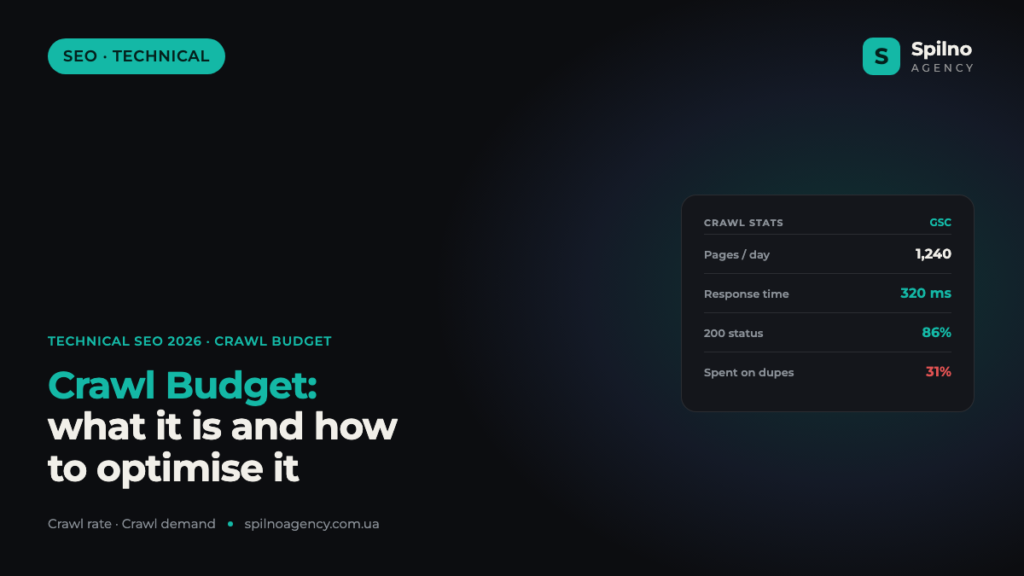
Crawl budget is the amount of resource Googlebot is willing to spend crawling your site over a given period. For small sites it is a non-issue, but for large online stores, marketplaces and news portals an unoptimised crawl budget means some important pages simply don’t make it into the index on time. This guide covers what the budget is made of, what wastes it and how to optimise it in 2026.
What is crawl budget
Crawl budget is the number of URLs a search robot (Googlebot) can and wants to crawl on your site per unit of time. Google doesn’t have unlimited resources: it crawls trillions of pages a day, so every site gets a limited “attention budget”. If a site spends that budget on junk, duplicate or technical URLs, there may not be enough left for genuinely valuable pages.
It’s important to understand the sequence: first a page must be crawled, then indexed, and only then can it rank. Crawl budget affects the very first step — if the robot never reaches a URL, nothing else can happen.
What crawl budget consists of
Google breaks crawl budget into two components.
- Crawl rate limit. How many simultaneous requests the robot can make without overloading your server. If the site responds fast and without errors, Google raises the rate; if the server struggles or returns 5xx, it lowers it.
- Crawl demand. How much Google actually “wants” to crawl your site. It depends on URL popularity, update frequency and domain authority. Fresh, popular content gets visited more often.
The resulting budget is a balance between how much the server allows to be crawled and how much Google wants to crawl. You can improve both: speed up the server and raise the value and freshness of the content.
Who should care about crawl budget
Google states it plainly: most sites don’t need to worry about crawl budget. If you have a few thousand URLs and they index fine, there’s no problem. But there are categories for which it is critical.
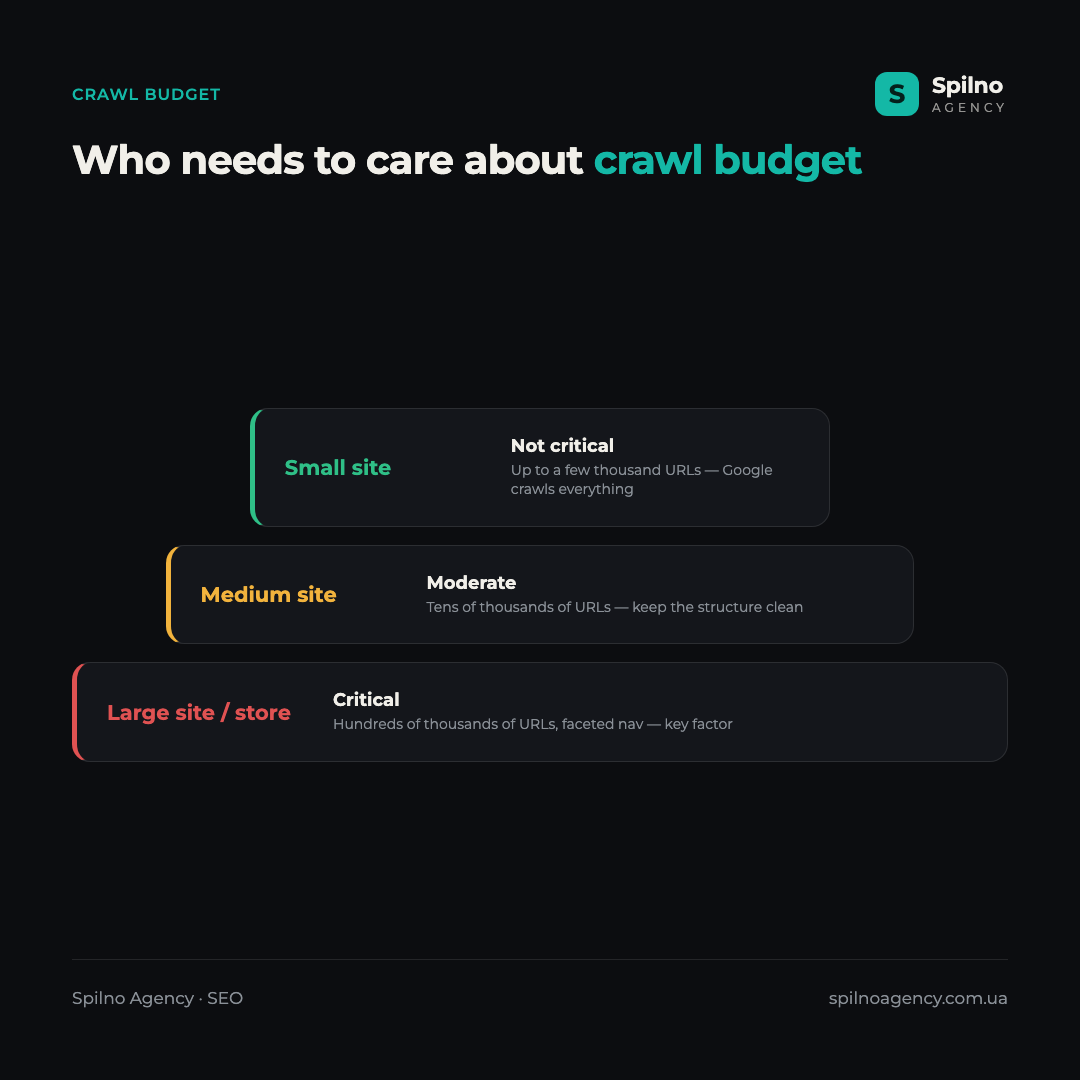
- Small sites (up to a few thousand pages). Usually a non-issue — Google manages to crawl everything.
- Medium sites (tens of thousands of URLs). Worth keeping the structure clean, but no need to panic.
- Large sites, online stores, marketplaces, news portals (hundreds of thousands to millions of URLs). Here crawl budget is a critical factor. Faceted navigation, filters and sorting generate a huge number of URLs, and without optimisation new products or articles get indexed with delay.
What wastes crawl budget
The biggest problem is when the robot spends resource on URLs that shouldn’t be in the index. Typical budget “eaters”:
- Faceted navigation and URL parameters. Filters like
?color=red&size=xl&sort=pricecreate thousands of near-identical pages. - Duplicate content. One page available at several URLs (with/without a trailing slash, with UTM tags, http/https, www/non-www).
- Redirect chains and loops. Every extra 301 in a chain is an additional robot request.
- Soft 404s and “infinite spaces”. Calendars, endless pagination, on-site search that generates URLs without end.
- Low-value pages. Empty tags, technical pages, test sections.
- A slow server and 5xx errors. They lower the crawl rate limit and force Google to crawl more cautiously.
How to check crawl budget
The main tool is the Crawl Stats report in Google Search Console: “Settings → Crawl stats”. It shows how many requests the robot made each day, how much data it downloaded, how long the server took to respond and which response codes dominated.
- Watch the response codes. A large share of 404, 301 or 5xx in the report is a direct signal of wasted budget.
- Analyse what is being crawled. If the robot spends most requests on parameter pages instead of product pages, that’s a problem.
- Server logs. The most accurate method for large sites: log analysis shows the real behaviour of Googlebot — which URLs, how often and with what response code.
How to optimise crawl budget
The goal of optimisation is simple: steer the robot toward valuable pages and clear the junk from its path.
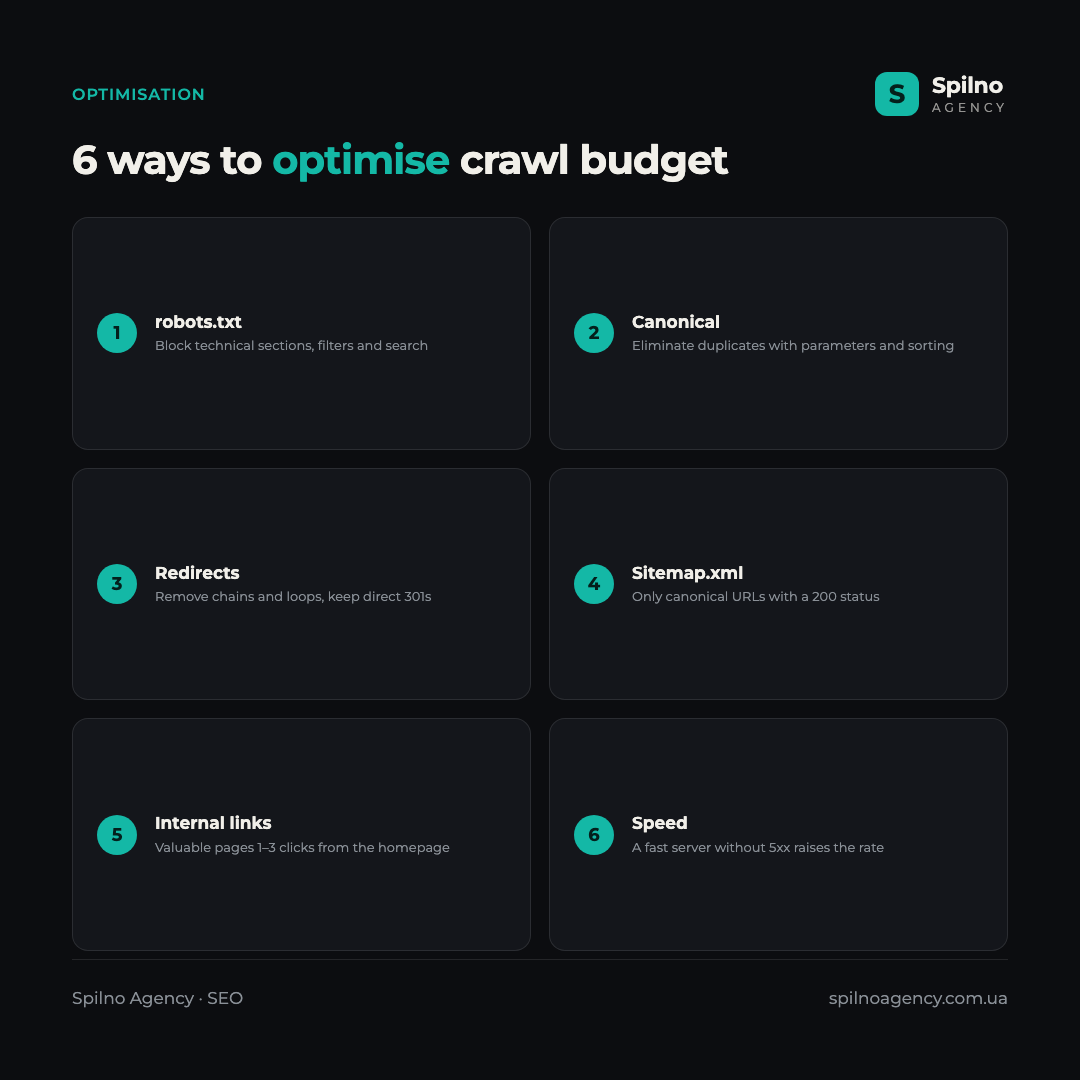
- Block the unnecessary in robots.txt. Disallowing the crawling of technical sections, filters and search saves budget for important URLs.
- Eliminate duplicates with canonical. Point to the canonical version for pages with parameters, sorting and variations.
- Fix redirects. Replace chains with direct 301s, remove loops, update internal links to the final URLs.
- Keep sitemap.xml clean. Leave only indexable, canonical URLs with a 200 status in the sitemap.
- Improve internal linking. Valuable pages should be 1–3 clicks from the homepage so the robot finds them faster.
- Speed up the server. A fast, error-free response lets Google raise the crawl rate.
Crawl budget and JavaScript
JavaScript sites spend more crawl budget: Googlebot first downloads the HTML and then queues the page for rendering to execute the scripts. This is a two-stage, resource-heavy process. If key content and links are only available after JS runs, indexing slows down. The solution is server-side rendering (SSR) or dynamic rendering for important pages, so the robot receives ready HTML immediately.
Common crawl budget myths
- “More crawling means higher rankings.” No. Crawl frequency is not a ranking factor — it’s only about how quickly content gets into the index.
- “robots.txt removes a page from the index.” No. Disallow blocks crawling, but an already-known URL can stay in the index without a snippet. To remove it from the index you need
noindex(and the page must be crawlable). - “Crawl budget matters for everyone.” No. For most small and medium sites it is not a priority.
Crawl budget optimisation is the part of technical SEO that has an especially noticeable impact on large sites and online stores. If your new pages take a long time to appear in search, or the index is bloated with duplicates, the Spilno Agency team will run a technical audit and tune crawling so Google sees exactly the pages that bring traffic and sales.

Read also

Best CMS for an Online Store: Cloud vs Self-Hosted Platforms in 2026
Compare Shopify, WooCommerce, PrestaShop, OpenCart and Magento for your online store. Pros, cons, and a step-by-step CMS selection…

LinkedIn Ads Library: How to Find Your Competitors’ LinkedIn Ads (2026 Guide)
How to use the LinkedIn Ads Library to see any competitor's sponsored content for free — step by…
Meta Ads Library: How to Find Your Competitors’ Facebook & Instagram Ads (2026)
How to use the Meta Ads Library to see any competitor's Facebook, Instagram and Threads ads for free…