Best CMS for an Online Store: Cloud vs Self-Hosted Platforms in 2026

Choosing a CMS for your online store shapes how fast you launch, how much ongoing maintenance costs, and how easily the store scales once order volume grows tenfold. This guide breaks down the difference between cloud (SaaS) and self-hosted CMS platforms, reviews the most popular ecommerce CMS options in 2026 — Shopify, BigCommerce, WooCommerce, PrestaShop, OpenCart, Magento — with pros and cons, SEO potential, indicative developer support costs, a side-by-side comparison table, and a step-by-step checklist for picking the right platform for your business.
Cloud vs self-hosted CMS: the core difference
Every ecommerce CMS falls into one of two categories, depending on who is responsible for the server, updates, and security.
- Cloud CMS (SaaS) — the platform runs on the vendor’s own infrastructure (Shopify is the leading example). You rent a ready-made tool on a monthly subscription and don’t have to think about hosting, updates, or backups — it’s all included.
- Self-hosted CMS — you install the system (WooCommerce, PrestaShop, OpenCart, Magento) on your own or a rented server. The code is open or partially open, so the store can be customised without limits, but you (or a development team) are responsible for hosting, updates, and security.
Neither option is universally “better” — cloud CMS is faster to launch and easier to maintain, while self-hosted CMS gives full control and flexibility at the cost of more technical upkeep. For a broader look at what a CMS is and how it affects SEO in general, see our CMS and SEO guide.
Cloud CMS platforms for an online store: 2026 pros and cons
Cloud platforms are the best starting point for most new online stores: there’s no need for a dedicated developer to launch, and the store works out of the box.
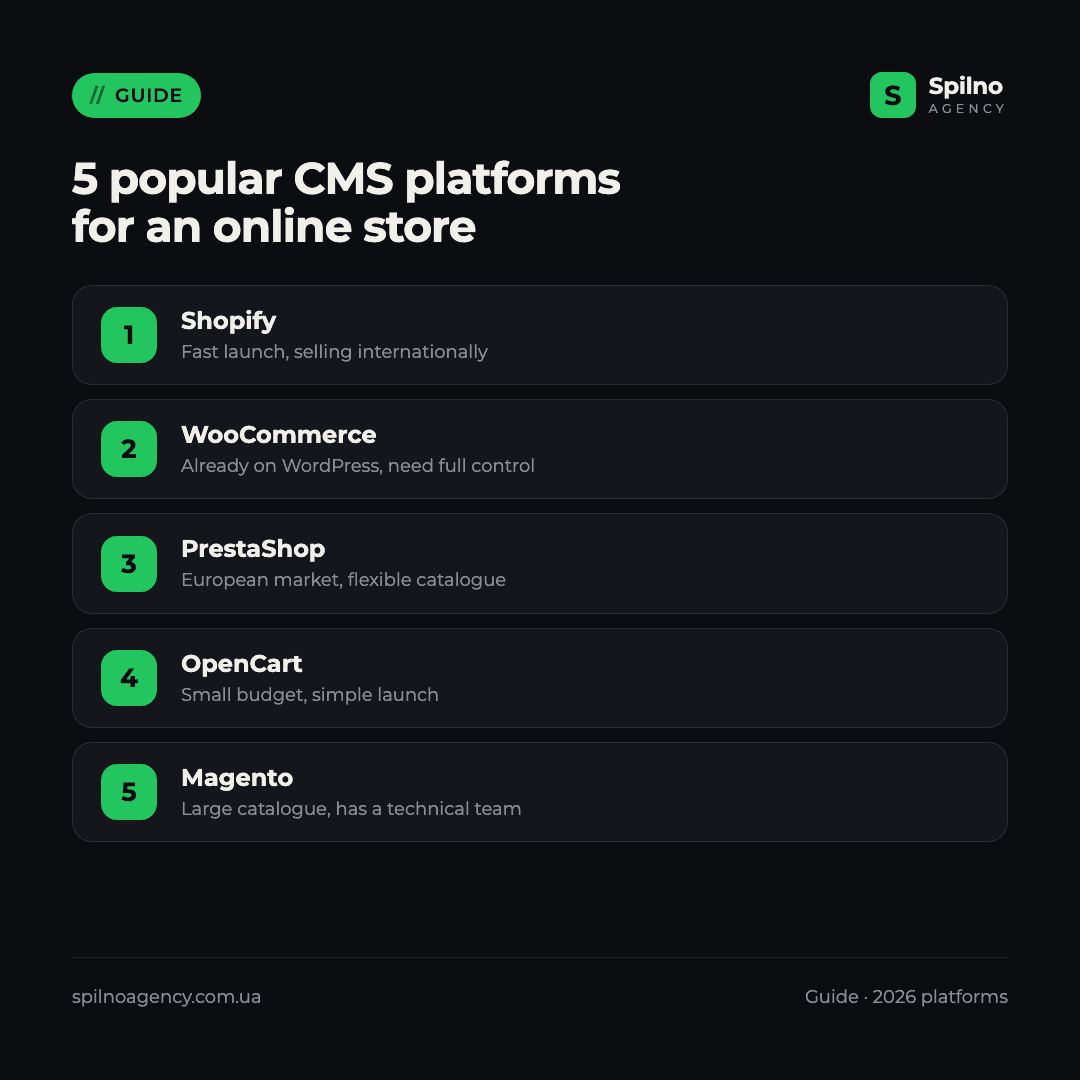
Shopify
The most widely used cloud ecommerce CMS in Europe, popular for how easily it lets a business expand into new markets, with built-in payment and marketplace integrations.
- ✅ Store launch in a matter of days, hundreds of ready-made themes and apps
- ✅ Consistent performance and DDoS protection handled by Shopify’s own infrastructure
- ✅ A huge app ecosystem covering marketing, payments, and shipping
- ❌ Monthly subscription fee, plus transaction commission on some plans
- ❌ Limited access to backend code — deep customisation is harder and more expensive
BigCommerce
A cloud platform positioned as an enterprise-friendly alternative to Shopify, with more built-in features on lower tiers and no forced transaction fees.
- ✅ More native features included by default (no need to add as many paid apps)
- ✅ No mandatory transaction commission regardless of payment provider
- ✅ Strong multi-channel selling support out of the box
- ❌ Smaller app marketplace and theme selection than Shopify
- ❌ Steeper learning curve for store owners without prior ecommerce experience
Self-hosted CMS platforms for an online store: 2026 pros and cons
Self-hosted platforms are the right choice when a business needs maximum flexibility, unique functionality, or full control over data and infrastructure.
WooCommerce
A plugin that turns a regular WordPress site into a full online store. It’s the most widely installed self-hosted ecommerce CMS in the world.
- ✅ Free core software — you only pay for hosting and any paid extensions
- ✅ Thousands of ready-made themes and plugins, easy to find a developer
- ✅ Integrates naturally if the site already runs a blog or content on WordPress
- ❌ Performance drops on large catalogues without careful hosting optimisation
- ❌ Site owner is responsible for security and updates
PrestaShop
A dedicated open-source ecommerce CMS, especially popular in continental Europe thanks to ready-made modules for local tax rules and regional payment methods.
- ✅ Built specifically for ecommerce out of the box — no separate shop plugin needed
- ✅ Many ready-made modules for European markets (tax, shipping, payments)
- ✅ Flexible catalogue structure for complex product ranges
- ❌ Requires an experienced developer for theme and module customisation
- ❌ Version upgrades occasionally break compatibility with older modules
OpenCart
A lightweight, long-established open-source CMS, popular with small and mid-sized stores for its low entry barrier and simple installation.
- ✅ Low hosting requirements, runs fast even on budget hosting plans
- ✅ Simple admin panel, wide developer availability
- ✅ Large library of ready-made themes and extensions
- ❌ Many extensions are paid, third-party developments of varying quality
- ❌ Core development is less active compared to PrestaShop or WooCommerce
Magento (Adobe Commerce)
The most powerful self-hosted CMS for large online stores with thousands of SKUs, multiple warehouses, and combined B2B/B2C operations.
- ✅ Handles a very large catalogue and high traffic with the right infrastructure
- ✅ Flexibility for multi-warehouse, multi-currency, and complex pricing rules
- ❌ Expensive to develop and maintain — needs a team, not a single freelancer
- ❌ Overkill for a small store — slower and costlier to launch than it needs to be
SEO potential and support cost: 6 platforms
Two factors shape the long-term cost of owning a CMS the most: how much SEO control the platform gives you, and how much a developer hour costs for ongoing work. The rates below are indicative freelance and small-agency market rates across Europe, not Spilno Agency’s own service pricing — the actual rate depends on the developer’s experience and location.
| Platform | SEO potential | Developer hourly rate (indicative) |
|---|---|---|
| Shopify | Medium — fixed URL structure (/products/, /collections/), apps needed for full schema and canonical control | €25–50 |
| BigCommerce | Medium-high — more built-in SEO controls than Shopify by default, still limited by the platform’s URL rules | €25–50 |
| WooCommerce | High — full code control, compatible with Yoast SEO / Rank Math, the largest developer pool | €20–45 |
| PrestaShop | High — clean URLs and canonical tags out of the box, built for ecommerce | €25–50 |
| OpenCart | Medium — basic SEO is there, SEO extensions needed for full meta and schema control | €15–30 |
| Magento (Adobe Commerce) | High — enterprise-grade technical SEO capability, but implementation needs an experienced team | €45–90 |
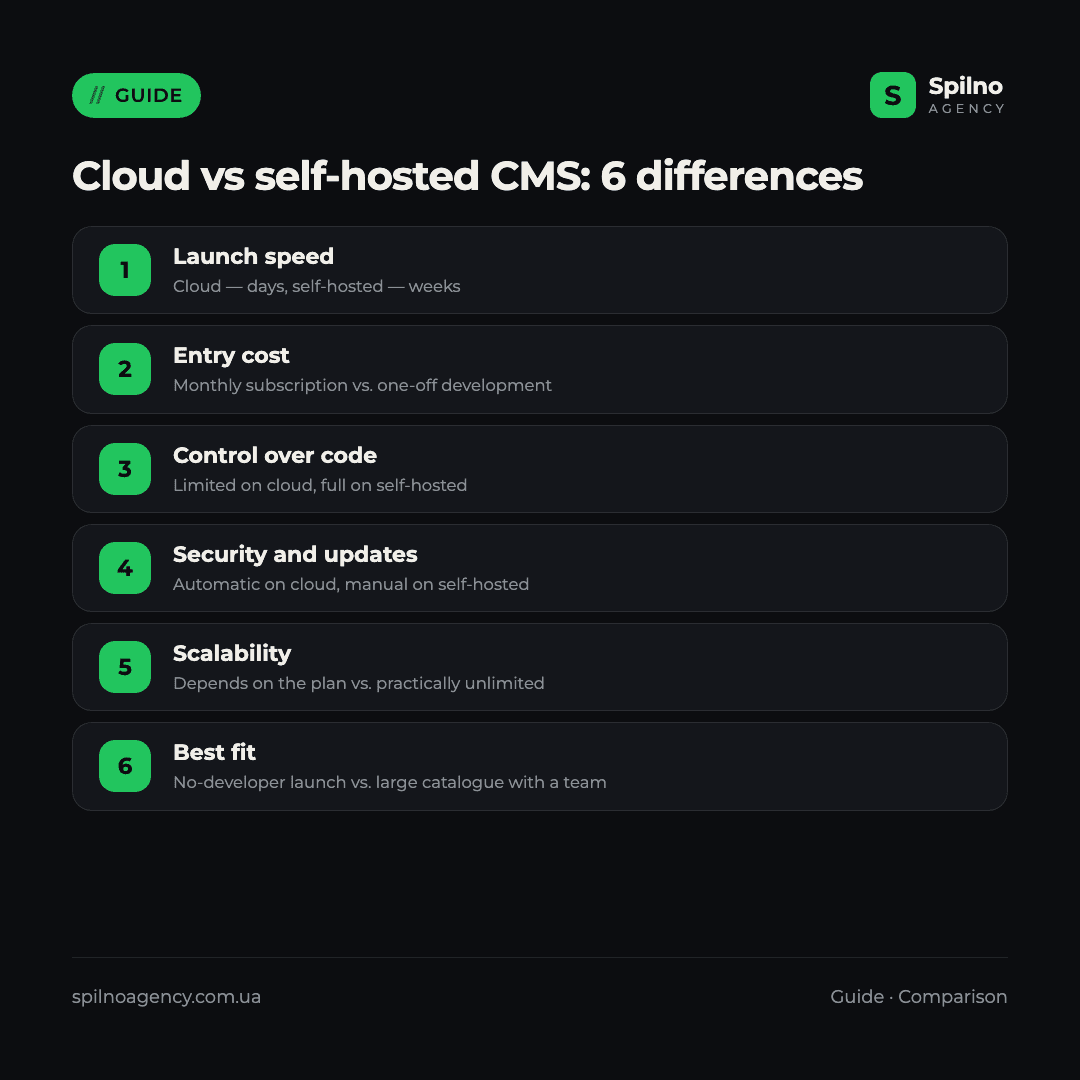
Cloud vs self-hosted CMS: comparison table
| Criterion | Cloud CMS (Shopify, BigCommerce) | Self-hosted CMS (WooCommerce, PrestaShop, OpenCart, Magento) |
|---|---|---|
| Launch speed | Days | Weeks, depending on complexity |
| Entry cost | Monthly subscription, no separate hosting cost | One-off development cost + separate hosting |
| Technical support | Handled by the platform vendor | In-house team or an agency |
| Control over code and SEO | Limited by the platform’s rules | Full access to code and URL structure |
| Scalability | Depends on the pricing tier | Practically unlimited with the right architecture |
| Security and updates | Handled automatically by the vendor | Site owner’s responsibility |
| Best fit | Launch phase, small to mid-size catalogue, no in-house developer | Large catalogue, unique functionality, existing technical team |
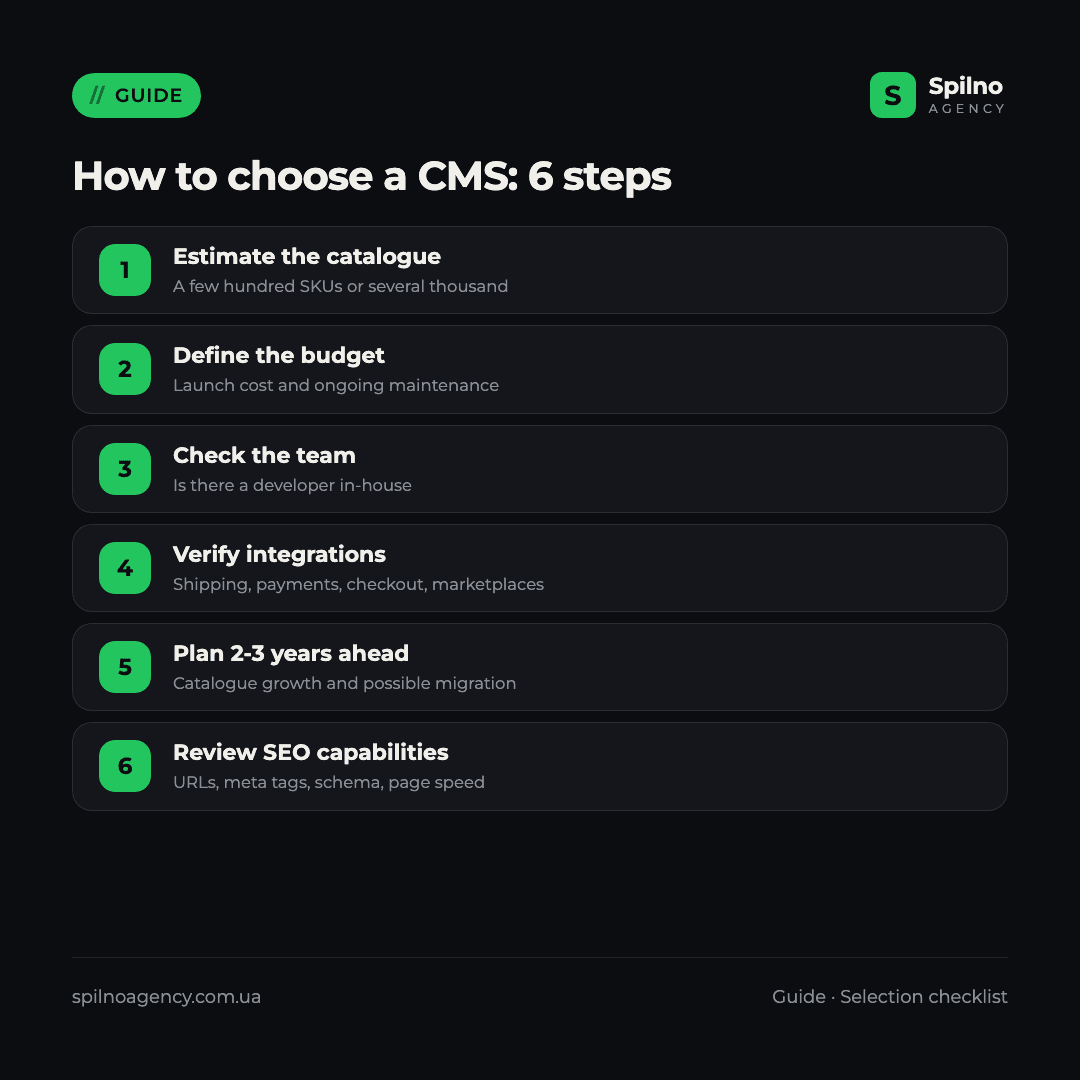
How to choose a CMS for your online store: step-by-step checklist
- Estimate your catalogue size. A few hundred products — almost any platform on this list will work; thousands of SKUs across several warehouses — look at Magento or Shopify’s higher-tier plans.
- Define both launch budget and ongoing maintenance budget. Cloud CMS is cheaper to start with; self-hosted CMS is cheaper long-term if you already have a technical team.
- Check whether you have a developer on the team. No developer — choose a cloud CMS. In-house or agency developer available — self-hosted gives you more freedom.
- Verify integrations for your market. Shipping providers, payment gateways, marketplaces — confirm a ready-made module exists for the exact services you use.
- Plan two to three years ahead. Migrating between CMS platforms is expensive and risky for SEO, so choose based on expected growth, not just your current scale.
- Review the platform’s SEO capabilities. Control over URLs, meta tags, schema markup, and page speed are direct ranking factors that vary significantly between platforms.
Common mistakes when choosing an ecommerce CMS
- Picking a platform at random on someone’s recommendation, without weighing catalogue size, budget, or in-house technical capacity.
- Ignoring SEO capabilities at the selection stage — you either end up living with the platform’s limitations or paying for an expensive migration later.
- Underestimating self-hosted maintenance costs — hosting, security updates, and feature development cost time and money continuously, not just at launch.
- Choosing an overpowered platform (Magento for a 50-product store, for instance) — you end up paying for functionality you’ll never use.
- Not having a migration plan — if the business is growing fast, it pays to know in advance how and when you’d move to a more capable platform without losing search rankings.
Frequently asked questions
Which CMS is best for a small online store?
For a small store without an in-house developer, a cloud platform like Shopify is usually the best fit — fast launch and minimal technical maintenance.
Shopify or WooCommerce — which should I choose?
Shopify makes sense if you need a fast launch without a developer and plan to sell internationally. WooCommerce is the better fit if you already have a WordPress site, need full control over code and SEO, and have the resources for ongoing technical support.
Can I launch an ecommerce CMS for free?
Yes — WooCommerce, PrestaShop, and OpenCart are free as software; you only pay for hosting, a domain, and any paid extensions or development work you need. Cloud CMS platforms, by contrast, run on a monthly subscription.
Does the choice of CMS affect ecommerce SEO?
Yes, significantly. The CMS determines your URL structure, how much control you have over meta tags and schema markup, page load speed, and how faceted catalogue navigation is handled — all of them direct ranking factors.
How difficult is it to migrate from one CMS to another?
Migration takes anywhere from a few weeks to several months depending on catalogue size and customisations, and it always carries a risk of temporary ranking losses if redirects and data structure aren’t handled carefully. That’s why it pays to choose a CMS with two to three years of growth in mind.
Already picked a platform but not sure it’s set up correctly for SEO? Spilno Agency’s specialists can run a technical audit of your online store and show you exactly what’s holding back organic growth.

Read also

LinkedIn Ads Library: How to Find Your Competitors’ LinkedIn Ads (2026 Guide)
How to use the LinkedIn Ads Library to see any competitor's sponsored content for free — step by…
Meta Ads Library: How to Find Your Competitors’ Facebook & Instagram Ads (2026)
How to use the Meta Ads Library to see any competitor's Facebook, Instagram and Threads ads for free…

New Features in the ChatGPT Ads Manager: A Step-by-Step Setup Guide
oCPC for product feeds, URL macros, pixel diagnostics, Triple Whale and Hightouch, AAM from 17 August 2026. A…