Is WordPress Good for SEO? Pros and Cons of the CMS

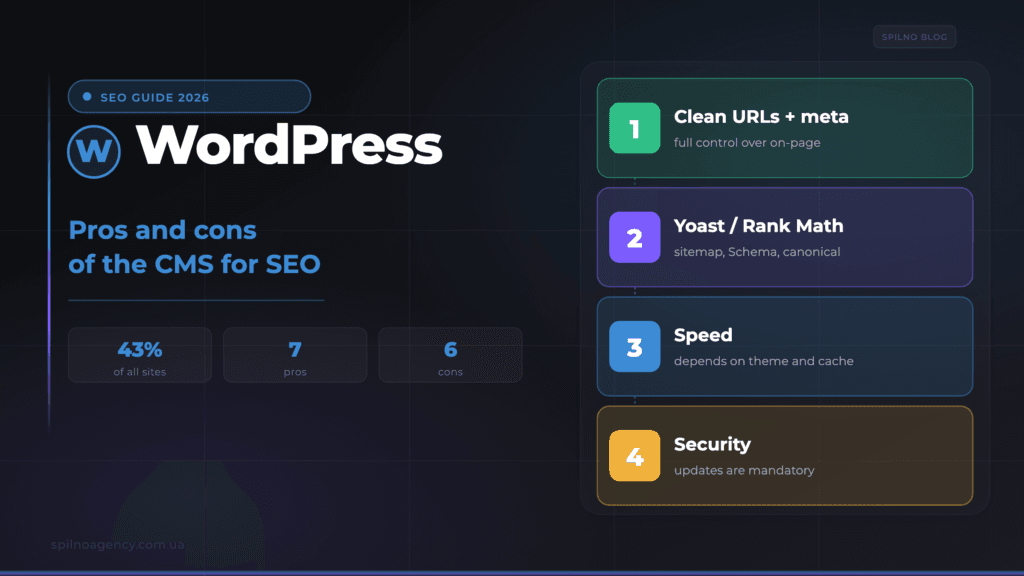
WordPress is the world’s most popular CMS, powering around 43% of all websites. It is widely seen as one of the most SEO-friendly platforms: clean URLs, the Yoast and Rank Math plugins, automatic sitemaps and full control over content. But alongside the pros, WordPress has cons that can hurt rankings: speed without optimisation, security risks and plugin bloat. This article is an honest breakdown of the pros and cons of WordPress as a CMS for SEO, plus a checklist to make your site genuinely SEO-friendly.
What WordPress and a CMS are, in plain terms
A CMS (Content Management System) is a platform that lets you create, edit and publish website pages without writing code by hand. WordPress is the most popular CMS in the world: by various estimates it powers around 43% of all websites on the internet, from personal blogs to large corporate portals and online stores.
WordPress is free, open-source and built from three parts: the core (the CMS itself), the theme (responsible for design) and plugins (which add features — from SEO to forms and e-commerce). This modularity is exactly what makes it so flexible — and what requires careful configuration so it doesn’t hurt SEO.
Is WordPress good for SEO? The short answer
In short: yes, WordPress is one of the most SEO-friendly content management systems. Out of the box it provides clean HTML markup, controllable URLs and headings, and through plugins — full control over every technical optimisation element. But it’s important to understand: WordPress alone won’t push a site to the top. It only provides a convenient foundation. Rankings depend on content quality, speed, technical setup and links — and a misconfiguration can wipe out all the platform’s advantages.
WordPress SEO pros: 7 advantages
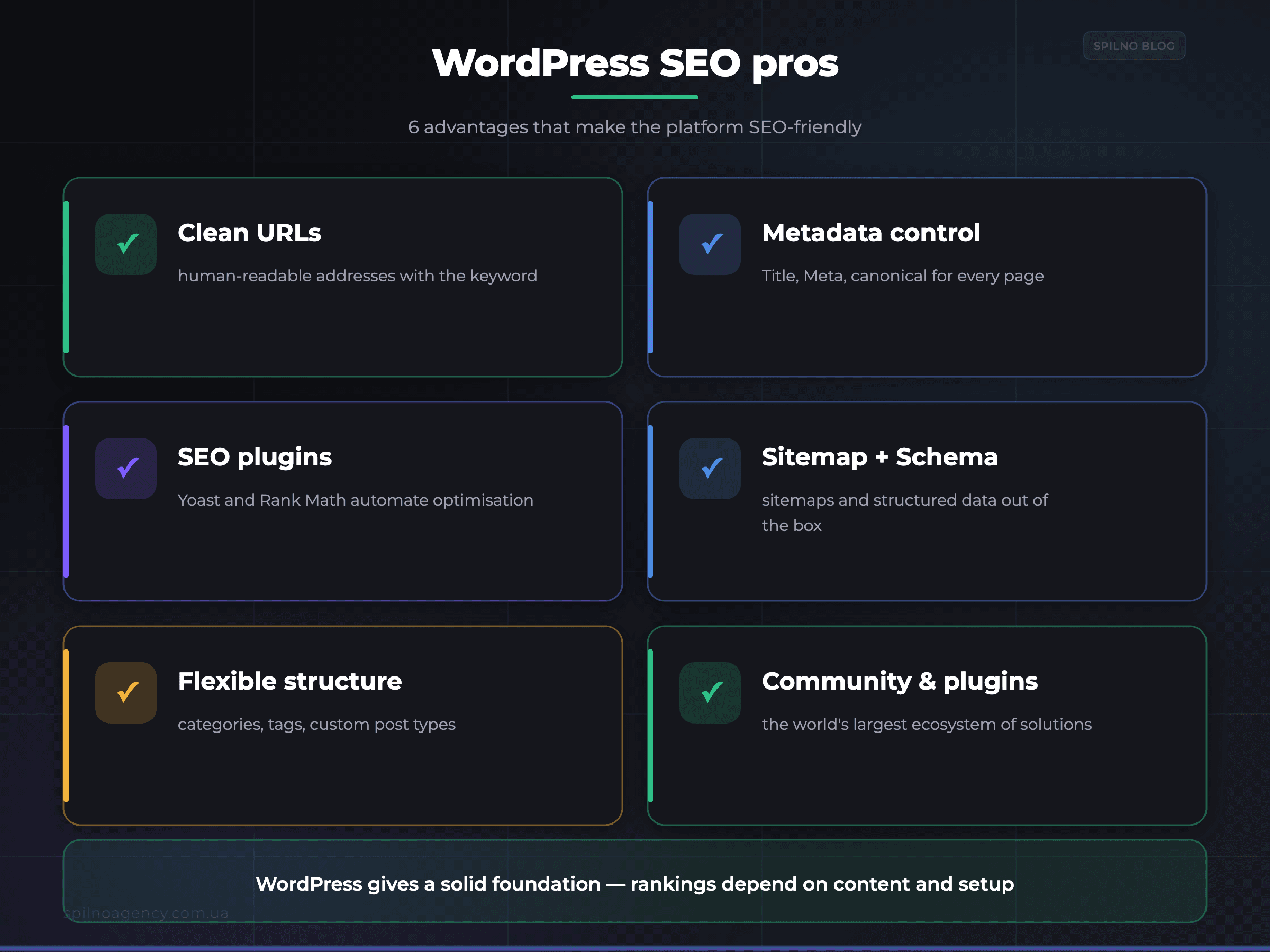
- Clean URLs (permalinks). WordPress lets you set human-readable addresses like
/instructions/wordpress-seoinstead of?p=123. Clear URLs are a basic on-page factor. - Full control over metadata. Through an SEO plugin you manage
Title,Meta Description,canonical, robots directives and OpenGraph for each page individually. - Powerful SEO plugins. Yoast SEO and Rank Math automate sitemaps, Schema markup, internal linking and content analysis — things you’d build by hand in other systems.
- Automatic XML sitemaps and Schema. Your sitemap is generated and updated automatically, and structured data is added in a few clicks — helping Google index and understand content faster.
- Flexible content and structure. Categories, tags, custom post types and a convenient editor let you build a clear semantic structure around keyword clusters.
- A huge ecosystem and community. Thousands of themes and plugins and the world’s largest community: almost any SEO task already has a ready-made solution or guide.
- Open-source, no vendor lock-in. You fully own the site and can change hosting, theme and code — unlike closed builders where you’re limited by the platform.
How WordPress compares with other platforms on SEO capabilities — we covered this in detail in a separate piece on comparing CMS platforms for SEO.
WordPress SEO cons: 6 risks
WordPress gives you freedom — but freedom also means responsibility. Here are the main cons that can hurt SEO if left uncontrolled:
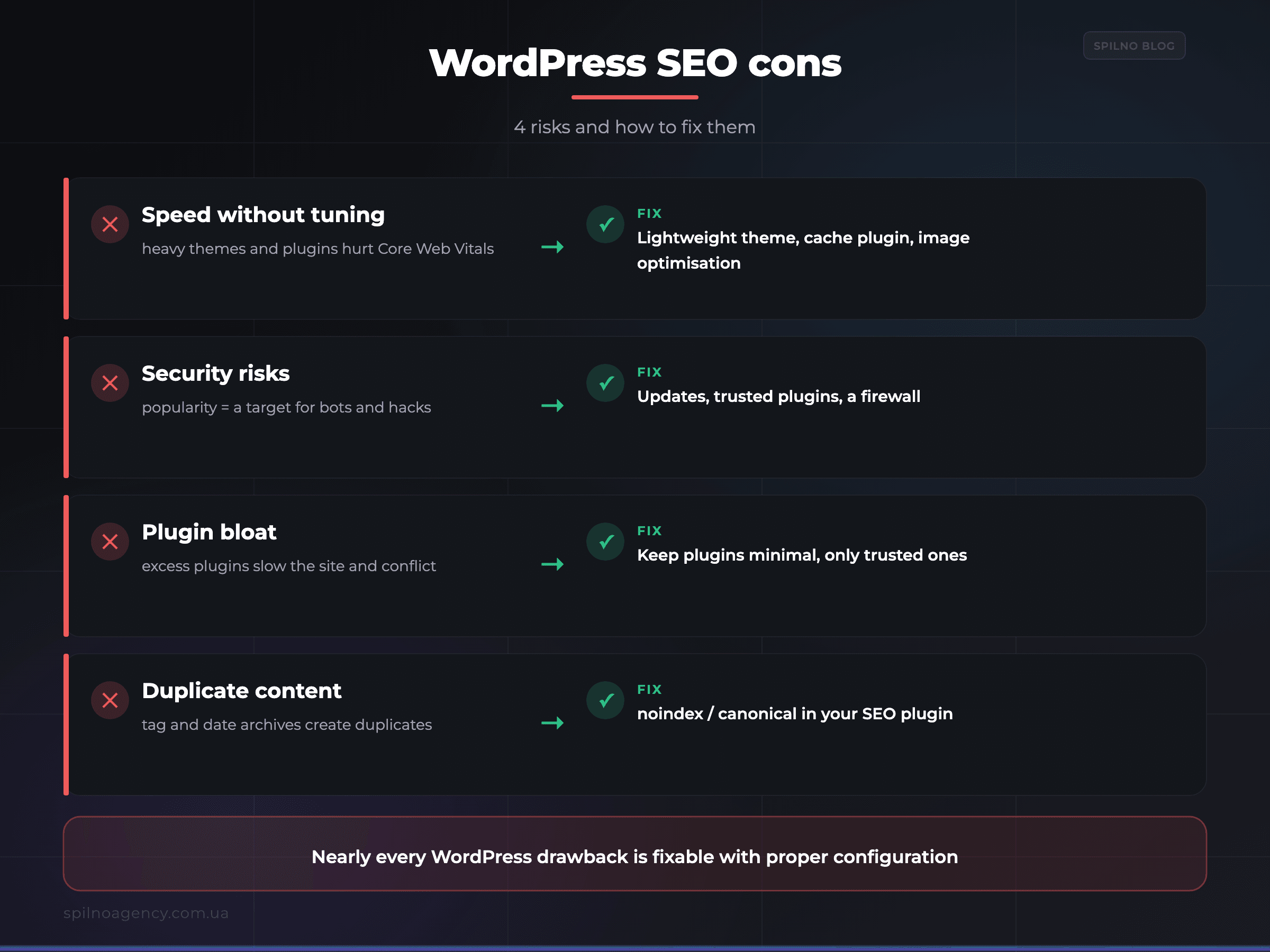
- Speed without optimisation. Heavy themes, page builders and dozens of plugins slow the site and hurt
Core Web Vitals(LCP,INP). Fix: a lightweight theme, a cache plugin, image optimisation and quality hosting. - Security risks. Because WordPress is so popular, it’s a prime target for bots and hacks. A compromised site can get spam pages that destroy SEO. Fix: updates, trusted plugins, a firewall.
- Plugin bloat and conflicts. Excess plugins add junk code, slow the admin area and conflict with each other. Fix: keep plugins to a minimum, use only trusted ones.
- Duplicate content. Category, tag, date archives and pagination can create duplicate pages. Fix: set noindex/canonical in your SEO plugin.
- Maintenance overhead. Regular updates of core, theme and plugins are mandatory, or security and compatibility risks grow. Fix: scheduled updates with backups.
- Quality depends on theme and hosting. Bad hosting or a bloated theme will negate any optimisation. Fix: an SEO-oriented theme plus reliable hosting.
The biggest practical drawback is speed. How to squeeze maximum performance out of WordPress — we covered in our guide to the LiteSpeed Cache plugin.
How to make WordPress SEO-friendly: a checklist
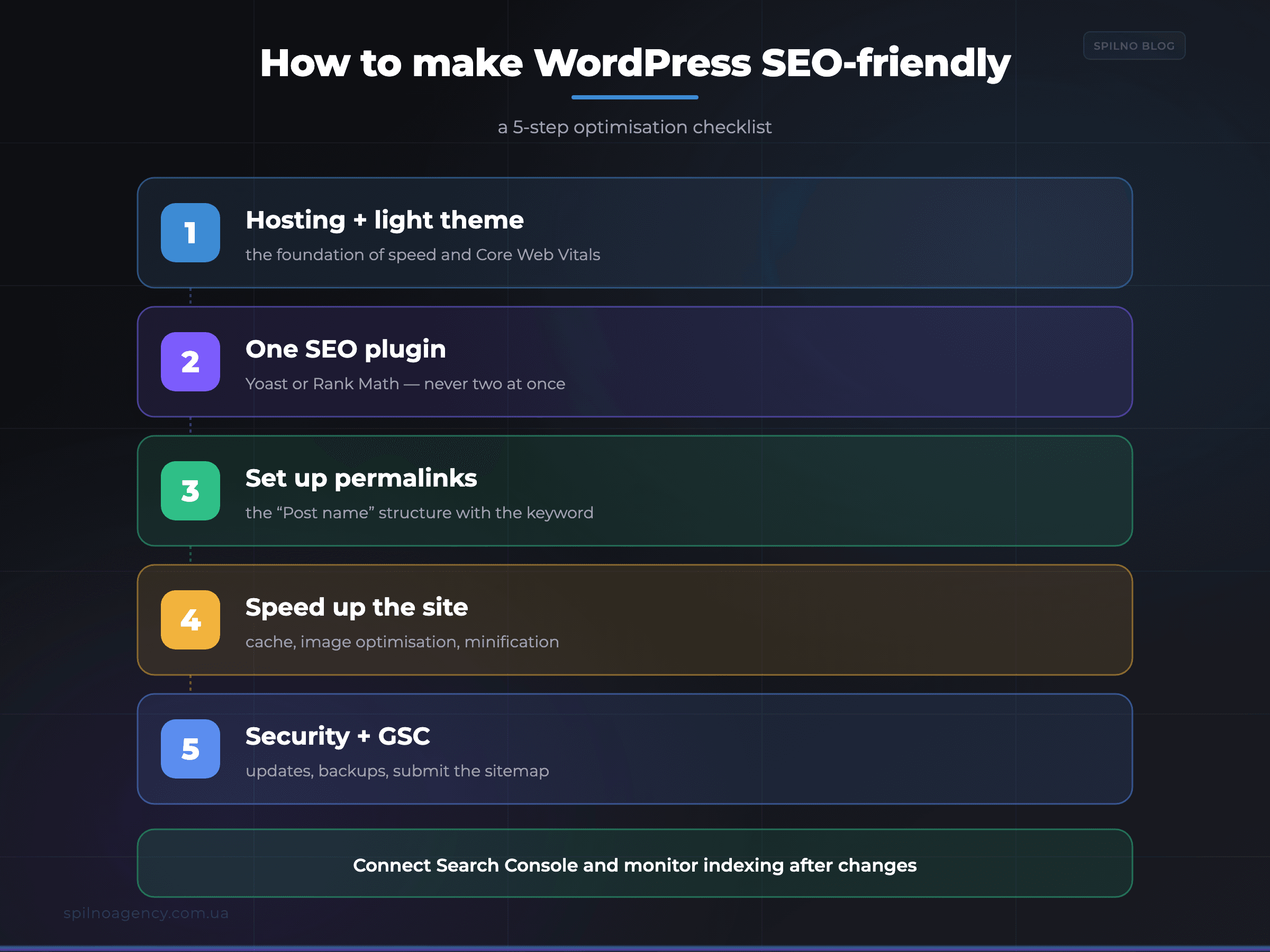
- Choose quality hosting and a lightweight theme. A fast server and an SEO-oriented theme are the foundation of Core Web Vitals. Avoid “all-in-one” themes with hundreds of features you won’t use.
- Install one SEO plugin. Yoast SEO or Rank Math. Configure Title/Meta templates, canonical, XML sitemap and Schema. Never run two SEO plugins at once.
- Set up permalinks. In Settings → Permalinks choose the “Post name” structure — short, clear URLs with the keyword.
- Block duplicates from indexing. Set noindex for tag/date archives and utility pages; check canonical for pagination and filters.
- Speed up the site. A cache plugin (LiteSpeed Cache), image compression and lazy-load, CSS/JS minification — these directly improve Core Web Vitals.
- Handle security and updates. Regularly update core, theme and plugins, make backups, enable a firewall — a hacked site loses rankings.
- Connect Google Search Console. Submit your sitemap and monitor indexing and errors after every significant change.
WordPress vs other CMS platforms for SEO
WordPress isn’t the only option. A rough comparison by key SEO criteria:
| CMS / platform | SEO control | Best for |
|---|---|---|
| WordPress | Very high | Blogs, content and business sites, most projects |
| Shopify | Medium | Online stores where e-commerce simplicity matters |
| Wix / Tilda | Basic | Simple brochure sites and landing pages without complex SEO |
| Headless CMS | Very high | Large products with in-house development and a team |
Who WordPress is for — and who it isn’t
- A good fit for: blogs and content projects, business sites that actively do SEO, WooCommerce online stores, and anyone who needs full control over optimisation without vendor lock-in.
- Less suitable for: a very simple single-page landing (faster on a builder), or a team that isn’t prepared to update and maintain the site at all.
Common WordPress mistakes that hurt SEO
- Dozens of “just in case” plugins. Every extra plugin is code, load and risk. Keep only what you need.
- Ignoring speed. A site without caching and image optimisation fails Core Web Vitals.
- Two SEO plugins at once. Yoast and Rank Math together duplicate meta tags and conflict — pick one.
- Leaving duplicates indexable. Tag and date archives without noindex dilute crawl budget.
- No updates or backups. Outdated versions are a security hole and a direct threat to rankings.
Frequently asked questions (FAQ)
Is WordPress good for SEO?
Yes, it’s one of the most SEO-friendly CMS platforms. Out of the box: clean URLs, controllable headings and meta tags, automatic sitemaps and access to powerful plugins (Yoast, Rank Math). WordPress itself doesn’t guarantee top rankings — it provides the foundation, while positions depend on content, speed and technical setup.
What are the main SEO advantages of WordPress?
Full control over content and structure, clean permalinks, management of Title/Meta/canonical, automatic sitemaps and Schema, a huge plugin ecosystem, open-source code with no vendor lock-in, and the largest community where any task already has a solution.
What WordPress disadvantages affect SEO?
Speed without optimisation, security risks due to popularity, plugin bloat and conflicts, duplicate content, the need for regular updates and dependence on hosting and theme choice. Nearly all of it is fixable with proper configuration.
Which SEO plugin should I choose for WordPress?
Yoast SEO or Rank Math. Both manage Title, Meta, canonical, robots, OpenGraph, Schema and sitemaps. Rank Math offers more in its free version, Yoast is simpler and battle-tested. One is enough.
Does WordPress slow a site down?
WordPress itself isn’t slow — heavy themes, excess plugins and cheap hosting make it slow. A cache plugin, image optimisation, a lightweight theme and quality hosting make WordPress fast and SEO-friendly.
Is WordPress or another CMS better for SEO?
For content and most business sites, WordPress is the most flexible choice for the price-to-capability ratio. Shopify is more convenient for e-commerce, builders are simpler but more limited. If you need full control over SEO, WordPress almost always wins.
Want your WordPress site to actually bring in traffic from search?
Spilno Agency sets up technical SEO, speeds up WordPress and runs growth campaigns for businesses across Europe — from audit to ranking growth. Get in touch and we’ll run an SEO audit of your site.

Read also
Google Tag Manager Workspaces: Why You Need Them and How to Use Them in 2026
A workspace in Google Tag Manager is a “draft” of a container — a place to safely edit…
How to Track Revenue, Transactions and Purchases in Google Analytics 4 from WordPress WooCommerce
Introduction WooCommerce store owners are often convinced that Google Analytics 4 already shows them revenue, transaction counts and…
How to Analyze Hourly Statistics in Google Analytics 4
Google Analytics 4 has no dedicated “hourly statistics” menu item, but you can get that exact breakdown in…