Unlocking Your TikTok Ads Account: A Step-by-Step Guide

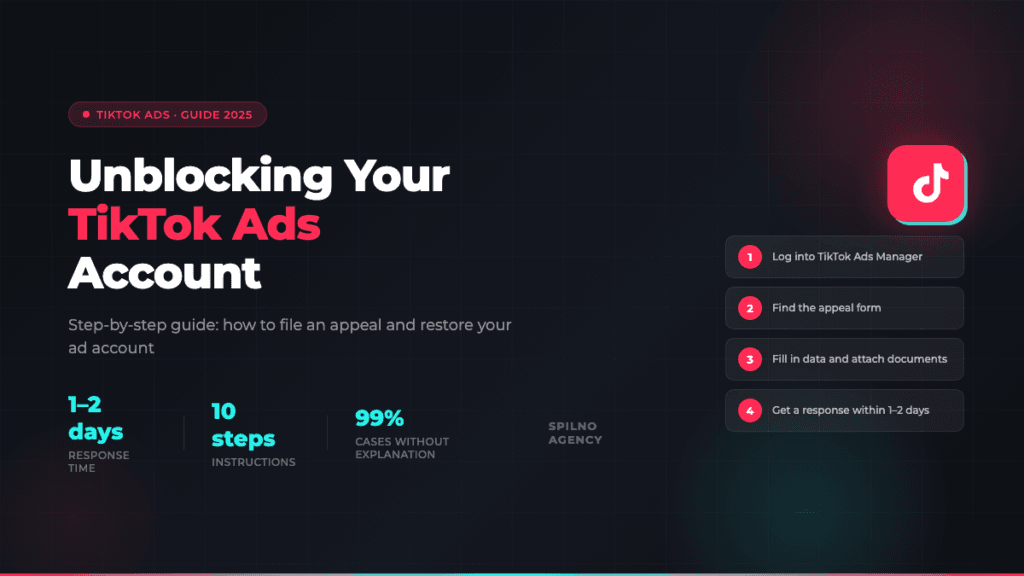
TikTok Ads suspended your advertising account without explanation? This step-by-step guide will show you exactly how to file an appeal, gather the required documents, and restore your ad account within 1–2 days.
What Is a TikTok Ads Account Suspension
A TikTok Ads account suspension means your access to the advertising manager has been revoked. Once blocked, you cannot launch new campaigns, top up your balance, or edit active ads.
The biggest challenge: TikTok rarely explains the specific reason. The notification usually just references a “policy violation” with no details. That’s why knowing the common causes and following the correct appeal procedure is the only effective path to recovery.
How Long Does TikTok Ads Account Recovery Take
- 1–2 days — standard response time for an initial appeal
- 3–7 days — for repeat appeals or when additional document verification is needed
- Up to 30 days — in complex cases involving genuine policy violations
If you don’t get a response within 2–3 days, resubmit your appeal. This is normal — it often takes more than one attempt.
Why TikTok Ads Accounts Get Suspended
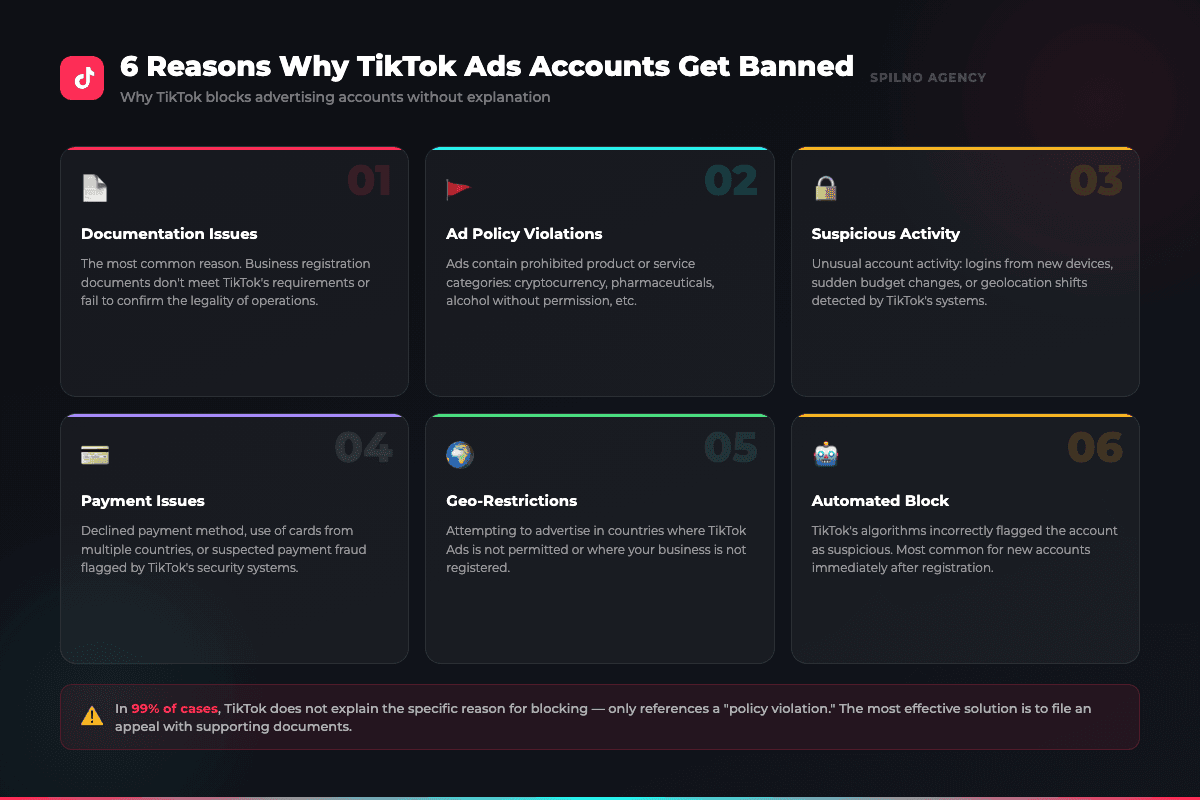
- Documentation issues — business registration documents don’t meet TikTok’s requirements
- Ad policy violations — prohibited product categories (crypto, pharma, alcohol without licence)
- Suspicious activity — logins from new devices, sudden budget spikes
- Payment problems — declined card or suspected payment fraud
- Geo-restrictions — attempting to advertise in countries where TikTok Ads isn’t available
- Automated block — TikTok’s algorithm flagged a new account as suspicious
In 99% of cases, TikTok support sends only an automated reply about a policy violation with no specifics. Don’t wait for a detailed explanation — start the appeal process immediately.
How to Appeal a TikTok Ads Account Suspension: Step-by-Step
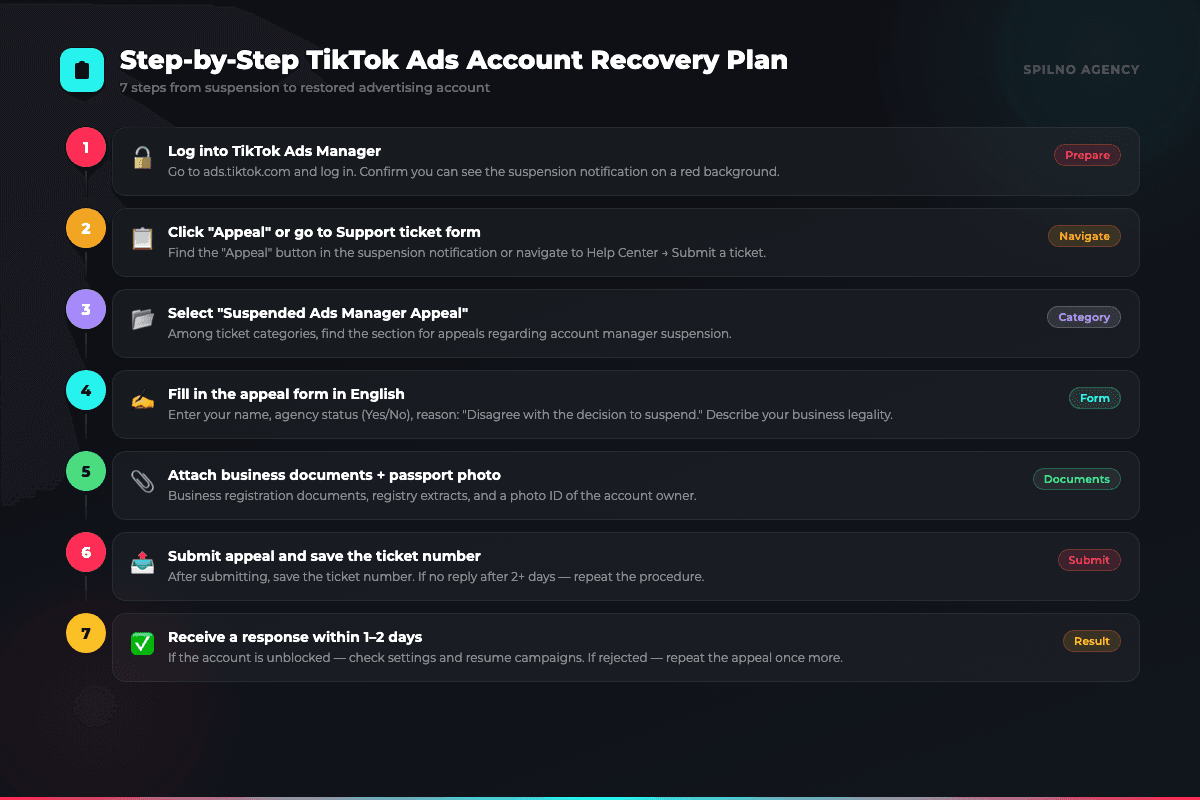
- Go to ads.tiktok.com and log in to your account
- Find the red suspension notification and click the “Appeal” button — or go directly to the support ticket form
- Select the category “Suspended Ads Manager Appeal”
- Fill in all form fields (see detailed instructions below)
- Attach your business documents + a photo of your passport
- Submit the appeal and save your ticket number
- Wait for a response within 1–2 business days
How to Fill in the TikTok Ads Appeal Form
The appeal form must be filled in in English. Here’s how to complete each field:
- Ticket Title:
Unlocking your account - First Name: your first name
- Preferred Language: English
- Ad Group ID: leave empty (optional field)
- Are you an agency:
Yesif you’re a marketing agency;Noif advertising your own business - Reason for appeal:
Disagree with the decision to suspend this account - Details: write in English that you disagree with the suspension. Example: “Good afternoon. I disagree with the block, as our business is completely legal and does not violate the country’s legislation. I have attached the documents confirming the registration of the business.”
- Attachment: business registration documents + photo ID of the account owner
- Have you included any personal data from European TikTok users in this ticket? —
No
What to Do If Your Appeal Is Rejected
- Resubmit the appeal — many cases are resolved on the second or third attempt
- Update your documents — ensure files are clear and complete (registry extract, charter, passport)
- Contact an official TikTok representative — if you’re an agency, direct contact through TikTok’s partner programme may be available
- Create a new account — if recovery is impossible, register a new account from a new IP address and payment method
How to Prevent TikTok Ads Account Suspension
- Verify your products/services comply with TikTok’s advertising policies
- Use a single payment method with a card issued in your business registration country
- Avoid sudden budget spikes — increase spend gradually (no more than 30% per day)
- Enable two-factor authentication to protect your account
- Prepare business verification documents in advance
- Don’t launch ads immediately after registration — let the account “warm up” for a few days
Frequently Asked Questions
How long does TikTok Ads account recovery take?
The standard appeal response time is 1–2 business days. In complex cases, it can take 7–30 days. If you don’t hear back within 2 days, resubmit your appeal.
Can I unblock a TikTok Ads account without documents?
Unlikely. TikTok requires proof of business legitimacy: a registry extract, charter, or registration certificate plus a photo ID of the account owner.
What if my appeal keeps getting rejected?
Update your documents and check if the advertised products violate any policies. If 3–4 attempts fail, consult an official TikTok partner or consider registering a new account.
Can I run ads while my account is suspended?
No. Until TikTok approves your appeal, all advertising features are blocked and active campaigns are automatically paused.
My brand-new TikTok Ads account was blocked right after registration — why?
This is one of the most common scenarios — TikTok’s automated systems flag new accounts as a precautionary measure. It’s resolved through a standard appeal with business documents. Success rate is high.

Read also
Spilno Agency’s Experience: How We Verify Events Before Starting Work
Before launching a campaign in Google Ads or Meta Ads, or starting SEO work, Spilno Agency always checks…
GA4 DebugView: How to Verify Google Analytics Events in Real Time
DebugView is the section of Google Analytics 4 that shows your site’s events in real time, seconds after…

Top Claude Skills for TikTok Ads Specialists (2026)
9 verified Claude skills and MCP servers for TikTok Ads: Pixel/Smart+ audits, Spark Ads hook/hold rate, creator sourcing,…