Cloudflare: What It Is and How It Helps Your SEO

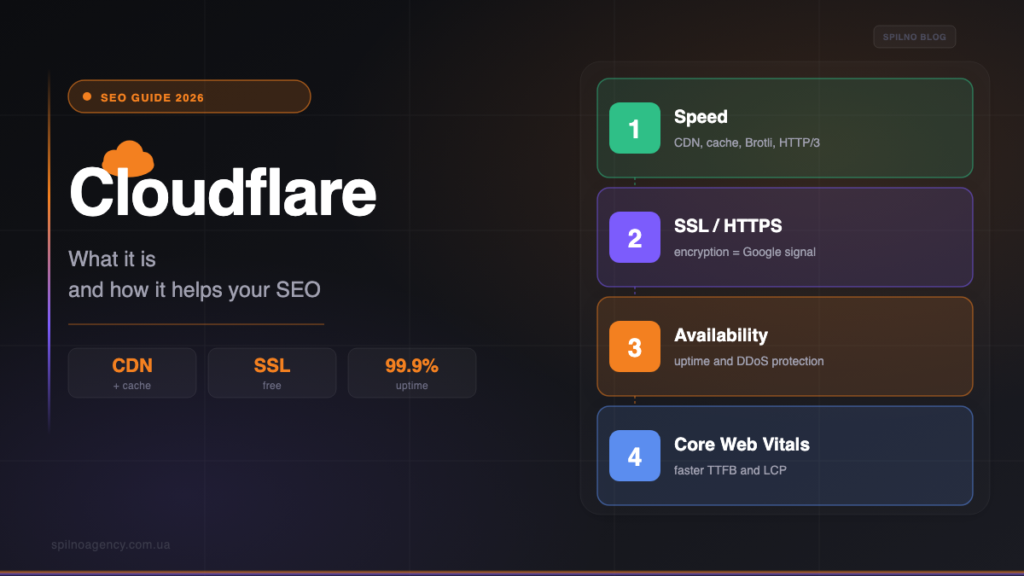
Cloudflare is a free intermediary that routes your site’s traffic through a global CDN: it speeds up loading, issues SSL, keeps uptime high and protects against DDoS. For SEO that means better Core Web Vitals, HTTPS and stable availability for Googlebot. But with the wrong settings Cloudflare can hurt indexing. This guide explains what it is in plain words, exactly how it helps SEO, the risks it hides and how to configure it correctly, step by step.
What Cloudflare is in plain words
Cloudflare is a service that becomes a layer between visitors and your website’s server. Instead of the user reaching your hosting directly, their request first lands on the nearest of Cloudflare’s hundreds of data centres around the world. There the request is processed, filtered for malicious traffic and — if the content is already cached — served instantly, with no load on your server.
In essence, Cloudflare bundles several tools in one: a CDN (content delivery network), DNS hosting, free SSL, a reverse proxy and a security layer (DDoS and bad-bot protection). The basic plan is free, which is exactly why millions of sites — from personal blogs to large online stores — run on Cloudflare.
How Cloudflare works
To understand the SEO benefit, it helps to see the flow. When you connect a site to Cloudflare, you move its DNS to Cloudflare’s servers and enable proxy mode (the orange cloud in the dashboard). After that, every request goes like this:
- A user (or Googlebot) requests your page.
- The request reaches the nearest Cloudflare data centre (an edge server).
- Cloudflare screens the traffic for threats and checks whether the content is cached.
- If it is — the cached copy is served instantly; if not — Cloudflare fetches it from your server, caches the response and serves it to the user.
As a result your server is offloaded, content is served from the closest geographic point and malicious traffic is filtered out before it ever reaches your hosting. This is the foundation on which every SEO benefit is built.
Does Cloudflare affect SEO?
The short answer: Cloudflare is not a ranking factor in itself, but it influences the signals Google really does consider. Google gives no bonus for “using Cloudflare” — yet it rewards fast, secure and reliably available sites. And that is exactly what Cloudflare provides. So the SEO impact is real, but indirect and entirely dependent on correct configuration.
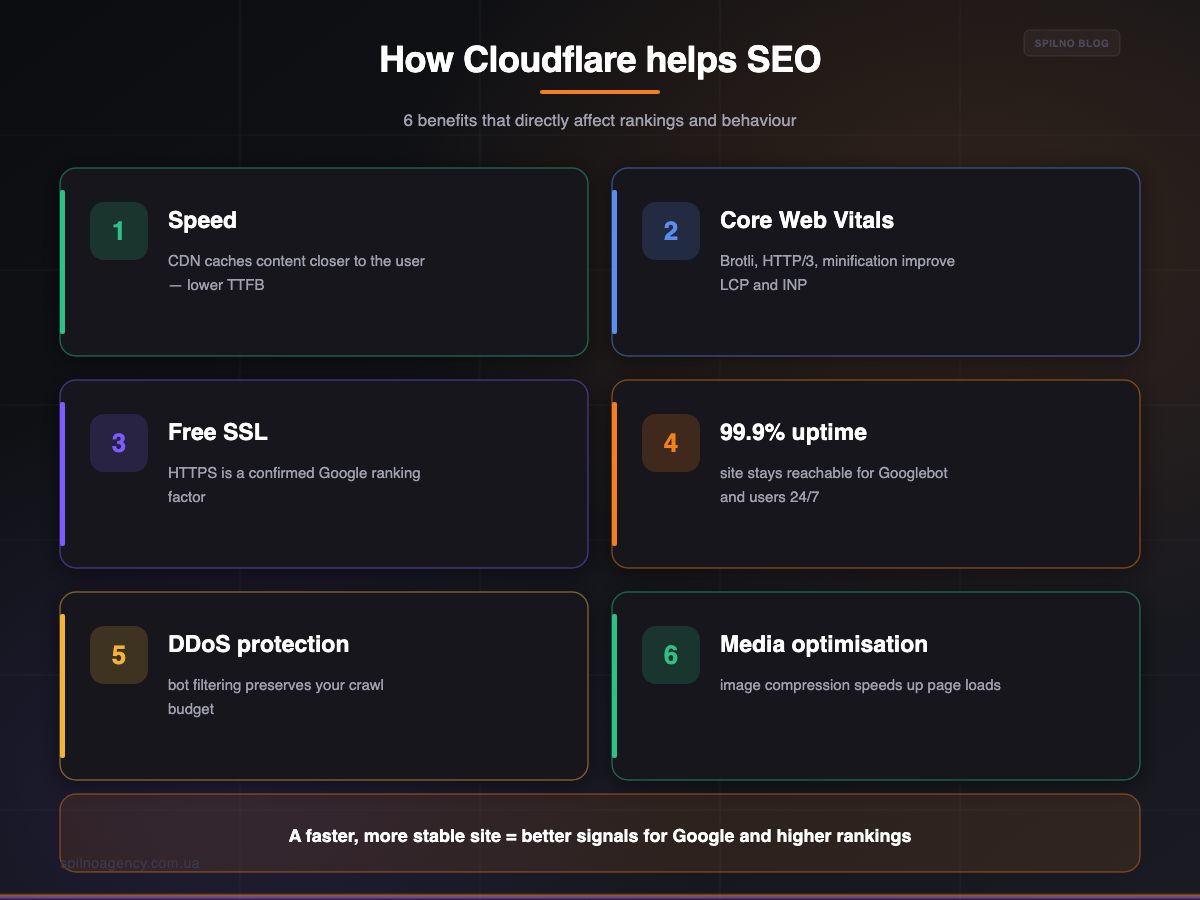
How Cloudflare helps SEO: 6 benefits
- Speed and lower TTFB. The CDN serves content from the server nearest the user, so time to first byte (TTFB) drops. Speed is a confirmed page-experience signal.
- Core Web Vitals.
Brotlicompression, theHTTP/3protocol and CSS/JS auto-minification reduce page weight and improveLCPandINP— key Core Web Vitals metrics. - Free SSL (HTTPS). Cloudflare issues a certificate in a few clicks, and HTTPS has been an officially confirmed Google ranking factor since 2014.
- Stable uptime. If your server is briefly down, Cloudflare can serve a cached version. The site stays reachable for Googlebot — and downtime hurts indexing.
- DDoS and bot protection. Filtering malicious traffic stops junk bots from draining your crawl budget and overloading the server.
- Media optimisation. On paid plans Cloudflare compresses and converts images (Polish, Mirage), speeding up page loads further.
Speed and caching are a big topic in their own right: how to squeeze the most out of caching on WordPress is covered in our guide to the LiteSpeed Cache plugin. Cloudflare and a cache plugin work well as a pair.

Cloudflare SEO risks and how to avoid them
Cloudflare only helps when configured correctly. Here are four common mistakes that turn it harmful, and how to avoid each:
- Aggressive HTML caching. Caching dynamic HTML for too long means Googlebot and users see a stale page. Fix: cache static assets (images, CSS, JS) and exclude HTML from cache or set proper Cache Rules.
- Permanent “Under Attack Mode”. This mode shows a JS challenge to every visitor — and blocks Googlebot crawling. Fix: enable it only during a real attack, not as a permanent shield.
- Rocket Loader. This deferred JS-loading feature sometimes breaks script rendering and Schema markup. Fix: test pages after enabling it and disable Rocket Loader for critical scripts.
- Over-strict WAF. Aggressive firewall rules can accidentally ban Googlebot (the typical
1020error). Fix: whitelist Googlebot and review your firewall logs regularly.
The key takeaway: almost every “Cloudflare SEO problem” is really a settings problem, not a flaw in the service. Check how Googlebot sees your site after every significant change.
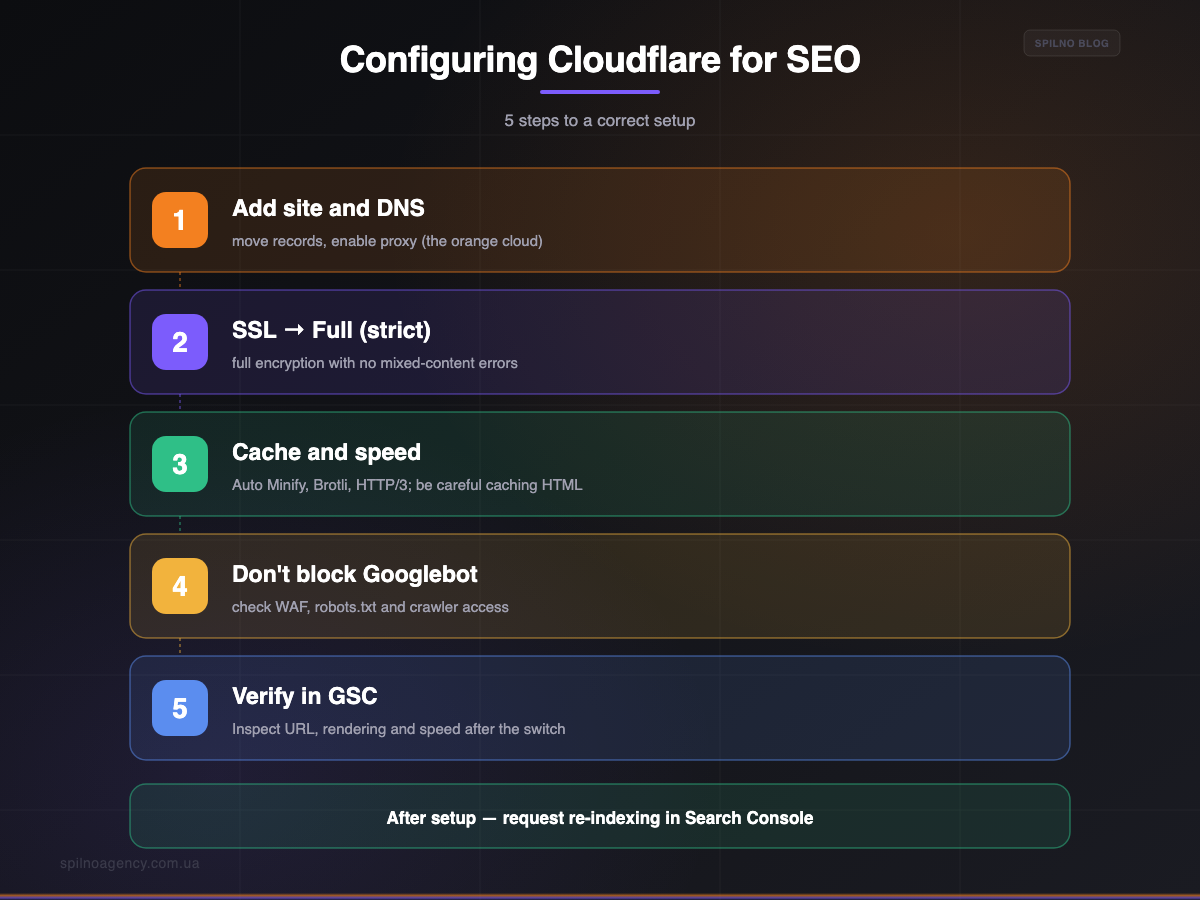
How to set up Cloudflare for SEO, step by step
- Add the site and move DNS. Sign up, add the domain, move the DNS records and enable proxy (the orange cloud) for the main records. Change the NS servers at your domain registrar to the ones Cloudflare provides.
- Set SSL to Full (strict). This is full encryption between the user, Cloudflare and your server with no mixed-content errors. Avoid Flexible mode — it risks redirect loops.
- Enable acceleration, but be careful with HTML. Turn on Auto Minify (CSS/JS), Brotli and HTTP/3. Cache static assets aggressively, but not HTML (or use a short TTL and correct Cache Rules).
- Don’t block Googlebot. Verify that WAF rules, Bot Fight Mode and robots.txt do not close access to search crawlers. Whitelist known bots if needed.
- Verify everything in Search Console. Use Inspect URL to see how Googlebot renders the page after the move to Cloudflare, and request re-indexing.
How exactly to check indexing and rendering after changes is detailed in our guide to Google Search Console.
When you need Cloudflare — and when you don’t
Cloudflare is useful in almost every case, but the size of the benefit depends on the project. A rough summary:
| Situation | Worth it? | Why |
|---|---|---|
| Audience across multiple countries/regions | Yes, definitely | The CDN sharply lowers TTFB for distant users |
| Site under attack or hit by many bots | Yes | DDoS protection and traffic filtering |
| Slow or cheap hosting | Yes | Caching offloads the server and speeds delivery |
| Local site + strong hosting with its own CDN | Not critical | Speed gain is minimal, but SSL and protection still help |
Common mistakes when using Cloudflare
- SSL Flexible instead of Full. Leads to redirect loops and mixed-content errors.
- Caching HTML with no rules. Visitors see a stale version — especially painful for online stores and news sites.
- “Leave Under Attack Mode on forever”. A permanent JS challenge cuts off both bots and some real users.
- Skipping the post-setup check. Always verify rendering and speed in Search Console after the switch.
- Double compression/minification. If a cache plugin already minifies code, duplicating it in Cloudflare can break the layout.
Frequently asked questions (FAQ)
What is Cloudflare in simple terms?
It is an intermediary between the visitor and your website. It routes traffic through a global CDN, caches content closer to the user, issues free SSL, speeds up loading and protects against DDoS and malicious bots. The basic plan is free.
Does Cloudflare improve SEO?
Indirectly — yes. It is not a ranking factor on its own, but it improves the signals Google considers: speed and Core Web Vitals, HTTPS, uptime and crawl-budget protection. Configured correctly, it lifts rankings.
Can Cloudflare hurt SEO?
It can — with the wrong settings. The usual culprits are aggressive HTML caching, a permanent “Under Attack Mode”, Rocket Loader breaking JS, and an over-strict WAF banning Googlebot. All of these are fixed with correct configuration.
Is Cloudflare free?
Yes, the basic plan is free and includes a CDN, SSL, basic DDoS protection and DNS management. Paid plans add image optimisation, more flexible caching and a WAF. For most small and mid-sized sites the free plan is enough.
Does Cloudflare affect Core Web Vitals?
Yes. The CDN lowers TTFB, while Brotli, HTTP/3 and auto-minification cut load time, improving LCP and INP — key Core Web Vitals metrics that feed into the page-experience signals.
How do I set up Cloudflare without hurting SEO?
Move DNS with proxy on, set SSL to Full (strict), enable Auto Minify, Brotli and HTTP/3 but don’t cache HTML aggressively, make sure the WAF and robots.txt don’t block Googlebot, and verify pages in Search Console with Inspect URL.
Want to speed up your site and configure Cloudflare without hurting SEO?
Spilno Agency connects and correctly configures Cloudflare, improves Core Web Vitals and technical SEO for businesses across Europe — with no loss of indexing. Get in touch and we’ll run a speed and security audit of your site.

Read also
Google Tag Manager Workspaces: Why You Need Them and How to Use Them in 2026
A workspace in Google Tag Manager is a “draft” of a container — a place to safely edit…
How to Track Revenue, Transactions and Purchases in Google Analytics 4 from WordPress WooCommerce
Introduction WooCommerce store owners are often convinced that Google Analytics 4 already shows them revenue, transaction counts and…
How to Analyze Hourly Statistics in Google Analytics 4
Google Analytics 4 has no dedicated “hourly statistics” menu item, but you can get that exact breakdown in…