OpenAI Is Changing How Daily Budgets Work in ChatGPT Ads: What Advertisers Need to Know

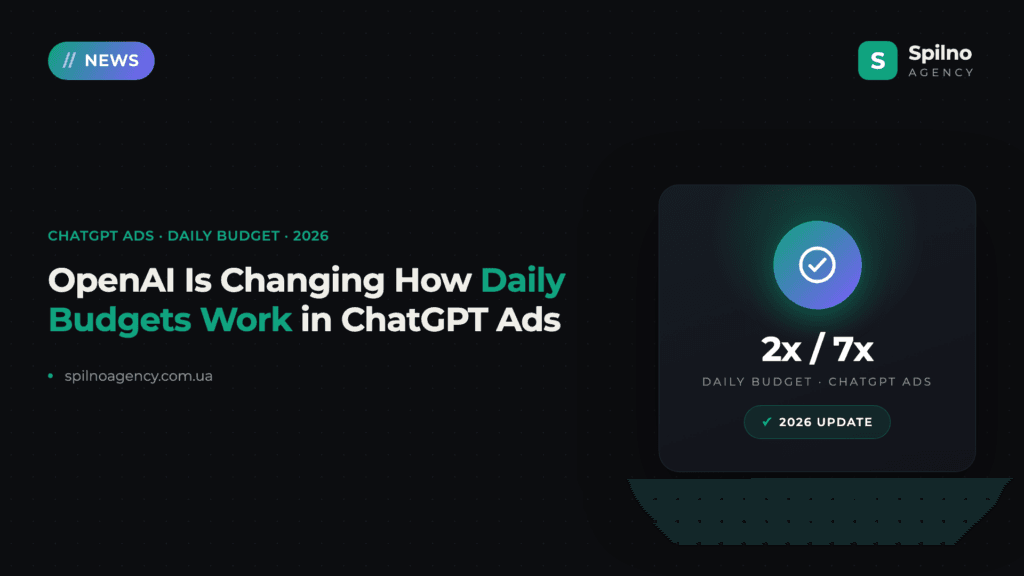
OpenAI has told ChatGPT Ads advertisers that it is changing how the daily budget works. Until now, your daily budget was a hard ceiling — the most a campaign could spend in one day. Going forward, it becomes an average target you want your campaign to spend per day over a rolling seven-day period. No action is required: existing budget amounts stay the same and current campaigns switch over automatically. Here is exactly what changes, a worked example, and what to check in your account regardless.
What Exactly OpenAI Is Changing
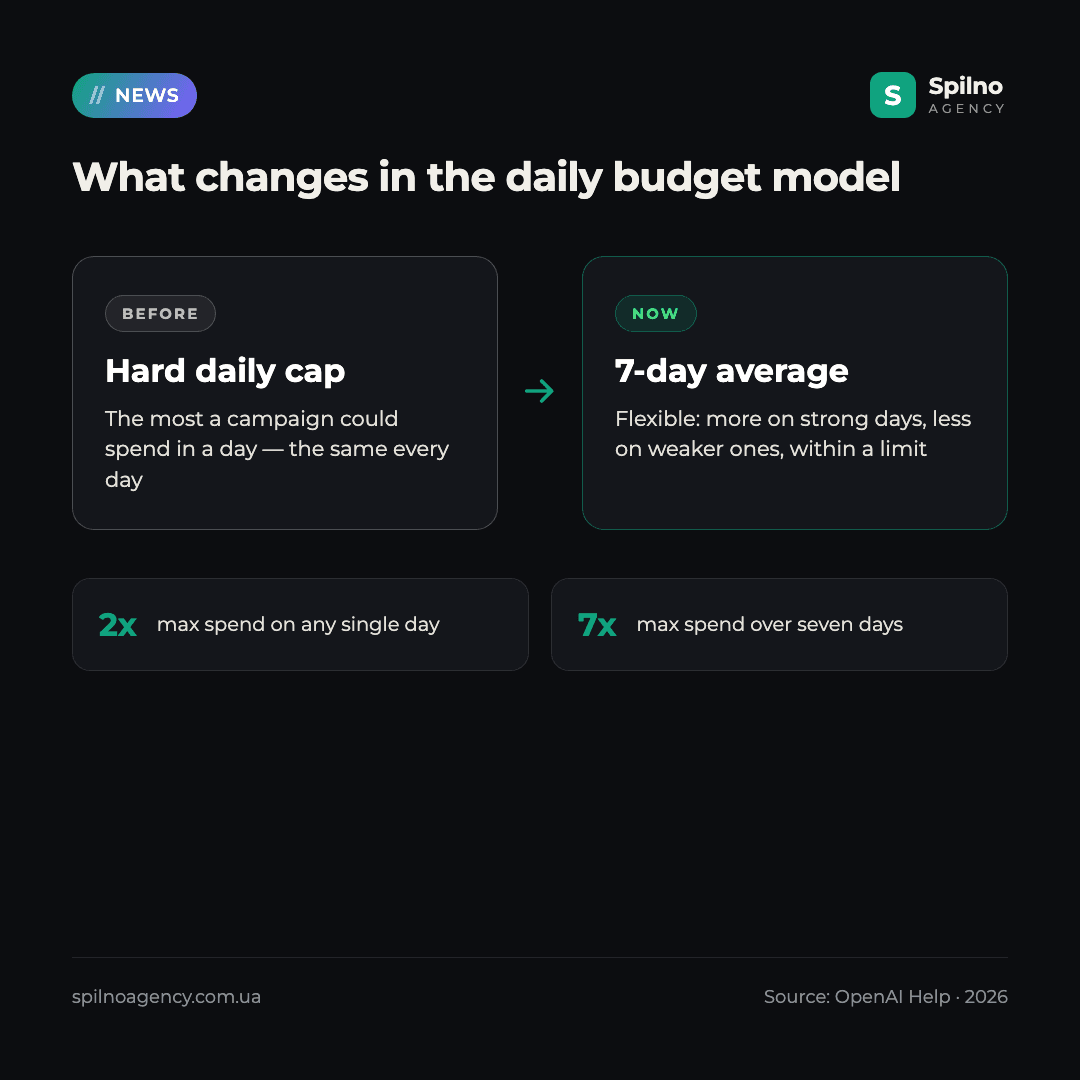
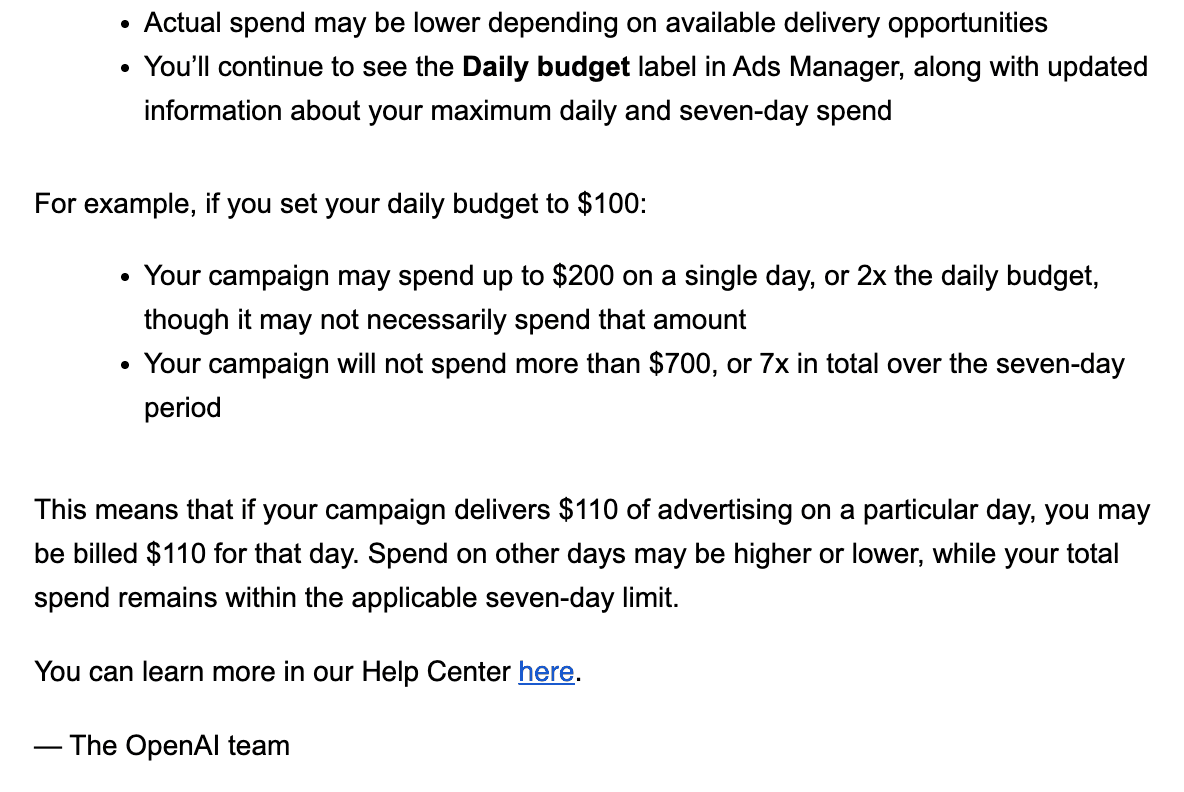
Under the old model, a daily budget of, say, $100 meant your campaign could never spend more than $100 on any given day — a flat, hard cap repeated every 24 hours. Under the new model, that same $100 becomes an average daily target across seven days, not a per-day wall.
In practice, this gives the delivery system room to spend more on days when it finds stronger delivery opportunities (more relevant conversations, better auction conditions) and less on weaker days — while your total spend over the week stays inside clearly defined limits. OpenAI frames it as added flexibility rather than a stealth budget increase: the label you see in Ads Manager still says “Daily budget”, but the number behind it now works as a 7-day average, with updated information about your maximum daily and seven-day spend shown alongside it.
Example: A $100 Daily Budget
If you set your daily budget to $100:
- Your campaign may spend up to $200 on a single day — 2x the daily budget — though it may not necessarily spend that much;
- Your campaign will not spend more than $700 in total over the seven-day period — 7x the daily budget;
- Actual spend may be lower than either ceiling, depending on the delivery opportunities available that day.
OpenAI’s own illustration: if your campaign delivers $110 worth of advertising on a particular day, you may simply be billed $110 for that day. Spend on other days in the same 7-day window may be higher or lower — what matters is that the total stays within the seven-day limit.
What This Means in Practice for Advertisers
Because the change applies automatically, there is technically nothing to configure. But a few things are worth internalizing before you look at your spend graphs next week:
- A single day’s spend can now legitimately look up to twice as high as your set budget — that is not an error or overspend, it is the new 2x daily ceiling working as designed;
- The number that matters for judging whether a campaign is “within budget” is now the 7-day total, not any individual day;
- The budget amount itself does not change — OpenAI is not asking you to re-enter anything;
- Ads Manager keeps the same “Daily budget” field and label, just with updated maximum-daily and 7-day figures displayed next to it.
Why This Feels Familiar: Google Ads and Meta Already Work This Way
If you also run Google Ads or Meta Ads, this update will not feel new. Google Ads moved away from a hard daily cap years ago: a campaign can spend up to roughly 2x its average daily budget on a strong day, with the overage evened out across a monthly billing cycle. Meta’s daily-budget delivery works on a similar logic — day-to-day spend can swing above or below the number you set, smoothed out over the campaign’s lifetime or the week.
ChatGPT Ads’ 2x-per-day / 7x-per-week model is the same underlying idea — give the delivery algorithm room to chase opportunities instead of hitting an artificial wall at midnight — just scaled to a shorter, weekly cadence that suits a newer, faster-moving ad surface. If your team already manages budget pacing across Google and Meta, this is a mental model you already have; you are simply applying it to a third platform now.
What to Check in Your Account Now
“No action required” does not mean “nothing to check.” Before you look at next week’s numbers, it’s worth doing a quick pass over your account:
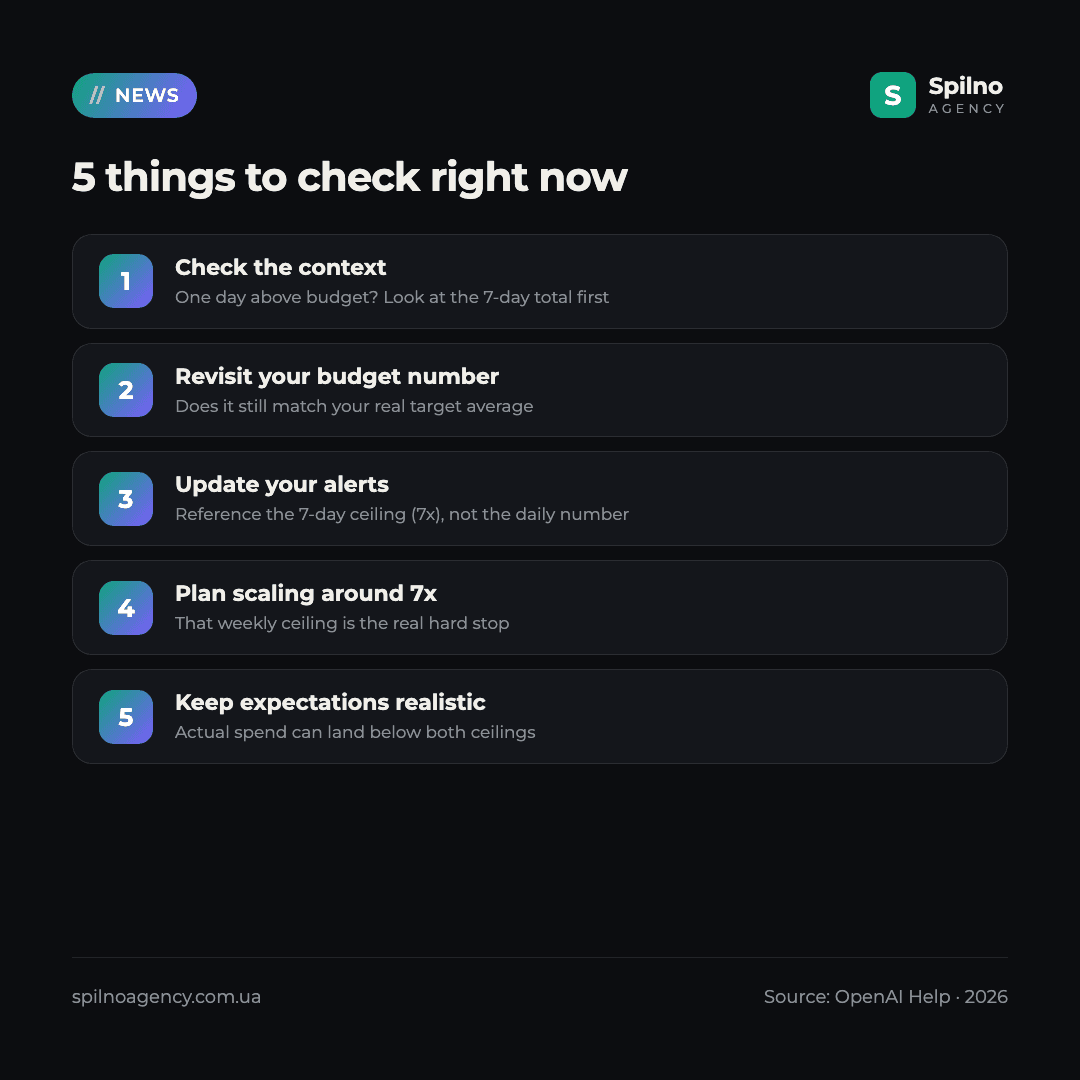
- Re-read a single day’s spend in context. If one day shows spend noticeably above your set budget, check the 7-day total before assuming anything went wrong.
- Revisit whether your budget number is still right. A number picked under the old hard-cap logic may be too conservative or too aggressive now that a single day can flex up to 2x.
- Update any pacing alerts or scripts. Rules built around “spend must not exceed the daily budget” need to reference the new 7-day ceiling (7x) instead of a flat daily number.
- Treat the 7x weekly ceiling as your real hard stop when planning scaling — not the daily figure shown on the campaign.
- Keep expectations realistic. Actual spend can still land below both the daily and weekly ceilings whenever delivery opportunities are limited.
Screenshots: OpenAI’s Advertiser Email
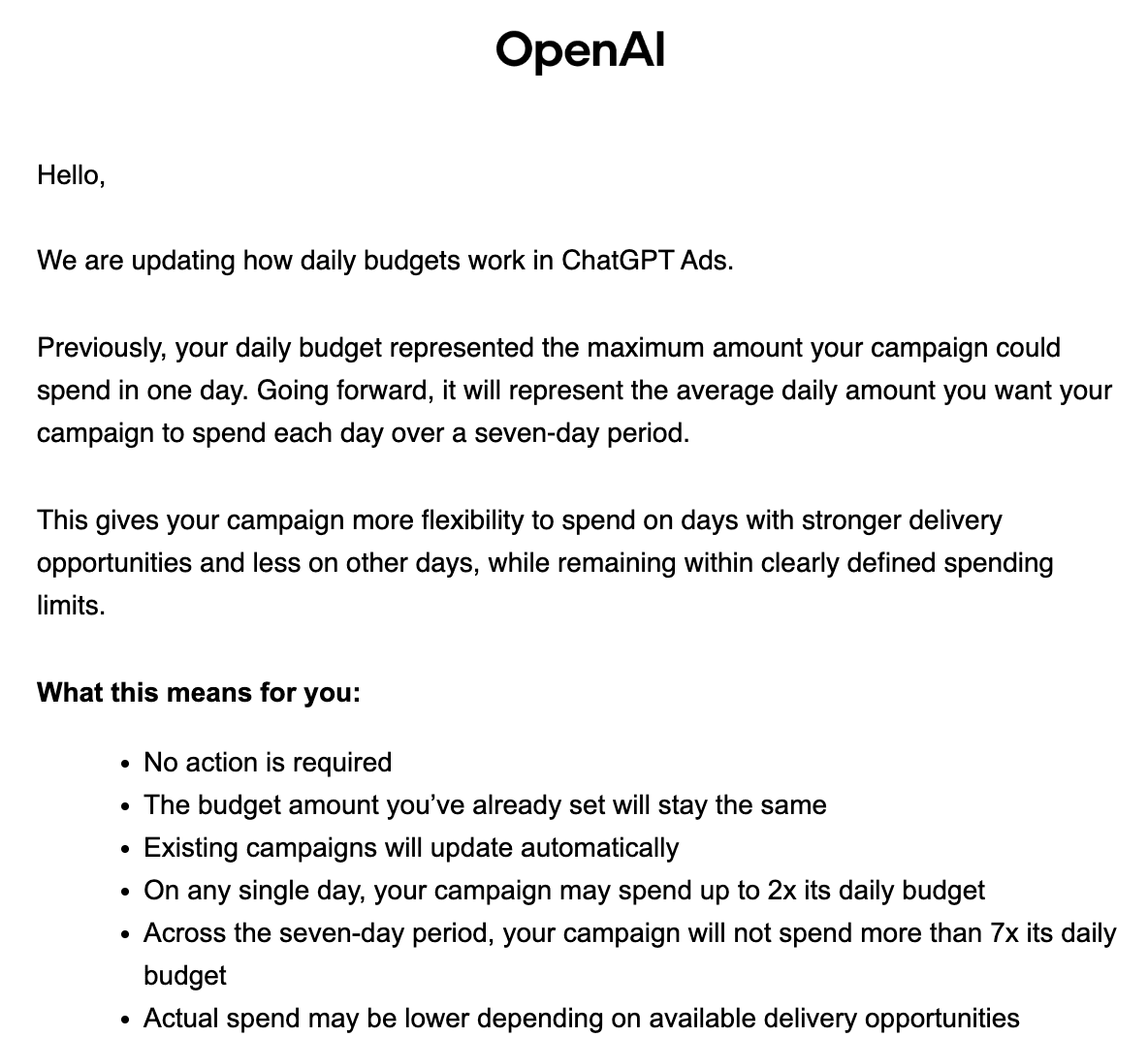
Below is the notice OpenAI sent to ChatGPT Ads advertisers announcing the change.
Getting Started with ChatGPT Ads
If you are not yet running ChatGPT Ads, this is a good moment to plan your budget with the new model in mind from day one rather than retrofitting it later. Our guide covers the available countries, minimum spend and how to set up your first campaign: ChatGPT Ads — how to launch in 2026.
Spilno Agency’s Take
This is the most significant change to ChatGPT Ads’ budgeting mechanics since the platform opened up. It will not break anything on its own — but it will make a single day’s spend graph look different from what you are used to, and that’s precisely the kind of change that gets misread as a billing error if nobody on the team is expecting it. Our recommendation for European advertisers: don’t wait for a spend spike to notice this. Walk through your active campaigns now, decide whether your current daily budget number still reflects the average you actually want, and adjust any alerting built around the old flat-cap assumption. Not sure how to structure or audit your ChatGPT Ads budgets under the new model? Our team can help.
Not sure how your ChatGPT Ads campaigns will look under the new 7-day budget model? The Spilno Agency team will review your account, recalculate your budget targets and set up pacing that matches the new rules. Leave a request — we’ll start with a free consultation.
Frequently Asked Questions (FAQ)
What changed about the ChatGPT Ads daily budget?
The daily budget is no longer a hard per-day cap. It now represents the average amount you want your campaign to spend per day over a rolling seven-day period, giving the system flexibility to spend more on strong days and less on weaker ones.
Do I need to change anything in my existing campaigns?
No. OpenAI says no action is required — the budget amount you’ve already set stays the same, and existing campaigns update to the new model automatically.
How much can a campaign spend in a single day now?
Up to 2x the daily budget on any single day, though the campaign may not necessarily spend that much — actual spend depends on available delivery opportunities.
What is the maximum spend over seven days?
A campaign will not spend more than 7x its daily budget across any rolling seven-day period. For a $100 daily budget, that means a $700 ceiling over seven days.
Will my campaign always spend up to the new caps?
Not necessarily. Actual spend may be lower than both the daily and seven-day ceilings depending on the delivery opportunities available at any given time.
Does the “Daily budget” label in Ads Manager change?
No, the label stays the same. You’ll continue to see “Daily budget” in Ads Manager, along with updated information about your maximum daily and seven-day spend.
How does this compare to Google Ads and Meta Ads?
It follows the same logic both platforms already use: daily spend can flex above or below the set budget, evened out over a longer window (roughly a month for Google Ads, the campaign’s cadence for Meta). ChatGPT Ads uses a 2x daily / 7x weekly version of the same idea.

Read also
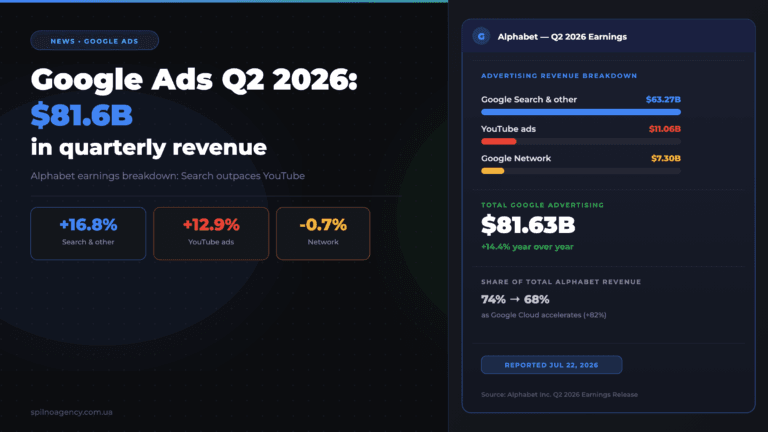
Google Ads Q2 2026 Revenue: $81.6B, Search Outpaces YouTube
On July 22, 2026, Alphabet published its Q2 2026 financial results: Google advertising revenue (Search, YouTube, Network) grew…
New Features in the ChatGPT Ads Dashboard: What Changed in 2026
OpenAI updated the ChatGPT Ads dashboard: conversion-optimized campaigns, new daily budgets, geo exclusions, AppsFlyer/Adjust, bulk API and price/rating…
Google Merchant API Changes: Migrate or Request an Extension by August 18, 2026
On August 18, 2026 Google sunsets the Content API for Shopping — migrate to the Merchant API or…