PageSpeed Insights Update: the New “Agentic Browsing” Score

PageSpeed Insights has a new score category — Agentic Browsing. It shows how ready your site is to work not only with people but also with AI agents: whether artificial intelligence can “read” a page and interact with it. Instead of the familiar 0–100 score, this category reports a result in the format X/3 — how many checks passed. In this article we break down what exactly it evaluates (the accessibility tree, layout stability, the llms.txt file and WebMCP), how it is scored and why you should track it already.
What “Agentic Browsing” is in PageSpeed Insights
Agentic Browsing is a new score category that Google added to Lighthouse (the engine behind PageSpeed Insights) in 2026. It sits next to the familiar Performance, Accessibility, Best Practices and SEO, but answers a fundamentally different question: can an AI agent actually use your site. Google itself notes that the category is under development and may change, so treat it as a strong signal of direction rather than a finished standard.
While classic SEO optimises a site for search crawlers and humans, agentic browsing measures readiness for a new kind of visitor — autonomous AI assistants (such as ChatGPT or Gemini agents) that navigate pages on their own, read them and perform tasks on behalf of the user. If such an agent does not “understand” the page structure, it cannot click the right button or fill in a form.
What the new score shows
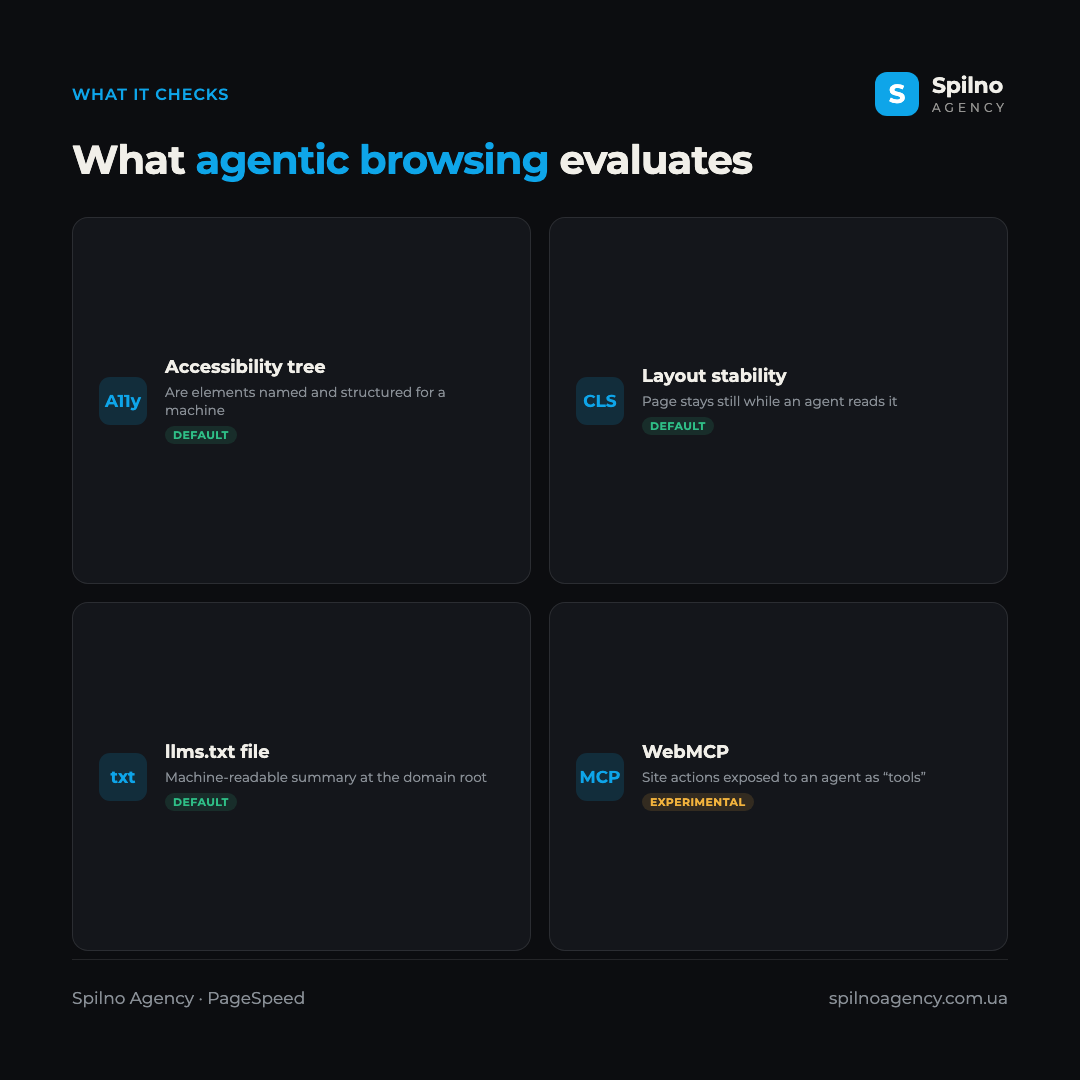
By default, the score in PageSpeed Insights relies on three checks, while a fourth one (WebMCP) is still experimental and not part of the final score. Let’s look at each.
Accessibility tree
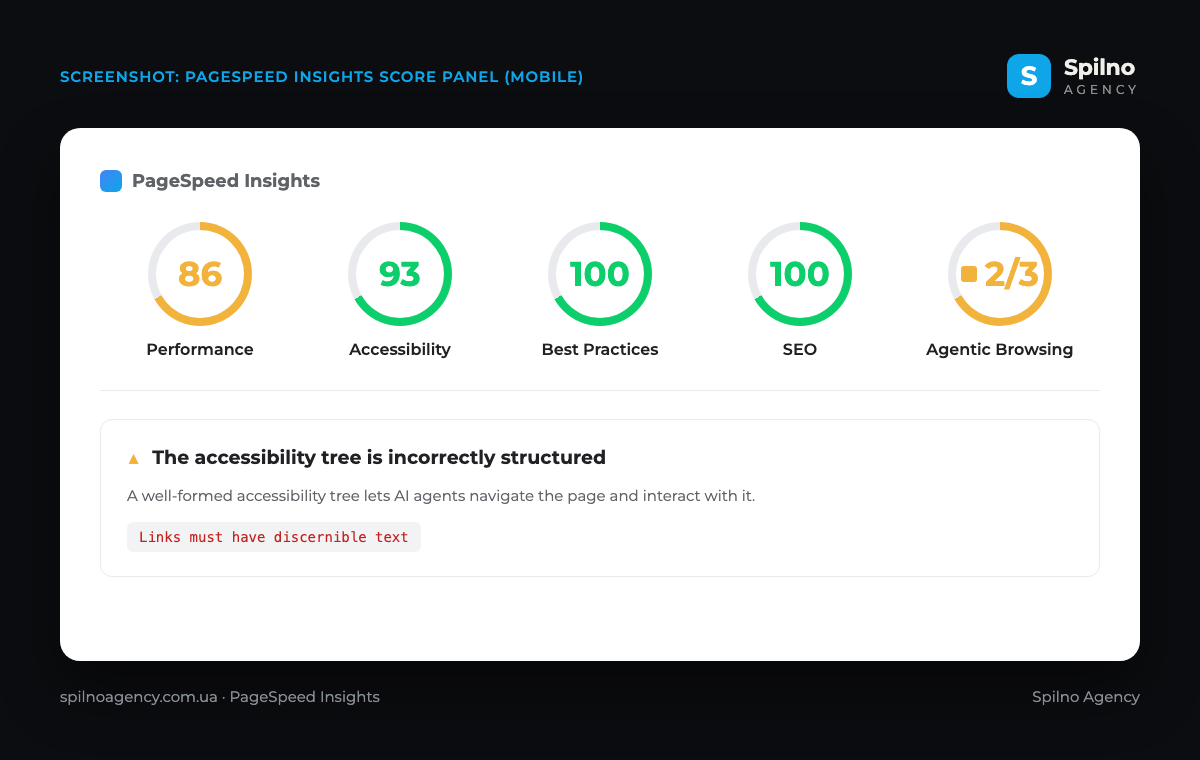
The accessibility tree is a simplified representation of the page structure used by screen readers and AI agents. An agent processes it far more efficiently than the full HTML or a screenshot. Lighthouse pulls a subset of accessibility audits that matter most for machine interaction: element names and labels, tree integrity (correct roles and parent–child relationships) and visibility (interactive elements not hidden from the tree). A classic failure is an icon link with no text — in the screenshot above this is exactly the Links must have discernible text check.
Layout stability (CLS)
This includes the Cumulative Layout Shift metric already familiar from Core Web Vitals. Visual stability is critical for an agent: if elements jump around during load, the AI may click the wrong place because it relies on element positioning. So a stable layout is not only about human comfort but also about predictability for a machine.
The llms.txt file
llms.txt is a machine-readable file at the domain root (by analogy with robots.txt) that contains a short, structured summary of the site for language models. Lighthouse checks for its presence and validity. The file helps an agent quickly understand what the resource is about and where to find key information.
WebMCP (experimental)
WebMCP is a new way to safely expose a site’s actions to an agent: annotating forms and registering “tools” an assistant can use to complete a task on the user’s behalf (for example, placing an order). In PageSpeed Insights the WebMCP check is experimental, requires joining an origin trial and does not yet affect the final score — but it shows where the web is heading.
How the score works: why 2/3 and not 0–100
Unlike Performance, agentic browsing does not produce a single weighted score from 0 to 100. Instead it shows the ratio of checks passed — for example, 2/3 or 3/3. Each audit returns its own result: pass, fail or a partial ratio. In the screenshot above the site scored 2/3 because two checks passed and the accessibility-tree audit did not (due to an icon link with no text).
It is important to understand that the score can fluctuate between runs. Google attributes this to dynamic tool registration, variability in how the accessibility tree is built, and CLS shifts caused by ads or injected content. So focus on the trend, not a single number.
Details and the official source — the Chrome for Developers documentation: Lighthouse agentic browsing scoring.
What it looks like on a real example
To see the score in action, we ran our own site through PageSpeed Insights. Next to the usual scores — Performance 86, Accessibility 93, Best Practices 100, SEO 100 — a new Agentic Browsing category appeared with a result of 2/3.
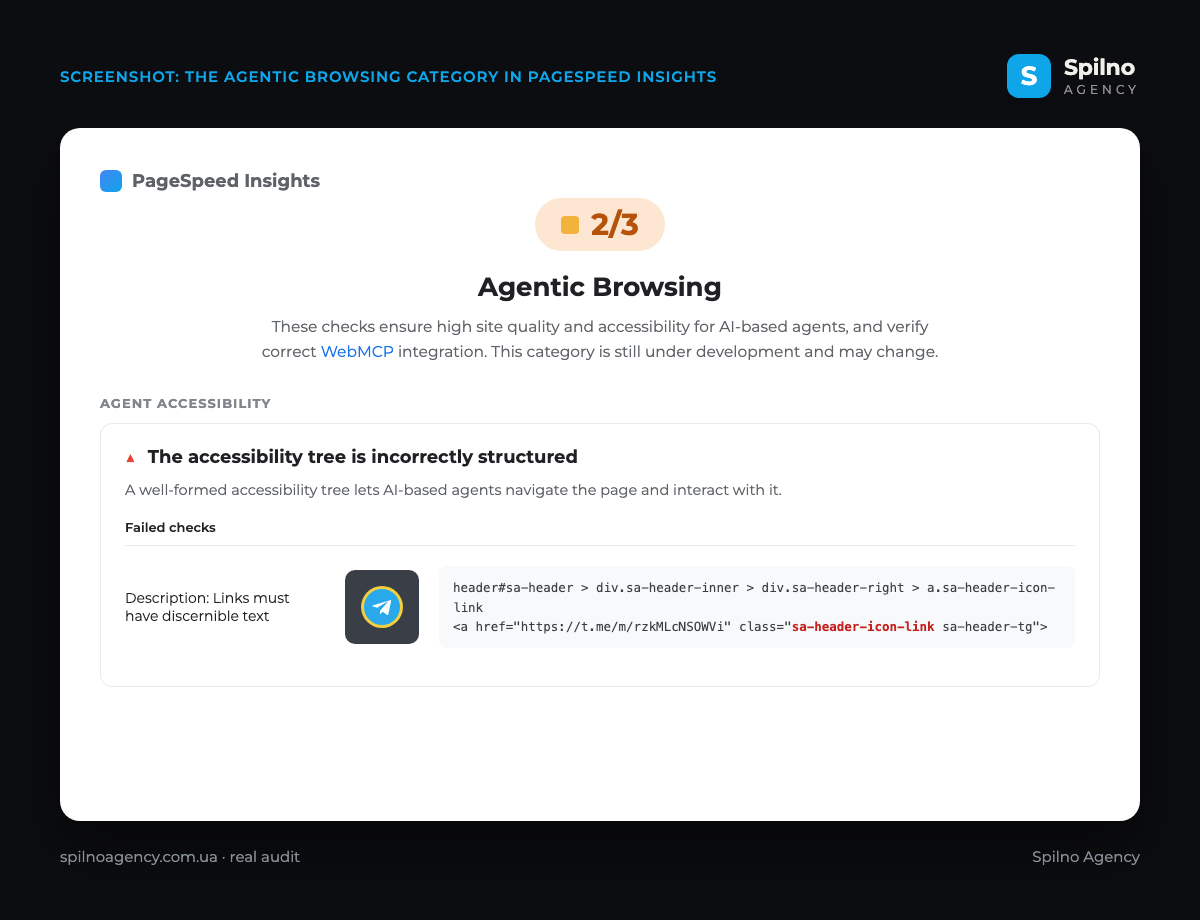
Opening the category reveals what it is about: a large 2/3 badge, a description (these checks ensure the site is accessible to AI-based agents and verify WebMCP integration, and the category itself is still under development), and an Agent accessibility block with a single failed check — “The accessibility tree is incorrectly structured”. Interestingly, the failing element was an ordinary Telegram icon link in the site header (a.sa-header-icon-link): it had no text label, so the Links must have discernible text check fired. It is a textbook case from our mistakes list — an icon link without text lowers the score, and the fix is adding an aria-label to the icon.
Why it matters to track this score
One might object: “the category is experimental, why bother now?”. Yet there are several solid reasons to pay attention to it today.
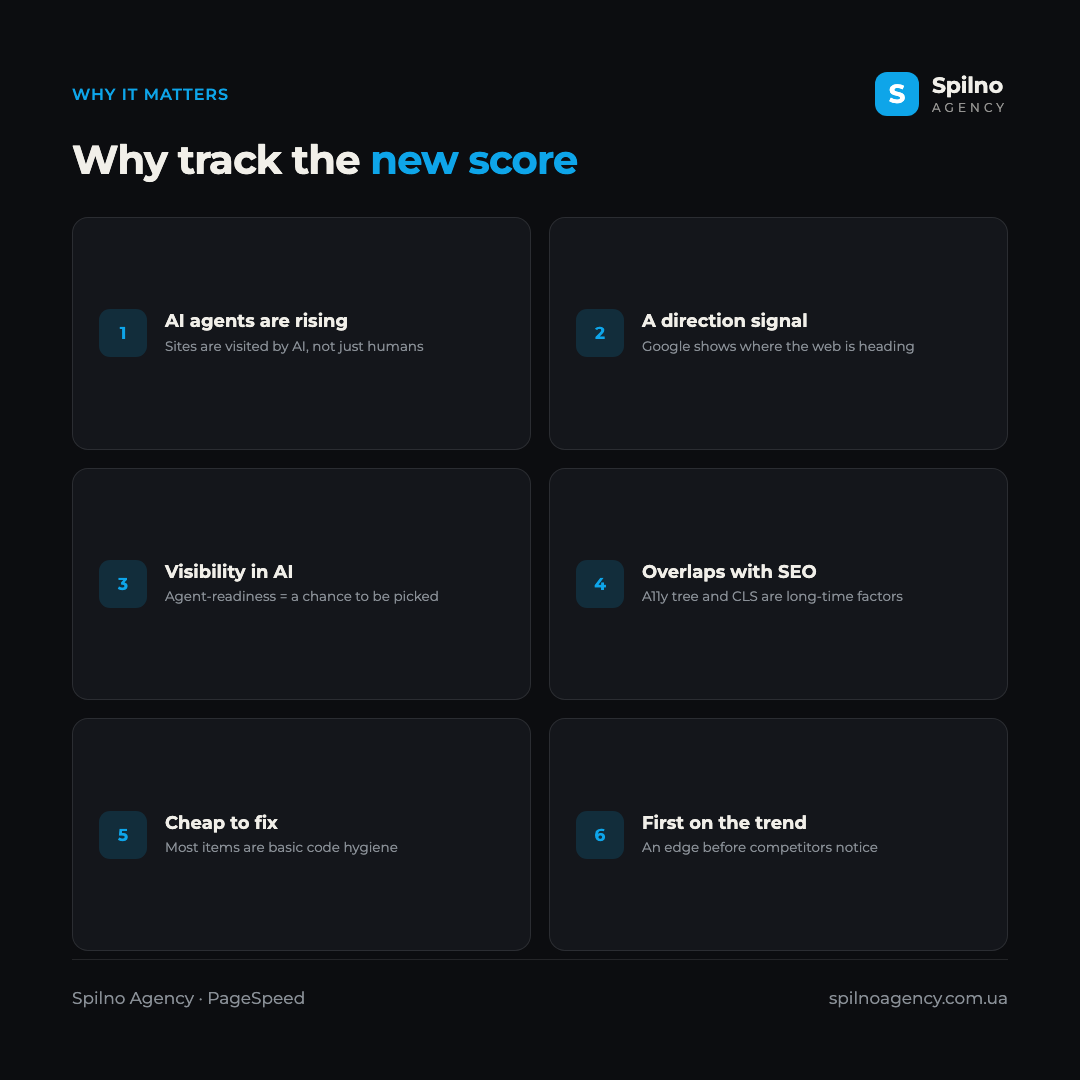
- AI agents are becoming real traffic. More and more visits are generated not by people but by assistants acting on their behalf. A site an agent cannot use loses this channel.
- It is an official signal from Google. A dedicated category in PageSpeed Insights shows where the web is heading — and hints at what to optimise ahead of time.
- Visibility in AI answers. The better an agent can “read” a site, the more likely an assistant picks its content to complete a task or answer.
- Almost everything overlaps with classic SEO. The accessibility tree and CLS are long-standing quality factors; improving them pays off in both regular ranking and the agentic score.
- Cheap to fix now. Most items are basic code hygiene: discernible link text, correct ARIA roles, no layout shifts.
How to improve your Agentic Browsing score
The good news: improving the score does not require rewriting your site. Follow a few rules.
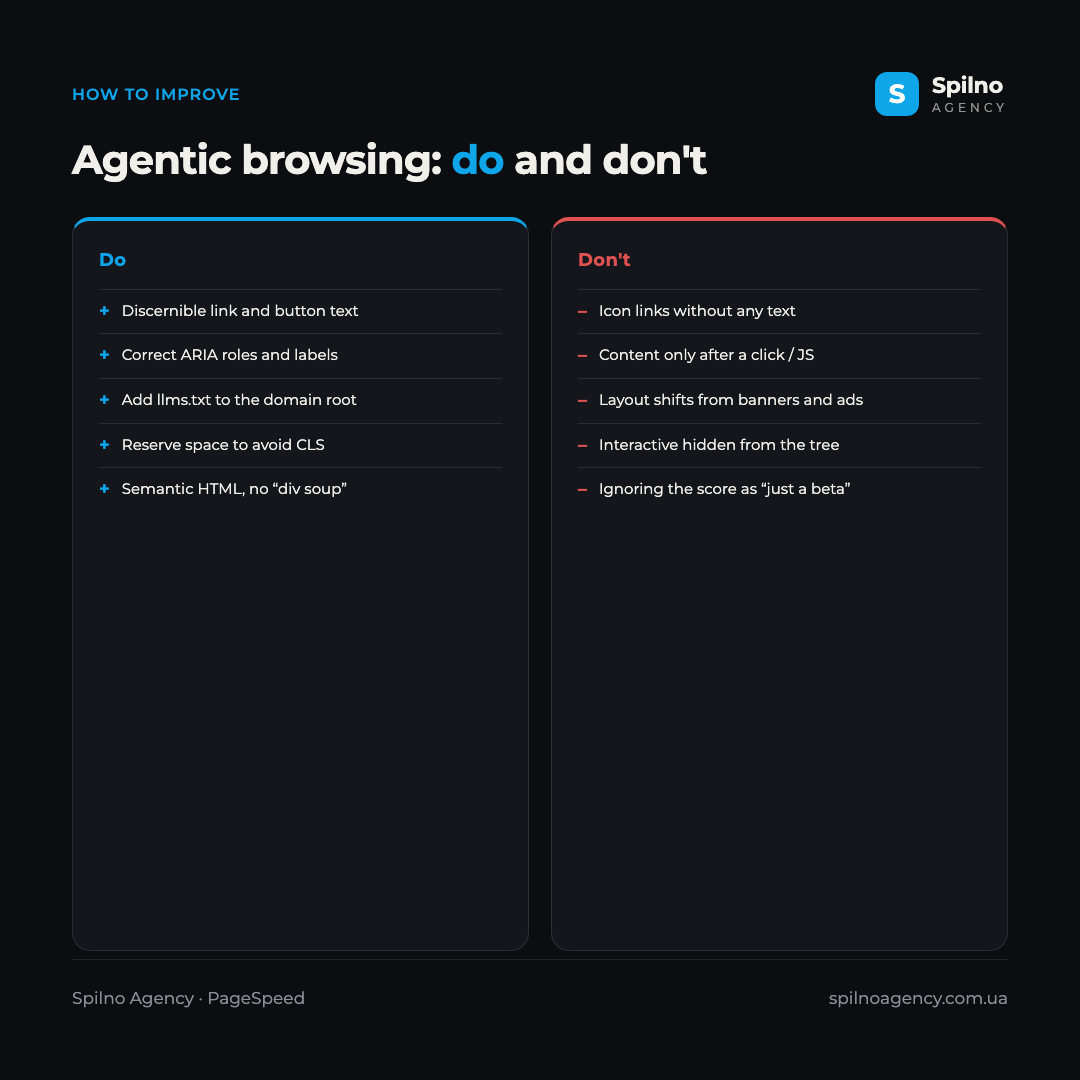
- Give every link and button discernible text. For icon links, add an
aria-labelor hidden text — this clears theLinks must have discernible texterror. - Use semantic HTML and correct ARIA roles instead of “div soup” so the accessibility tree stays intact.
- Make sure interactive elements are not hidden from the accessibility tree while remaining functional.
- Reduce
CLS: reserve space for banners, ads and images so the layout does not jump. - Add an
llms.txtfile to the domain root with a short, structured site description. - Don’t gate content behind a click or JavaScript — an agent, like Googlebot, does not press buttons.
- Run your site through PageSpeed Insights regularly and follow the score trend, not a one-off result.
Frequently asked questions (FAQ)
What is “Agentic Browsing” in PageSpeed Insights?
It is a new score category in Lighthouse / PageSpeed Insights that shows how ready a site is to work with AI agents. It checks the accessibility tree, layout stability (CLS), the llms.txt file and, experimentally, WebMCP, and reports the result as X/3.
Why does the score show 2/3 and not a 0–100 grade?
Because it is not a weighted score like Performance but a ratio of checks passed. Each audit returns its own result, and the category shows how many of them passed — for example, 2 out of 3.
Does agentic browsing affect Google rankings?
There is no direct ranking factor — the category is experimental. But it relies on the accessibility tree and CLS, which have long influenced site quality, so working on it improves both classic SEO and visibility for AI.
What are llms.txt and WebMCP?
llms.txt is a machine-readable file at the domain root with a short site summary for language models. WebMCP is a way to give an agent “tools” (for example, form actions) so it can complete a task on the site. WebMCP is still experimental and does not affect the final score.
How do I fix “The accessibility tree is incorrectly structured”?
The most common cause is links or buttons without discernible text (for example, social icons). Add an aria-label or hidden text, use semantic tags and correct ARIA roles — and the Links must have discernible text check will pass.
Should I optimise for agentic browsing already?
Yes. Most fixes are cheap and simultaneously improve accessibility and Core Web Vitals. And as AI agents grow in number, being ready for them is an edge while competitors haven’t noticed the new score.
The arrival of Agentic Browsing in PageSpeed Insights is a clear signal: the web is no longer optimised only for humans and search crawlers, but for AI agents too. The good news is that most checks overlap with classic SEO and accessibility, so working on them pays off on several fronts at once. If you need a site audit against the new score, want to fix the accessibility tree and Core Web Vitals, or prepare your resource to work with AI agents — the Spilno Agency team can help you do it right.

Read also
New Features in the ChatGPT Ads Manager: A Step-by-Step Setup Guide
oCPC for product feeds, URL macros, pixel diagnostics, Triple Whale and Hightouch, AAM from 17 August 2026. A…
TikTok Ads: Campaign Restart Coupon Offers Bonus Ad Credits Up to 250,000 UAH
TikTok Ads is issuing a Campaign Restart Coupon — bonus ad credits matched to your spend, up to…
Shopify Will Send More Events to Google Analytics from August 17, 2026
From August 17, 2026 the Google & YouTube app sends four new Shopify events to GA4 plus a…