What is Google My Business (Google Business Profile)?

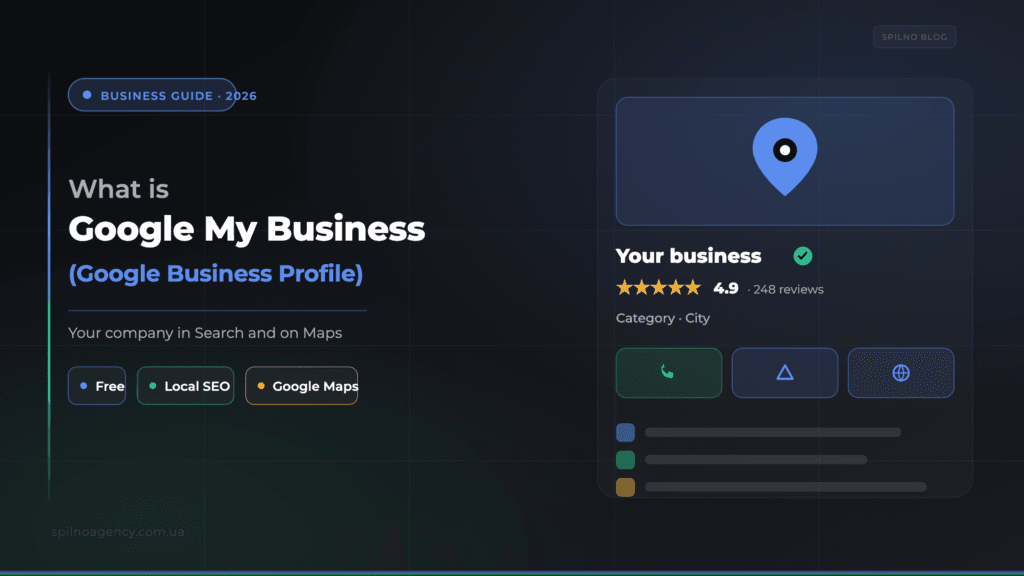
Google My Business (Google Business Profile) is a free Google tool for managing how your company appears in Search and on Google Maps. It shows your address, hours, photos, services, reviews and contacts right in the results and helps customers find you in local search. Any business with a physical address or a service area needs a complete, optimised profile — it’s the foundation of local SEO.
Google My Business (now officially Google Business Profile) is a free tool from Google that lets companies create and manage their online profile in Google Search and on Google Maps. It’s your digital storefront: it helps potential customers find you in local results, learn about your services and products, read reviews, and instantly call you, get directions or visit your site. For European businesses competing locally, it’s one of the highest-ROI channels you can set up for free.
Google My Business vs Google Business Profile — what’s the difference?
There’s essentially no difference — it’s the same service. In 2022 Google renamed Google My Business to Google Business Profile and retired the standalone mobile app: you now manage the profile directly from Google Search and Maps while signed in as the owner. The old name “Google My Business” is still widely used, so we treat both as synonyms here.
Why your business needs a Google Business Profile
- Local search visibility. For queries like “coffee shop near me” or “dentist + city”, Google shows a Local Pack of three profiles plus a map — you can only appear there with a Business Profile.
- More enquiries. Address, hours, phone, “Directions” and “Call” buttons, photos and prices help customers decide right in the results, without even visiting your site.
- Trust. A complete profile with real reviews and accurate data signals that the business is legitimate and active.
- Analytics. The profile shows how people find you (by name or by category) and how many calls, website clicks and direction requests you get.
- Google Maps ads. Without a verified profile you can’t run advertising on Google Maps via Google Ads.
Who needs a profile and when to use it
A Google Business Profile is useful for any business with a physical address or a service area. It delivers the most value for:
- Retail stores — customers find the nearest location, hours and directions.
- Cafés and restaurants — menu, bookings, interior photos and reviews.
- Service companies (repairs, cleaning, auto) — even without an office, via a service area.
- Medical and beauty businesses — bookings, specialist info, patient reviews.
- Hotels and local services — availability, prices, photos and rating.
How to create a Google Business Profile — step by step
- Sign in to a Google account — ideally a corporate one, not personal.
- Open
business.google.comand choose “Manage now” → “Add business”. - Enter the name and category. The category is the single biggest relevance factor — pick the most precise one (e.g. “Coffee shop”, not “Restaurant”).
- Add an address or service area. If customers visit you, enter the address; if you travel to them, enable a service area.
- Fill in contacts — phone, website and opening hours.
- Verify the business (see next section) — without verification the profile won’t appear in results.
How to verify the profile
Verification proves to Google that you own the business. Available methods depend on category and region:
- Postcard by mail — Google sends a code to the address (5–14 days); the classic method for businesses with an address.
- Phone or SMS — instant code (not available for every category).
- Email — for some accounts.
- Video verification — the most common method in 2026: you record a video showing the signage, equipment and proof of access to the premises.
How to optimise the profile for local SEO
Creating the profile is only half the job. To turn it into enquiries you have to optimise it. Six steps to start with:
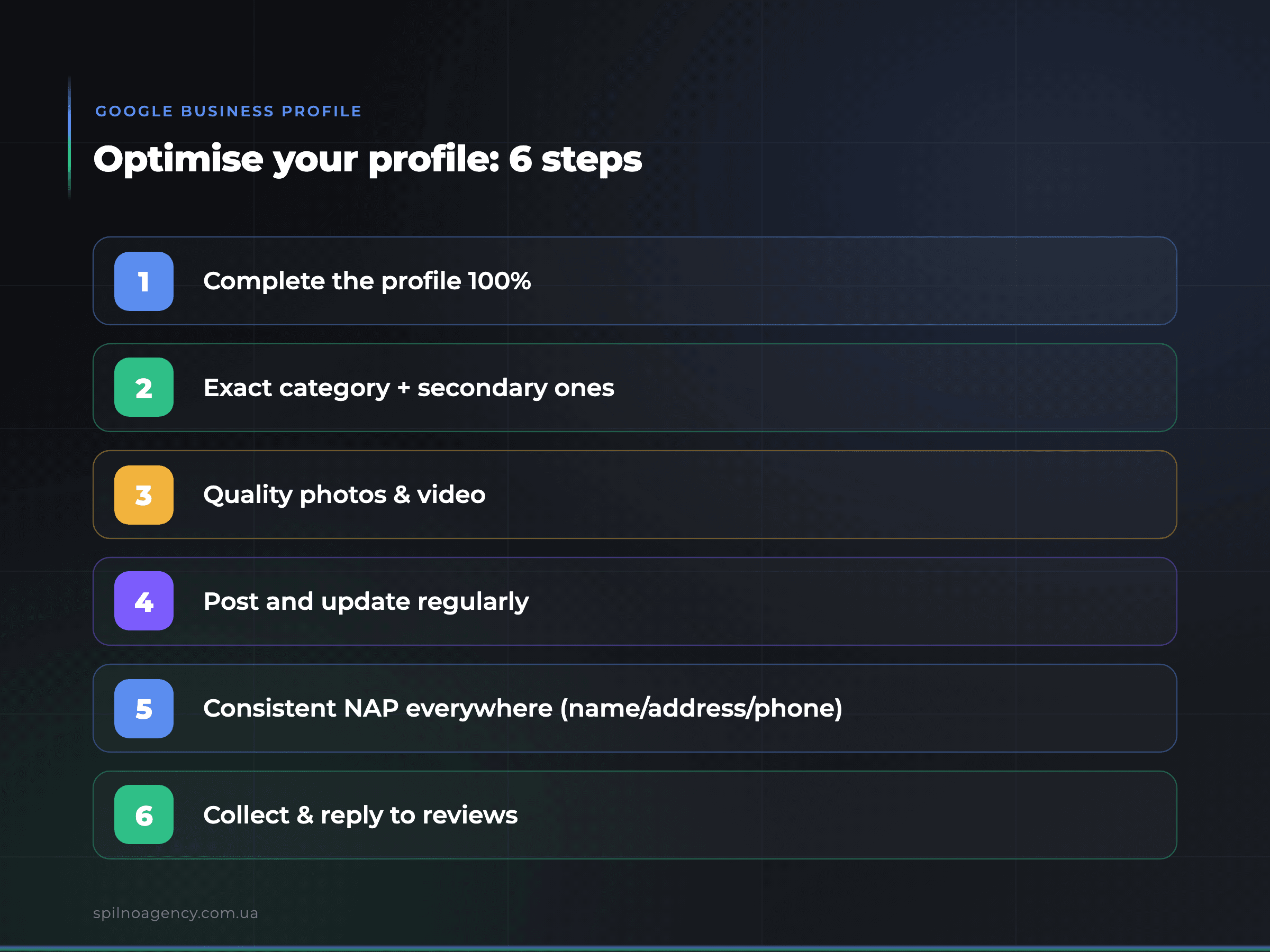
- Complete the profile 100% — every field (description, services, attributes, holiday hours) adds relevance.
- Exact category + secondary ones — the primary category matters most; secondary ones widen reach.
- Quality photos and video — profiles with photos get noticeably more direction requests and clicks.
- Regular posts — offers, news and events keep the profile “alive”.
- Consistent NAP — name, address and phone must match across your site, directories and social profiles.
- Reviews — collect them systematically and reply to every one.
Google’s three local ranking factors
Google officially names three factors that decide your position in local results and on Maps:
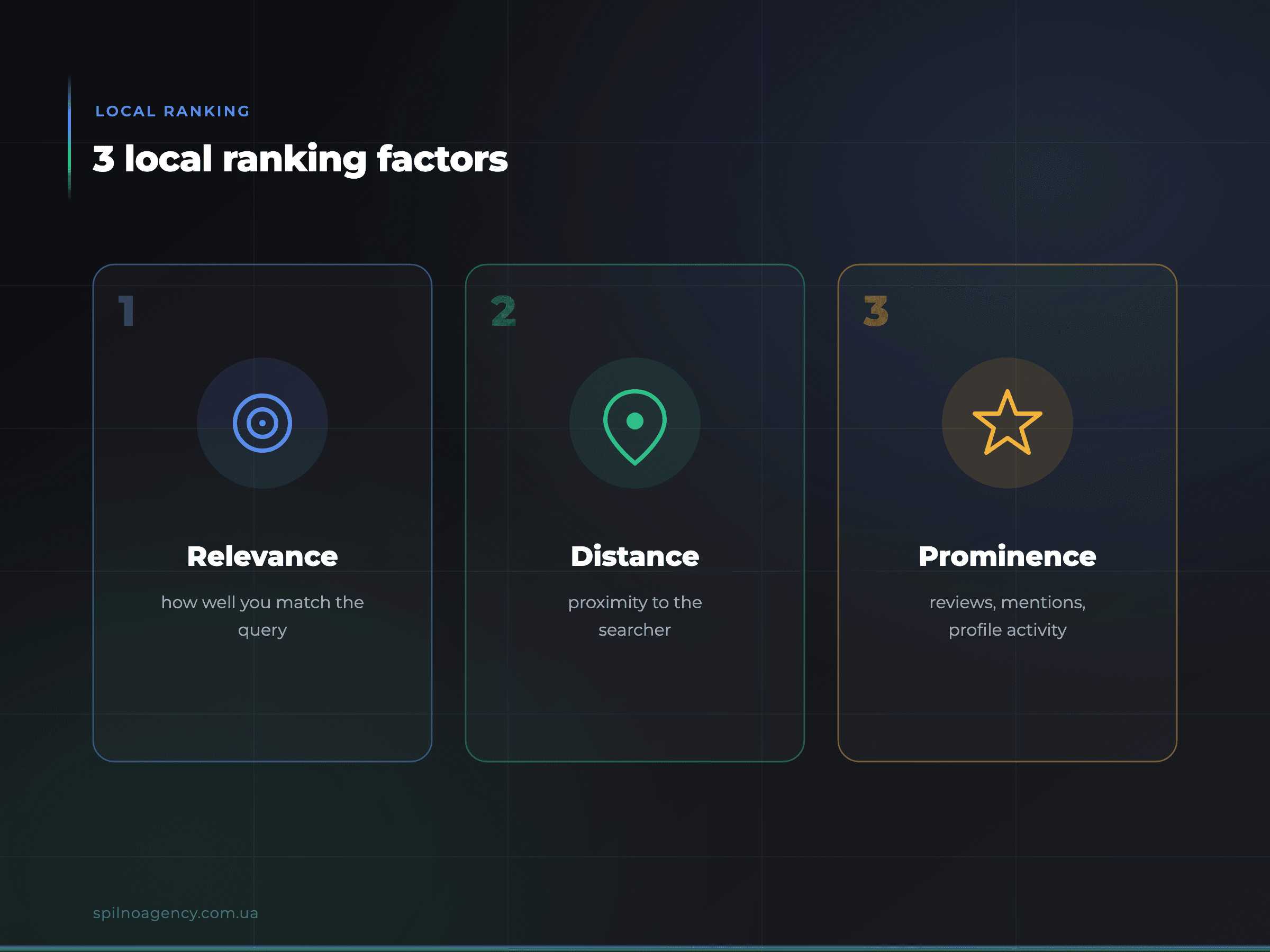
- Relevance — how well the profile matches the query. Driven by category, description, services and keywords.
- Distance — how far the business is from the searcher’s location.
- Prominence — how well known the business is: number and quality of reviews, mentions, links and profile activity.
Why reviews decide everything
Reviews are one of the strongest prominence signals and, at the same time, the main driver of customer trust. What to do: ask happy customers to leave a review (send them a direct link), reply to every review — positive and negative — calmly and to the point. Never buy fake reviews: Google detects them and may suspend the profile.
How to give someone access to the profile
To let a contractor or marketer manage the profile, add them as a user: in the profile → “Settings” → “Users / Managers” → enter the email and choose the role Owner (full access) or Manager (almost everything except deleting the profile and managing access). For a step-by-step guide with screenshots, see the dedicated tutorial:
Common mistakes that hold a profile back
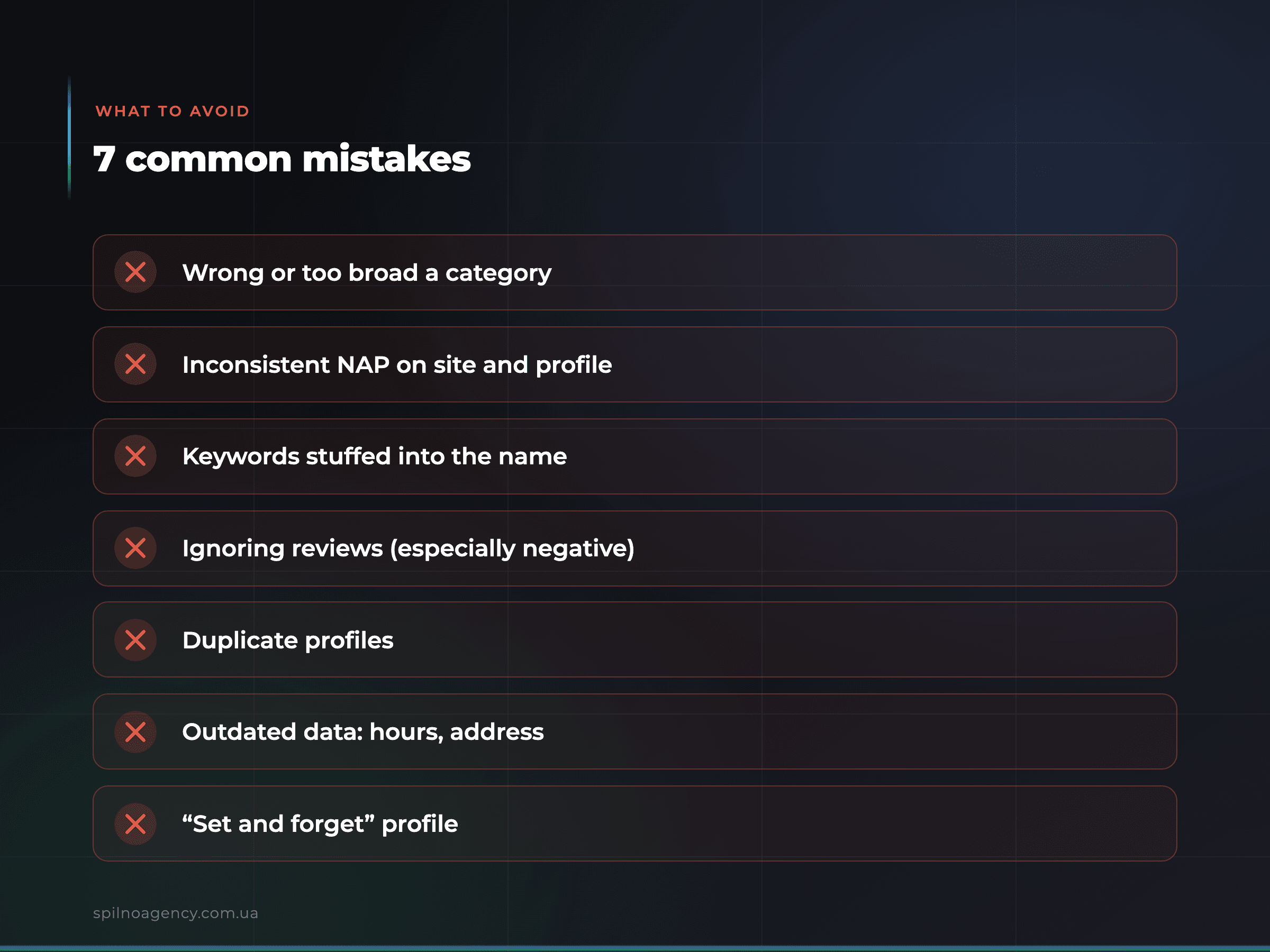
- Wrong or too broad a category — loss of relevance.
- Inconsistent NAP — different address/phone on the site and in the profile.
- Keywords stuffed into the business name — against Google’s rules, risks suspension.
- Ignoring reviews — especially negative ones.
- Duplicate profiles — confuse Google and dilute signals.
- Outdated data — old hours or a closed address.
- “Set and forget” — without posts and fresh photos, prominence drops.
Google Business Profile and Google Maps advertising
The profile is the foundation not only for organic local SEO but also for paid advertising. By linking your Business Profile to Google Ads you can show ads directly on Maps and in local results (via Performance Max or location-based campaigns), with directions and call buttons. Learn more about formats and launch on the Google Maps advertising page.
Conclusion
Google Business Profile is a free and powerful local marketing tool. Completed 100%, with the right category, real reviews and regular updates, the profile pulls a business into the top of local results, drives calls and visits, and becomes the basis for Google Maps advertising. If you need help creating, optimising the profile or launching Maps ads, reach out to the Spilno digital marketing agency.
Frequently asked questions
What’s the difference between Google My Business and Google Business Profile?
It’s one product. In 2022 Google renamed Google My Business to Google Business Profile and moved management into Search and Maps. The old name is still used out of habit.
How much does Google Business Profile cost?
The profile itself is free. Only Google Ads campaigns are paid, if you choose to run them.
Does a business without an office need a profile?
Yes. For mobile services, enable a service area instead of an address — the profile will work across your region.
How do I rank higher on Google Maps?
Complete the profile 100%, choose an exact category, collect and reply to reviews, add photos and posts, and keep a consistent NAP. This strengthens relevance and prominence — two of the three ranking factors.
What should I do about wrong information in the profile?
If you’re the owner, edit the data in the profile. If it isn’t yours or there’s a duplicate, suggest an edit via Google Maps or report the duplicate.

Read also
Spilno Agency’s Experience: How We Verify Events Before Starting Work
Before launching a campaign in Google Ads or Meta Ads, or starting SEO work, Spilno Agency always checks…
GA4 DebugView: How to Verify Google Analytics Events in Real Time
DebugView is the section of Google Analytics 4 that shows your site’s events in real time, seconds after…

Top Claude Skills for TikTok Ads Specialists (2026)
9 verified Claude skills and MCP servers for TikTok Ads: Pixel/Smart+ audits, Spark Ads hook/hold rate, creator sourcing,…