Promoting an Online Cosmetics Store — Google Ads Case Study

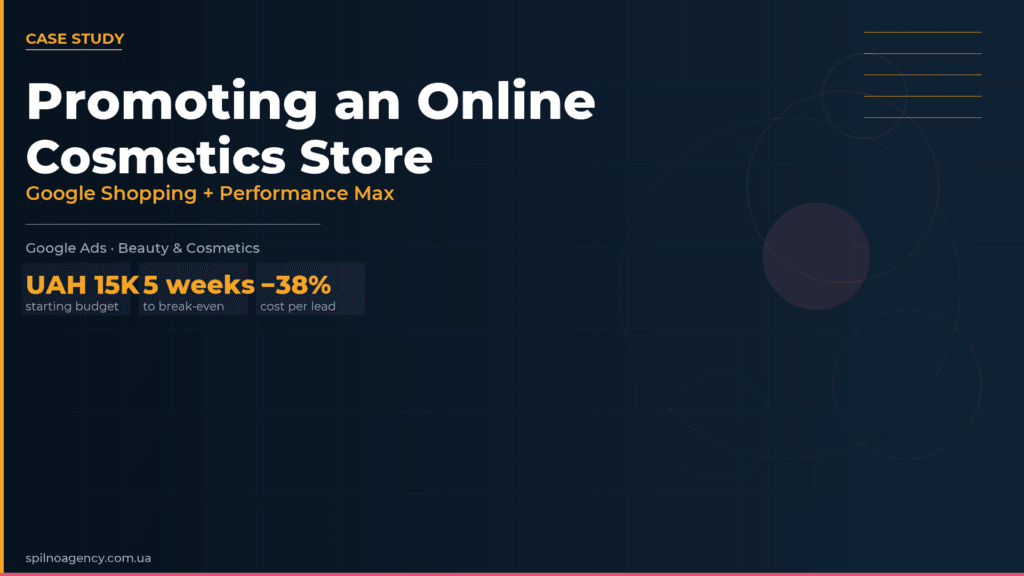
A cosmetics online store with zero Google Ads experience reached break-even in 5 weeks. Budget: UAH 15,000/month, CPL: below UAH 300, ROAS: 300%+. Here is how we set up Google Shopping and Performance Max — and which decisions actually drove results.
About the Client and the Goal
The client is an online store selling cosmetics and beauty products. Before approaching us, the business had never used Google Ads and had no experience running paid campaigns. Sales came mainly from organic traffic and word-of-mouth.
The goal was clear and specific: test whether Google Ads is viable for a cosmetics e-commerce store and, if so, reach a positive ROAS with a limited budget.
- Test Google Ads as a channel for a beauty e-commerce store
- Determine the real cost per lead (CPL) and cost per acquisition (CPA)
- Achieve break-even return on ad spend (ROAS ≥ 300%) within 2–3 months
Step 1. eCommerce Analytics Setup
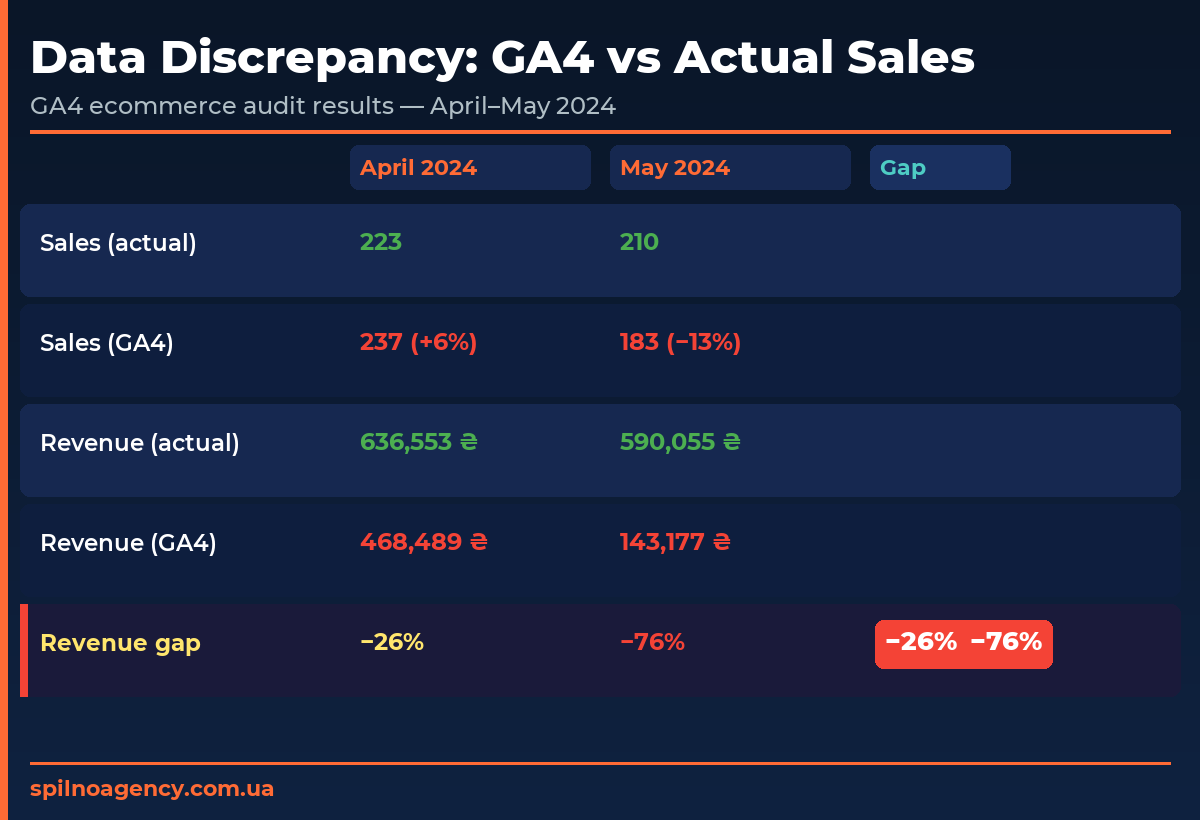
The first thing we always do before launching any e-commerce campaign is set up Enhanced eCommerce tracking in Google Analytics 4. Without it, ad spend is money into a black box.
eCommerce GA4 lets you see how much revenue each campaign, product group and audience segment generates — the foundation for every budget decision.
What we configured at this stage:
- eCommerce event tracking in GA4 (product view, add to cart, checkout, purchase)
- Revenue attribution by campaign and channel
- Conversion import into Google Ads for Smart Bidding training
- Verification of all events in GA4 DebugView and standard reports
Setup typically takes 2–3 weeks: technical specification, implementation via Google Tag Manager, testing and QA. During this time we also prepared the campaign structure and creative assets.
We never launch ads until analytics is properly configured and verified. This protects the client from a situation where budget is spent but results cannot be measured.
Step 2. Google Merchant Center and Product Feed
In parallel with analytics, we set up Google Merchant Center (GMC) — the platform responsible for showing products in Google Shopping. Without GMC, product ads are impossible.
GMC setup included:
- Merchant Center account registration and store verification
- Automated product data feed configuration (syncing product data from the website)
- Fixing feed errors: incorrect prices, missing attributes, GTIN issues
- Linking GMC to the Google Ads account
- Checking product approval statuses: approved / disapproved / pending
Product feed quality directly affects ad performance: the more accurate your product data (title, price, images, description, brand), the better Google matches your ads to the right audience.
Step 3. Launching Google Shopping and Performance Max
Once analytics and the feed were ready, we launched two campaign types:
- Google Shopping — standard product campaigns showing product cards with images, prices and store name directly in Google search results. Ideal for high-intent shoppers who already know what they want to buy.
- Performance Max (PMax) — automated campaigns across all Google channels (Search, YouTube, Gmail, Display, Discover) with a target cost-per-conversion objective. Added after initial data was collected.
Starting budget: UAH 15,000/month (≈ UAH 500/day). The client also received a UAH 10,000 Google bonus coupon — available to all new Google Ads accounts and a significant accelerator in the early phase.
An important note on budgeting: always account for VAT. The charge is applied when you top up the account and does not appear in campaign-level cost breakdowns — but it is a real cost that affects your actual ROAS.
Step 4. Data Collection and Optimisation
The first 3 weeks are a data-collection phase. During this time, the Google Ads algorithm learns which products, audiences and search queries drive conversions. Month-one results are always weaker than subsequent months — this is expected and normal.
The client was briefed in advance: the first month might be unprofitable, but after optimisation the campaigns would move into the black. And that is exactly what happened — by week 3 the campaigns had reached break-even.
Optimisation actions at weeks 4–5:
- Search term analysis — exclusion of irrelevant queries
- Budget reallocation toward top-ROAS products
- Bid increases on high-converting product categories
- Exclusion of products with zero sales and minimal traffic
- Smart Bidding strategy switch: from “Maximise clicks” to “Target ROAS”
After these changes, cost per lead dropped below UAH 300 and the campaigns crossed into profitability. By week 5, ROAS exceeded 300% for the first time.
Results by the Numbers
| Metric | Result |
|---|---|
| Starting budget | UAH 15,000/month |
| Google bonus coupon | UAH 10,000 |
| Break-even point | Week 5 |
| CPL (cost per lead) | < UAH 300 |
| ROAS after optimisation | 300%+ |
| Ad channels | Google Shopping + Performance Max |
Note: the daily ad spend was approximately UAH 360. Scaling the daily budget to UAH 1,000 with the same ROAS would deliver roughly 3× the volume — that is the natural next phase for this client.
Key Takeaways
- Analytics before ads. eCommerce GA4 is a mandatory prerequisite. Without it, measuring ROAS is impossible.
- Set expectations for month one. The first month is always a learning phase. Real results come from month two onward. Clients who understand this do not panic and kill campaigns prematurely.
- Shopping + PMax = synergy. Shopping captures active intent; PMax expands reach. Together they cover the full buyer journey across Google’s ecosystem.
- Budget for VAT. Actual costs are 20% higher — factor this into budget planning and ROAS calculations.
- Use the new-account bonus. Google offers a UAH 10,000 coupon to new advertisers — use it to accelerate the algorithm’s learning phase.
If you want to launch Google Ads for your cosmetics or beauty store across European markets, Spilno Agency is ready to provide a consultation and build a tailored growth strategy.
Frequently Asked Questions
How to promote an online cosmetics store with Google Ads?
The most effective approach for a cosmetics e-commerce store is to combine Google Shopping (product ads in search results) with Performance Max (automated campaigns across all Google channels). Start with eCommerce GA4 and Google Merchant Center setup, then launch Shopping campaigns, and add PMax once you have initial conversion data.
How much does Google Ads cost for an online cosmetics store?
The minimum starting budget for a cosmetics online store is UAH 15,000–20,000 per month. In our case study, the client started with UAH 15,000 and received a Google bonus coupon worth UAH 10,000. After optimisation, cost per lead dropped below UAH 300.
Can a cosmetics store break even on Google Ads in 5 weeks?
Yes — in our case the client reached break-even at week 5. The first 3 weeks are a data-collection phase; weeks 4–5 involve bid adjustments and exclusion of low-performing products. After that, ROAS exceeded 300%.
Why set up eCommerce GA4 before launching ads?
Without eCommerce GA4 it is impossible to measure the real return on ad spend. GA4 tracks transactions, revenue, purchase count and ROAS per campaign — the essential data for budget allocation and optimisation decisions.
Google Shopping vs Performance Max — which is better for beauty products?
Both together deliver the best results. Google Shopping captures active demand (people searching for a specific product), while PMax expands reach across YouTube, Gmail and Display. Start with Shopping, add PMax after collecting initial conversions.

Read also
How to Track Revenue, Transactions and Purchases in Google Analytics 4 from WordPress WooCommerce
Introduction WooCommerce store owners are often convinced that Google Analytics 4 already shows them revenue, transaction counts and…
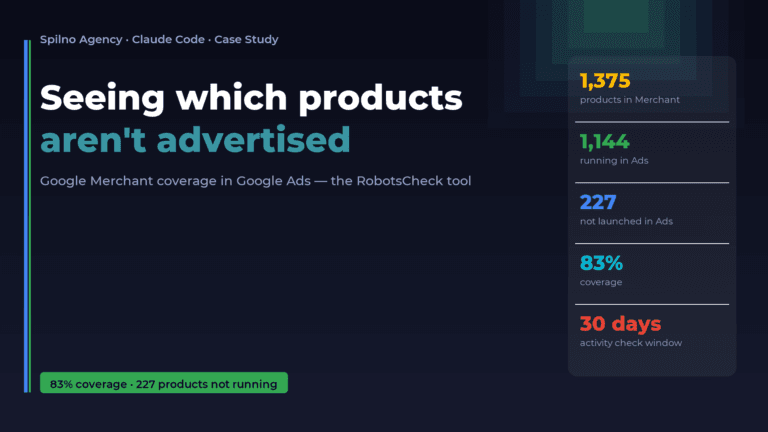
How Claude Helps Spilno Agency: Google Merchant Coverage in Google Ads
An online store lists 1,375 products in Google Merchant — but how many of them are actually running…
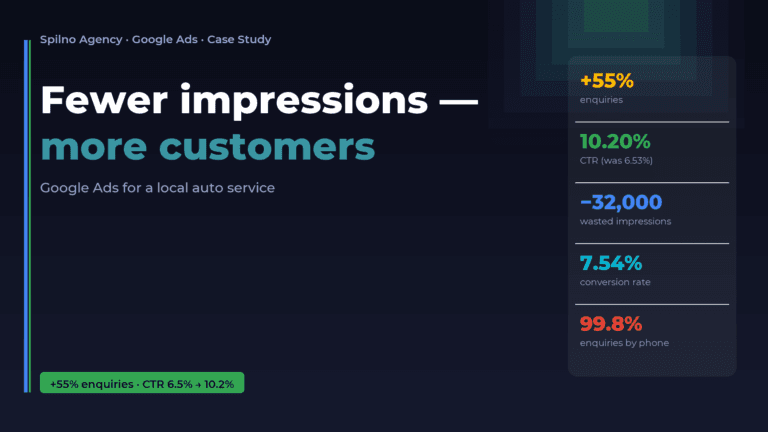
Google Ads for a Local Auto Service: Fewer Impressions, More Customers (Case Study)
A local auto service was spending its ad budget on tens of thousands of cheap impressions that barely…