Conversion Tags: a New Google Ads Feature for Smart Bidding


Google Ads has added a new option in account settings — «Enable conversion-based customer lists». When you turn it on, Google automatically builds customer lists from the data users leave during a conversion (email, phone) via your conversion tags — no manual upload required. Those lists then feed Smart Bidding and optimized targeting. Below we break down what the feature is, how it works, how it differs from the existing toggle, and what to weigh before enabling it.
What happened: a new option in Google Ads
Under «Account settings» → «Email lists», Google Ads added a new block called «Conversion tags» with a toggle: «Enable conversion-based customer lists». It is off by default (opt-in). Next to it is an explanation: «Customer lists will be created automatically based on the data received from users via conversion tags».
In essence, this is automated Customer Match: previously, to feed Google’s algorithm with customer lists you had to export your base from a CRM and upload a CSV manually. Now the system can build those lists itself — from people who already converted on your site, using the data from your conversion tags.
What conversion-based customer lists are
A customer list (Customer Match) is an audience built from real customer data: hashed email addresses and phone numbers. Google uses it as a signal to find those people and others similar to them. The new option lets you skip the manual upload and instead collect that list automatically from everyone who submitted their details during a conversion — a purchase, a lead, a sign-up.

The image above shows that same settings screen. At the top is the familiar toggle «Use all email lists for Smart Bidding and optimized targeting» (usually on). Below it, in the Conversion tags block, sits the new option «Enable conversion-based customer lists», which is off by default.
How it works
The mechanics are simple and run under the hood:
- A user converts on your site — a purchase, a lead, a call — and leaves their details (email, phone).
- The conversion tag (Google tag /
gtag, enhanced conversions) passes hashed user data to Google. - Google automatically builds customer lists from that data — no CSV upload on your side.
- The lists feed the algorithm — Smart Bidding and optimized targeting use them as a signal.
Important: this option does not create a separate ad audience you target manually. It is a signal for machine learning — Google looks at who among your customers converts and adjusts bids and targeting to find similar people.

How it differs from «use all email lists»
The same screen has two different toggles that are easy to confuse:
- «Use all email lists…» — lets Google take the customer lists you already have (including manually uploaded ones) as a signal for Smart Bidding and targeting. Live since May 2022.
- «Enable conversion-based customer lists» (the new option) — lets Google build new lists itself from conversion-tag data. So it’s not about using existing lists, but about creating new ones automatically.
In plain terms: the first toggle says «use what I already have», the second says «build new lists for me from my conversions».
Why enable it
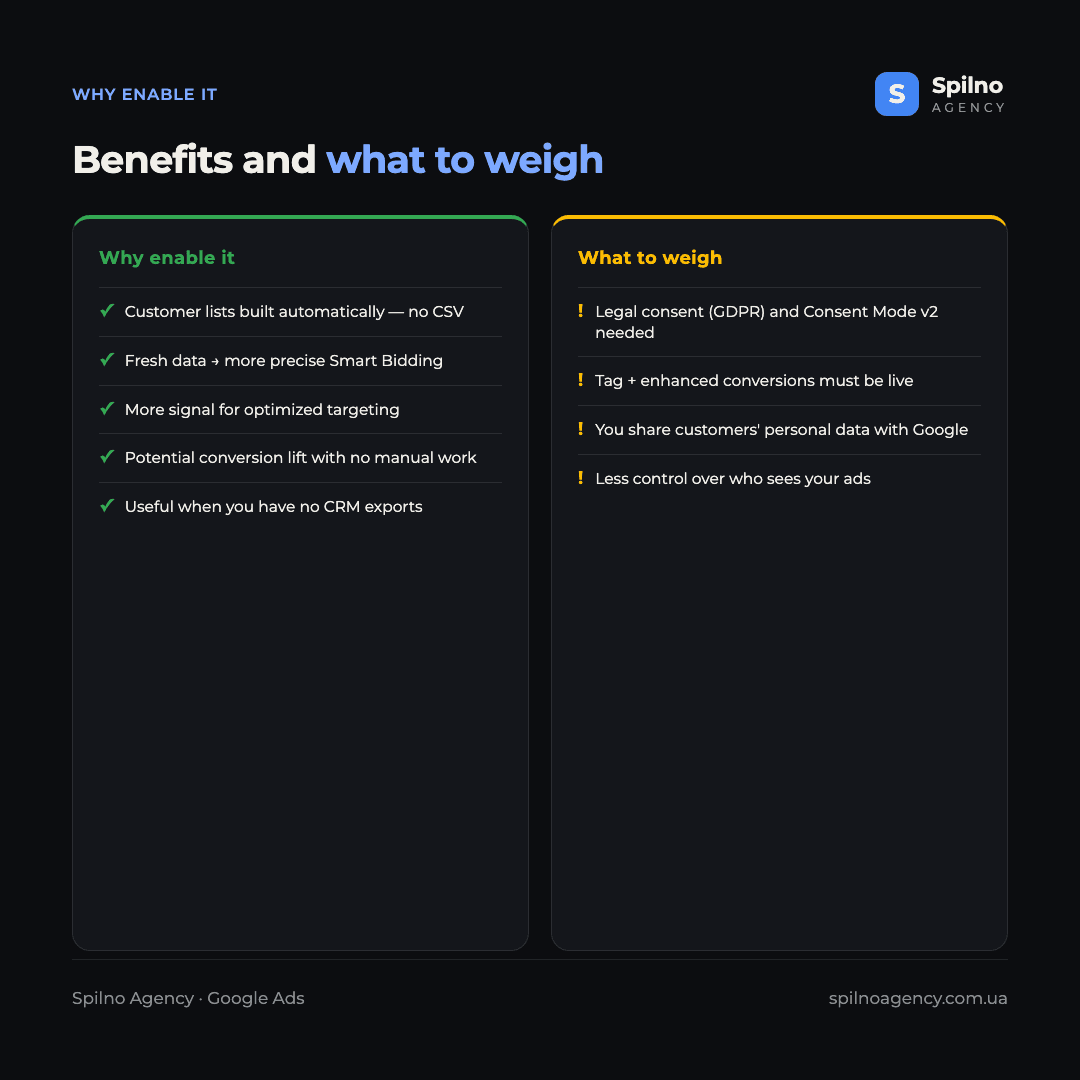
The main benefit is more quality data for the algorithm with zero manual work. The more Google knows about your real customers, the more precise Smart Bidding becomes and the better optimized targeting finds similar audiences. Concrete advantages:
- Automation. No manual CRM export and CSV upload — lists build themselves.
- Fresh data. Audiences update with every new conversion, so the algorithm learns from current customers.
- Potential conversion lift. More signal usually improves bidding-strategy performance.
- Useful without a CRM. If you have no customer-base exports set up, this is a simple way to give Google data about buyers.
How to enable the feature
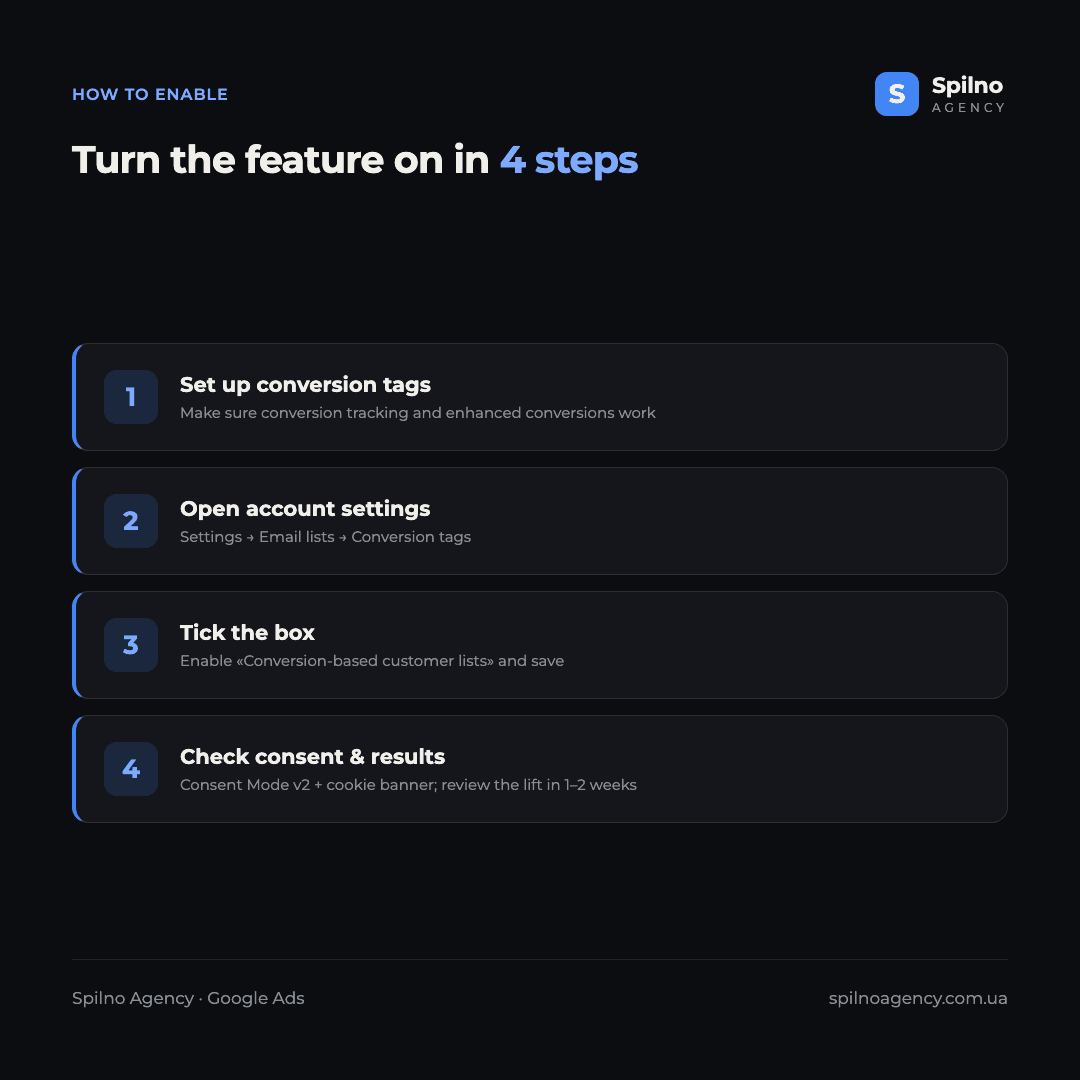
You can enable conversion-based customer lists in four steps:
- Set up your conversion tags. Make sure conversion tracking works — ideally with
enhanced conversionsenabled so email/phone data is passed. - Open account settings. Go to
Settings → Email lists → Conversion tags. - Tick the box. Enable «Conversion-based customer lists» and click «Save».
- Check consent and results. Make sure Consent Mode v2 and your cookie banner are in order, then review conversions and bidding in 1–2 weeks.
What to weigh: GDPR and user consent
Because the feature passes your customers’ personal data to Google (hashed email and phone), it’s important to confirm the legal basics before enabling it — especially for European businesses subject to GDPR:
- Consent (GDPR/CCPA). You need a valid privacy policy and cookie banner, plus a correctly configured
Consent Mode v2— we covered this in our guide on consent mode and data privacy. - Working tags. The Google tag must be set up, ideally with enhanced conversions — otherwise Google has nothing to collect.
- Less control. The algorithm decides who counts as a similar audience, so you give up some manual control over who sees your ads.
Recommendation: the first toggle («use all email lists») is usually worth keeping on — it’s the standard that delivers a lift. Enable the new option (conversion-based lists) only if your consent setup is legally correct and enhanced conversions are working. Then it’s effectively a free boost in audience quality with no manual work.
Frequently asked questions (FAQ)
What are conversion-based customer lists in plain terms?
It’s a Google Ads feature that lets the system automatically build customer lists from the data (email, phone) users leave during a conversion via your conversion tags. Previously you had to upload such lists manually from a CRM — now Google builds them itself and uses them for Smart Bidding and optimized targeting.
Where do I find this option in Google Ads?
Under Account settings → Email lists → the Conversion tags block. There you’ll find the toggle «Enable conversion-based customer lists» — it is off by default.
How does the new option differ from «use all email lists»?
The first toggle lets Google use your existing customer lists as a signal for bidding and targeting. The new option lets Google build new lists itself from conversion-tag data. So the first is about using what exists, the second about automatically creating something new.
Is it safe from a GDPR standpoint?
The feature passes customers’ personal data to Google, so you should only enable it with a valid privacy policy, a cookie banner and a correctly configured Consent Mode v2. Google acts as a data processor, but responsibility for user consent lies with the advertiser.
What do I need for the feature to work?
You need conversion tracking set up and, ideally, enhanced conversions enabled — those are what pass hashed email and phone data. Without working conversion tags, Google has no data to build lists from.
Will it affect ad performance straight away?
Not instantly. The algorithm needs time to collect data and retrain. The effect is usually assessed 1–2 weeks after enough conversions accumulate — by tracking CPA, ROAS and conversion volume.
Automatic conversion-based customer lists make Customer Match simpler and more accessible even for advertisers without CRM exports. If you want to set up conversion tags, enhanced conversions and bidding strategies correctly — and audit the account along the way — the Google Ads team at Spilno Agency will help you do it properly and in line with consent requirements.

Read also

New Features in the ChatGPT Ads Dashboard: What Changed in 2026
OpenAI updated the ChatGPT Ads dashboard: conversion-optimized campaigns, new daily budgets, geo exclusions, AppsFlyer/Adjust, bulk API and price/rating…
Google Tag Manager Workspaces: Why You Need Them and How to Use Them in 2026
A workspace in Google Tag Manager is a “draft” of a container — a place to safely edit…
How to Track Revenue, Transactions and Purchases in Google Analytics 4 from WordPress WooCommerce
Introduction WooCommerce store owners are often convinced that Google Analytics 4 already shows them revenue, transaction counts and…