Internal SEO Optimization Checklist for a Website

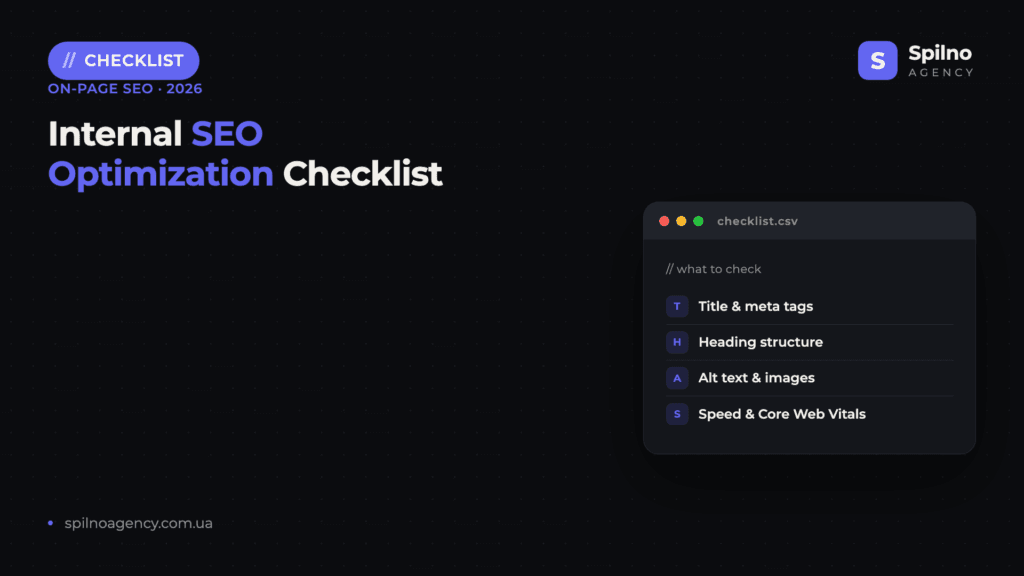
We are publishing a checklist that will help you create a work plan for internal website optimization. It can be used as part of the digital marketing process to promote your own website or the websites of other companies in digital agencies.
If you have any comments on the checklist, or suggestions for its improvement, please write them in the comments; we will be happy to incorporate these changes.
At the end of the article, the checklist will be available as a Google Sheet.
Checklist Items:
- 1. Basic Technical Optimization
1.1. The website has a correct HTTPS certificate (SSL).
1.2. The domain redirects from www to non-www or vice versa (canonical version).
1.3. A correct robots.txt file is set up.
1.4. An XML sitemap is configured and added to Google Search Console.
1.5. A favicon is installed.
1.6. Mobile responsiveness is checked (Mobile-Friendly Test).
1.7. Pages do not contain duplicates or parametric URLs without canonicals.
1.8. The website has no 404 pages (check via Screaming Frog or Netpeak Spider).
1.9. A developed and styled 404 page with navigation to the homepage/sections. - 2. Loading Speed
2.1. Lazy load is used for images.
2.2. Page caching is configured (browser cache is used).
2.3. CSS, JS, HTML are minified.
2.4. Compressed image formats are used (WebP, AVIF).
2.5. Speed is optimized on mobile and desktop (PageSpeed Insights: 85+).
2.6. Critical scripts do not block rendering. - 3. Website Structure
3.1. Logical page hierarchy (homepage → categories → subcategories → product/article).
3.2. All pages important for website SEO promotion are within less than 3 clicks from the homepage.
3.3. Structured navigation and breadcrumbs are present.
3.4. An HTML menu with internal links is present.
3.5. Links are not duplicated or do not lead to the same page from different URLs. - 4. Title and Meta Data Optimization
4.1. Unique titles for each page (up to 60 characters).
4.2. Unique meta descriptions (up to 160 characters), with CTA or USP.
4.3. One H1 per page — reflects the main topic.
4.4. Consistent heading structure: H1 → H2 → H3.
4.5. Title and H1 are not duplicated but are logically related.
4.6. Main keywords are included in title, H1, description, URL. - 5. URL Structure
5.1. Human-readable, short, and logical URLs.
5.2. URLs do not contain unnecessary parameters (e.g., ?utm_source, ?id=123).
5.3. URLs use a single language (no mixed Cyrillic/Latin).
5.4. Keyword is included in the page URL.
5.5. All URLs work with one ending variant: with / or without / (consistency). - 6. Content Optimization
6.1. Unique text on all pages (not duplicated from other websites).
6.2. High text relevance to keywords and user queries.
6.3. Use of keywords and their synonyms (LSI).
6.4. Texts are structured (paragraphs, lists, headings).
6.5. Minimum 300 words on commercial pages, 700–1000+ for informational pages.
6.6. Optimized product or service descriptions.
6.7. Blog or news section is regularly updated.
6.8. Unique descriptions for categories and subcategories. - 7. Image Optimization
7.1. File names are descriptive and contain keywords (sony-tv-4k.jpg, not IMG_4532.jpg).
7.2. Alt-tags are filled with meaningful descriptions.
7.3. Compressed without loss of quality (TinyPNG, Squoosh).
7.4. Image sizes match the display location (not 2000px where 300px is needed).
7.5. WebP format support for speed. - 8. Internal Linking
8.1. Each page has 2–5 internal links.
8.2. Internal links are logical and lead to thematically related pages.
8.3. Anchor links with keywords are used.
8.4. No links to non-existent pages (check for 404s). - 9. Schema.org Markup / Structured Data
9.1. Article, Product, Organization, Breadcrumb markup is added (where needed).
9.2. JSON-LD is implemented (recommended by Google).
9.3. Checked via Rich Results Test. - 10. Usability and UX
10.1. Pages are easy to read (contrast, font, sizes).
10.2. Site search is present (for large websites).
10.3. Clear call to action (CTA) on pages.
10.4. Clear navigation.
10.5. Fast page loading on mobile. - 11. Analytics and Tracking
11.1. Google Analytics 4 is installed.
11.2. Google Search Console is configured.
11.3. Facebook/Meta pixel is installed (if needed).
11.4. Goals or events (conversions) are configured. - 12. Multilingualism (if applicable)
12.1. Implemented via subfolders (/ua/, /en/, /pl/).
12.2. Hreflang is used for each version.
12.3. All languages have unique content. - 13. Security and Accessibility
13.1. HTTPS is active.
13.2. CAPTCHA or bot protection is installed (on forms).
13.3. The website has no viruses or infected code (check via VirusTotal / Google Transparency Report).
13.4. Complies with WCAG (minimum accessibility level).
Checklist as a Google Sheet

Link to the checklist as a Google Sheet with checkpoints.
Request for marketing consultation
Frequently Asked Questions
What is an internal SEO optimization checklist?
An internal SEO checklist is a structured list of on-page optimization tasks to perform on each page: title tags, meta descriptions, header structure, keyword placement, content quality, image optimization, internal links, canonical tags, and page speed checks.
How to perform on-page SEO optimization for each page?
Step-by-step: research target keywords, write a unique title tag with the primary keyword, craft a compelling meta description, structure content with H1/H2/H3 headings, optimize image alt text, add internal links to related pages, and check mobile-friendliness.
What free tools can help with internal website optimization?
Free tools: Google Search Console (performance and indexation), Screaming Frog (free for up to 500 URLs), Google PageSpeed Insights (speed), and the browser Lighthouse audit. For keyword analysis, use Google Keyword Planner or Ubersuggest.
How to check the on-page SEO of a website?
Crawl the site with Screaming Frog to identify missing/duplicate titles and meta descriptions, broken internal links, redirect chains, and missing alt text. Then check GSC for indexation errors, Core Web Vitals issues, and pages not appearing in search.
How often should on-page SEO be updated?
Review and update key landing pages quarterly. Update titles and meta descriptions when CTR drops in GSC. Refresh content on high-traffic pages when ranking positions decline. New pages should be optimized before publishing, not after.

Read also
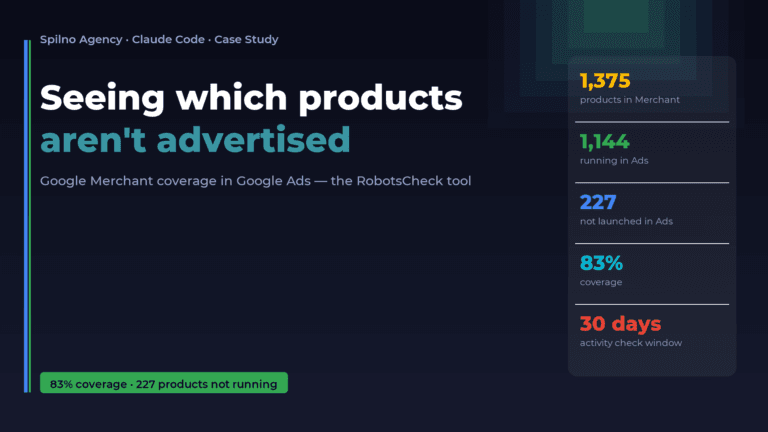
How Claude Helps Spilno Agency: Google Merchant Coverage in Google Ads
An online store lists 1,375 products in Google Merchant — but how many of them are actually running…
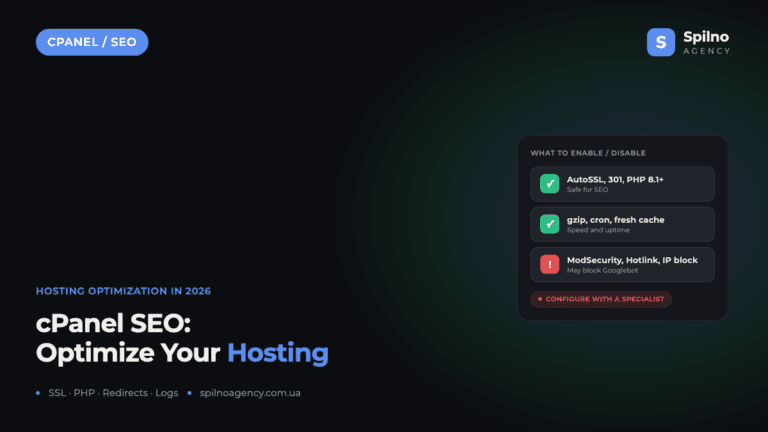
cPanel SEO: How to Optimize Your Hosting for Search in 2026 (Enable & Disable)
cPanel is a hosting control panel that packs dozens of features with a direct impact on SEO: HTTPS…

Cloudflare for SEO: How to Configure It to Improve Search Performance in 2026
Cloudflare works as a proxy and CDN between the visitor and your website, and it can noticeably affect…