Best Claude Skills for Pinterest (2026)

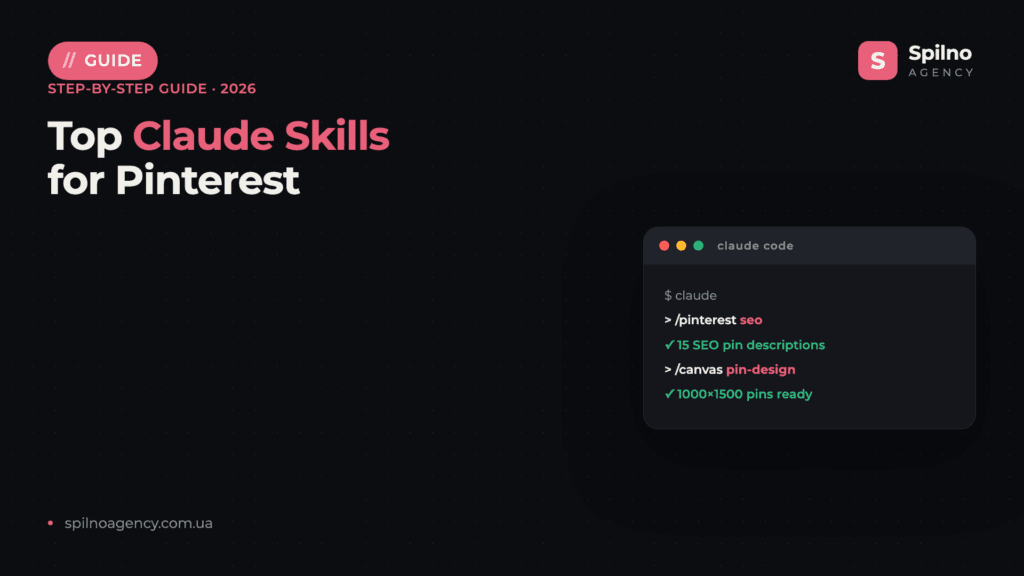
Claude Skills (Agent Skills) are ready-made instruction sets that turn Claude into a Pinterest assistant: they write SEO-optimized pin titles and descriptions, generate visuals and idea pins, plan boards, help with Pinterest Ads and product pins, and pull together analytics. This roundup covers the 10 most useful skills and MCP servers with verified links — what each does and where to get it.
What Claude Skills are and why they matter for Pinterest
Agent Skills are an open standard for Claude that Anthropic introduced in autumn 2025. Technically, a skill is a folder with a SKILL.md file describing exactly how the AI should perform a task: the rules for writing a pin title, how many keywords to put in a description, how to plan boards or generate a 2:3 visual.
For Pinterest work this means three things:
- Expertise out of the box. Pinterest is first and foremost a search engine: a pin ranks on the keywords in its title and description. An SEO skill already knows how long a title should be and how to weave in long-tail queries — no long prompts needed.
- Repeatability. A pin, a series of pins, or a board description runs the same way every time — the result doesn’t depend on how you happened to phrase the request today.
- Speed. Tasks that used to take hours (20 pins for a new collection, SEO descriptions, visuals in the right formats) shrink to 10–20 minutes.
Skills run in Claude Code (Anthropic’s terminal agent) and are also supported on claude.ai. Most skills in this roundup are free and open source — you only pay for a Claude subscription. Separately, there are MCP servers that give Claude access to the Pinterest API v5 (pins, boards, analytics) through your authenticated session.
How to install a Claude skill: 3 ways
Method 1. The skills CLI installer (fastest)
Most authors support one-command installs via the community skills utility. For example, the Pinterest SEO skill:
npx skills add kostja94/marketing-skills --skill pinterestMethod 2. Plugin marketplace
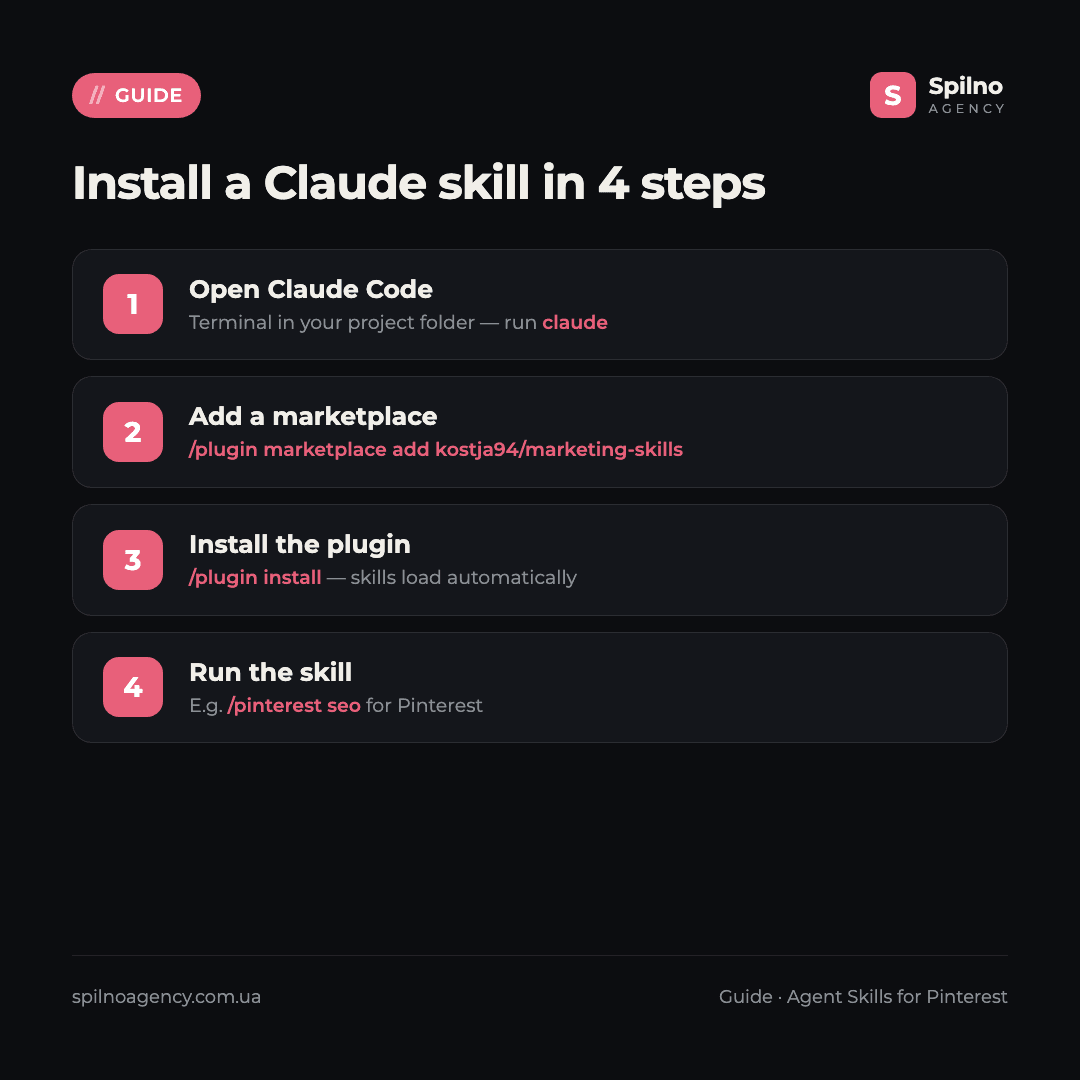
A convenient path in Claude Code is to add a developer marketplace and install a plugin bundle of skills:
/plugin marketplace add kostja94/marketing-skills
/plugin install
Skills get their own namespace and update automatically with the plugin.
Method 3. The skills folder
You can simply copy a skill into your personal folder — it becomes available across all projects:
git clone https://github.com/kostja94/marketing-skills
cp -r marketing-skills/skills/platforms/pinterest ~/.claude/skills/
For teamwork, skills go into .claude/skills/ inside the project — then they’re committed to the repo and available to the whole team. MCP servers are connected separately, through the Claude config (e.g. with OAuth to the Pinterest API).
Top 10 Claude skills for Pinterest in 2026
1. kostja94/marketing-skills — Pinterest SEO and pin descriptions
What it does: the most useful Pinterest-specific skill. The bundle includes a dedicated pinterest skill that generates pin titles (up to 100 chars, primary keyword in the first 40), descriptions (220–232 chars with 2–3 related keywords and a CTA), board-placement strategy and alt text. The rules are grounded in how Pinterest search ranks long-tail queries — exactly what you need for organic growth.
Where to get it: github.com/kostja94/marketing-skills (730+ stars, MIT). Install: npx skills add kostja94/marketing-skills --skill pinterest.
2. collactivelabs/pinterest-mcp-server — pins and boards via the API
What it does: the strongest content MCP server for Pinterest. It runs on the official Pinterest API v5 (Node.js, OAuth) and gives Claude tools for live data: creating and reading pins (pins.create, pins.list), managing boards (boards.create, boards.list), account info. Handy for publishing pins and tidying boards straight from Claude. It does not cover analytics or ads.
Where to get it: github.com/collactivelabs/pinterest-mcp-server (MIT). Connects as an MCP server with OAuth to a Pinterest business account.
3. eachlabs/skills — pin image generation
What it does: includes a pinterest-pin-generation skill that creates finished pin images in the right formats: Standard 2:3, Idea-Pin cover 9:16, Square 1:1, long infographic 1:2.1, plus product, recipe, DIY and quote pins. Saves design time when you need a series of visuals fast. Note: the skill calls an external paid service (needs an EACHLABS_API_KEY), so it isn’t a fully free option.
Where to get it: github.com/eachlabs/skills (emerging). Copies into ~/.claude/skills/; calls the eachlabs API at runtime.
4. AgriciDaniel/claude-ads — Pinterest Ads planning
What it does: a comprehensive paid-advertising toolkit where Pinterest is one of 12 supported platforms. To be honest: the deep, hundreds-of-checks audit is available for Google, Meta and TikTok, while Pinterest (with Reddit and Snapchat) is covered at the strategic planning level — briefs, campaign structure, CPA/ROAS math. Useful for Pinterest Ads planning and client media plans; not for a full account audit yet.
Where to get it: github.com/AgriciDaniel/claude-ads (7,000+ stars, MIT). Install: /plugin marketplace add AgriciDaniel/claude-ads.
5. Official Anthropic skills — pin visuals and reports
What it does: Anthropic’s official repo (160,000+ stars) holds universal skills that map well onto Pinterest. canvas-design generates static images at any aspect ratio — meaning vertical 2:3 pins and long infographics; pptx builds frames for idea pins and carousels; xlsx and docx handle content plans, briefs and reports. Note: there are no Pinterest presets here — you specify dimensions manually.
Where to get it: github.com/anthropics/skills. Install: /plugin marketplace add anthropics/skills.

6. terryso/mcp-pinterest — research and moodboards
What it does: an MCP server for searching and pulling images from Pinterest by keyword. Handy for competitor recon and gathering references — Claude finds pins by topic, extracts info about them and helps build a moodboard. Important: the server works via scraping, not the official API, so it technically operates outside Pinterest’s rules — fine for personal inspiration, but for client work prefer the official-API servers.
Where to get it: github.com/terryso/mcp-pinterest (MIT). Connects as an MCP server (npm), with a headless-browser mode.
7. twominutereports/pinterest-ads-mcp — ad reporting
What it does: an MCP server focused specifically on Pinterest Ads: ask about campaign performance in plain language and get reports — spend, impressions, conversions. The most dedicated tool for Pinterest ad analytics, though the project is young, so test it on non-critical tasks.
Where to get it: github.com/twominutereports/pinterest-ads-mcp (emerging). Connects as an MCP server.
8. coreyhaines31/marketingskills — a universal foundation
What it does: the most popular marketing library for Claude — 50+ skills. There’s no dedicated “pinterest” skill here, but the universal seo, social, copywriting and ads point easily at Pinterest: SEO descriptions, content plans, ad copy. A solid base when Pinterest is just one of your channels.
Where to get it: github.com/coreyhaines31/marketingskills (39,000+ stars, MIT). Install: npx skills add coreyhaines31/marketingskills --skill seo.
9. CData pinterest-mcp-server — read-only data and analytics
What it does: an MCP server from CData that gives Claude read access to Pinterest data (pins, boards, metrics) through a standard connector. Useful for analytics and reporting when you want Claude to “see” real account numbers without manual exports. Enterprise-oriented, but a working option for reports.
Where to get it: github.com/CDataSoftware/pinterest-mcp-server-by-cdata (MIT). Connects as an MCP server.
10. awesome-claude-skills — where to find more
What it does: a curated catalog of Claude skills — the entry point when you need a new tool for a specific Pinterest task (a content niche, e-commerce or an industry). The Pinterest-skill niche is still forming, so keep an eye on the catalog for updates.
Where to get it: github.com/ComposioHQ/awesome-claude-skills (67,000+ stars) — a directory linking to skill repositories.
Comparison table: which skill for which task
| Skill / MCP | Main Pinterest task | GitHub stars | Install |
|---|---|---|---|
| kostja94/marketing-skills | Pinterest SEO, pin titles and descriptions | 730+ | npx skills |
| collactivelabs/pinterest-mcp | Pins and boards via API v5 | niche | MCP (OAuth) |
| eachlabs/skills | Pin image generation | emerging | skills folder |
| claude-ads | Pinterest Ads planning | 7,000+ | marketplace |
| anthropics/skills | Pin visuals, reports, decks | 160,000+ | marketplace |
| terryso/mcp-pinterest | Research and moodboards | niche | MCP |
| pinterest-ads-mcp | Pinterest Ads reporting | emerging | MCP |
| marketingskills | SEO, content, ads (universal) | 39,000+ | npx skills |
| CData pinterest-mcp | Read-only data and analytics | niche | MCP |
| awesome-claude-skills | Catalog: where to find more | 67,000+ (catalog) | — |
How to choose your first skill
- You want organic growth and traffic — start with kostja94/marketing-skills: Pinterest SEO covers the essentials — titles, descriptions and boards for search.
- You need pin visuals fast — canvas-design from Anthropic or eachlabs (pinterest-pin-generation).
- You publish pins and run boards — collactivelabs/pinterest-mcp-server via the official API.
- You run Pinterest Ads — claude-ads for planning + pinterest-ads-mcp for reporting.
- You analyze competitors and gather references — terryso/mcp-pinterest.
- Pinterest is just one of your channels — marketingskills as a universal foundation.
If you’re growing Pinterest as a paid channel, get the formats and creative sizes right before launch. See our guide to Pinterest advertising and the detailed breakdown of Pinterest Ads creative sizes. And if you’re interested in Claude skills beyond Pinterest, start with our roundup of Claude skills for SMM specialists.
Safety and Pinterest’s rules: what to watch for
- Read the SKILL.md before installing. A skill is instructions for the AI; make sure it doesn’t ask for excessive access.
- Prefer the official API. Pinterest API v5 requires a business account and an approved app (OAuth). Scraping-based tools (e.g. terryso) operate outside Pinterest’s rules and can break or trigger blocks — for client work, use official-API servers.
- Respect the limits. Automated posting must respect Pinterest’s spam and frequency policy (fresh pins, rate limits) — don’t dump dozens of identical pins in a row.
- Never paste tokens into chat. Store keys and access tokens in environment variables or config, not in the prompt text.
FAQ: Claude skills for Pinterest
What are Claude Skills (Agent Skills)?
An open standard of “skills” for Claude: a folder with a SKILL.md file containing instructions the AI follows to perform a task — writing a pin SEO description, generating a visual or planning boards. Skills connect to Claude Code and claude.ai and activate automatically when a task matches the skill’s description.
How much do Claude skills for Pinterest cost?
Most skills in this roundup are free and open source (mostly MIT). You only pay for a Claude subscription (Pro or Max). The exception is eachlabs, which needs a paid external API for image generation.
Do I need to know how to code to use skills?
No. Installation comes down to one or two commands (e.g. npx skills add or /plugin install), and from there you talk to Claude in plain language. Basic terminal familiarity is enough. MCP servers need a bit more setup (OAuth).
Which Pinterest skill should I install first?
kostja94/marketing-skills with the pinterest skill: Pinterest is search-first, so getting pin titles and descriptions right gives the biggest organic lift. It’s the fastest way to feel the value on real pins.
Can skills publish pins automatically?
Yes — via MCP servers on the official Pinterest API v5 (e.g. collactivelabs) Claude can create pins and boards. But posting must respect Pinterest’s spam and frequency policy — don’t dump dozens of identical pins in a row, or the account risks restrictions.
How is a skill different from an MCP server?
An MCP server gives Claude access to external data and tools (e.g. the Pinterest API — pins, boards, stats), while a skill is methodology: instructions for how to perform a task. The strongest setups combine them: the MCP publishes the pin, the skill writes the SEO description to a proven framework.
Will Claude skills replace an SMM specialist for Pinterest?
No — they change the structure of the work. Skills take the routine: SEO descriptions, first drafts of visuals, board planning, reports. Strategy, visual taste, niche understanding and final decisions stay with the specialist. A specialist with skills simply runs more accounts, better.
Want to grow Pinterest systematically — organic traffic, pin design and ads — with a team that has already built AI tools into daily work? Spilno Agency helps European businesses with Pinterest SEO and Pinterest Ads with transparent reporting. Leave a request — we’ll start with a free consultation.

Read also
New Features in the ChatGPT Ads Dashboard: What Changed in 2026
OpenAI updated the ChatGPT Ads dashboard: conversion-optimized campaigns, new daily budgets, geo exclusions, AppsFlyer/Adjust, bulk API and price/rating…
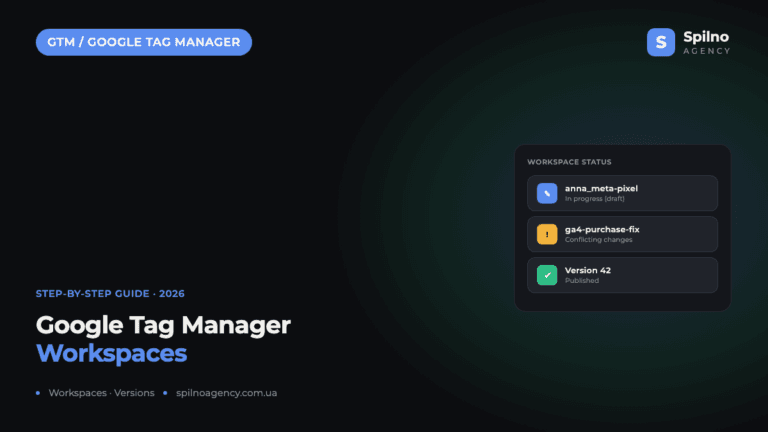
Google Tag Manager Workspaces: Why You Need Them and How to Use Them in 2026
A workspace in Google Tag Manager is a “draft” of a container — a place to safely edit…
How to Track Revenue, Transactions and Purchases in Google Analytics 4 from WordPress WooCommerce
Introduction WooCommerce store owners are often convinced that Google Analytics 4 already shows them revenue, transaction counts and…