Best Claude Skills for Snapchat (2026)


Claude skills (Agent Skills) are ready-made instruction sets that turn Claude into a Snapchat assistant: they plan and audit Snapchat Ads, generate vertical 9:16 creatives, help with AR Lens and filter ideas through the official Lens Studio, and pull campaign analytics. This roundup covers the 10 most useful skills and MCP servers with verified links: what each one does, how mature it is, and where to get it. Honest upfront: dedicated Snapchat tooling is still scarce — this is a niche that’s only just forming.
What Claude skills are and why they matter for Snapchat
Agent Skills are an open standard for Claude “skills” that Anthropic introduced in autumn 2025. Technically, a skill is a folder with a SKILL.md file describing exactly how the AI should perform a specific task: the rules for auditing an ad account, how to assemble a 9:16 creative, which Snapchat Ads metrics to check, or how to prepare a brief for an AR Lens.
For Snapchat work this means three things:
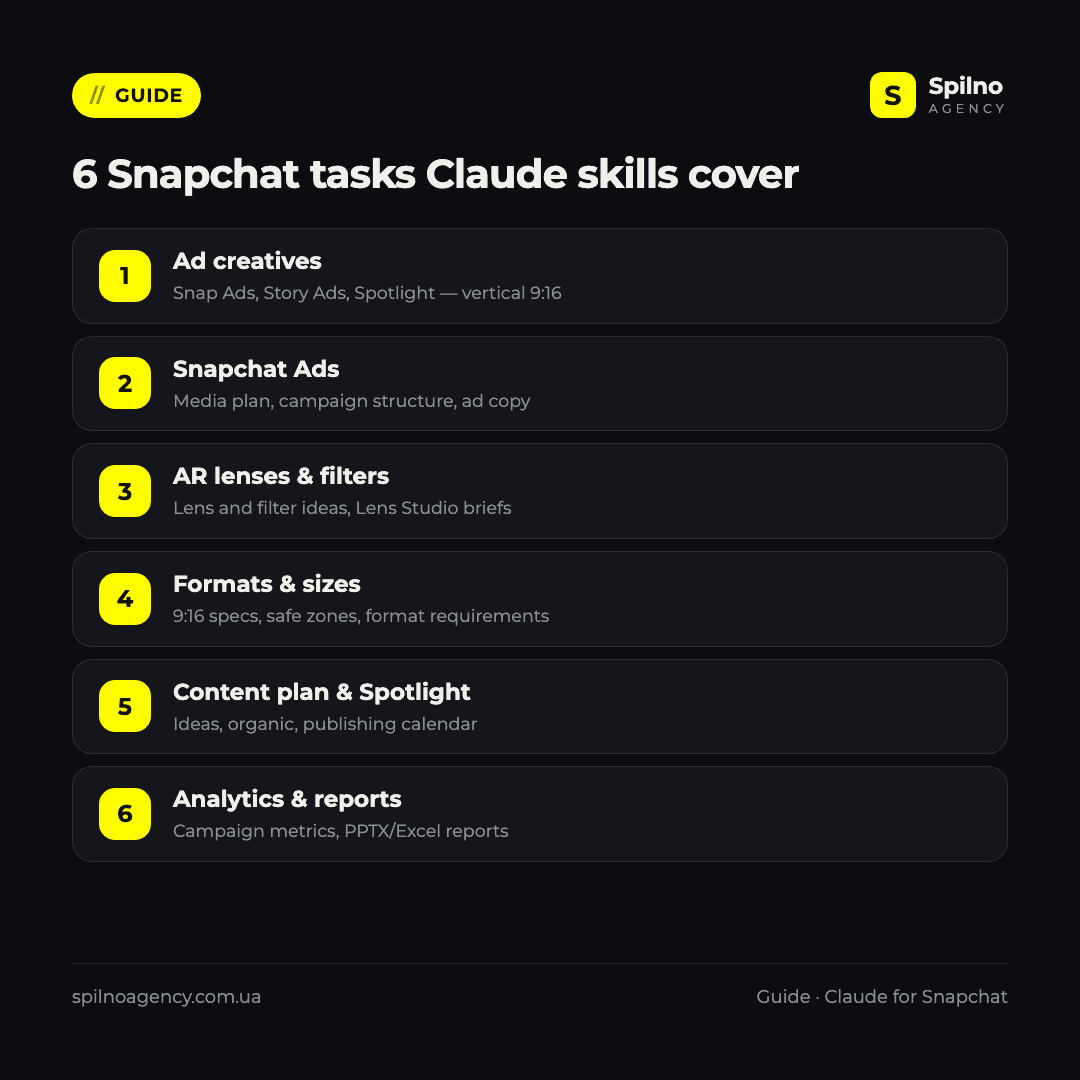
- Expertise out of the box. Snapchat is vertical 9:16 video, Snap Pixel, the Conversions API and specific formats (Snap Ads, Story Ads, Collection, Spotlight, AR Lenses). A skill with audit rules already knows what to check — no long prompts required.
- Repeatability. A campaign audit, a batch of creatives or a report runs the same way every time — the result doesn’t depend on how you happened to phrase today’s request.
- Speed. Tasks that used to take hours (an account audit, a set of vertical creatives, a campaign report) shrink to 10–20 minutes.
Skills run in Claude Code (Anthropic’s terminal agent) and are also supported on claude.ai. Most skills in this roundup are free and open source: you only pay for your Claude subscription. Separately, MCP servers give Claude access to the Snapchat Marketing API (campaigns, metrics, actions) through your authorized session, and Snap’s official Lens Studio MCP lets you build AR Lenses straight from Claude.
How to install a Claude skill: 3 ways
Way 1. Plugin marketplace (easiest)
The most convenient path in Claude Code is to add a developer’s marketplace and install a plugin with skills. For example, the set with a Snapchat Ads audit:
/plugin marketplace add AgriciDaniel/claude-ads
/plugin install
Skills get their own namespace and update automatically with the plugin.
Way 2. The skills CLI installer
Many universal marketing sets install with a single command via the community skills utility:
npx skills add coreyhaines31/marketingskills --skill socialWay 3. A skills folder
You can simply copy a skill into your personal folder — it becomes available across all projects:
git clone https://github.com/AgriciDaniel/claude-ads
cp -r claude-ads/skills/ads-snapchat ~/.claude/skills/
For team work, skills go into .claude/skills/ inside the project — then they’re committed to the repository and available to the whole team. MCP servers connect separately, through the Claude config (for example, with OAuth to the Snapchat Marketing API or to Lens Studio).

Top 10 Claude skills for Snapchat in 2026
The list is sorted by relevance to Snapchat specifically. Note upfront: the only mature skill with its own Snapchat module is claude-ads; most ad MCP servers are new (0–1 star on GitHub), and there are no dedicated skills yet for organic content, ASO or Spotlight. On the plus side, every ad MCP works through the official Snapchat Marketing API, not scraping — an important advantage.
1. AgriciDaniel/claude-ads — Snapchat Ads audit
What it does: the most mature and the only skill with a dedicated Snapchat module. The set includes an ads-snapchat skill and an audit agent that checks Snap Pixel and the Conversions API, campaign structure (app-install, mobile), creatives and AR Lens formats, the product catalog (DPA), audiences, budgets, brand safety and reporting. By default it works read-only (an audit based on authorized exports or account access), and any changes are confirmed separately. Snapchat is one of 12 platforms in the set, but with genuine depth rather than a shallow shared tier.
Where to get it: github.com/AgriciDaniel/claude-ads (7,000+ stars, MIT license). Install: /plugin marketplace add AgriciDaniel/claude-ads.
2. Snap’s official Lens Studio MCP — AR Lenses from Claude
What it does: the most interesting and most legitimate tool for the AR angle. This is a first-party MCP server from Snap itself, built into Lens Studio (version 5.15+) and officially documented for use with Claude Code. It lets you build and edit AR Lenses and filters straight from Claude: generate projects, tweak components and test the Lens. It’s the official way to automate Snapchat Lens creation with AI.
Where to get it: developers.snap.com — Lens Studio + Claude Code. It connects as an MCP server from Lens Studio itself. There’s also a community option, superdwayne/lensstudio-mcp (MIT).
3. zajalist/zajal-skills — skills for building AR Lenses
What it does: a set of 7 field-tested skills for developing Snap Lenses and Spectacles projects via the Lens Studio MCP: scene editing, custom shaders, hand interaction (SIK), spatial UI, preview and verification, working with assets and FBX, and networking. This is the most detailed set for actually creating AR content (not ads or analytics). The project is new and community-unproven, so test it on non-critical tasks.
Where to get it: github.com/zajalist/zajal-skills (MIT). Copy it into ~/.claude/skills/; it requires a connected Lens Studio MCP (item 2).
4. saadsh0/snapchat-ads-mcp — campaigns and data via API
What it does: the most powerful of the live ad MCP servers for Snapchat. It runs on the official Snapchat Marketing API and lets Claude not only read reports (ROAS, CPA, CTR, eCPM, swipe-up rate) but also take actions — pause or activate campaigns, change budgets, rename ads. An important caveat: the project is young and has no license file, so use it carefully for client work and verify usage rights first.
Where to get it: github.com/saadsh0/snapchat-ads-mcp (new, no explicit license). Connects as an MCP server with Snapchat Marketing API credentials.
5. twominutereports/snapchat-ads-mcp — ad reporting
What it does: an MCP server focused on Snapchat Ads reporting: ask about campaign performance in plain language and get the numbers — spend, swipe-ups, CPM, period comparisons — through the official Marketing API, with no manual Ads Manager exports. Handy for regular reporting. It’s a hosted commercial service; the public repo is thin.
Where to get it: github.com/twominutereports/snapchat-ads-mcp (new). Connects as a remote MCP server (onboarding via the service).
6. insightfulpipe/snapchat-ads-mcp-server — campaign analytics
What it does: an MCP server for Snapchat Ads analytics: query campaigns, swipes, conversions and audiences in plain language. The authors emphasize “Gen-Z and AR advertising” — that is, understanding the specifics of the Snapchat audience. It works through the official API and connects as a remote MCP. Read/analytics only, no campaign management.
Where to get it: github.com/insightfulpipe/snapchat-ads-mcp-server (MIT). Connects as a remote MCP server.
7. CData snapchat-ads-mcp-server — read-only data for BI
What it does: an MCP server from CData that gives Claude read access to Snapchat Ads data through a standard JDBC connector over the official Marketing API. Useful for analytics and pulling reporting when you need Claude to “see” the account’s real numbers without manual exports. Enterprise-oriented (Java); it doesn’t cover campaign management — reports only.
Where to get it: github.com/CDataSoftware/snapchat-ads-mcp-server-by-cdata (MIT). Connects as a local MCP server with the CData JDBC driver.
8. coreyhaines31/marketingskills — a universal foundation
What it does: the most popular marketing library for Claude — over 50 skills. There’s no dedicated “snapchat” skill here, but the universal social, ad-creative and copywriting skills can be aimed at Snapchat: ad copy, content ideas, creative drafts. A good base if Snapchat is just one of your channels, but without Snap format specifics.
Where to get it: github.com/coreyhaines31/marketingskills (39,000+ stars, MIT). Install: npx skills add coreyhaines31/marketingskills --skill social.
9. Official Anthropic skills — 9:16 creatives and reports
What it does: Anthropic’s official repository (160,000+ stars) contains universal skills that fit Snapchat. canvas-design generates static images in any aspect ratio — that is, vertical 9:16 creatives; pptx assembles slides and concepts; xlsx and docx handle media plans, briefs and reports. Note: there are no Snapchat format presets here, so you set sizes manually.
Where to get it: github.com/anthropics/skills. Install: /plugin marketplace add anthropics/skills.
10. awesome-claude-skills — a catalog to find more
What it does: a curated catalog of Claude skills — the entry point when you need a new tool for a specific Snapchat task. The Snapchat-skill niche is still forming, so watch the catalog for updates — new ad and AR tools show up here first.
Where to get it: github.com/ComposioHQ/awesome-claude-skills (67,000+ stars) — a catalog with links to skill repositories.
Comparison table: which skill for which task
| Skill / MCP | Main Snapchat task | Maturity | Install |
|---|---|---|---|
| AgriciDaniel/claude-ads | Snapchat Ads audit (Pixel, CAPI, DPA) | 7,000+ ★ | marketplace |
| Lens Studio MCP (Snap) | Building AR Lenses and filters | official | MCP |
| zajalist/zajal-skills | Developing Lenses and Spectacles | new | skills folder |
| saadsh0/snapchat-ads-mcp | Campaigns and actions via API | new, no license | MCP |
| twominutereports/snapchat-ads-mcp | Snapchat Ads reporting | new | MCP |
| insightfulpipe/snapchat-ads-mcp | Campaign analytics | new | MCP |
| CData snapchat-ads-mcp | Read-only data for BI | new | MCP |
| coreyhaines31/marketingskills | Copy, creatives (universal) | 39,000+ ★ | npx skills |
| anthropics/skills | 9:16 creatives, reports, slides | 160,000+ ★ | marketplace |
| awesome-claude-skills | Catalog: where to find more | 67,000+ ★ (catalog) | — |
How to pick your first skill
- You run or manage Snapchat Ads — start with claude-ads: it’s the only mature skill with a real Snapchat audit (Pixel, CAPI, formats, catalog).
- You need live campaign data and reports — one of the ad MCPs on the official API: saadsh0 (with actions), twominutereports or insightfulpipe (reports).
- You build AR Lenses or filters — Snap’s official Lens Studio MCP plus zajal-skills: the most legitimate, first-party path.
- You need vertical creatives fast — canvas-design from Anthropic (9:16 by hand).
- Snapchat is just one of your channels — coreyhaines31/marketingskills as a universal foundation for copy and content.
If you’re growing Snapchat as a paid channel, it’s worth understanding ad formats and creative sizes before launch. See our guide to Snapchat advertising and the detailed breakdown of Snapchat Ads creative sizes. And if you’re interested in Claude skills beyond Snapchat, start with our roundup of Claude skills for SMM specialists.
Snapchat safety and rules: what to watch for
- Read the SKILL.md before installing. A skill is a set of AI instructions; make sure it doesn’t request unnecessary access. Be especially careful with MCP servers that have no license file (for example, saadsh0) — clarify usage rights before client work.
- Work through the official API. Good news: every Snapchat ad MCP found here uses the official Snapchat Marketing API, not scraping, and the AR tools use first-party Lens Studio. That removes the risk of blocks for rule violations.
- Read-only first. Read access is enough for audits and reports. Turn on actions that change campaigns (pausing, budgets) deliberately, and verify the result before applying it.
- Don’t paste tokens into the chat. Keep keys and access tokens in environment variables or a config, not in the prompt text.
Q&A about Claude skills for Snapchat
What are Claude skills (Agent Skills)?
They’re an open standard for Claude “skills”: a folder with a SKILL.md file containing instructions the AI follows to perform a specific task — audit Snapchat Ads, generate a vertical creative or prepare a brief for an AR Lens. Skills connect to Claude Code and claude.ai and activate automatically when a task matches the skill’s description.
Is there a skill dedicated specifically to Snapchat?
Yes, though for now essentially just one mature option — AgriciDaniel/claude-ads with its ads-snapchat skill: it runs a full Snapchat Ads audit (Snap Pixel, Conversions API, formats, catalog). For the AR side there’s Snap’s official Lens Studio MCP. The rest are young ad MCP servers. There are no dedicated skills yet for organic content, ASO or Spotlight — the niche is only just forming.
How much do Claude skills for Snapchat cost?
Most skills in this roundup are free and open source (mostly MIT). You only pay for your Claude subscription (Pro or Max). Some ad MCPs are hosted services with their own onboarding, and Snap’s official Lens Studio MCP is included in the free Lens Studio.
Do you need to know how to code to use skills?
No. Installing a skill comes down to one or two commands (for example, /plugin install or npx skills add), and after that you talk to Claude in plain language. Basic familiarity with the terminal is enough. MCP servers for ads and Lens Studio need a bit more setup (API keys, OAuth).
Can skills manage Snapchat advertising?
Yes — through MCP servers on the official Snapchat Marketing API (for example, saadsh0), Claude can not only read reports but also pause campaigns, change budgets or rename ads. Turn those actions on deliberately: run a read-only audit first, and apply changes after verification.
Can you build Snapchat AR Lenses through Claude?
Yes. Snap released an official Lens Studio MCP (Lens Studio 5.15+) that officially works with Claude Code: you can build and edit Lenses and filters by talking to the AI. There’s also the zajal-skills set with skills for creating Lenses and Spectacles projects. It’s the newest and, at the same time, the most legitimate way to use Claude with Snapchat.
Will Claude skills replace an SMM specialist for Snapchat?
No — they change the structure of the work. Skills take the routine off your plate: campaign audits, first creative drafts, reports, Lens briefs. Strategy, visual taste, understanding of the Gen-Z audience and final decisions stay with the specialist. A specialist with skills simply runs more accounts, better.
Want to grow Snapchat systematically — ads, creatives and AR Lenses — with a team that has already built AI tools into its daily work? Spilno Agency helps with Snapchat Ads and creatives with transparent reporting. Leave a request — we’ll start with a free consultation.

Read also
New Features in the ChatGPT Ads Dashboard: What Changed in 2026
OpenAI updated the ChatGPT Ads dashboard: conversion-optimized campaigns, new daily budgets, geo exclusions, AppsFlyer/Adjust, bulk API and price/rating…
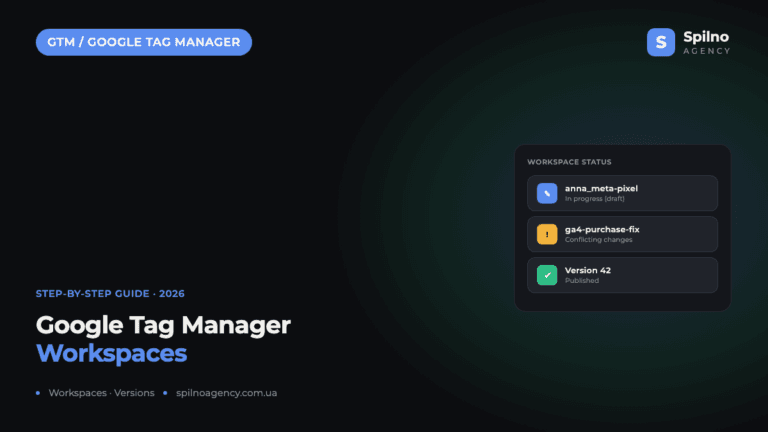
Google Tag Manager Workspaces: Why You Need Them and How to Use Them in 2026
A workspace in Google Tag Manager is a “draft” of a container — a place to safely edit…
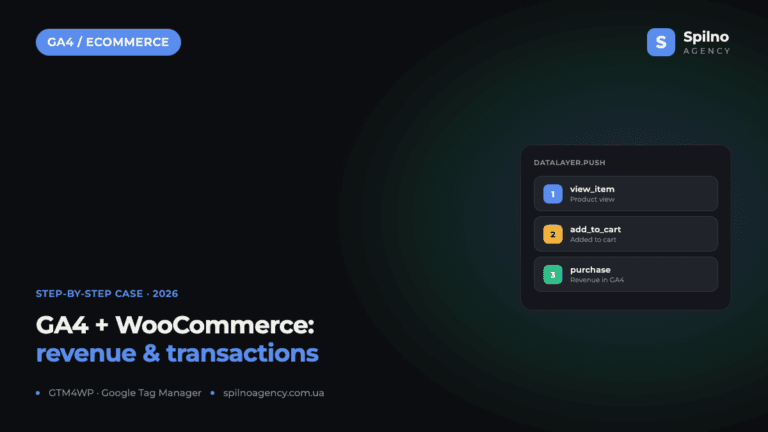
How to Track Revenue, Transactions and Purchases in Google Analytics 4 from WordPress WooCommerce
Introduction WooCommerce store owners are often convinced that Google Analytics 4 already shows them revenue, transaction counts and…