Ecommerce Promotion Strategy: A Step-by-Step Plan

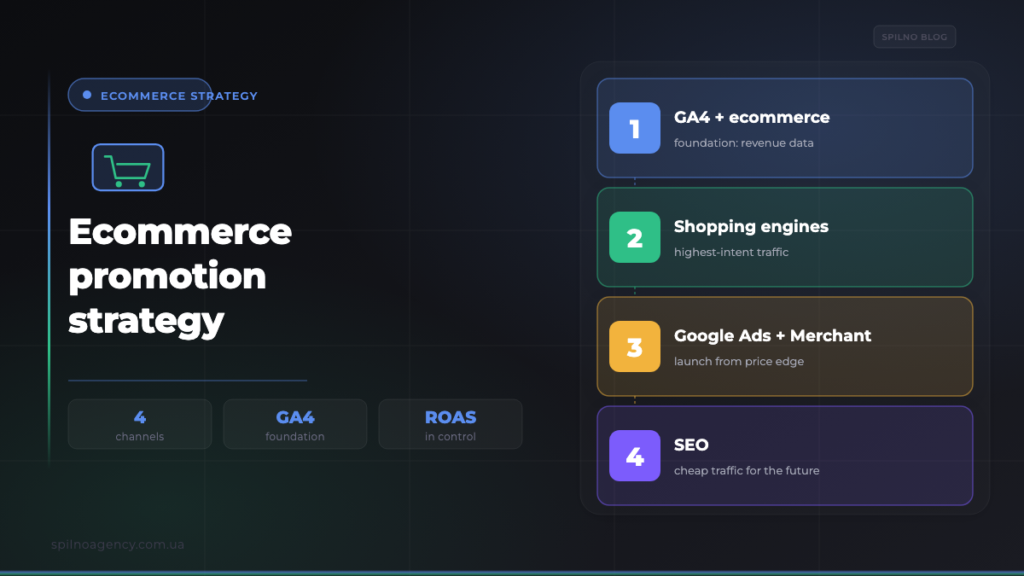
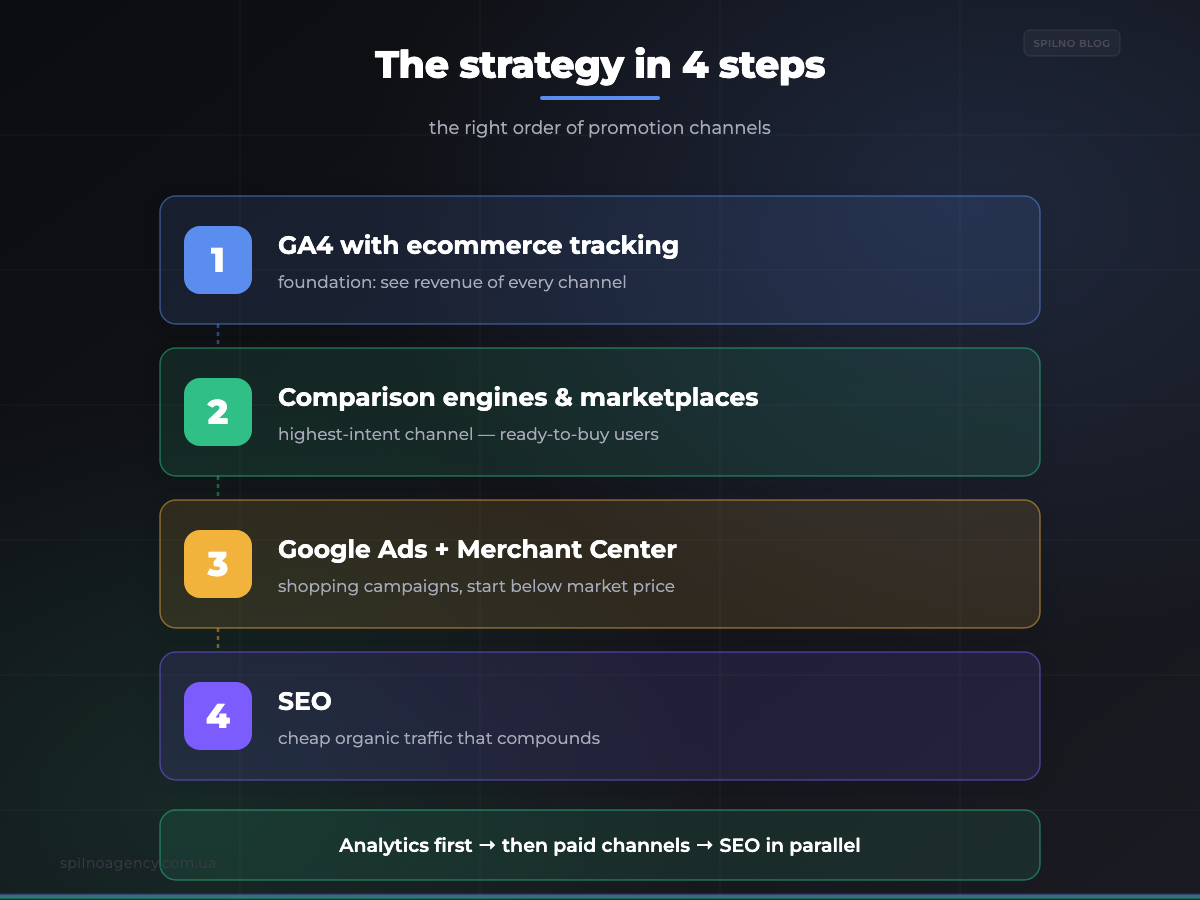
An ecommerce promotion strategy is not “launch ads” — it is the right order of channels. First you install Google Analytics 4 with ecommerce tracking (without revenue data there is no strategy), then connect high-intent price-comparison engines and marketplaces, then Google Ads via Merchant Center (starting with below-market-price products), and build SEO in parallel. Below is a step-by-step plan where each step builds on the previous one.
What an ecommerce promotion strategy actually is
Most store owners make the same mistake: they immediately “turn on ads” — Google Ads, social, shopping feeds — and wait for sales. Money is spent, orders come in, but it is unclear which channel actually drives profit and which runs at a loss. The reason is simple: ads were launched before analytics was set up, so there is nothing to measure.
A strategy is an order of actions where each next step relies on the previous one. First you build the “dashboard” (analytics) so you can see the revenue of every channel. Then you connect channels on the principle of “from the hottest traffic to the coldest”: first the ones that bring sales quickly and cheaply, then the ones that scale reach, and SEO in parallel — which over time makes traffic almost free. In this exact order:
- GA4 with ecommerce tracking — the foundation. Nothing else works without it.
- Price-comparison engines & marketplaces — the highest-intent channel, buyers ready to purchase.
- Google Ads via Merchant Center — shopping campaigns, starting with below-market-price products.
- SEO — the long-term foundation of cheap organic traffic.
Step 1. Google Analytics 4 with ecommerce — the foundation
This is the mandatory step everything starts from. Ecommerce tracking in Google Analytics 4 is the mode where analytics follows not just page views but the full purchase journey: product view, add to cart, begin checkout and the purchase itself with a specific amount. Without it you see clicks and sessions, but you miss the only thing that matters — money.
What proper ecommerce tracking gives you:
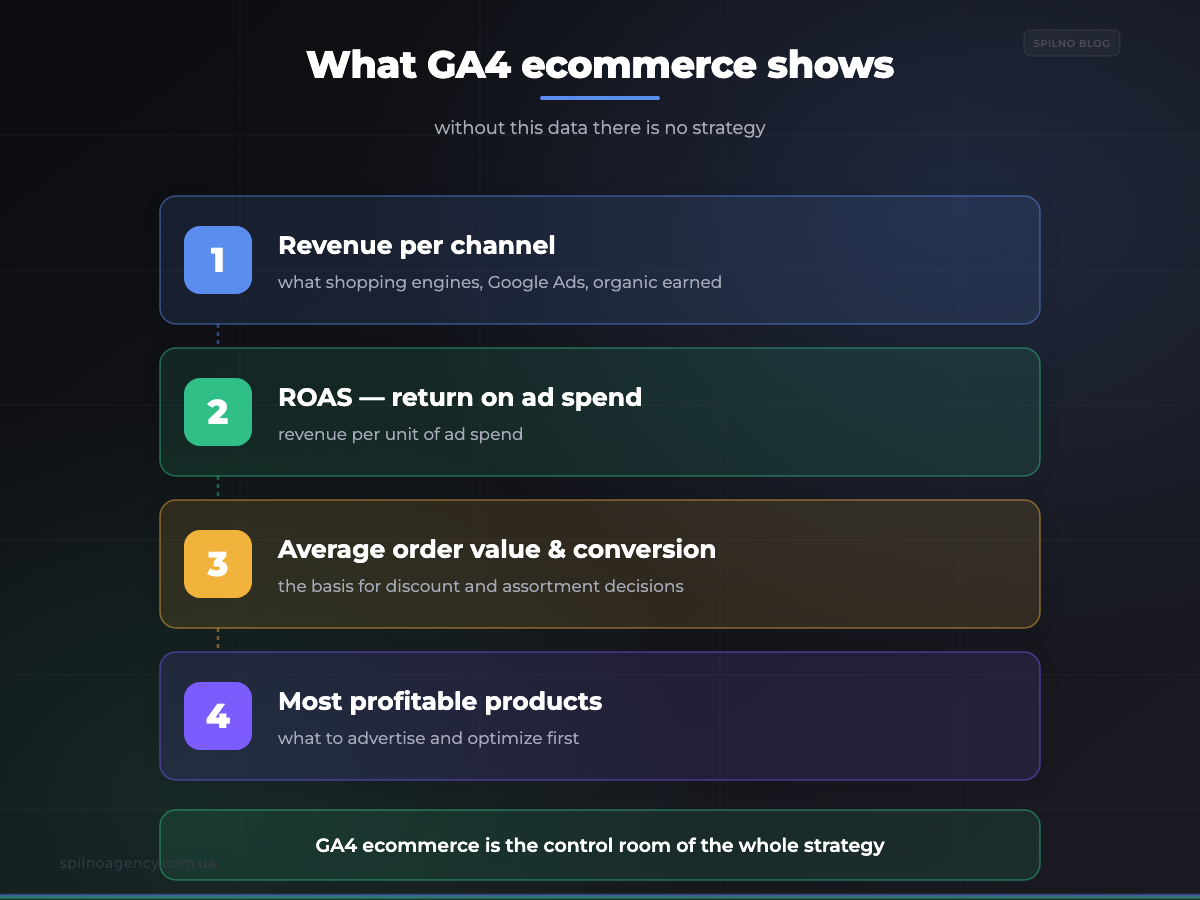
- Real revenue per channel. You see how much each source — shopping engines, Google Ads, organic — earned, separately.
- ROAS (return on ad spend). You can calculate how much revenue every unit of ad spend returns and switch off losing campaigns.
- Average order value and conversion rate. The base metrics behind every decision about discounts, shipping or assortment.
- Your most profitable products and pages. You see exactly what sells — which tells you what to advertise and what to optimize first.
If GA4 is not installed yet, start with the guide on how to install Google Analytics. Then enable the ecommerce events (view_item, add_to_cart, begin_checkout, purchase) and mark purchase as a key event — covered in the guide on setting up events in Google Analytics 4. Until a purchase with an amount lands in GA4, hold off on ads: you will not be able to tell a profitable channel from a losing one.
Check that ecommerce works:
GA4 → Reports → Monetization → Ecommerce purchases
  └─ rows with products, quantity and revenue → ✅ foundation ready
  └─ empty / no revenue → set up the purchase event first
Step 2. Price-comparison engines & marketplaces — the highest-intent channel
Once analytics works, the first paid channel to connect is price-comparison engines and marketplaces — services such as Google Shopping, idealo, local CSS partners or large marketplaces. The logic is simple: a user lands there once they have already chosen the product and are deciding where to buy it cheaper. That is bottom-of-funnel, “hot” traffic ready to buy right now.
That is exactly why this channel delivers the lowest cost per order in many niches: you are not paying to introduce your brand, you are catching the buyer at the moment of intent. How to connect it:
- Register the store in the comparison engine / marketplace and pass moderation.
- Upload a product feed (XML) — titles, prices, availability, links, images. Usually the same feed you use for Merchant Center.
- Map your categories to the platform’s categories so products show in the right sections.
- Set bids by category or product — you pay per click (CPC) to your product page.
- Add UTM tags so GA4 shows the revenue from this channel and you can measure ROAS.
Important: comparison engines rank ruthlessly by price. If your price is clearly higher than competitors, you will pay for clicks while the buyer picks the cheaper store. So this channel is most effective on products where you are price-competitive — the same principle as Google Shopping below.
Step 3. Google Ads through Google Merchant Center
The third channel is shopping advertising in Google. It runs on two services working together: Google Merchant Center (your product data store) and Google Ads (the ad platform). The principle:
- In Merchant Center you upload the product feed — the same list of titles, prices, images and availability.
- Google validates the feed, matches products to its catalog and makes them eligible for ads.
- In Google Ads a shopping campaign — Performance Max or Standard Shopping — runs on that feed.
- A user searching for a product sees your ad with a photo, title and price — before they even click through.
The advantage of shopping ads is that they show the product visually and with the price upfront: the users who click are already “warm” — they saw what they are buying and for how much. That makes Google Shopping one of the most cost-efficient formats for an online store.
Launch strategy: products priced below the market
Advertising your entire catalog at once is the fastest way to waste budget. A far smarter launch strategy is to start with products where your price is below the market. Google Shopping compares prices just like a comparison engine: if your offer is better, your ad gets more clicks and higher conversion at the same bid. The same spend brings more orders — the best ROAS.
How to find those products in your feed and launch campaigns on them correctly is covered in a separate step-by-step guide: which products to start advertising in Google Ads for an online store (using the Merchant Center price-competitiveness report). This is the case where choosing the right products at launch matters more than the size of your budget.
Step 4. SEO — the foundation of cheap traffic for the future
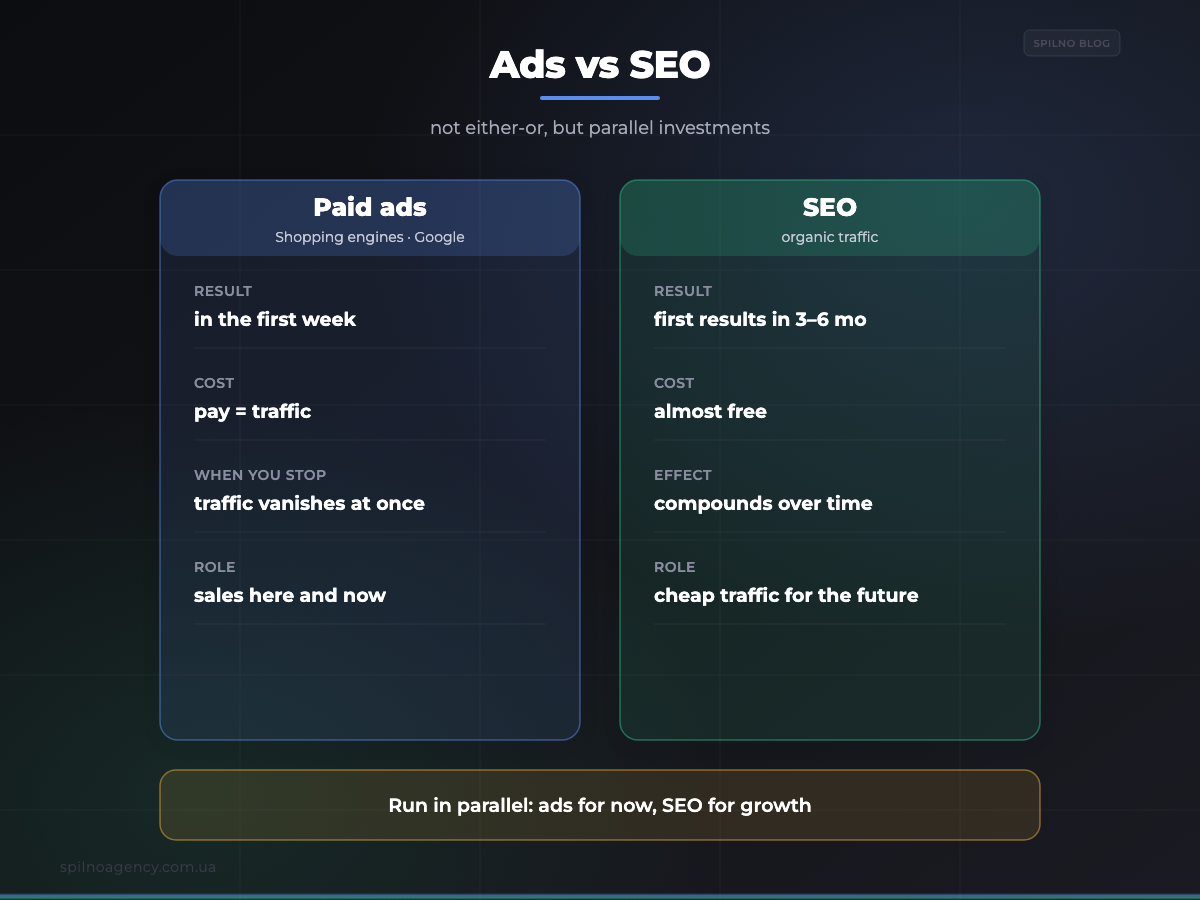
Ads bring sales while you pay. The moment the budget runs out, the traffic disappears. SEO works differently: it brings organic search traffic that is almost free and compounds over time. So SEO is not an alternative to ads but a parallel investment that, month by month, reduces your dependence on paid channels.
For an online store, SEO is built around several page layers:
- Category pages — the store’s main SEO asset. They rank for queries like “buy [product]” and drive most organic traffic.
- Product cards — unique descriptions, specifications, reviews, Product structured data (price, availability, rating in the SERP).
- Technical optimization — speed (Core Web Vitals), correct handling of filters and pagination, canonical URLs, no duplicates.
- Content and internal linking — a blog with useful articles that bring top-of-funnel traffic and strengthen category pages with internal links.
How to build this work systematically — from query types to prioritization and result forecasting — is covered in the guide on what an SEO strategy is and how to build one. For an online store it is especially important to start SEO with the pages that already drive sales — that is where organic growth converts to revenue the fastest.
How to combine all channels into one system
The strength of a strategy is not in individual channels but in how they work together. GA4 with ecommerce tracking is the “control room” that shows the revenue of every channel. Comparison engines and Google Shopping deliver sales today. SEO builds cheap traffic for tomorrow. And the common denominator of all paid channels is price competitiveness: both comparison engines and Google Shopping reward stores with attractive prices.
- GA4 ecommerce → measures everything, lets you calculate ROAS and make decisions.
- Comparison engines & marketplaces → the hottest traffic, the lowest cost per order.
- Google Ads + Merchant Center → scale, launched from a price advantage.
- SEO → cheap organic traffic that compounds.
You do not need to launch everything at once and “at maximum”. The right path is step by step: analytics first, then a test budget on the highest-converting channels, measuring ROAS in GA4, and scaling only what works in the black. That way budget is spent on proven decisions, not guesses.
Common mistakes
- Launching ads without analytics. Money is spent, but which channel is profitable is unknown. GA4 ecommerce first, then ads.
- Advertising the entire catalog at once. The budget scatters. Start with products priced below the market.
- Ignoring prices. On comparison engines and Google Shopping, price decides. A high price = paid clicks without sales.
- Betting on ads only. Without SEO you stay on the paid-traffic treadmill forever. Run them in parallel.
- Skipping SEO “because it’s slow”. Yes, first results take 3–6 months — but it is the cheapest traffic in the long run.
Frequently asked questions
How do I start promoting an online store? With analytics, not ads. Install GA4 with ecommerce tracking, make sure purchases with amounts reach the reports, and only then connect paid channels.
Which channel is most profitable? Usually price-comparison engines and Google Shopping on price-competitive products — the hottest traffic. But only your GA4 gives the exact answer: leaders differ by niche.
Ads or SEO? Both — in parallel. Ads bring sales today, SEO builds cheap traffic for the future.
Want your ecommerce promotion strategy built and launched end to end — from GA4 ecommerce setup to shopping engines, Google Shopping and SEO? The Spilno Agency team helps European businesses sequence channels correctly and scale only what pays off.

Read also
Google Tag Manager Workspaces: Why You Need Them and How to Use Them in 2026
A workspace in Google Tag Manager is a “draft” of a container — a place to safely edit…
How to Track Revenue, Transactions and Purchases in Google Analytics 4 from WordPress WooCommerce
Introduction WooCommerce store owners are often convinced that Google Analytics 4 already shows them revenue, transaction counts and…
How to Analyze Hourly Statistics in Google Analytics 4
Google Analytics 4 has no dedicated “hourly statistics” menu item, but you can get that exact breakdown in…