Google Ads Tests Turning Off Partners in Performance Max (Alpha)

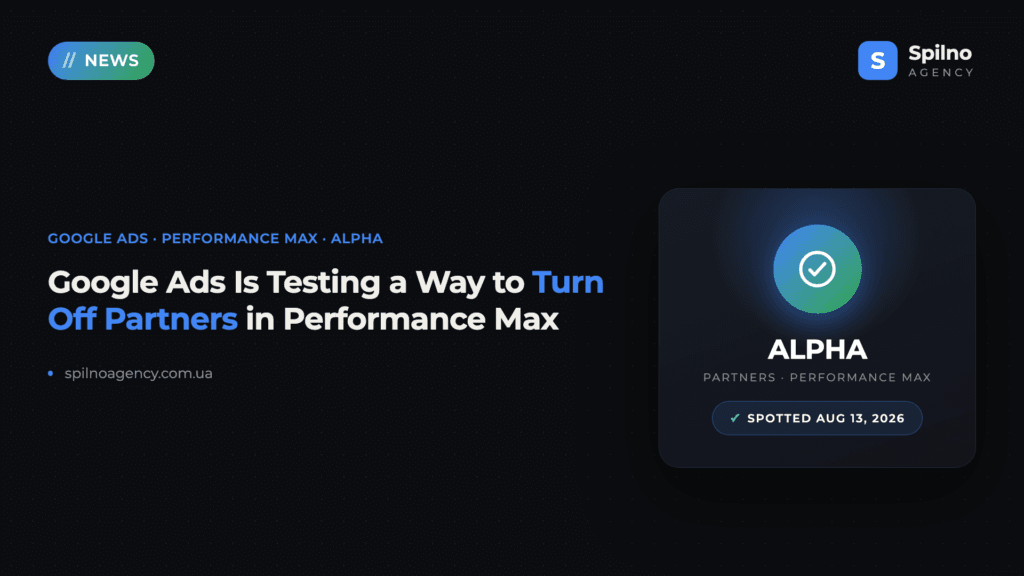
A new “Partners” section tagged ALPHA has been spotted in Performance Max campaign settings in Google Ads. It lets you toggle Search Partners and the Google Display Network on or off independently — something that wasn’t possible inside a Pmax campaign before.
What happened
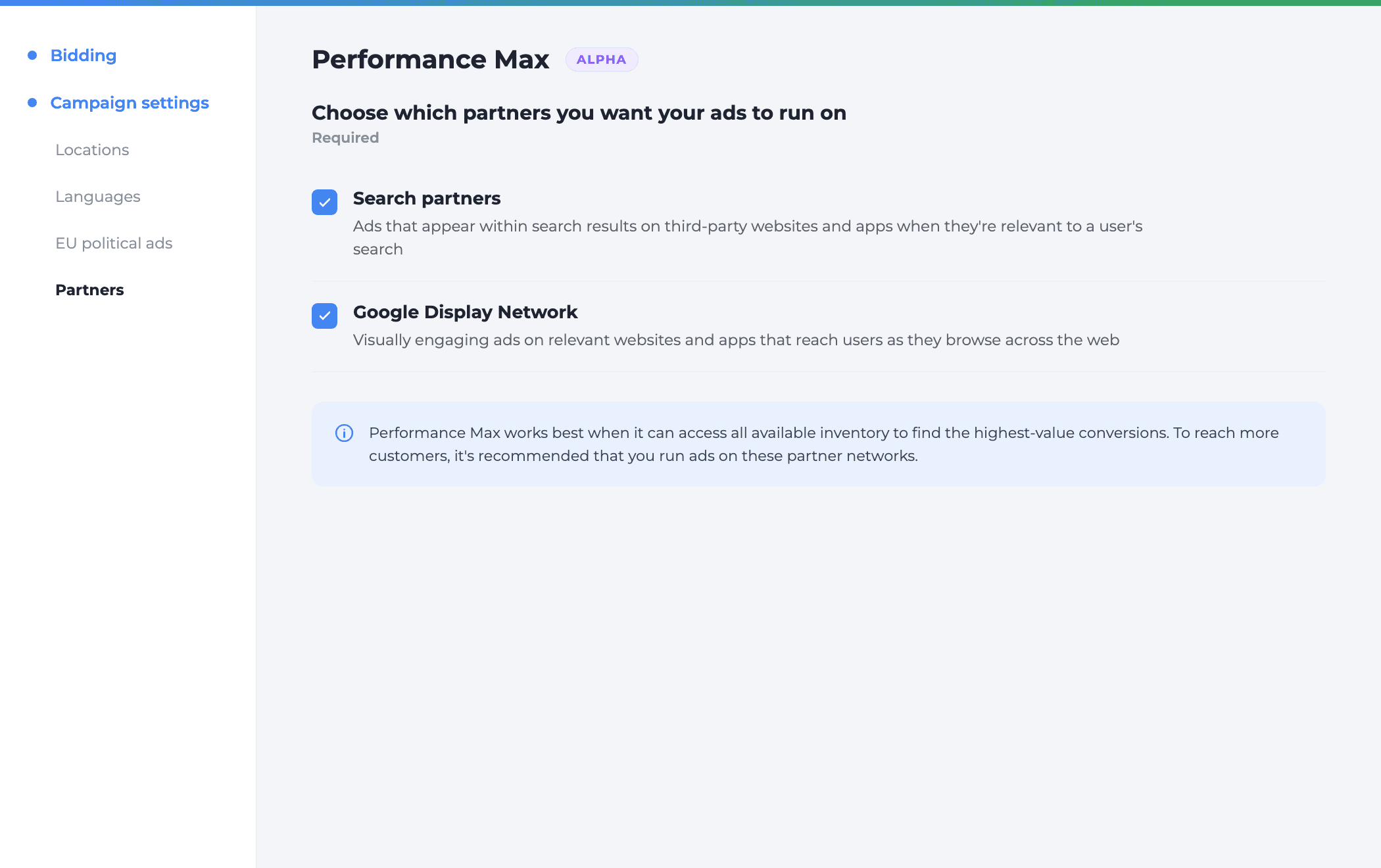
On August 13, 2026, while reviewing Performance Max campaign settings, a new left-menu item appeared: “Partners”, tagged ALPHA. It sits right under “EU political ads”, in the same Campaign settings block as Locations and Languages.
Google hasn’t published an official announcement — nothing in Google Ads Help or on the Google Ads blog mentions it. That’s the usual signature of an alpha test: a limited rollout to a subset of accounts, with no public notice, that Google can pull at any time.
What the new Partners section actually shows
The section asks “Choose which partners you want your ads to run on”, marked as “Required”, with two checkboxes, both on by default:
- Search partners — ads that appear within search results on third-party websites and apps when they’re relevant to a user’s search.
- Google Display Network — visually engaging ads on relevant websites and apps that reach users as they browse across the web.
Below the checkboxes, Google added an explainer: Performance Max works best when it can access all available inventory to find the highest-value conversions, so the company recommends keeping both networks on to reach more customers.
Why you couldn’t turn off the partner network until now
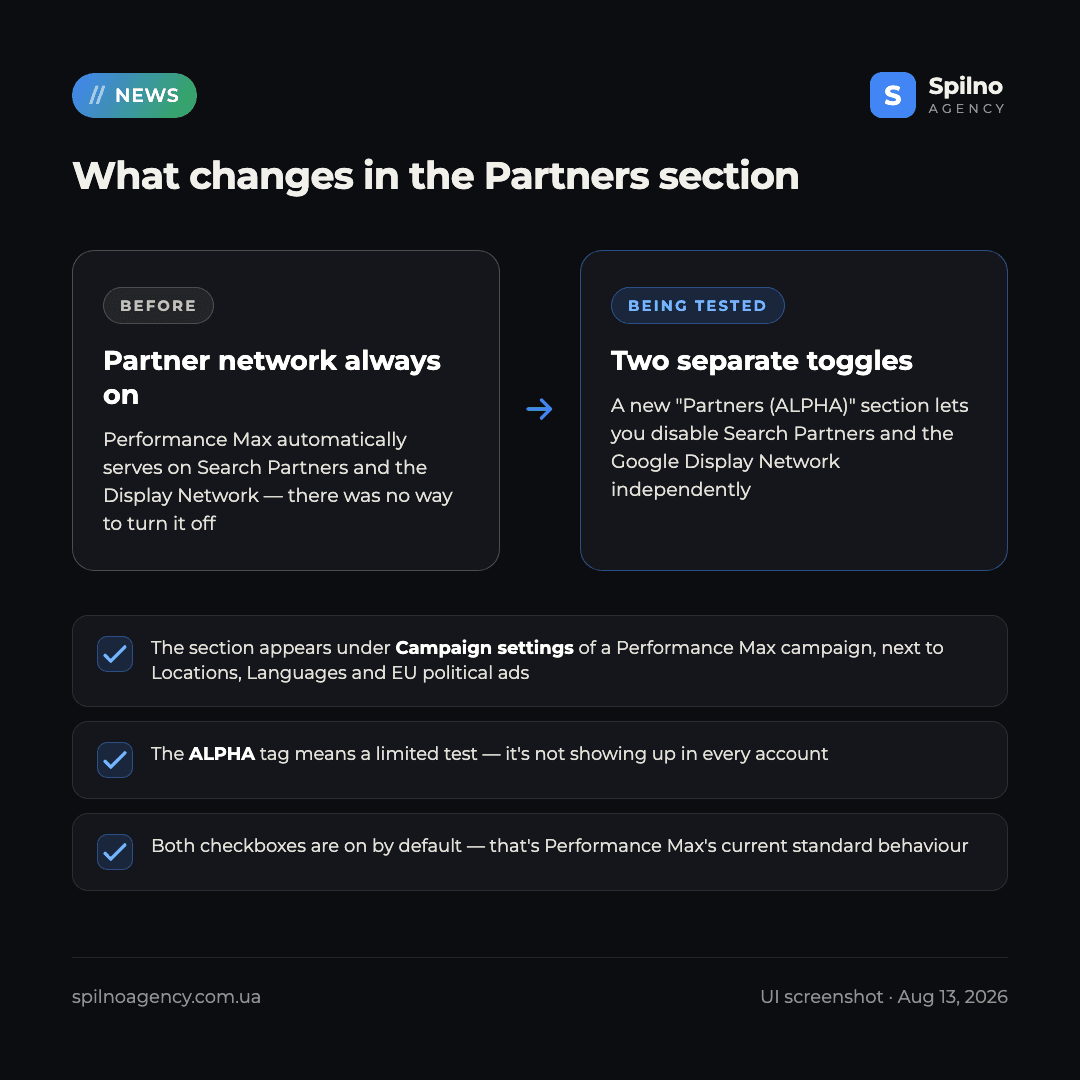
Performance Max has worked as a “black box” since launch: the algorithm allocates budget across Search, the Display Network, YouTube, Gmail, Maps and partner inventory on its own, optimizing for conversions rather than any single channel. Advertisers have long complained they couldn’t exclude weaker-quality traffic sources — say, when the Display Network or Search Partners delivered cheap but low-quality clicks. The only workaround was an account-level placement exclusion, which hits every campaign at once rather than a single Pmax campaign.
Who has access to this alpha feature right now
For now, a limited set of accounts. An ALPHA tag in Google Ads signals an early, narrow test — the feature may only appear in some campaigns even within the same account, and can change or disappear without notice. Google hasn’t given a timeline for a wider rollout.
How to check if the Partners section has reached your account
Takes about a minute:
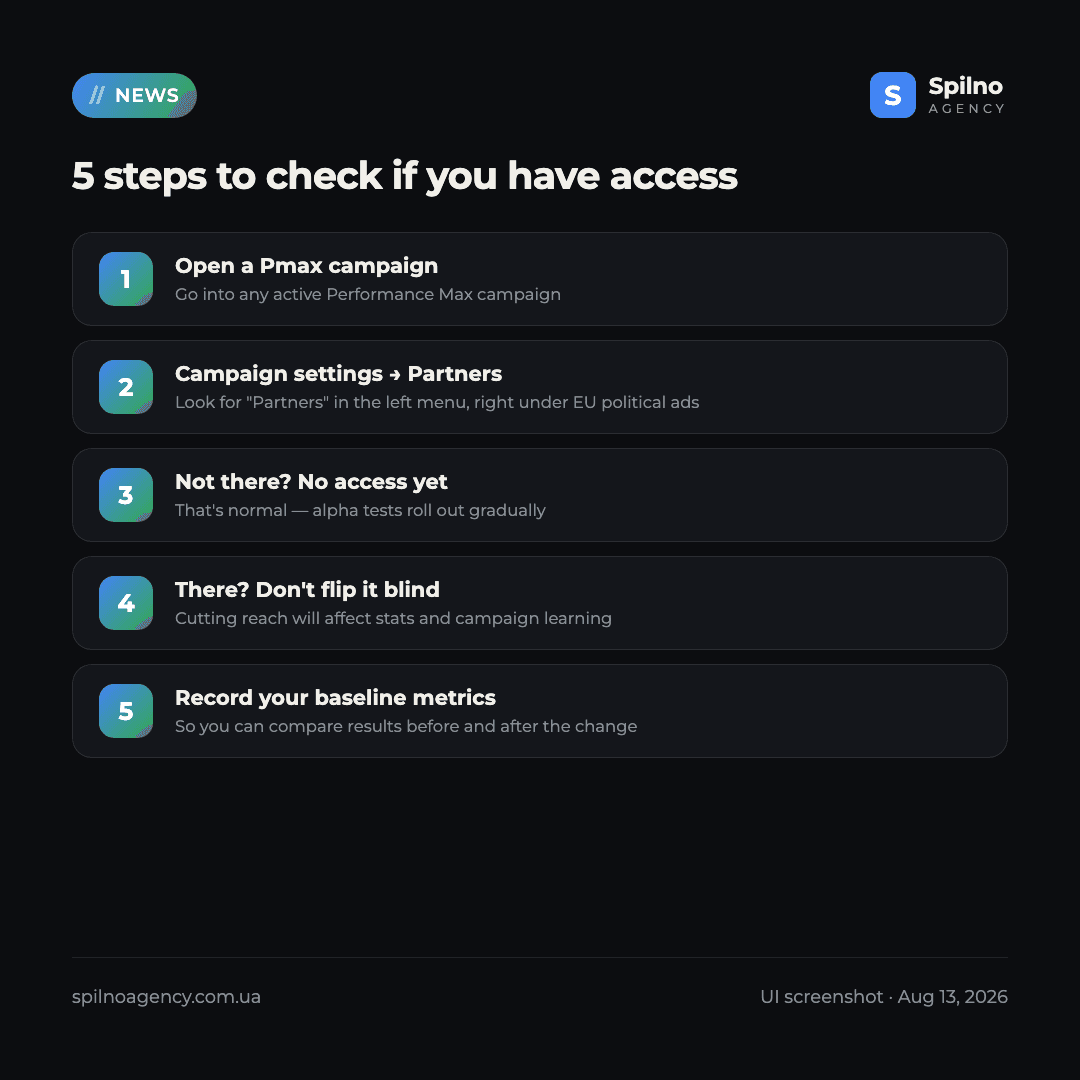
- Open any active Performance Max campaign.
- Go to Campaign settings in the left menu.
- Check whether “Partners” appears under EU political ads.
If it’s not there, you don’t have access yet — that’s normal for an alpha test. If it is there, don’t flip both checkboxes off blindly: cutting reach can affect performance data and the campaign’s machine learning, so record your baseline metrics first to compare properly.
What changes for advertisers if this rolls out to everyone
If Google opens “Partners” to all accounts, it will be the first real channel-control lever inside Performance Max — that kind of granularity previously only existed in separate Search and Display campaigns. For accounts where the Display Network or Search Partners delivered weak results, this could mean higher traffic quality at the cost of lower impression volume and reach. For others, turning partners off could reduce conversion volume if those exact channels were driving cheap leads.
Our recommendation right now
If access has already reached your account, don’t turn off both networks at once. First check the Pmax Insights report to see where conversions are actually coming from, then test the change gradually while recording baseline metrics before and after. If you don’t have access yet, just keep an eye on it — the feature could reach your account any time in the coming weeks.
For a fuller picture of how Performance Max works, see our Performance Max beginner’s guide.
Not sure whether your account should wait for the new Partners section, or whether your Performance Max traffic-quality issue lies elsewhere? Get a free Google Ads audit and a concrete action plan.
FAQ: Partners ALPHA in Performance Max
What is the Partners ALPHA section in Google Ads?
It’s a new Performance Max campaign settings section, spotted in the Google Ads interface, that lets you independently turn Search partners and the Google Display Network on or off.
Is this an official Google Ads feature or still a test?
The ALPHA tag means a limited, early-stage test. Google hasn’t published an official announcement, so the feature may not be available to every account and could change or disappear without notice.
Where do I find the Partners section in my account?
Open a Performance Max campaign → Campaign settings in the left menu. If your account has access, “Partners” will appear under “EU political ads”.
What happens if I turn off both checkboxes?
The campaign will stop serving on Search partners and the Display Network, focusing on direct Google search and the other channels Performance Max can still access. That can improve traffic quality but reduce impression and conversion volume — Google warns about this directly in the interface.
Should I turn off the partner network as soon as I get access?
No — check the Insights report first to see where conversions are actually coming from, record baseline metrics, and make changes gradually. A sudden drop in reach can disrupt the campaign’s learning phase.

Read also
Google Ads Rolls Out New Testing and Planning Tools for AI Max
Google Ads announced Multi-Campaign Budget Testing, Enhanced Experiment Controls and an improved Performance Planner for AI Max. Key…
Google Merchant Center: Minimum Product Image Size Becomes 500×500 px in 2027
From January 31, 2027, Google Merchant Center requires product images of at least 500×500 px. What changes, key…
Google Ads Removes Language Targeting for Search Starting September 2026
From late September 2026, Google Ads removes language targeting for Search and AI Max for Search. Ads match…