Google Ads Creative Sizes in 2026: The Complete Format Guide

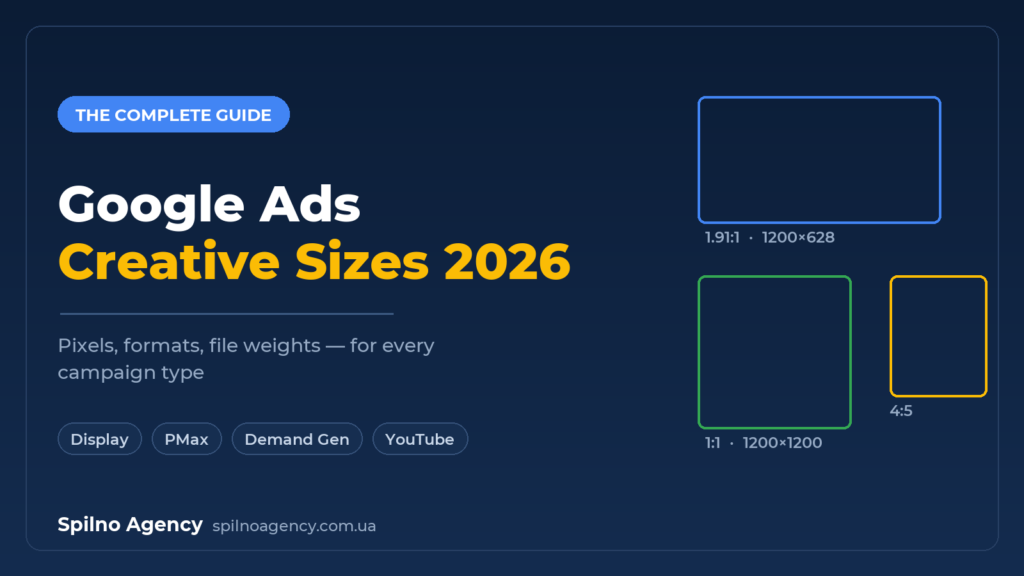
Google Ads creative sizes in 2026 boil down to a few universal aspect ratios: 1.91:1, 1:1, 4:5 for images and 1:1 and 4:1 for logos. This set covers Responsive Display, Performance Max and Demand Gen. Static Display Network banners (300×250, 728×90, 160×600 and others) and YouTube video ratios (16:9, 9:16, 1:1) live separately. Below is a complete reference with pixels, file weights and requirements per campaign type.
Over recent years Google Ads has gone through a major format unification. Separate ad types — Discovery, classic Image Ads, gallery ads — gave way to asset-based (responsive) campaigns, where you upload a set of images, videos and texts, and the system assembles the ads for every placement. In 2026 an advertiser does not need to memorise hundreds of sizes — the goal is to prepare the right minimal set of creatives in a handful of aspect ratios, so a campaign can cover Search, the Display Network, YouTube, Gmail, Discover and Maps.
This guide collects the current sizes across all major campaign types, file weight and format requirements, and the common mistakes that get ads rejected or shown cropped.
Campaign types and the creatives they need
Before preparing files, define the campaign type — it determines which formats you actually need. Here is the consolidated map for 2026.
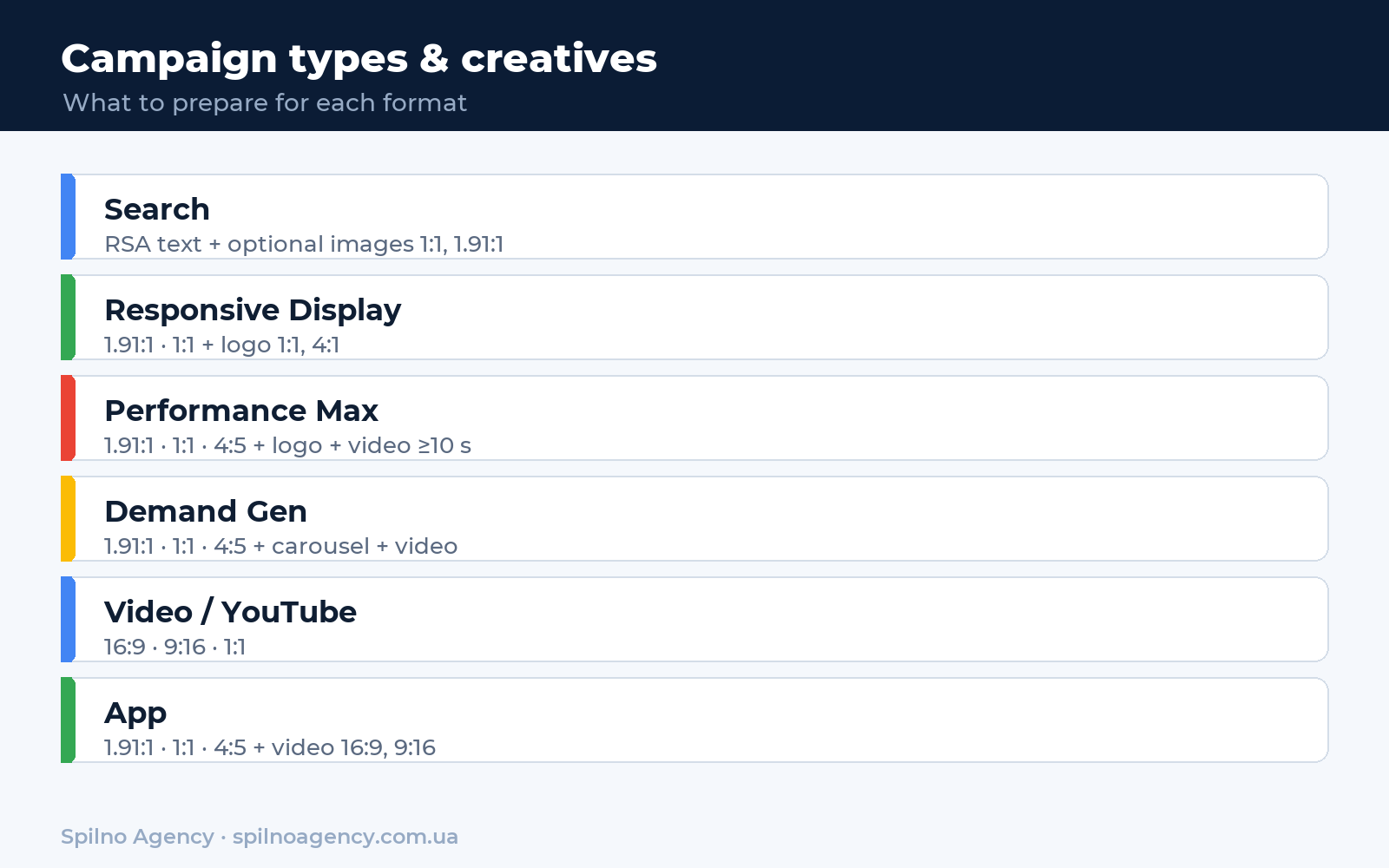
| Campaign type | Images | Video | Text |
|---|---|---|---|
| Search | Optional (image assets) | — | RSA: 15 headlines + 4 descriptions |
| Responsive Display | 1.91:1, 1:1 + logo | Optional | 5 headlines + 5 descriptions |
| Uploaded banners | 20+ fixed sizes | — | Baked into the banner |
| Performance Max | 1.91:1, 1:1, 4:5 + logo | ≥1 video of 10 s | 5 headlines + 5 long + 5 descriptions |
| Demand Gen | 1.91:1, 1:1, 4:5 + logo | 16:9, 1:1, 9:16 | 5 headlines + 5 descriptions |
| Video (YouTube) | — | 16:9, 9:16, 1:1 | Headline + description + CTA |
| App | 1.91:1, 1:1, 4:5, portrait | 16:9, 9:16, 1:1 | 4 text lines |
As you can see, three aspect ratios — 1.91:1, 1:1 and 4:5 — repeat almost everywhere. Prepare them once at the maximum recommended resolution and you cover most needs. Let us look at each type in detail.
Responsive Display: image and logo sizes
Responsive display ads are the base format of the Display Network. You upload images, logos and texts, and Google automatically adapts them to more than 3 million sites and apps. Here are the required sizes.
| Element | Ratio | Recommended | Minimum |
|---|---|---|---|
| Landscape image | 1.91:1 | 1200×628 | 600×314 |
| Square image | 1:1 | 1200×1200 | 300×300 |
| Square logo | 1:1 | 1200×1200 | 128×128 |
| Landscape logo | 4:1 | 1200×300 | 512×128 |
- You can upload up to 15 images, 5 logos and 5 videos.
- Maximum weight per image —
5120 KB. Formats: JPG, PNG, static GIF. - Text: 5 short headlines (up to 30 characters), 1 long headline (90), 5 descriptions (90), business name (25).
- Avoid text covering more than 20% of the image area — it lowers the creative quality rating.
Uploaded Display banners: standard sizes
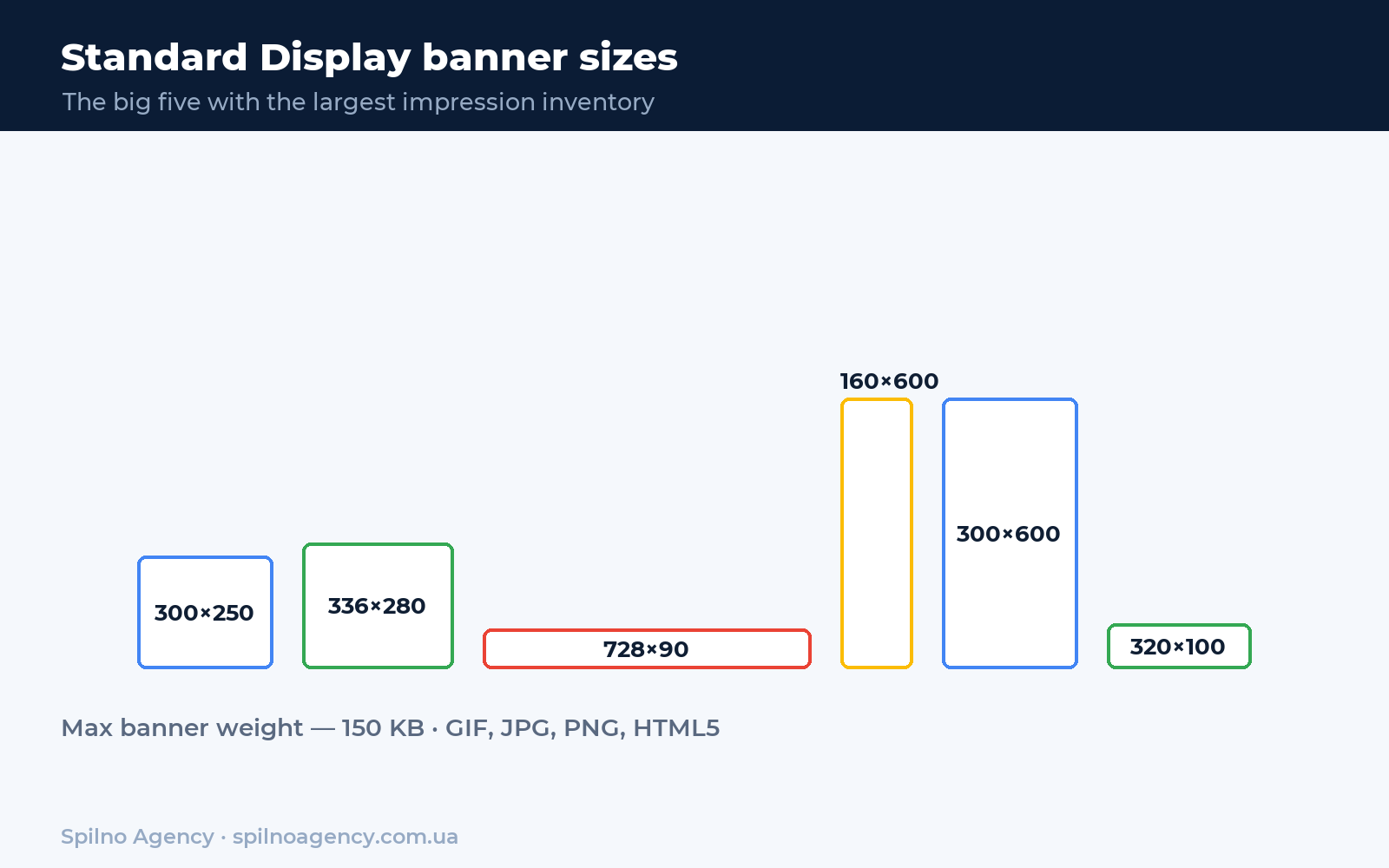
If you already have designed banners, you can upload them as Uploaded Display Ads in fixed sizes. This gives full control over the look but requires a separate file per format. Below are the most popular sizes grouped by orientation.
| Group | Sizes (px) | Where it works best |
|---|---|---|
| Rectangles and squares | 300×250, 336×280, 250×250, 200×200, 240×400, 580×400 | In-article, largest inventory |
| Skyscrapers (vertical) | 160×600, 120×600, 300×600, 300×1050 | Site sidebars |
| Leaderboards (horizontal) | 728×90, 970×90, 970×250, 930×180, 980×120, 468×60 | Page header and footer |
| Mobile | 320×50, 320×100, 300×50 | Smartphones, in-app |
Short on time? Start with the “big five”: 300×250, 336×280, 728×90, 300×600 and 320×100. These five give over 90% of available Display impressions. An uploaded banner must not exceed 150 KB, in GIF, JPG, PNG or HTML5. An animated GIF can run up to 30 seconds at up to 5 frames per second.
Performance Max: the asset set
Performance Max is an end-to-end campaign that serves ads across all Google inventory at once: Search, Display, YouTube, Gmail, Discover and Maps. So the creative set here is the widest. For more on how the campaign works, see our Performance Max beginner’s guide.
| Element | Ratio | Recommended | Minimum |
|---|---|---|---|
| Landscape image | 1.91:1 | 1200×628 | 600×316 |
| Square image | 1:1 | 1200×1200 | 300×300 |
| Portrait image | 4:5 | 960×1200 | 480×600 |
| Square logo | 1:1 | 1200×1200 | 128×128 |
| Landscape logo | 4:1 | 1200×300 | 512×128 |
- Up to 20 images, 5 logos and 5 videos per asset group.
- Video is effectively required — at least one of 10 seconds or more. If you skip it, the system auto-generates one from your images, at lower quality.
- Text: 5 headlines (30), 5 long headlines (90), 5 descriptions (90) + 1 short description (60), business name (25), call to action.
- Image weight up to
5120 KB, JPG and PNG.
Demand Gen: formats that replaced Discovery
Demand Gen has fully replaced the former Discovery campaigns. It is a visual format for YouTube (in-feed and Shorts), Gmail and Discover. Image sizes match Performance Max, but carousels and separate video requirements are added.
| Format | Ratio | Recommended size |
|---|---|---|
| Single image — landscape | 1.91:1 | 1200×628 |
| Single image — square | 1:1 | 1200×1200 |
| Single image — portrait | 4:5 | 960×1200 |
| Carousel (2–10 cards) | 1.91:1 or 1:1 | 1200×628 / 1200×1200 |
| Video | 16:9, 1:1, 9:16 | Uploaded via YouTube |
For a carousel, use the same aspect ratio across all cards — you cannot mix 1:1 and 1.91:1 in one carousel. Minimum card resolution is 600×600 for square.
YouTube video ads: aspect ratios
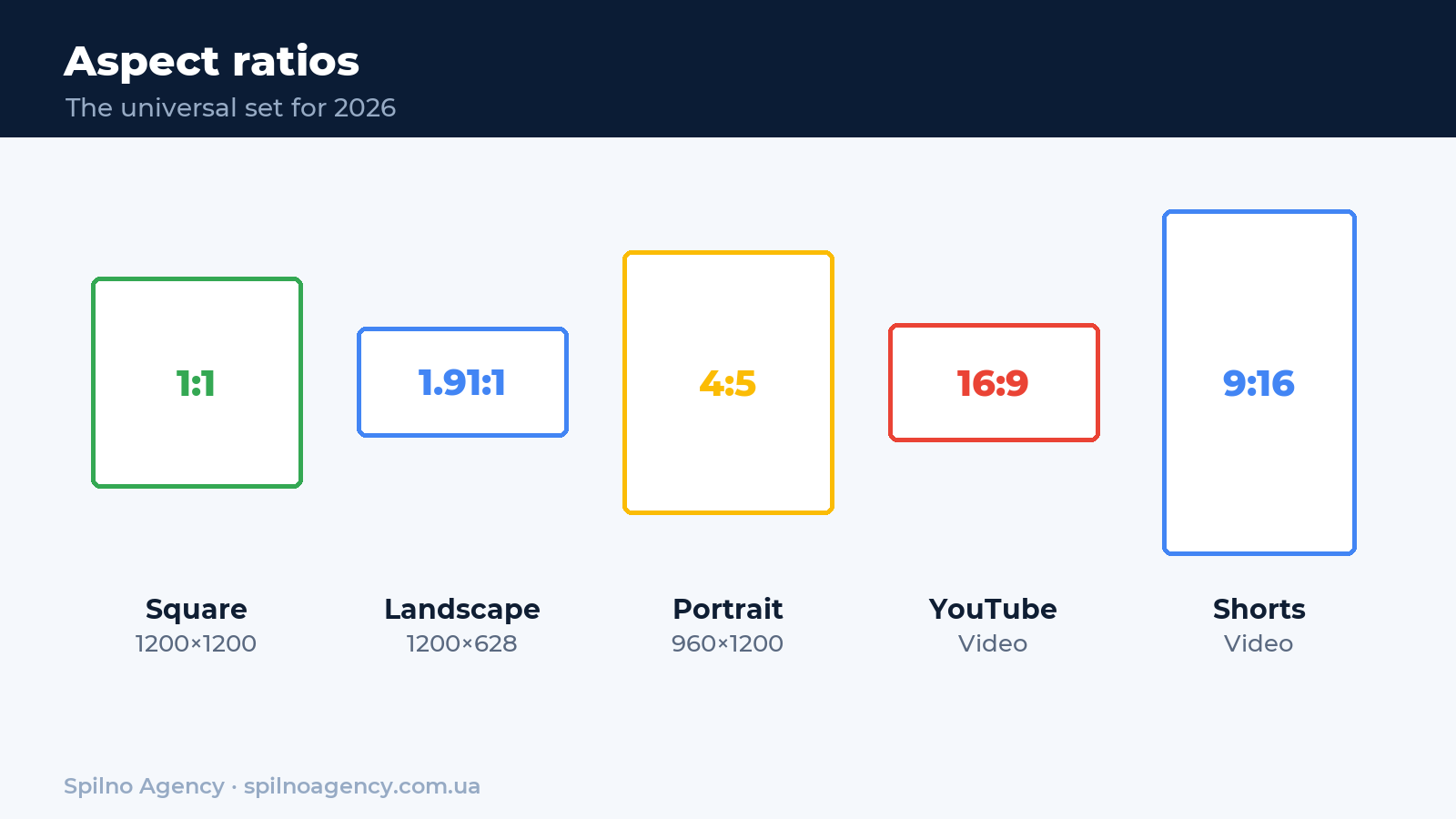
Video in Google Ads is always uploaded to YouTube, and a link is added to the campaign. The key is to prepare the clip in the right orientation for the placement.
| Orientation | Ratio | Where it shows |
|---|---|---|
| Horizontal | 16:9 | In-stream on desktop, TV, tablets |
| Vertical | 9:16 | YouTube Shorts, mobile |
| Square | 1:1 | In-feed, Discover |
| Portrait | 4:5 | Mobile feed |
- Skippable in-stream — can be skipped after 5 seconds; optimal length 15–30 s.
- Non-skippable — 15–30 seconds, no skip.
- Bumper — 6 seconds; should read even without sound.
- Shorts — vertical 9:16, up to 60 seconds, key message in the first 3 s.
App campaigns and Search images
App campaigns
- Images: landscape 1.91:1 (1200×628), square 1:1 (1200×1200), portrait 4:5 (1200×1500), plus 320×480.
- Video: 16:9, 9:16 and 1:1 — uploaded to YouTube.
- Up to 20 images and 20 videos per campaign; HTML5 supported.
Images in Search ads (image assets)
- Square 1:1 — recommended 1200×1200, minimum 300×300.
- Landscape 1.91:1 — recommended 1200×628, minimum 600×314.
- Weight up to
5120 KB, formats JPG, PNG, static GIF. - RSA text: 15 headlines (30), 4 descriptions (90), 2 URL paths (15).
File requirements: weight and formats
| Creative type | Formats | Max weight |
|---|---|---|
| Responsive (Display / PMax / Demand Gen) | JPG, PNG, static GIF | 5120 KB |
| Uploaded Display banners | GIF, JPG, PNG, HTML5 | 150 KB |
| Animated GIF | GIF | 150 KB, ≤30 s, ≤5 fps |
| Logo | JPG, PNG (transparent bg) | 5120 KB |
| Video | Uploaded to YouTube | No weight limit in Ads |
Common creative-size mistakes
- Only one image ratio. If you upload only 1.91:1, the ad will not show on vertical placements — you lose Shorts and mobile-feed inventory. Always supply all three ratios.
- Text over the image. Google lowers the rating of creatives where text covers more than 20% of the area. Put the message in text fields, not the picture.
- Logo without a transparent background. A logo on a white “rectangle” looks messy on coloured placements. Use a transparent PNG.
- Exceeding banner weight. A file over 150 KB for uploaded banners simply is not accepted.
- No video in PMax. Without your own clip the system generates a slideshow from your images — usually with lower CTR.
- Key elements near the edges. Responsive cropping can cut the edges. Keep the logo and main object in the central “safe zone”.
The minimal creative set for 2026
To launch most campaigns, prepare this universal package:
- Image 1.91:1 —
1200×628 - Image 1:1 —
1200×1200 - Image 4:5 —
960×1200 - Logo 1:1 —
1200×1200(PNG, transparent background) - Logo 4:1 —
1200×300 - Video 16:9 and 9:16 — from 10 seconds
- Optional — static banners 300×250, 336×280, 728×90, 300×600, 320×100
This set covers Performance Max, Demand Gen, Responsive Display and YouTube video — almost everything a modern advertiser needs. Creative sizes are only the foundation; the bigger picture is media planning, which we cover in our article on the marketing funnel and digital marketing tools.
Not sure your Google Ads creatives and campaigns are pulling their weight?
Spilno Agency’s specialists will run a free audit of your Google Ads account: we’ll check creative formats and sizes, the structure of your Performance Max, Demand Gen and Display campaigns, conversion tracking and budget spend — and show you where you’re losing impressions and money.
Get a free audit →Why it pays to produce the maximum number of creatives
The more distinct creatives you feed the Google Ads system, the larger the share of the audience your campaign can reach. Each creative hooks its own segment — different pain points, visual styles and messages resonate with different people. Broader reach of a relevant audience feeds straight into the auction: the system finds more cheap, high-quality impressions and the average cost per click drops.
The second reason is the trigger itself. It’s the creative that decides whether a user stops and reacts to the offer, so its idea and execution directly determine campaign performance. One or two layouts give the algorithm no room to optimize — there’s nothing to pick a winner from. With many creatives, the system quickly discards the weak ones and scales those with the lowest cost per action. So the rule is simple: prepare as many variants as you can in every required size — and refresh them regularly to avoid creative fatigue.
FAQ: Google Ads creative sizes
What image sizes do I need for Google Ads in 2026?
The core set is three aspect ratios: landscape 1.91:1 (1200×628 px), square 1:1 (1200×1200 px) and portrait 4:5 (960×1200 px), plus two logos — square 1:1 (1200×1200) and landscape 4:1 (1200×300). This set covers Responsive Display, Performance Max and Demand Gen. The maximum weight per image is 5120 KB, accepted formats are JPG, PNG or static GIF.
What are the standard Google Display Network banner sizes?
The highest-performing static banners are 300×250 (medium rectangle), 336×280 (large rectangle), 728×90 (leaderboard), 300×600 (half-page), 160×600 (skyscraper) and mobile 320×50 and 320×100. These formats have the largest impression inventory. An uploaded banner must not exceed 150 KB, in GIF, JPG, PNG or HTML5.
How do Performance Max creative sizes differ from Responsive Display?
The aspect ratios are identical (1.91:1, 1:1, 4:5), but Performance Max also uses video and serves creatives across Search, Maps, YouTube, Gmail and Discover at once. So for PMax it is critical to upload all three image ratios, both logos and at least one video of 10 seconds or more — otherwise the system auto-generates a lower-quality video.
Which aspect ratios are needed for YouTube video ads?
In 2026 use three orientations: landscape 16:9 for in-stream on desktop and TV, vertical 9:16 for YouTube Shorts and mobile, and square 1:1 for in-feed. Ad formats include skippable in-stream, non-skippable (15–30 s), bumper (6 s) and Shorts ads. All videos are uploaded to YouTube and linked inside Google Ads.
What are the file size and format limits in Google Ads?
For responsive formats (Display, PMax, Demand Gen) the limit is 5120 KB per image, in JPG, PNG or static GIF. For uploaded Display Network banners the limit is stricter — 150 KB, in GIF, JPG, PNG or HTML5. An animated GIF can run up to 30 seconds at up to 5 frames per second. Logos should sit on a transparent or solid background.

Need creatives and Google Ads set up end-to-end?
Spilno Agency prepares banners, video and assets in every required size, then launches and manages Performance Max, Demand Gen and Display campaigns for businesses across Europe — from creative production to daily optimisation and ROAS reporting. Get in touch — let’s work it out together.

Read also
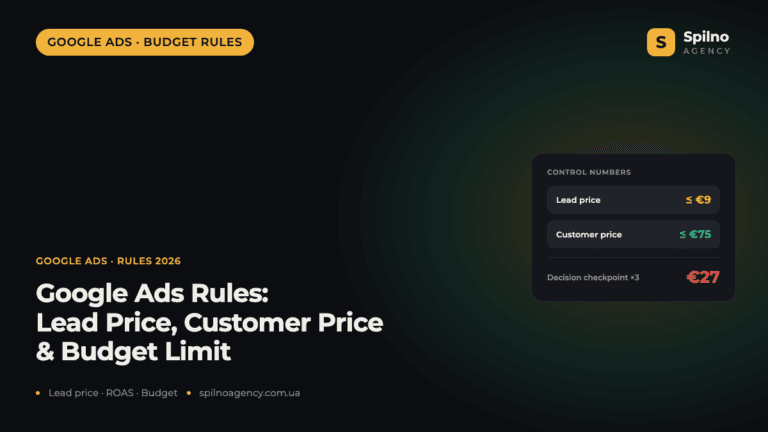
Google Ads Rules: Maximum Lead Price, Customer Price, and How Much to Spend Before a Campaign Fails
There is no such thing as a universal “good cost per lead” — €20 per lead can be…
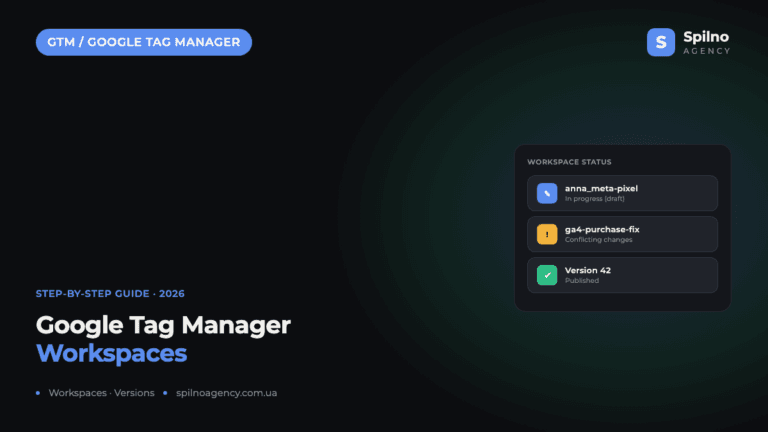
Google Tag Manager Workspaces: Why You Need Them and How to Use Them in 2026
A workspace in Google Tag Manager is a “draft” of a container — a place to safely edit…
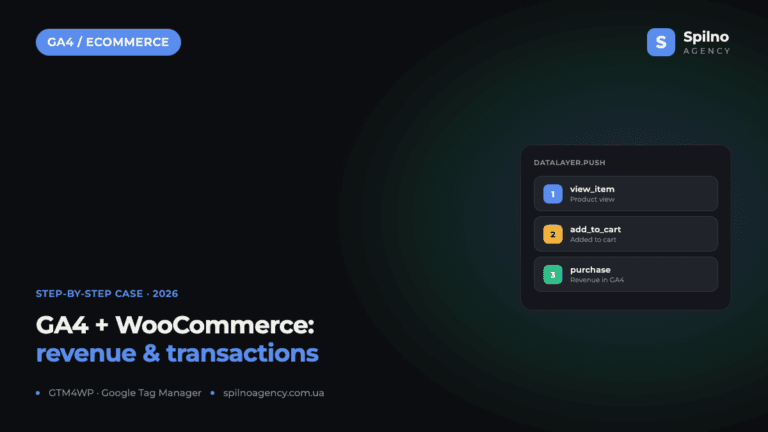
How to Track Revenue, Transactions and Purchases in Google Analytics 4 from WordPress WooCommerce
Introduction WooCommerce store owners are often convinced that Google Analytics 4 already shows them revenue, transaction counts and…